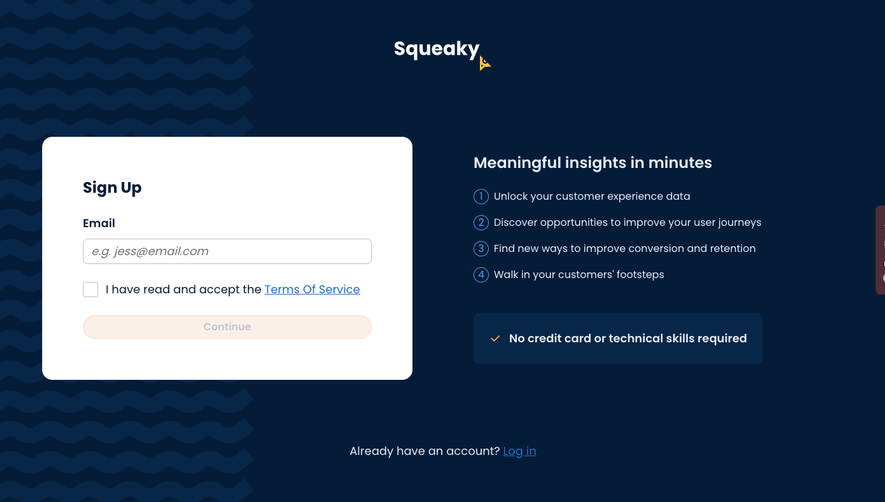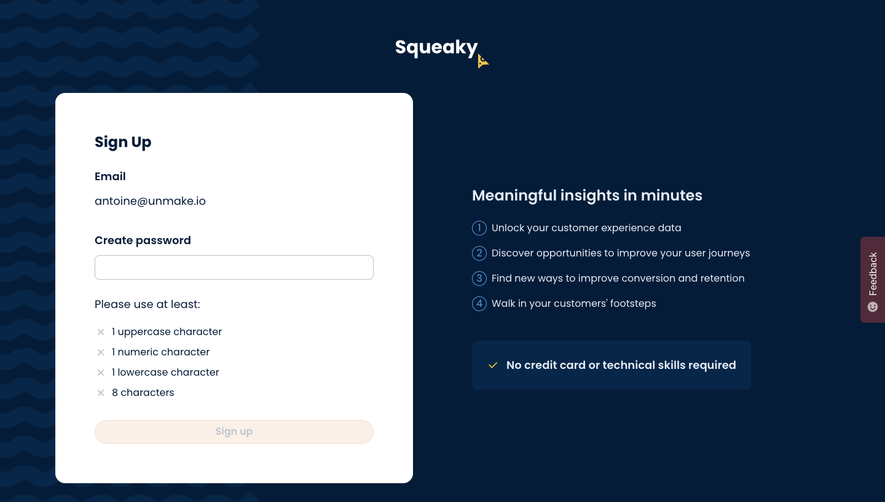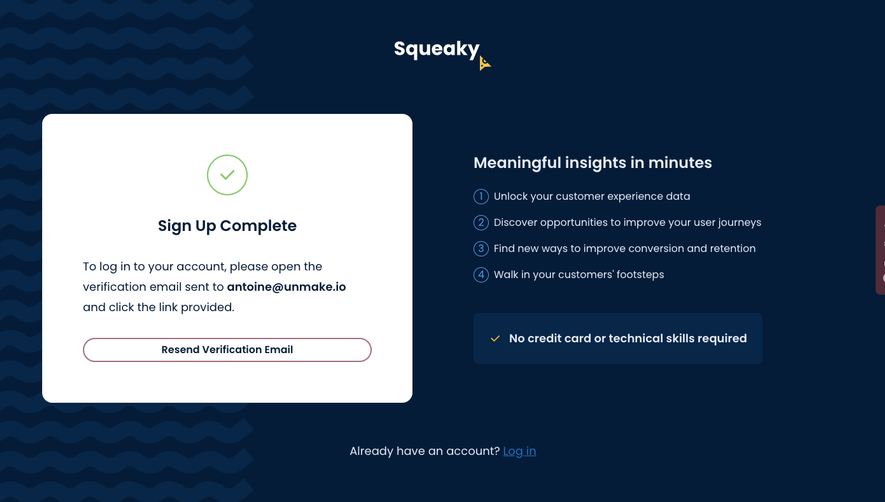
2 more steps in this flow
Free accounts see the first 3 steps of each flow. Pro unlocks every step of every flow, every screen and section, plus the MCP for your AI tools and the Chrome extension.
Squeaky Onboarding Email Flow
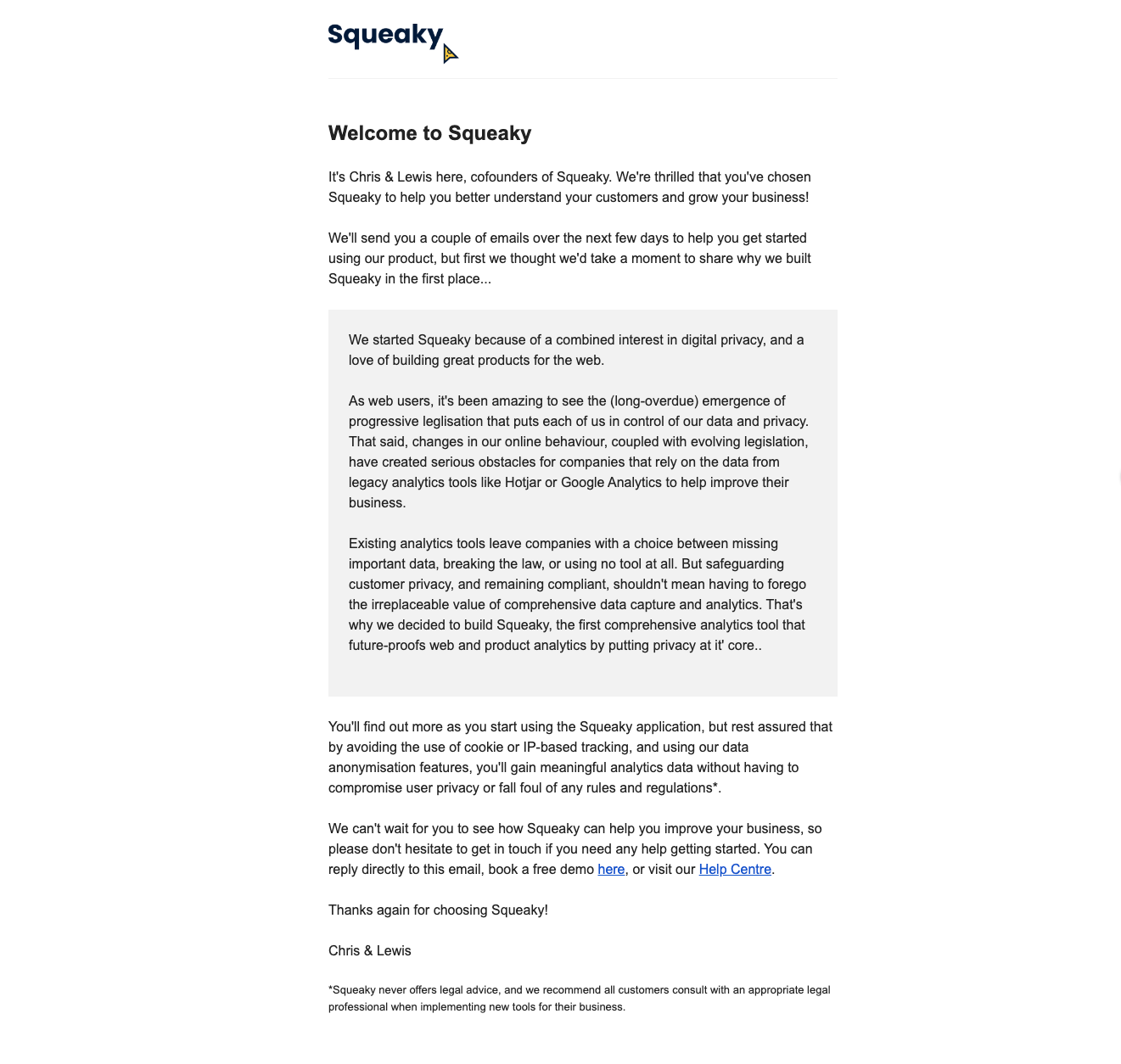
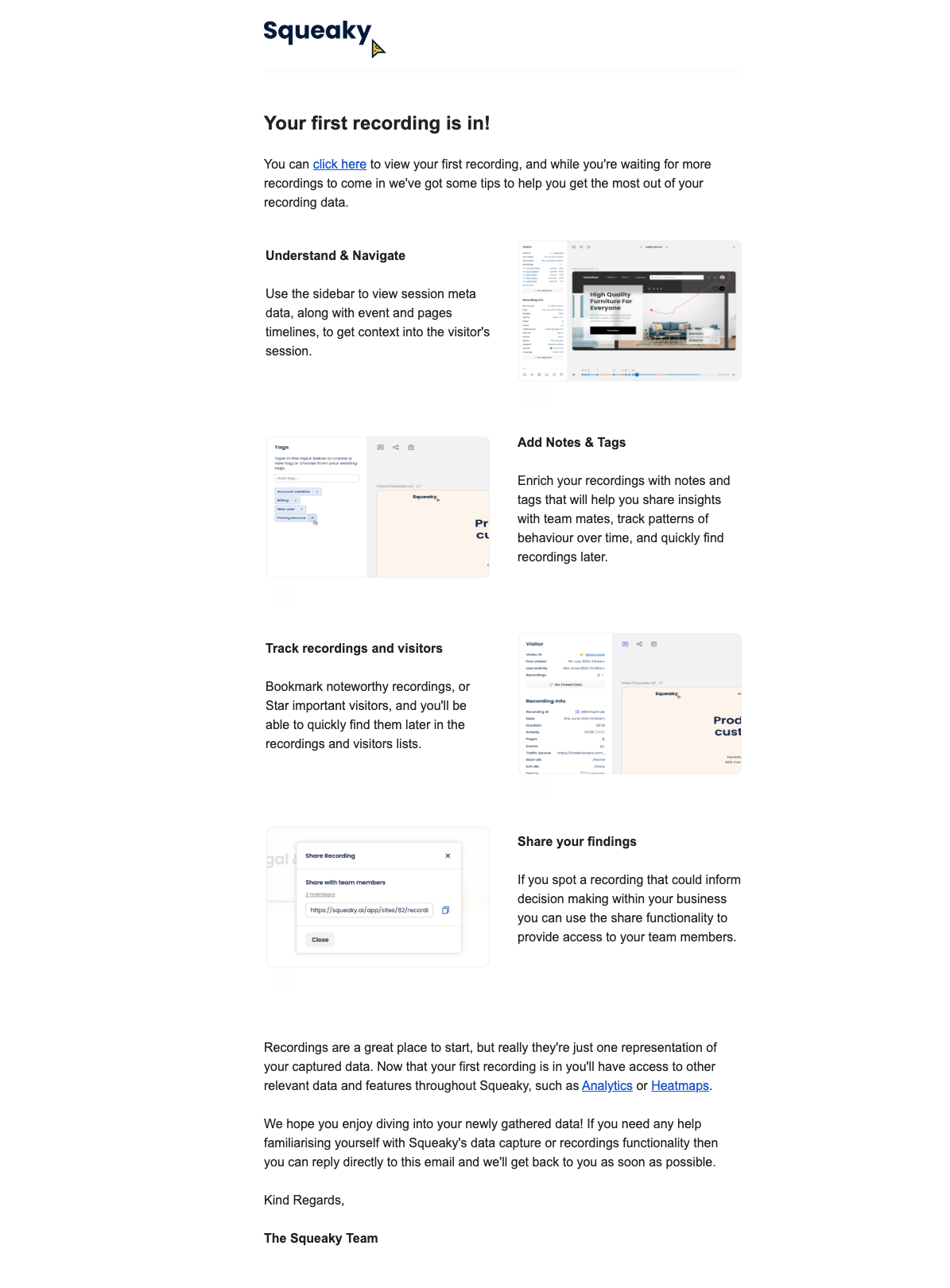
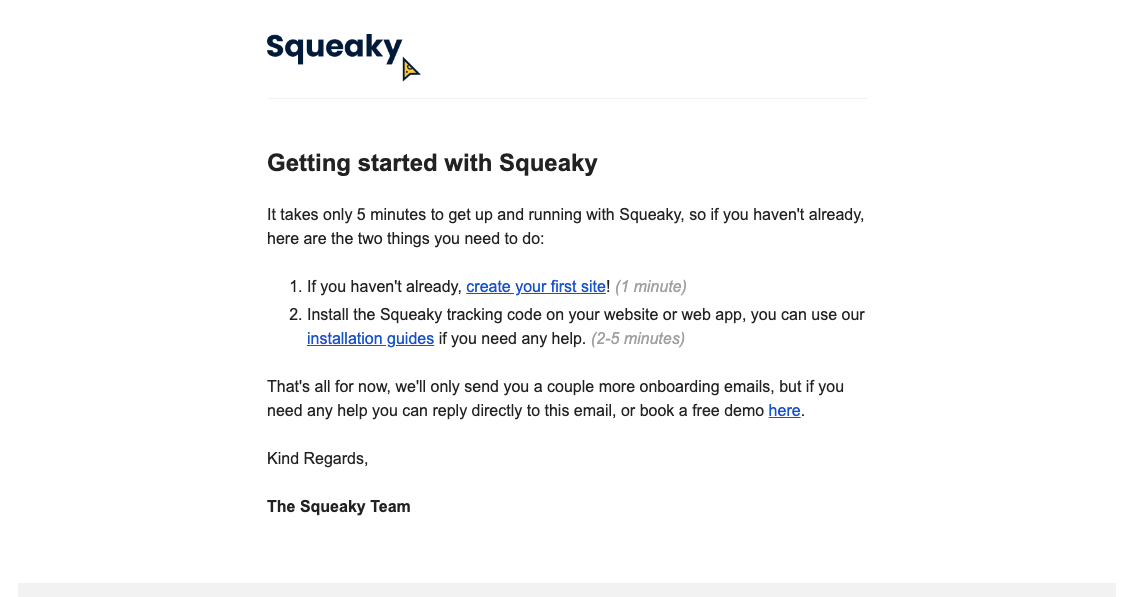
Squeaky's onboarding emails welcome new users and guide them to a first recording, privacy settings and a demo across five plain messages. Each is text-led on white under a small wordmark: the welcome adds a grey boxed founding story, and the activation email pairs short tips with screenshots. The rest use numbered steps with time estimates and blue inline links, ending on a single blue demo button.
Follow Squeaky’s onboarding email flow flow step by step: 5 real screens captured from the live product, from welcome email to onboarding email flow. Use ← → to move between steps, and open any screen to see it in full.
Steps in this flow
More flows from Squeaky
All Squeaky Squeaky User Onboarding
6 screens
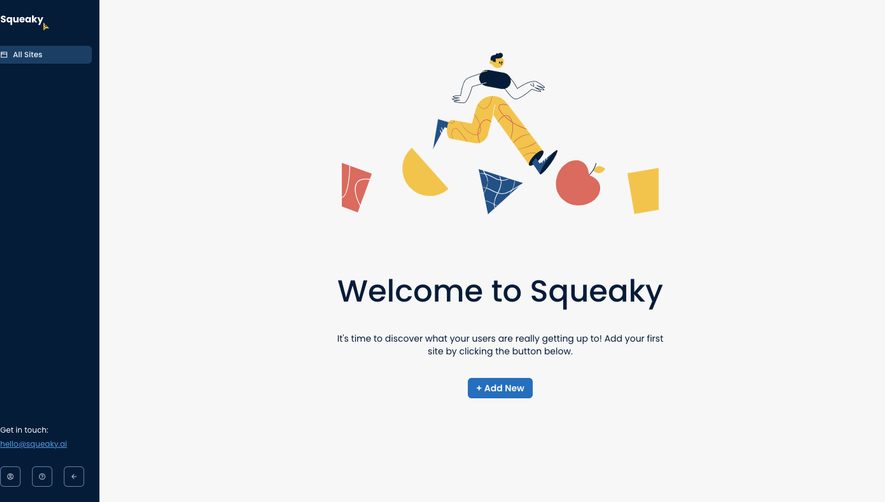
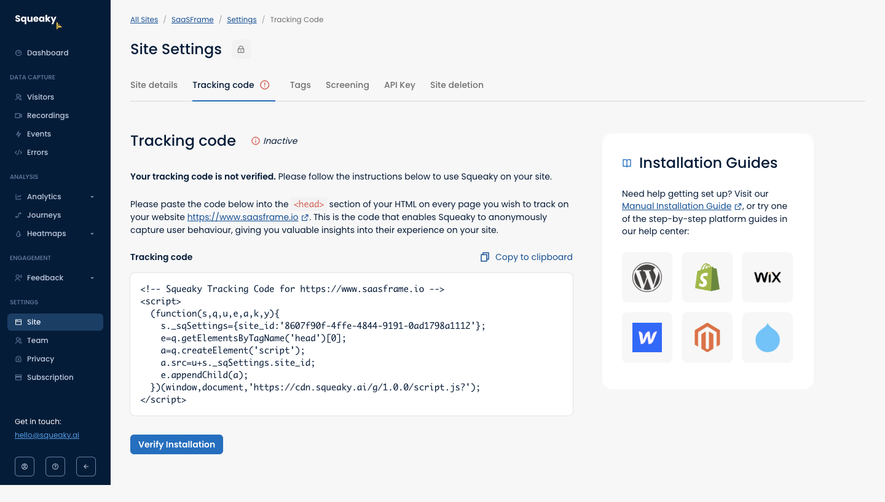
Squeaky Sign Up Flow
5 screens