SaaSFrame
SaaSFrame Pro
3 more steps in this flow
Free accounts see the first 3 steps of each flow. Pro unlocks every step of every flow, plus every screen, section and Copy in Figma.
Squeaky User Onboarding
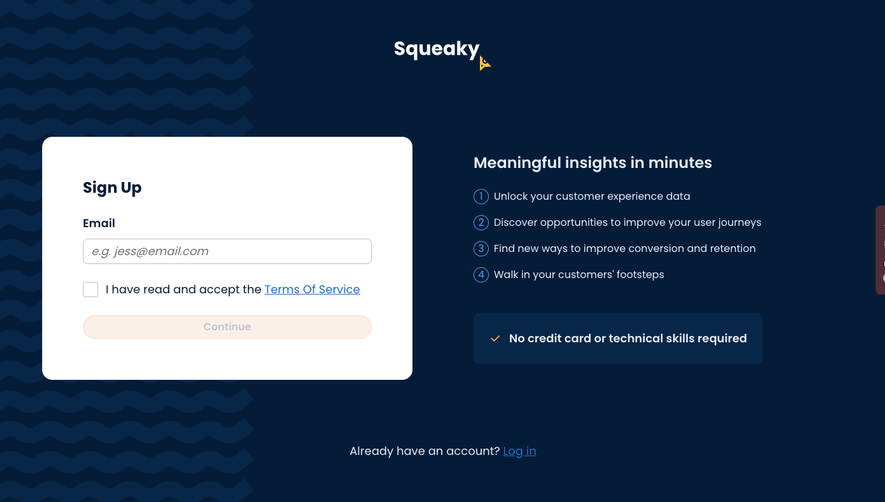
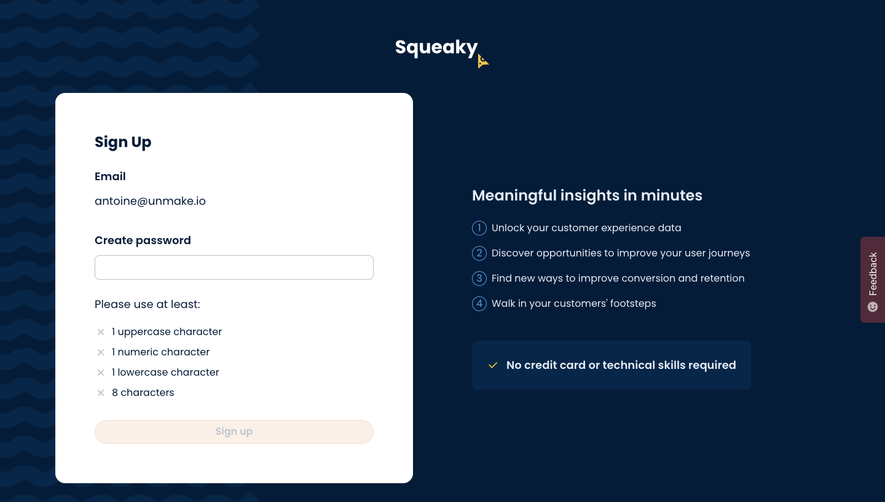
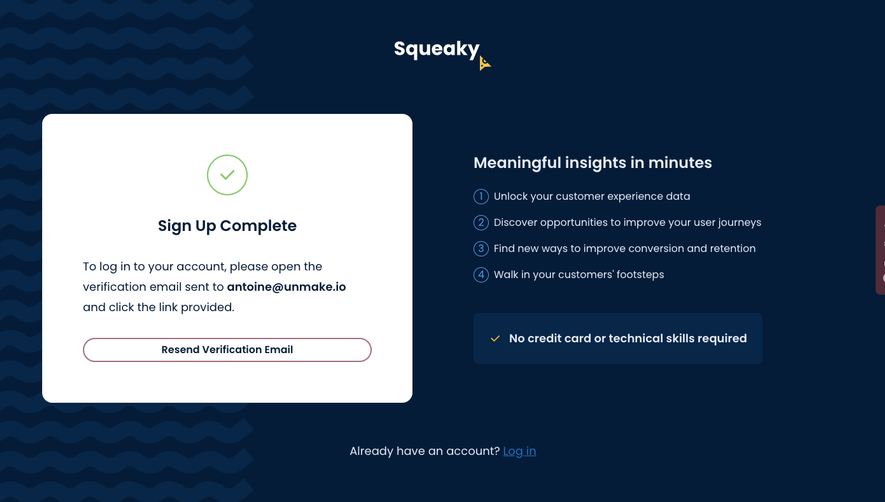
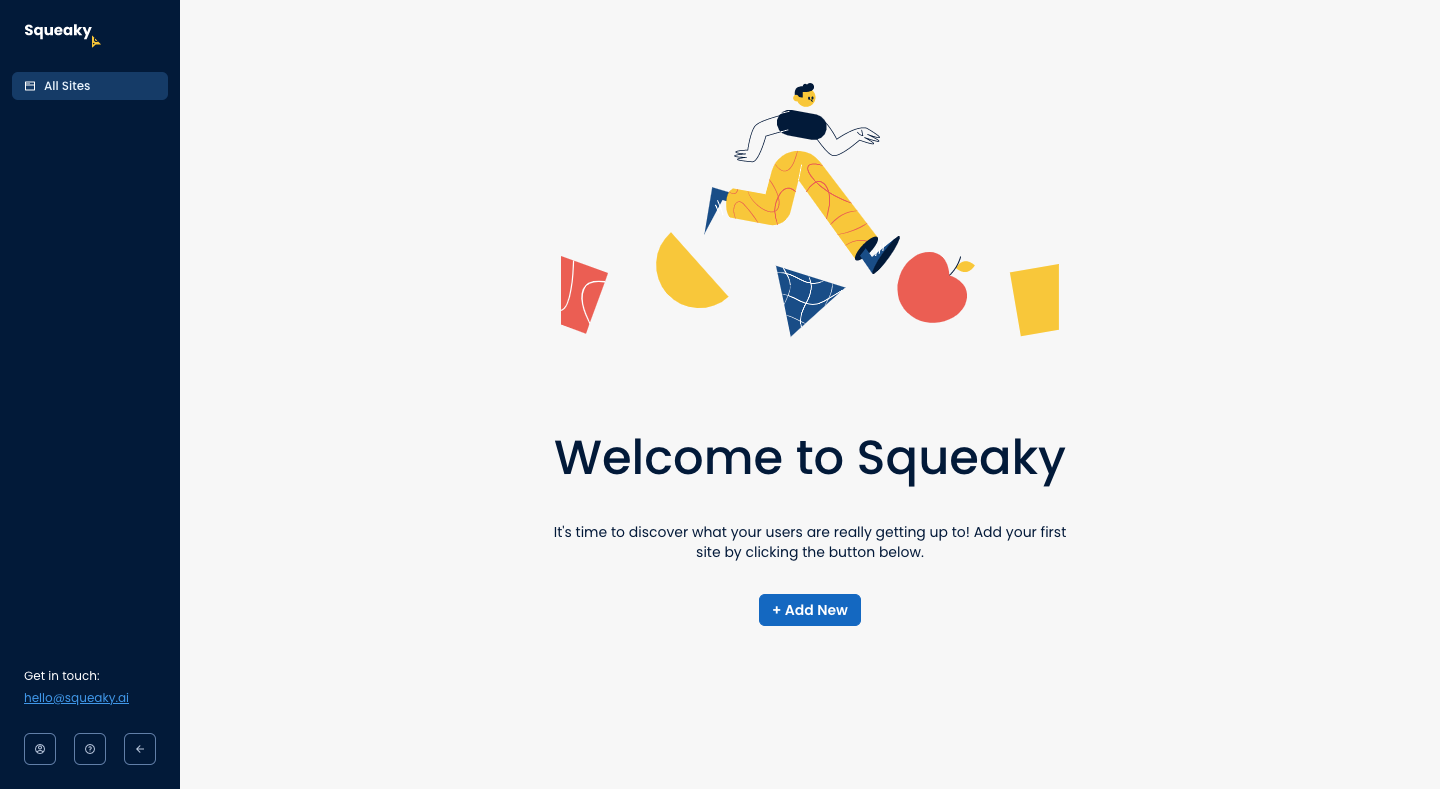
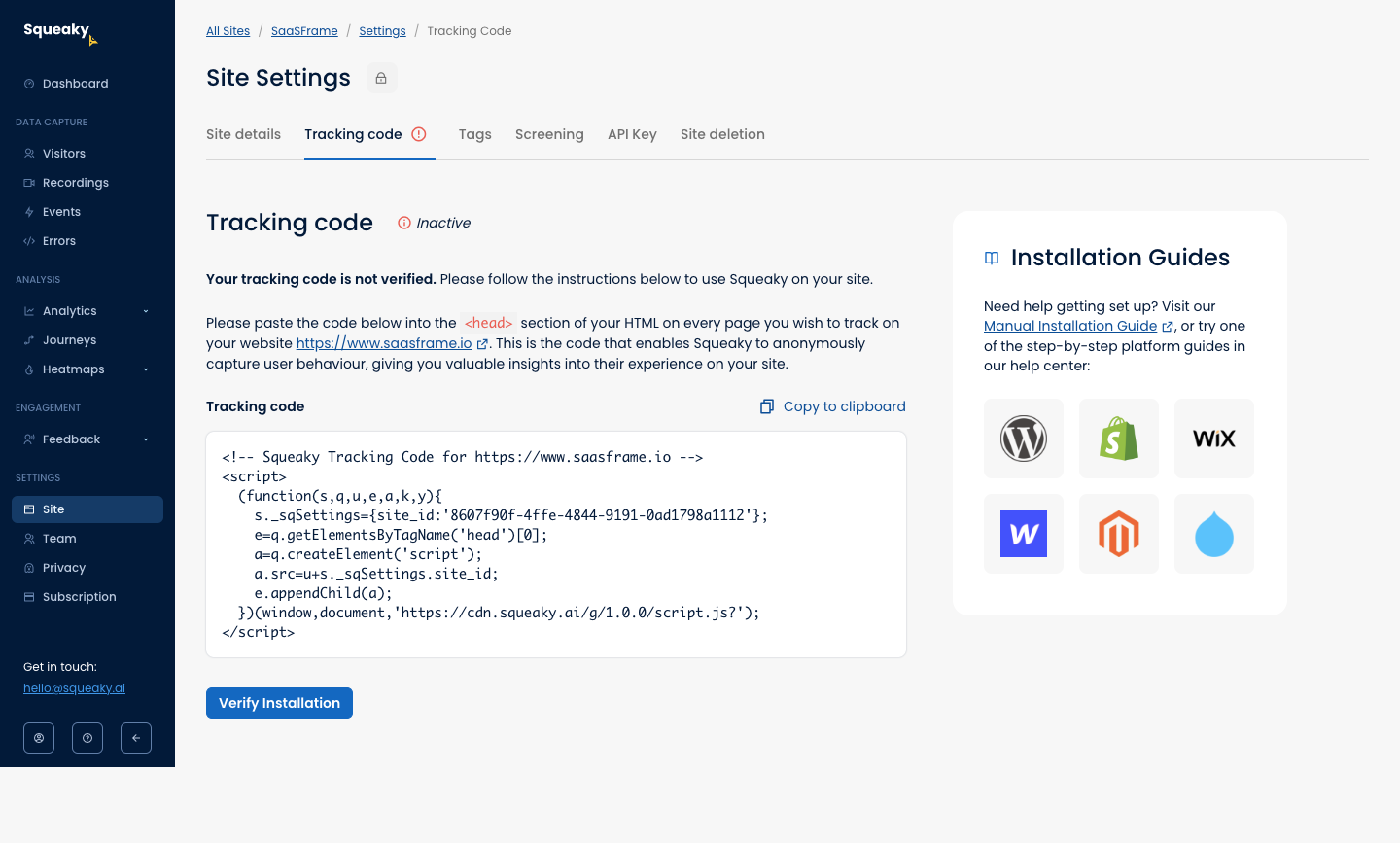
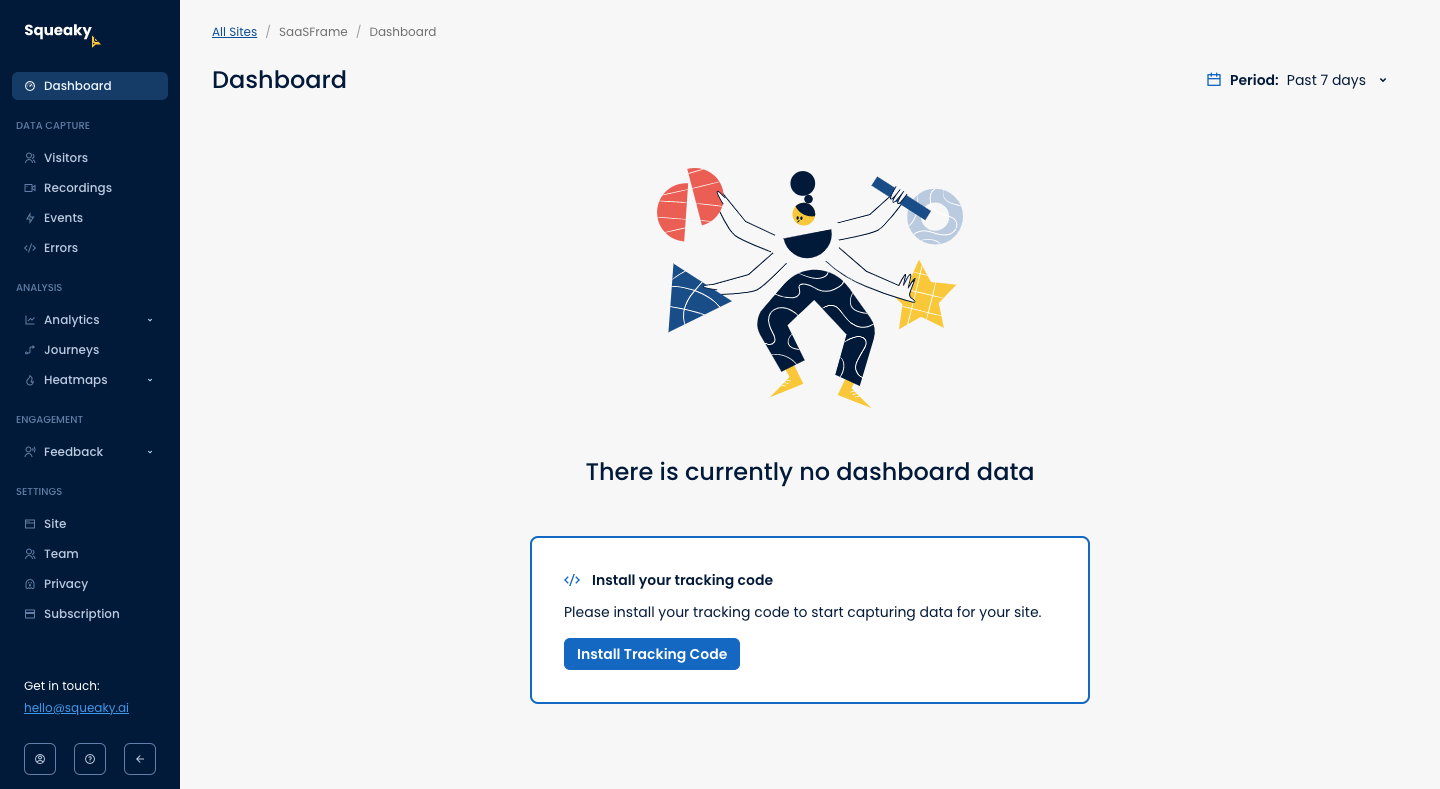
Squeaky's user onboarding moves from a playful welcome to adding a site and its tracking code in six light screens with a navy sidebar. Colorful illustrations of a dancing figure mark the welcome and empty dashboard, each with one blue button. Adding a site opens a modal with dot progress and two cards for website or web app, and the code page lists platform install guides.
Follow Squeaky’s user onboarding flow step by step: 6 real screens captured from the live product, from welcome screen to website set up: site type. Use ← → to move between steps, and open any screen to see it in full.
Steps in this flow
More flows from Squeaky
All Squeaky Squeaky Sign Up Flow
5 screens