SaaSFrame
4 more steps in this flow
Free accounts see the first 3 steps of each flow. Pro unlocks every step of every flow, plus every screen, section and Copy in Figma.
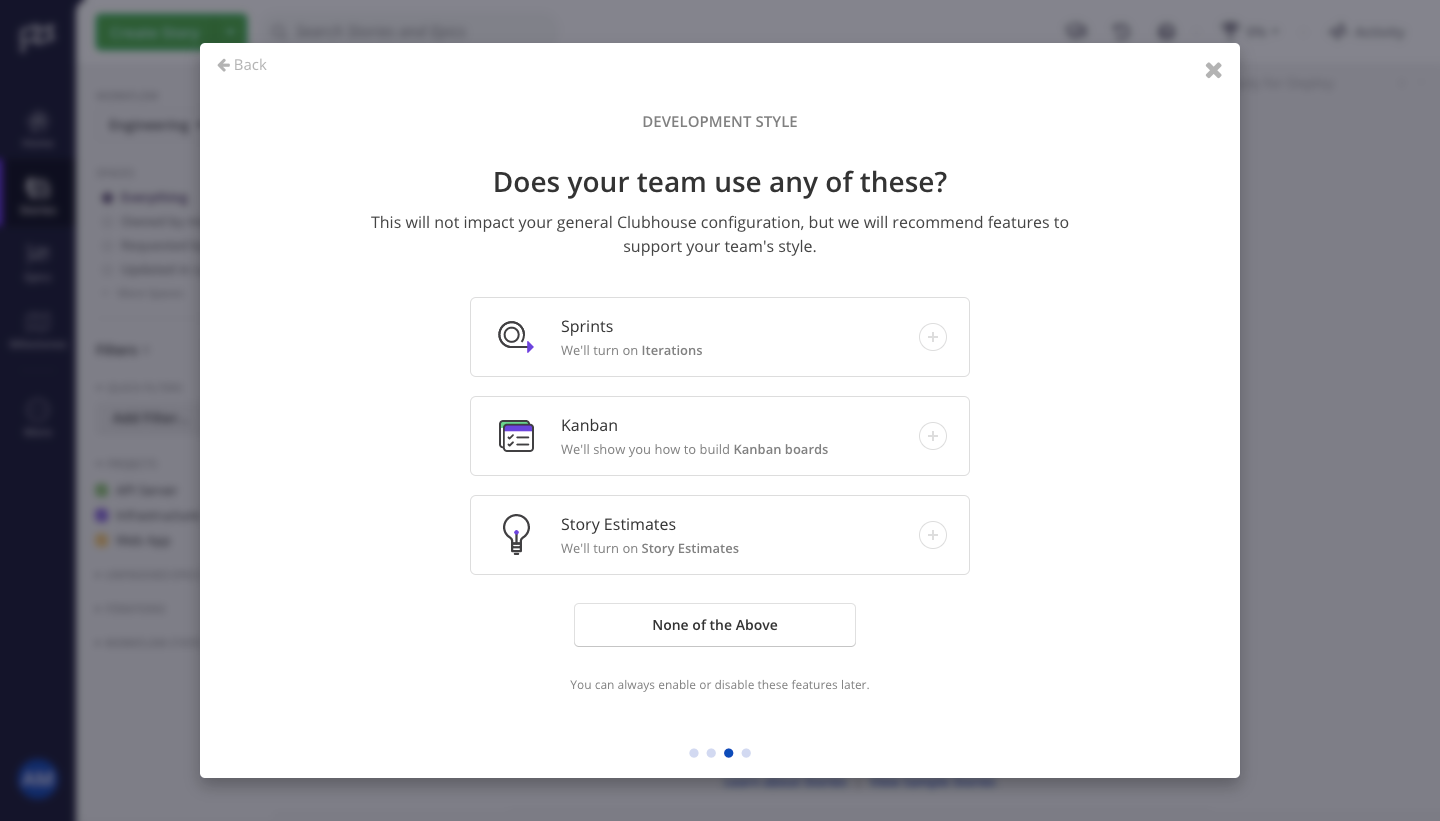
Shortcut User Onboarding
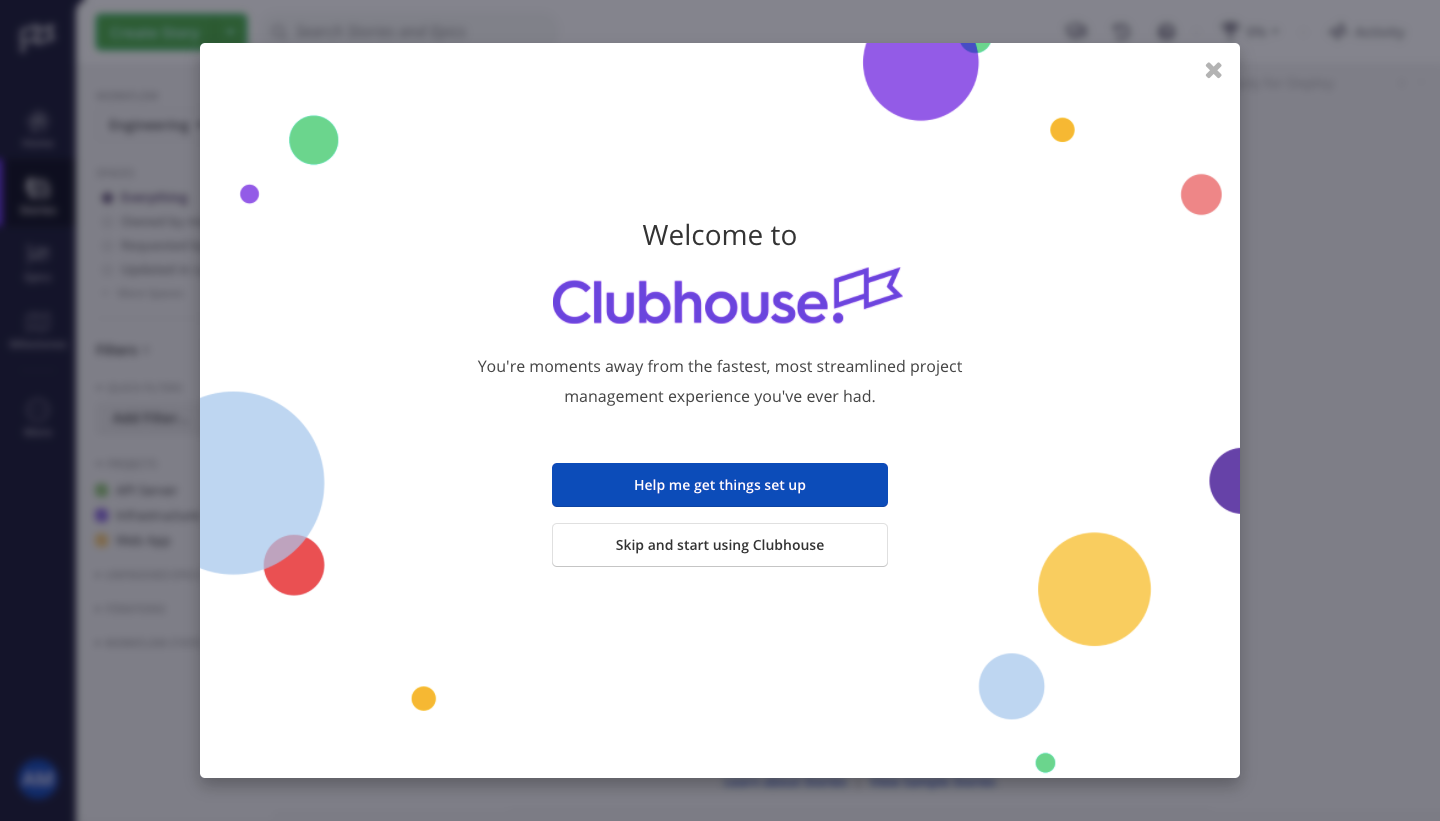
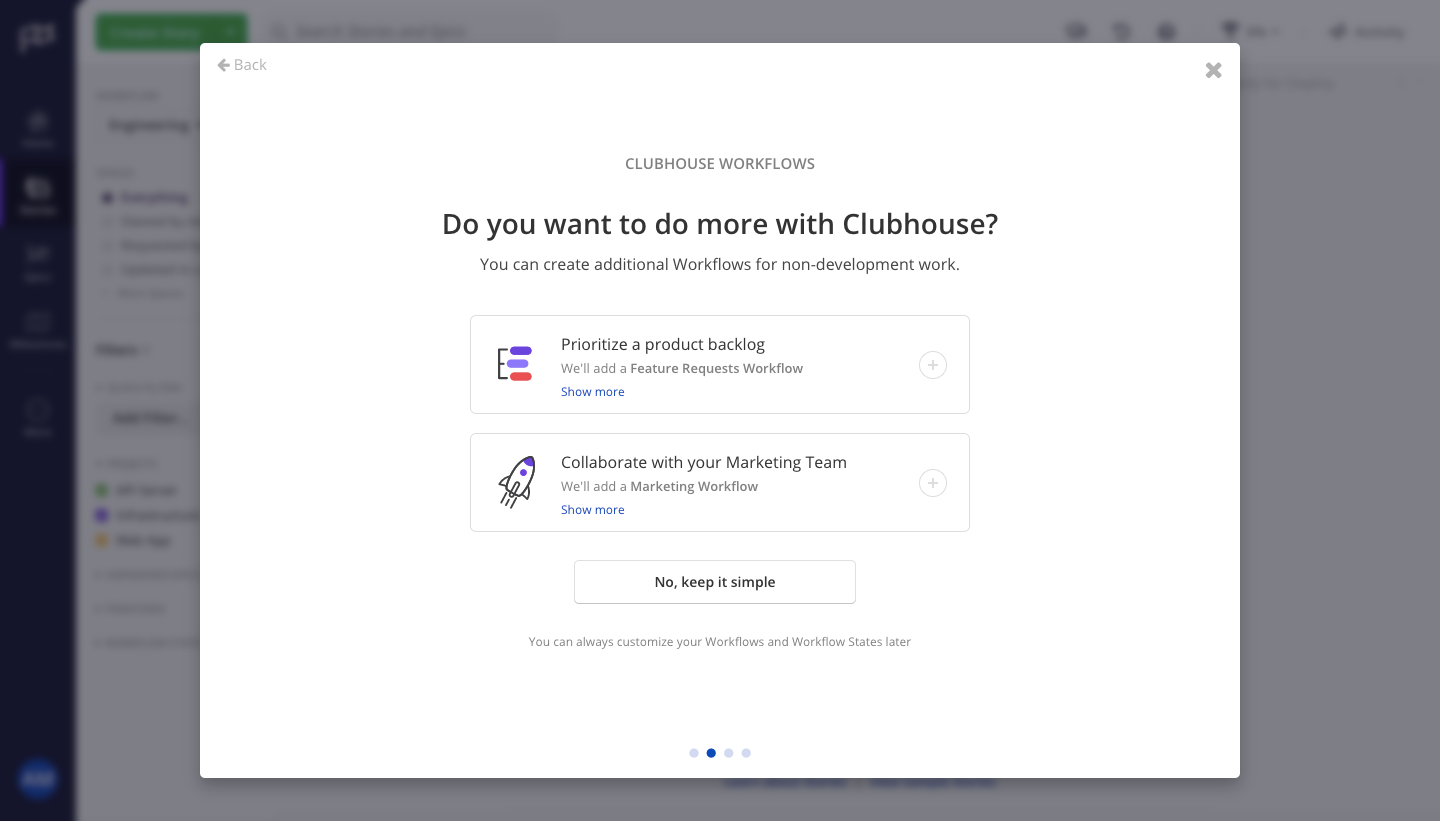
Shortcut's user onboarding, still under the Clubhouse brand, sets up workflows in a four-step modal and then hands off to an in-app checklist. A confetti-dotted welcome modal leads into questions shown as selectable rows with icons, ending on a recommendations summary with green check marks. Back in the dimmed app, a getting started checklist pops out from the top bar beside story and iteration forms.
Follow Shortcut’s user onboarding flow step by step: 7 real screens captured from the live product, from user onboarding: welcome to user onboarding: create iteration. Use ← → to move between steps, and open any screen to see it in full.
Steps in this flow
More flows from Shortcut
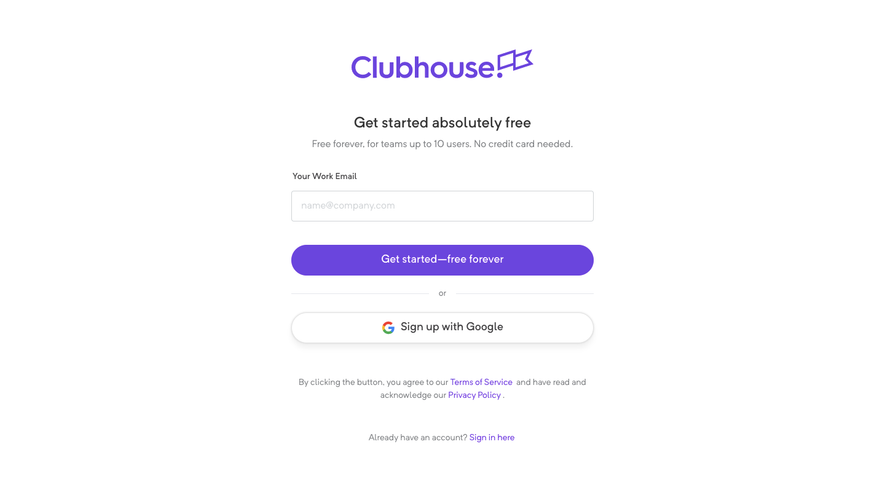
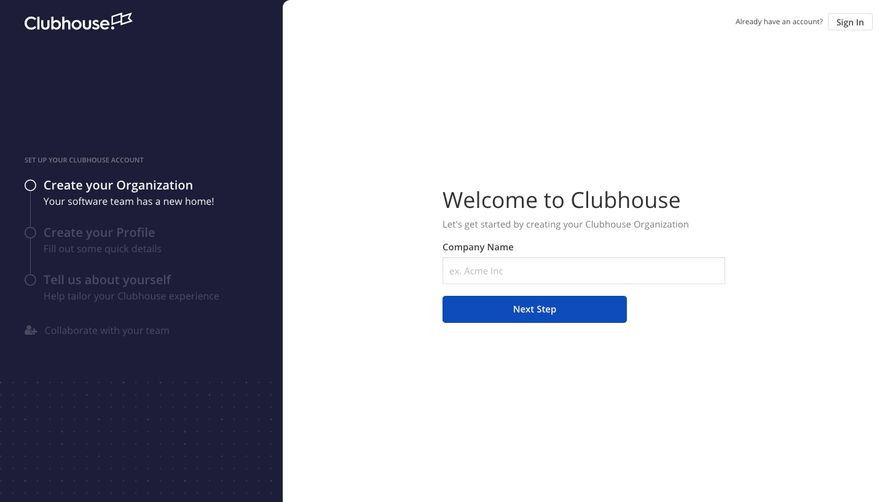
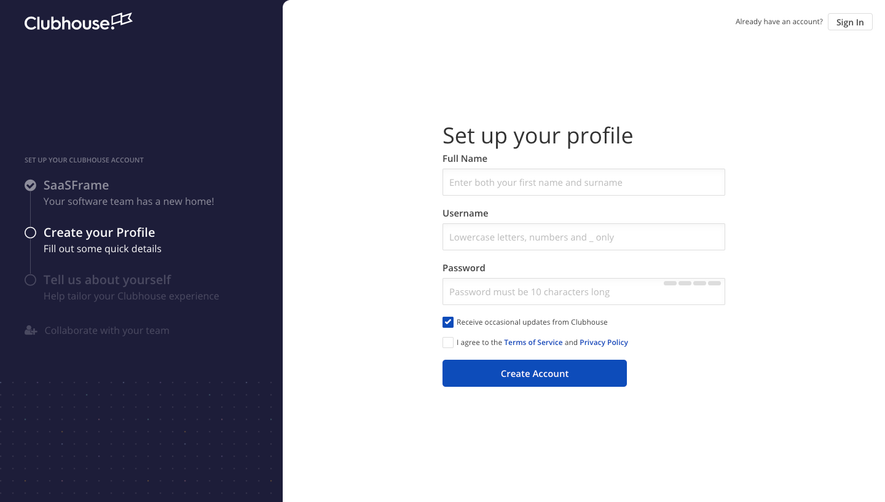
All Shortcut Shortcut Sign Up Flow
5 screens
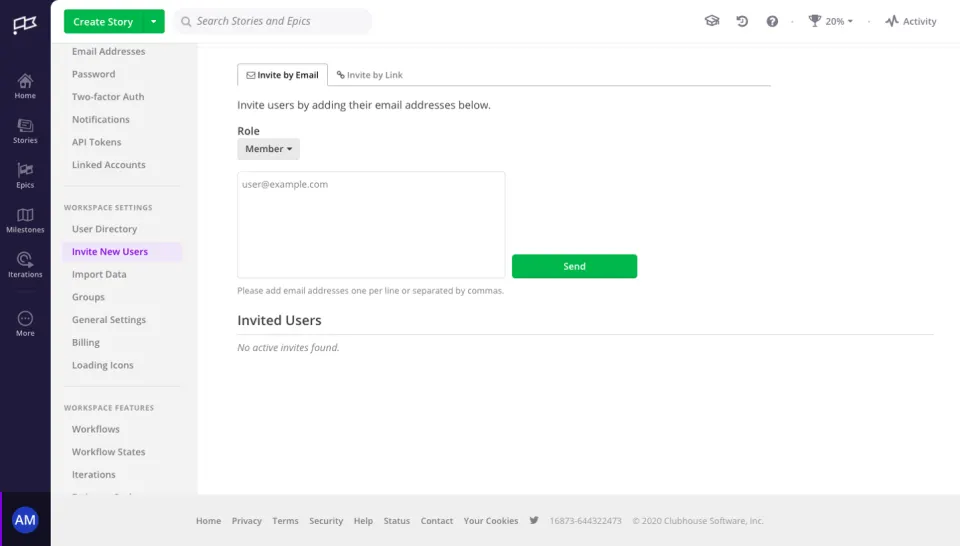
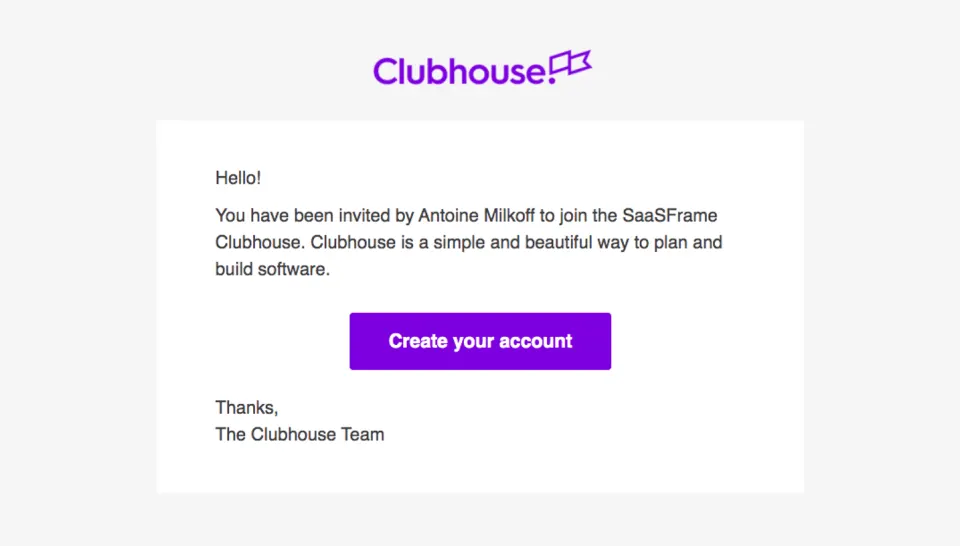
Shortcut Invite Team Members
2 screens