SaaSFrame
Shortcut Invite Team Members
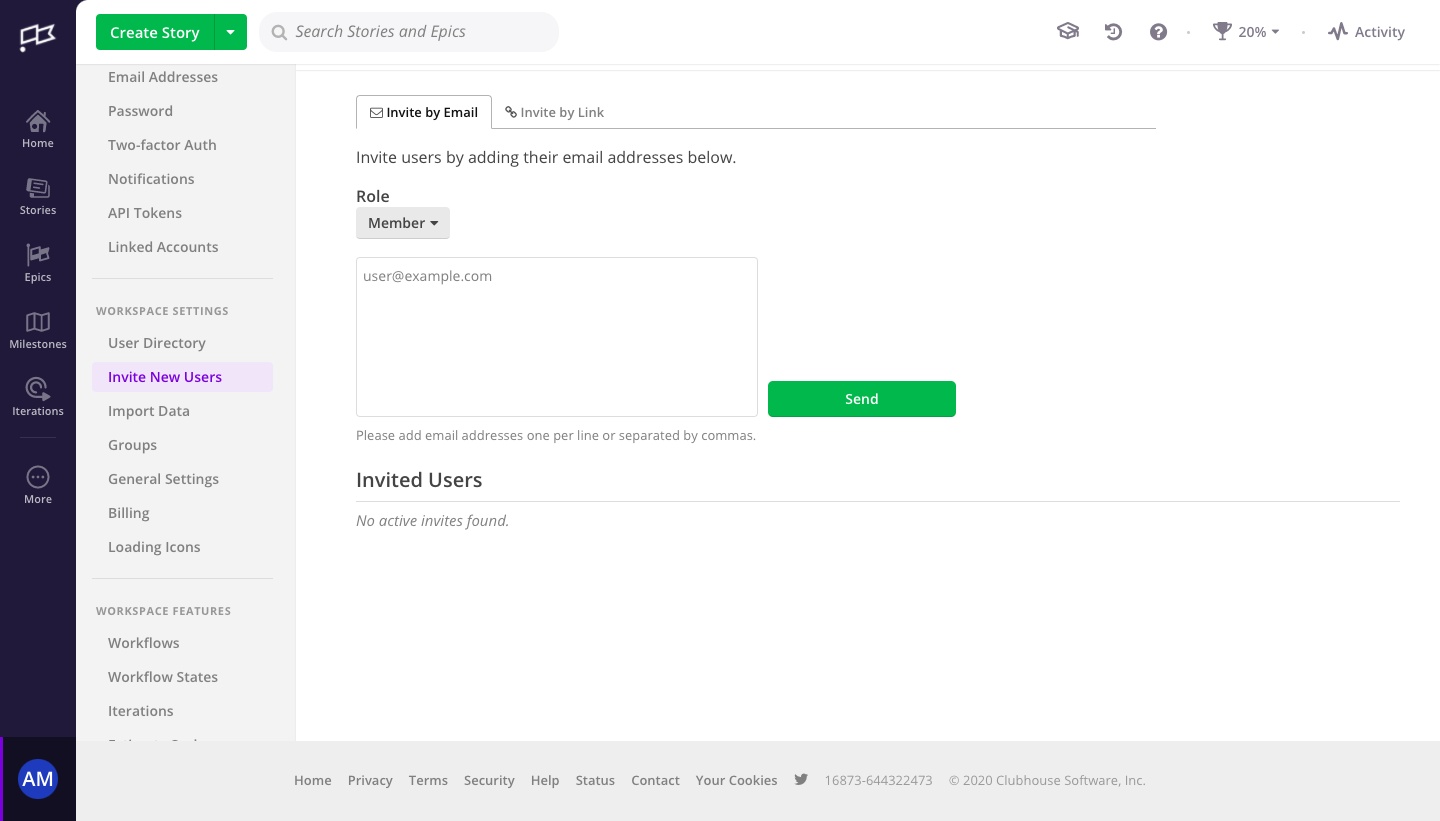
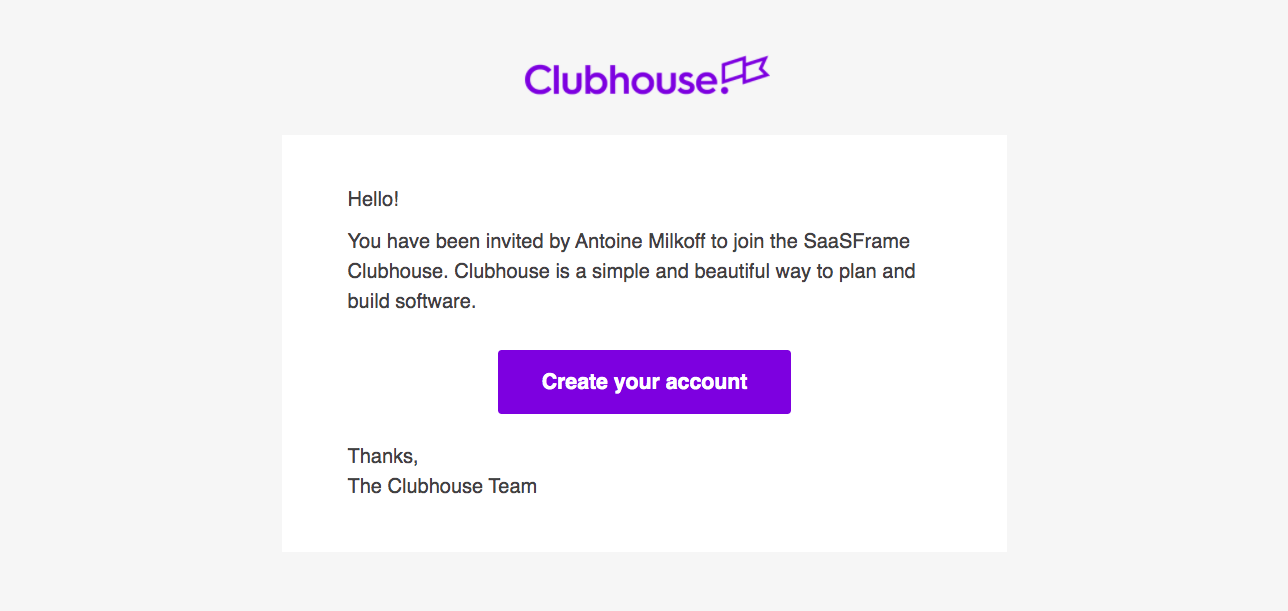
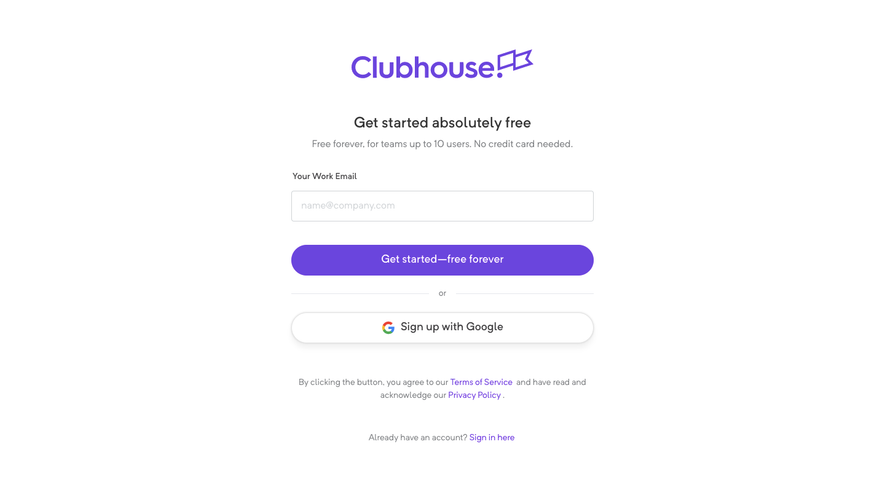
Shortcut's invite flow, shown under its former Clubhouse brand, follows an invitation from the settings page to the invitee's sign-up in three steps. Admins paste addresses into a text area with a role dropdown and a green send button. The email is a centered card with a purple create-account button, and the landing page offers Google or password sign-up.
Follow Shortcut’s invite team members flow step by step: 2 real screens captured from the live product, from invite team members: invite by email to invite team members: invite email. Use ← → to move between steps, and open any screen to see it in full.
Steps in this flow
More flows from Shortcut
All Shortcut Shortcut Sign Up Flow
5 screens
Shortcut User Onboarding
7 screens