SaaSFrame
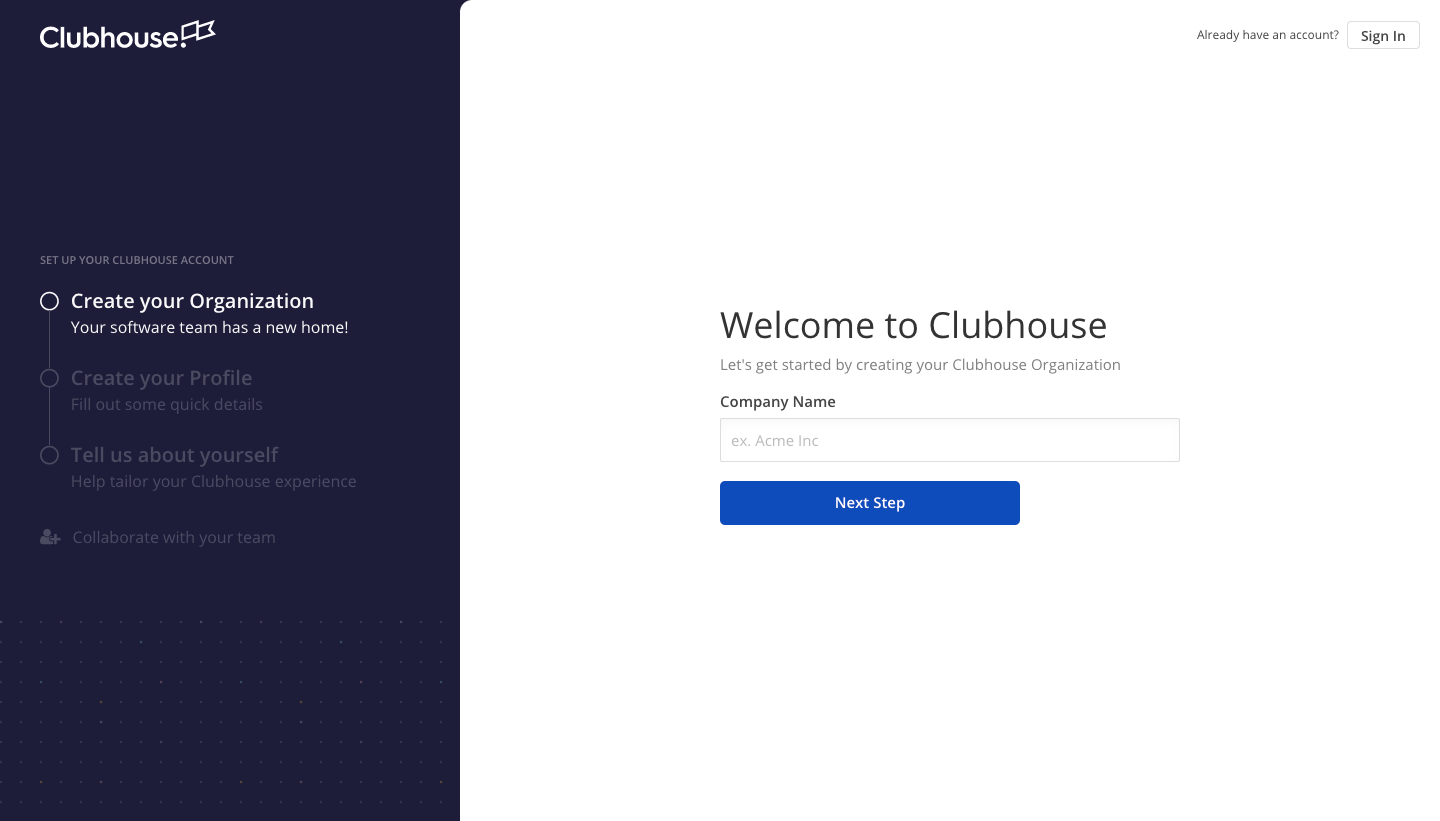
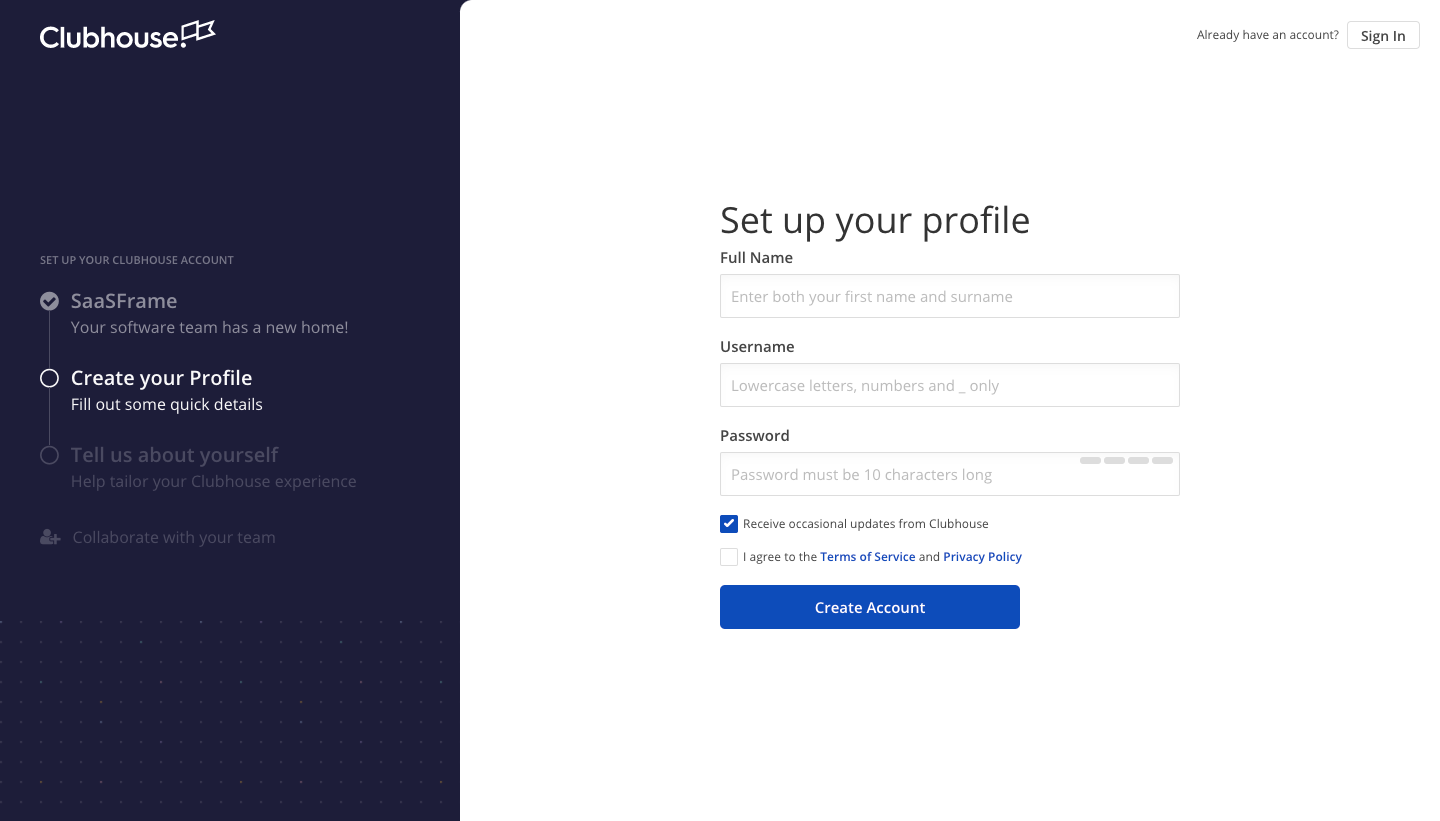
2 more steps in this flow
Free accounts see the first 3 steps of each flow. Pro unlocks every step of every flow, plus every screen, section and Copy in Figma.
Shortcut Sign Up Flow
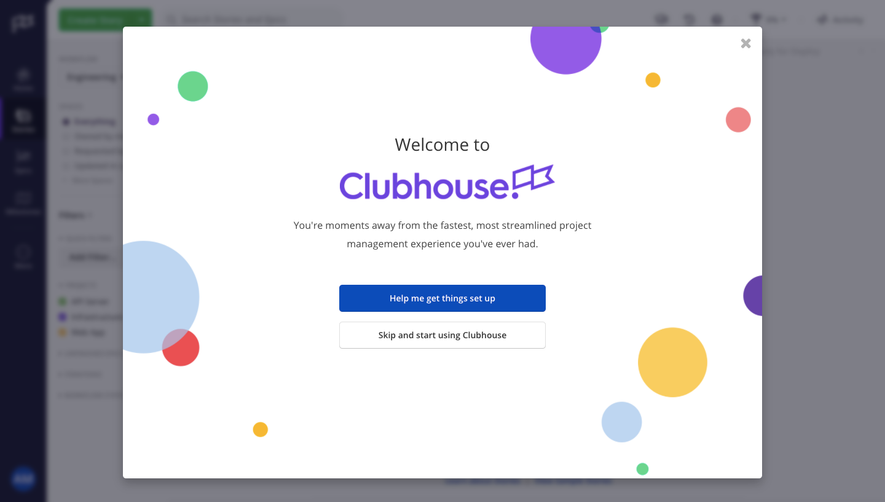
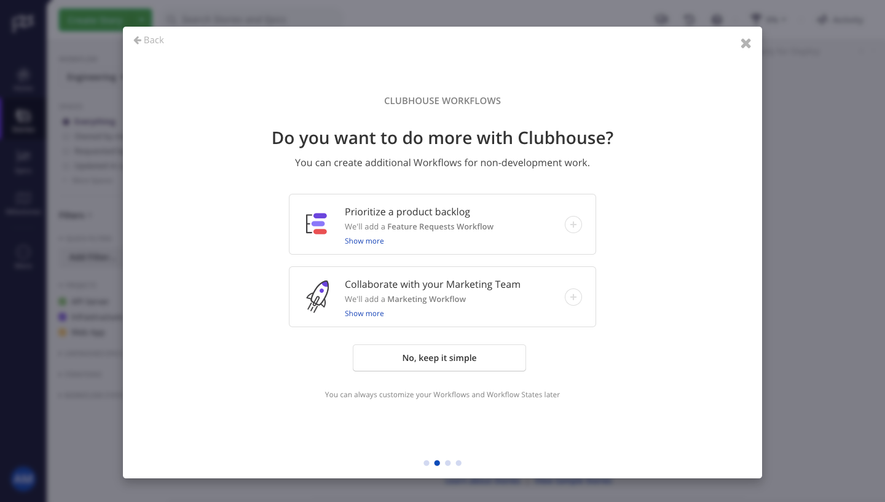
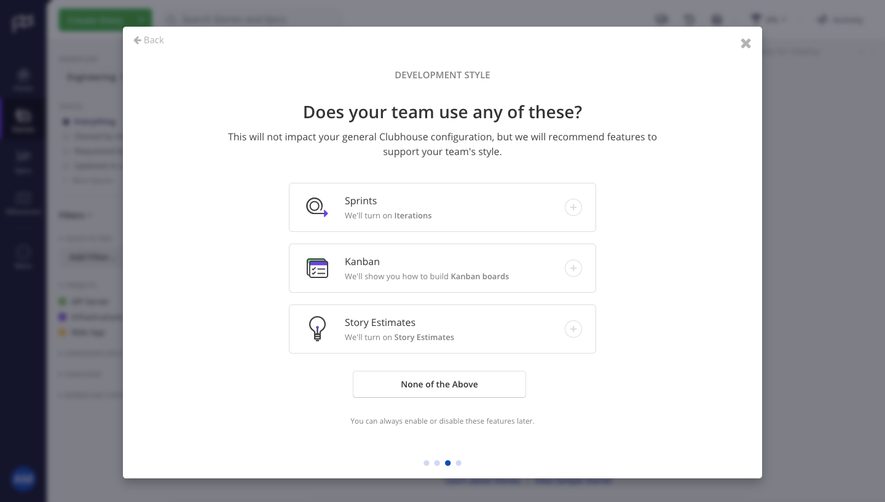
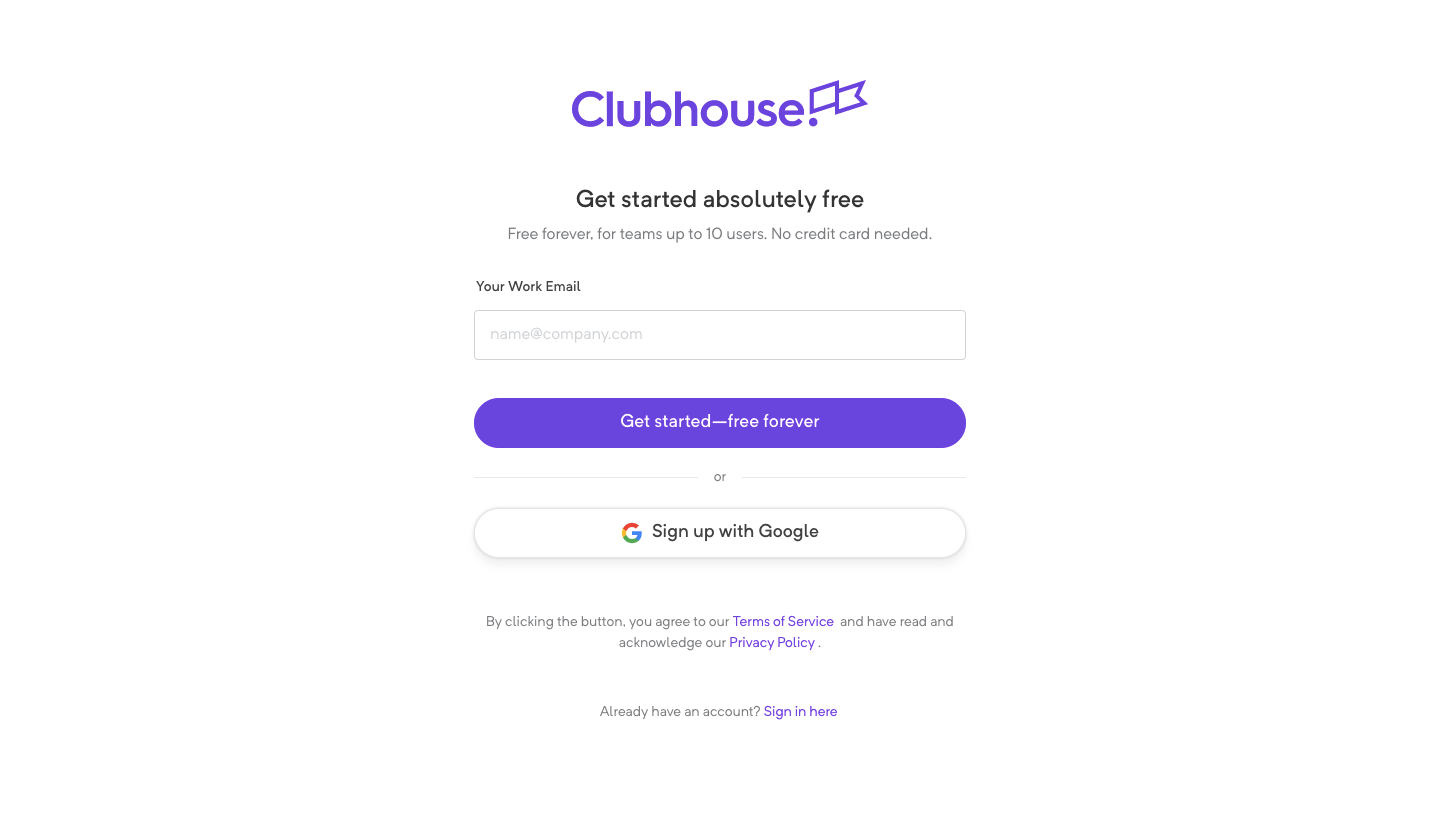
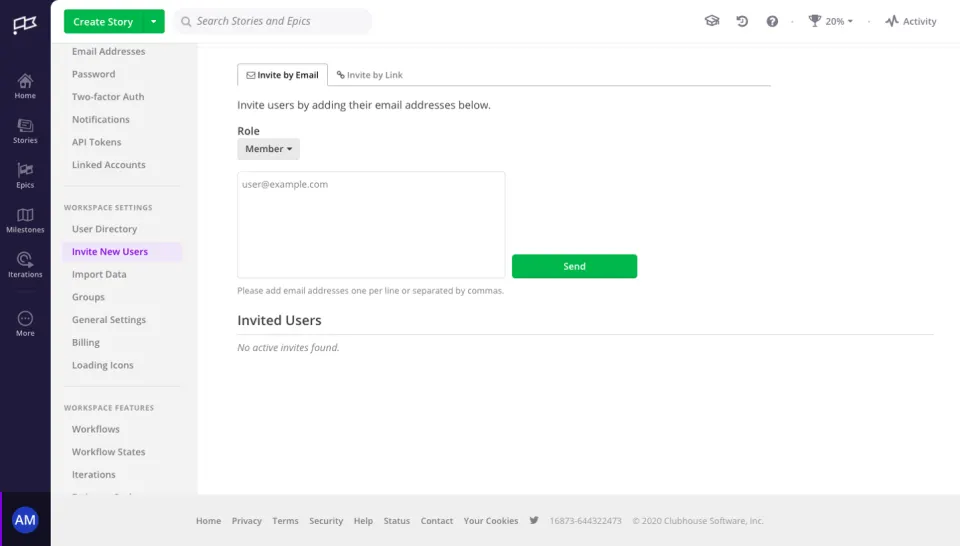
Shortcut's sign-up flow, shown under its former Clubhouse brand, takes five steps from a free sign-up form to inviting your team. After the first centered form, every step uses a dark navy left rail that lists completed and upcoming steps with checkmarks. Forms on the right ask for an organization, profile and role chips, and the last step offers a copyable invite link or email invites.
Follow Shortcut’s sign up flow flow step by step: 5 real screens captured from the live product, from sign up page to invite team members: copy invite link. Use ← → to move between steps, and open any screen to see it in full.
Steps in this flow
More flows from Shortcut
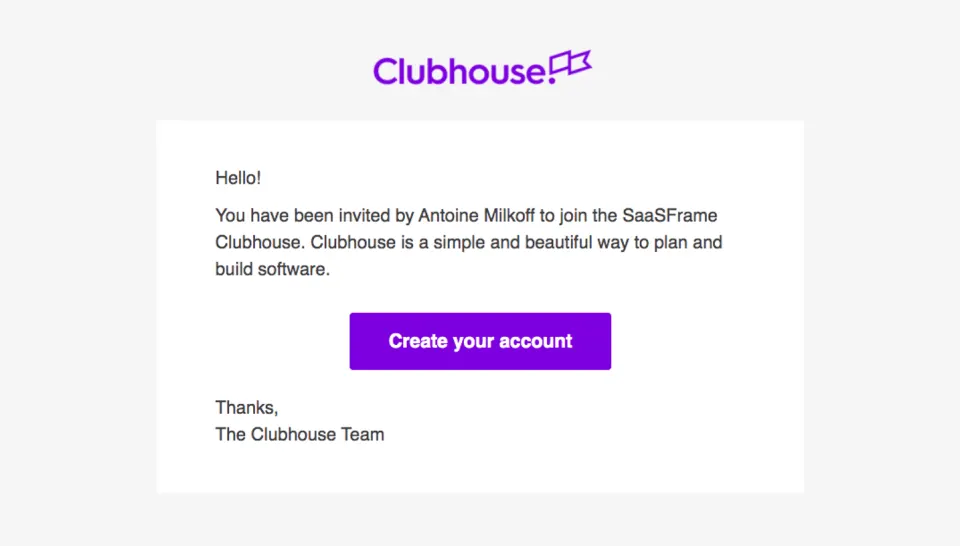
All Shortcut Shortcut Invite Team Members
2 screens
Shortcut User Onboarding
7 screens