SaaSFrame Pro
2 more steps in this flow
Free accounts see the first 3 steps of each flow. Pro unlocks every step of every flow, plus every screen, section and Copy in Figma.
Riot Onboarding
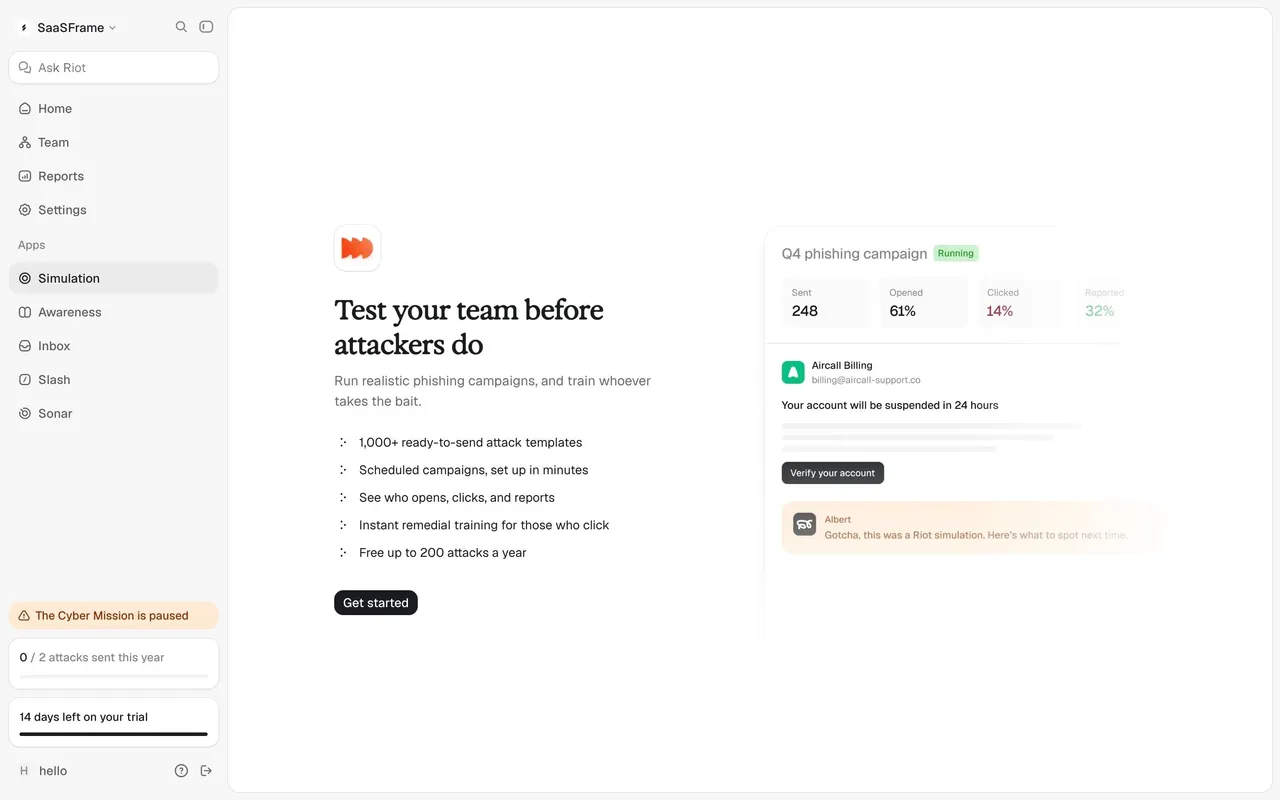
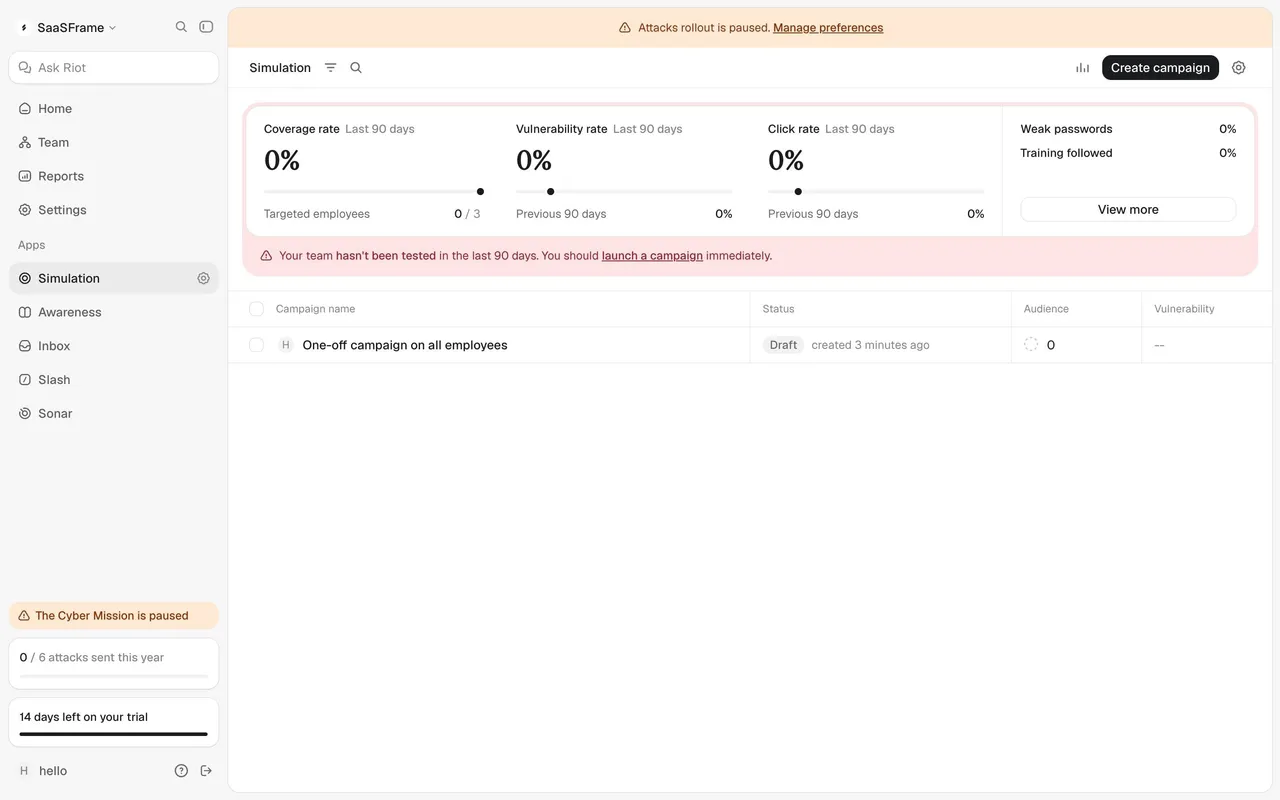
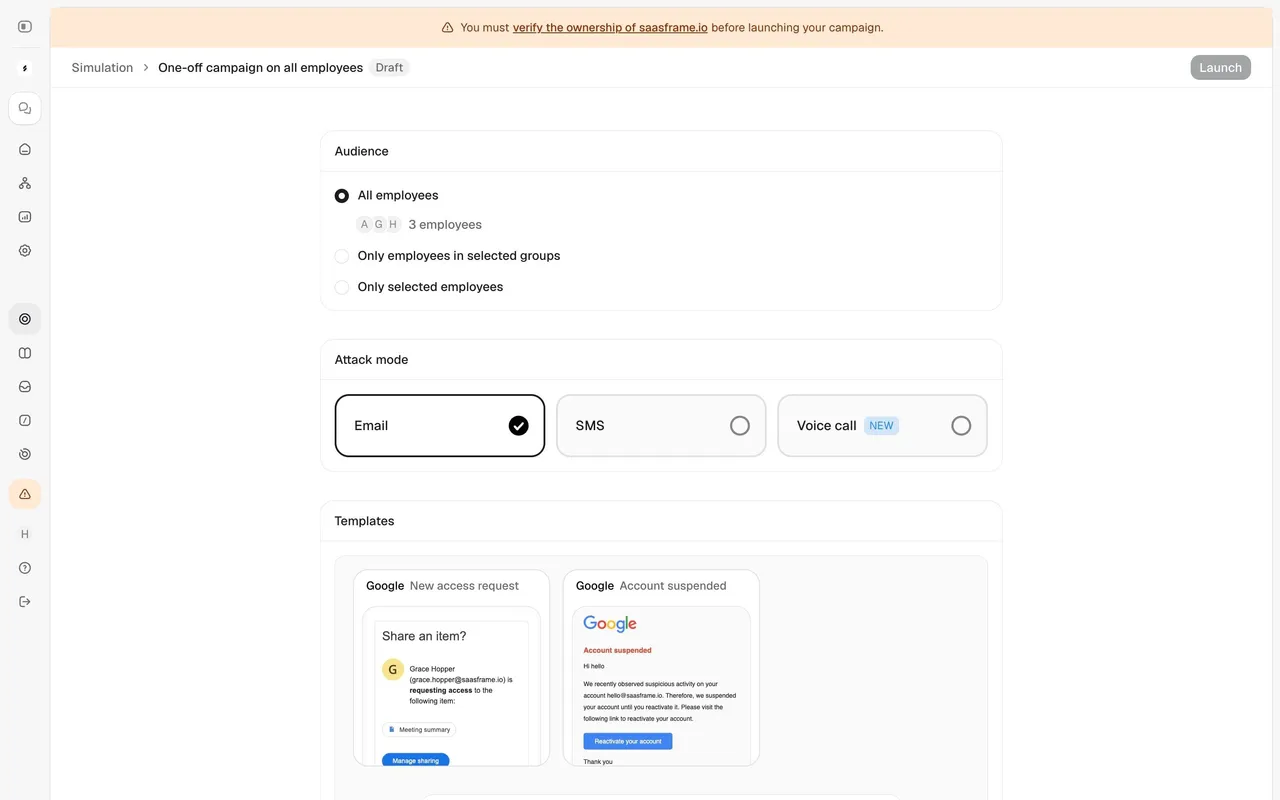
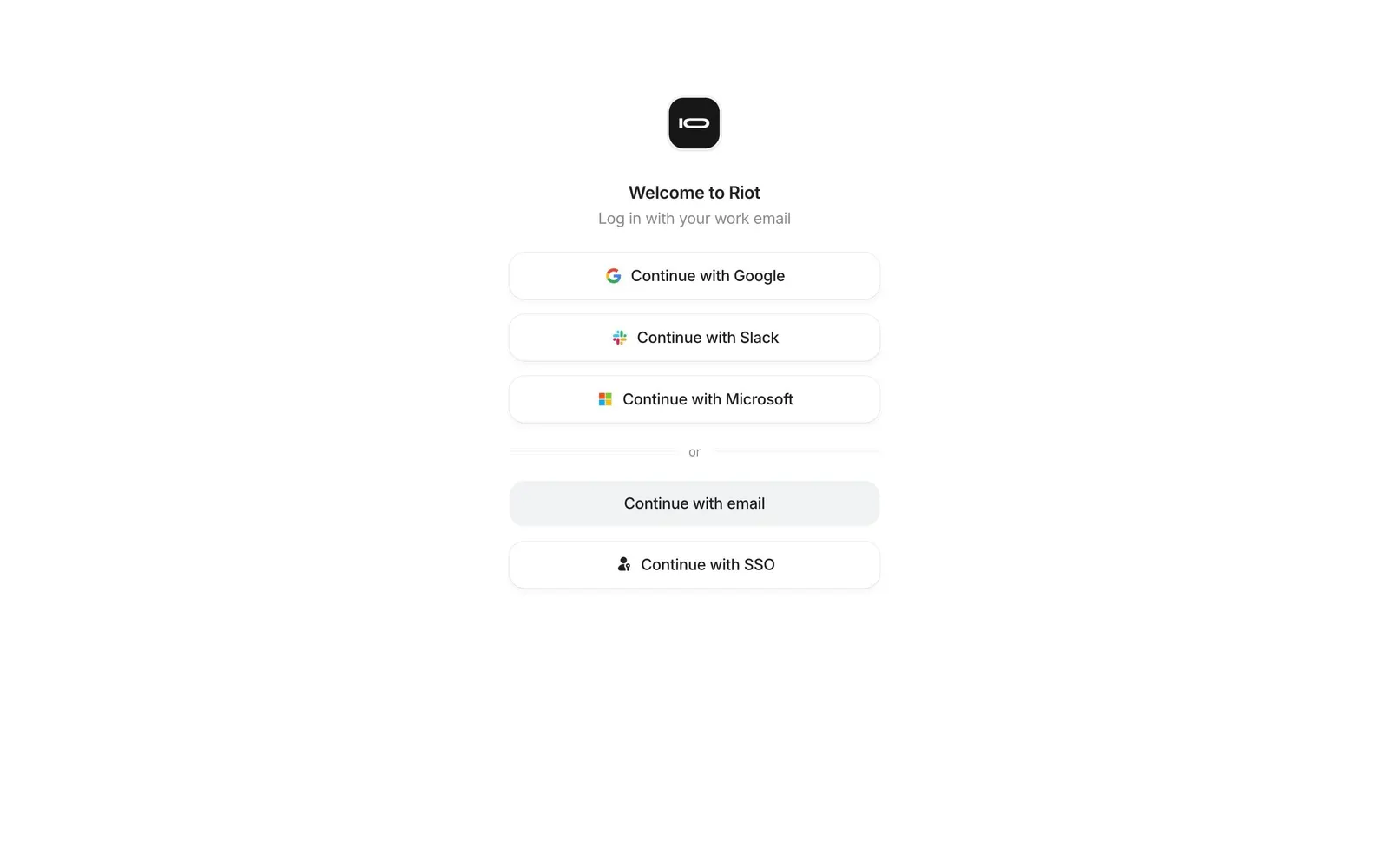
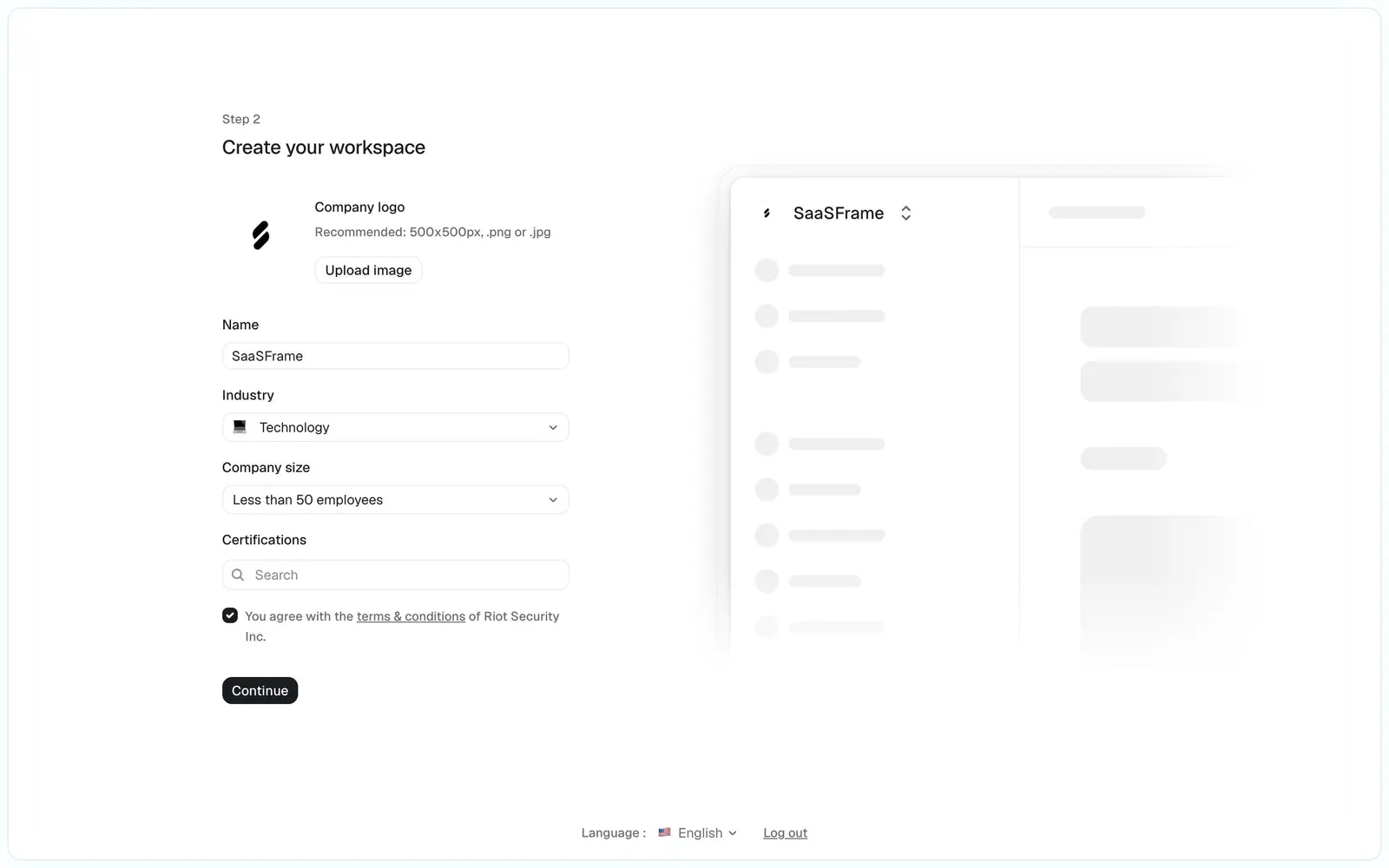
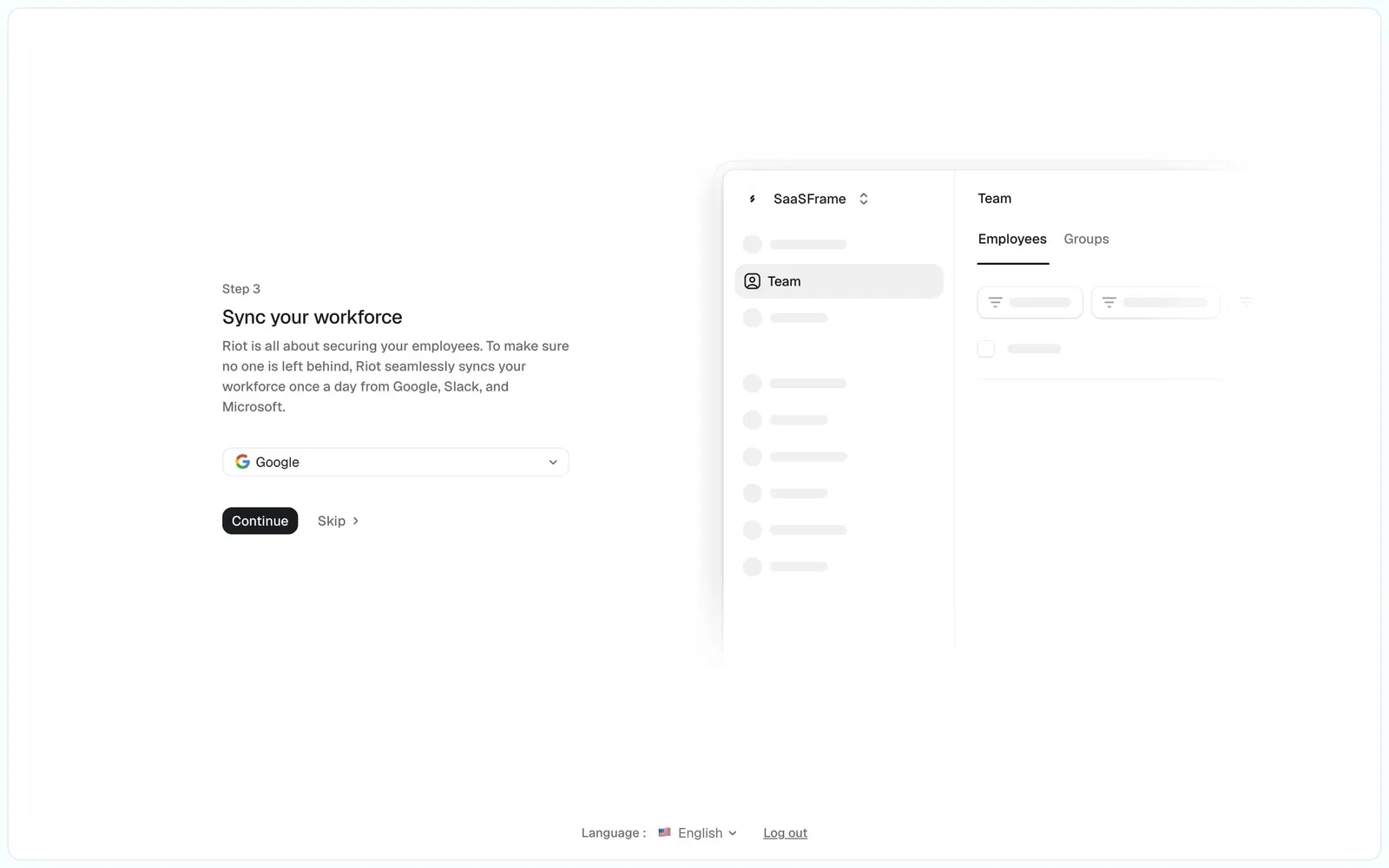
Riot's onboarding goes from a passwordless login to creating the workspace and an optional workforce sync, then lands on a home page whose cyber posture gauge is still a question mark above a five-step checklist. The white screens pair short forms with a skeleton of the app that fills in as answers are given.
Follow Riot’s onboarding flow step by step: 5 real screens captured from the live product, from login to team sync prompt. Use ← → to move between steps, and open any screen to see it in full.
Steps in this flow
More flows from Riot
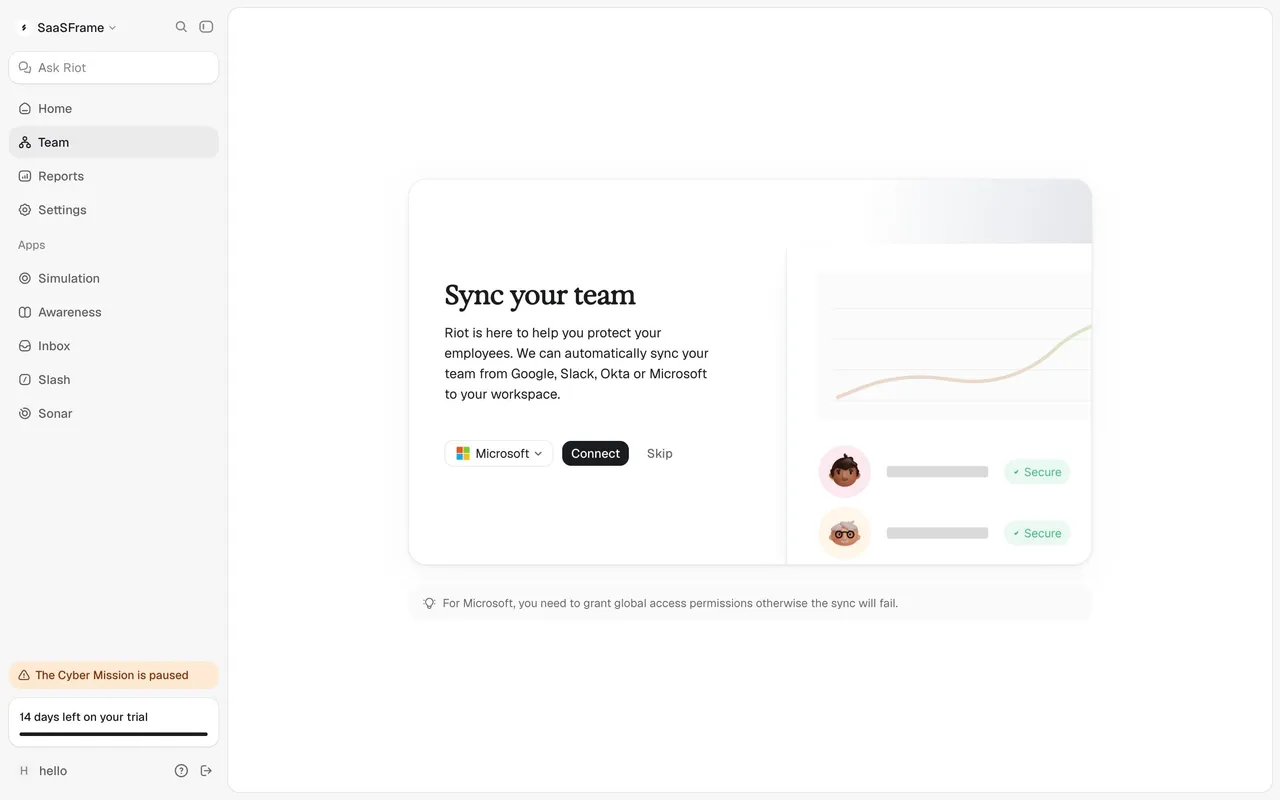
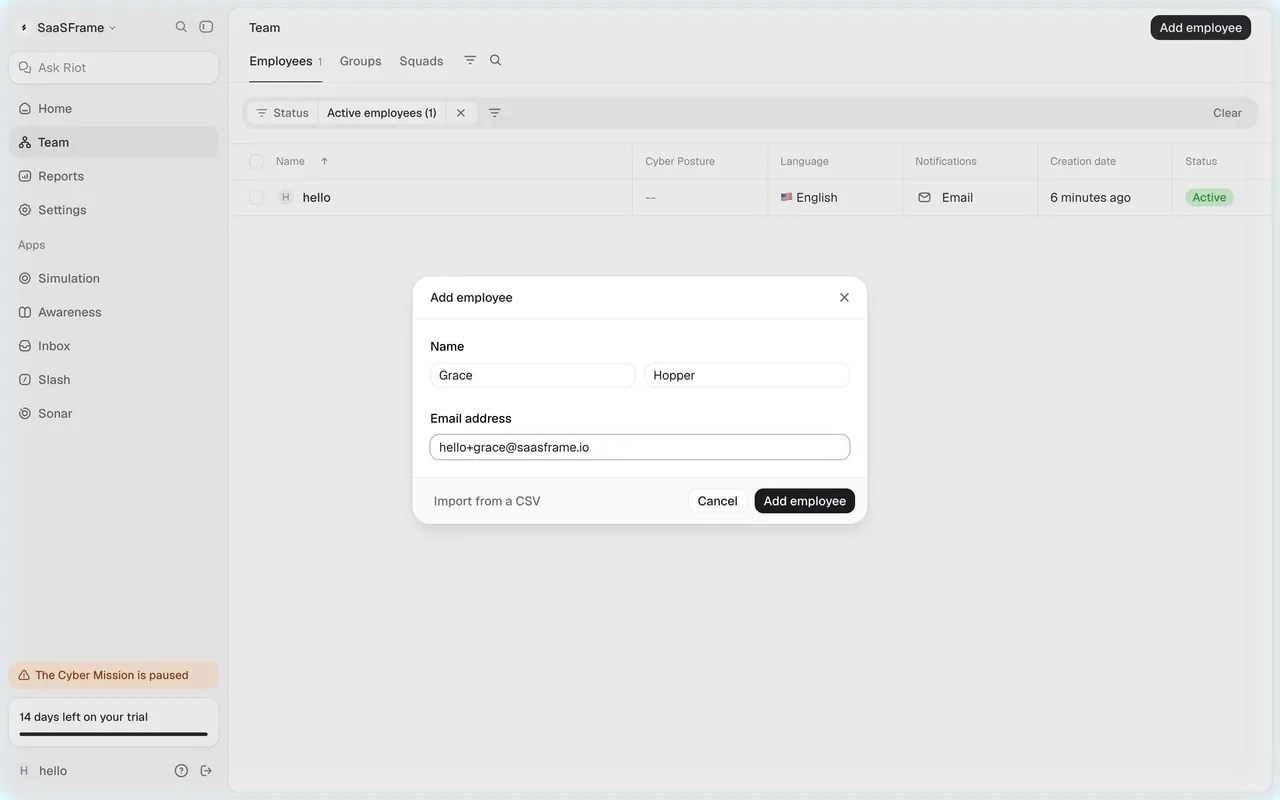
All Riot Riot Adding Employees
4 screens
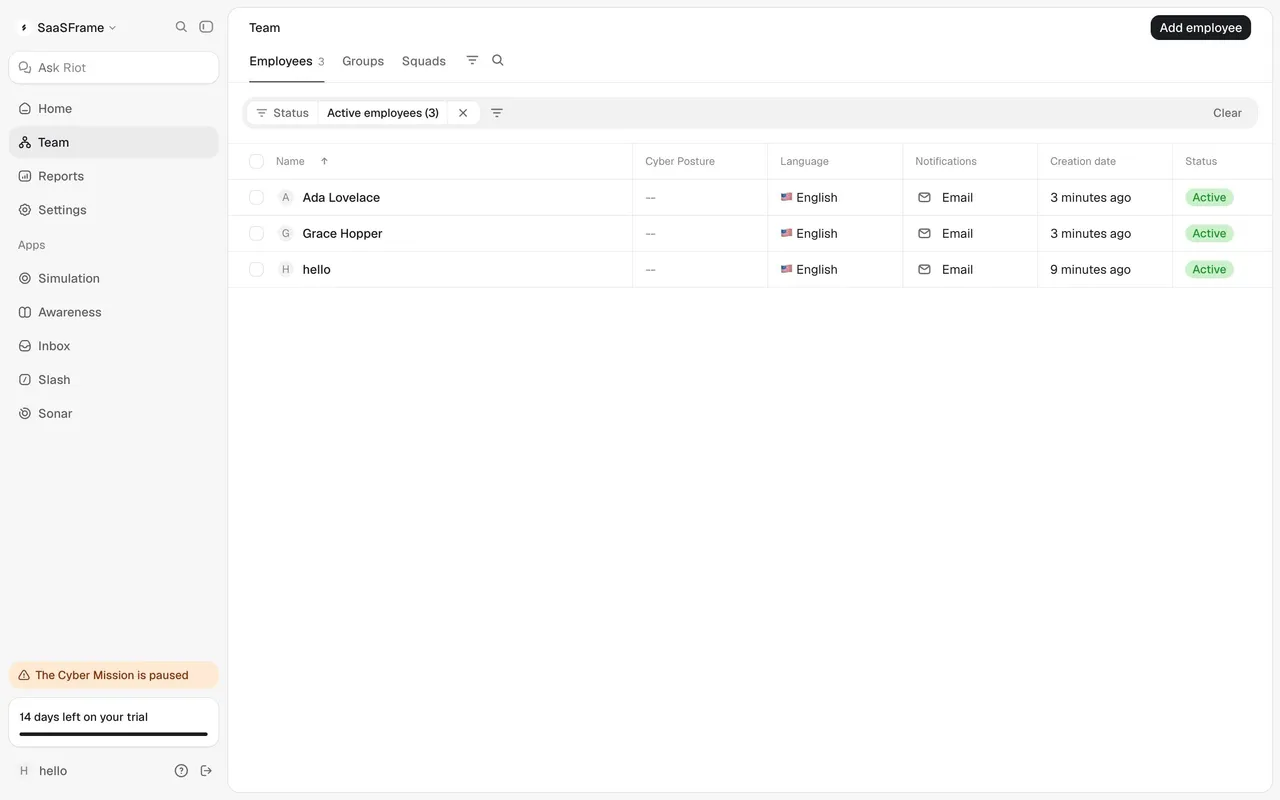
Riot Setting Up Security Awareness Training
9 screens
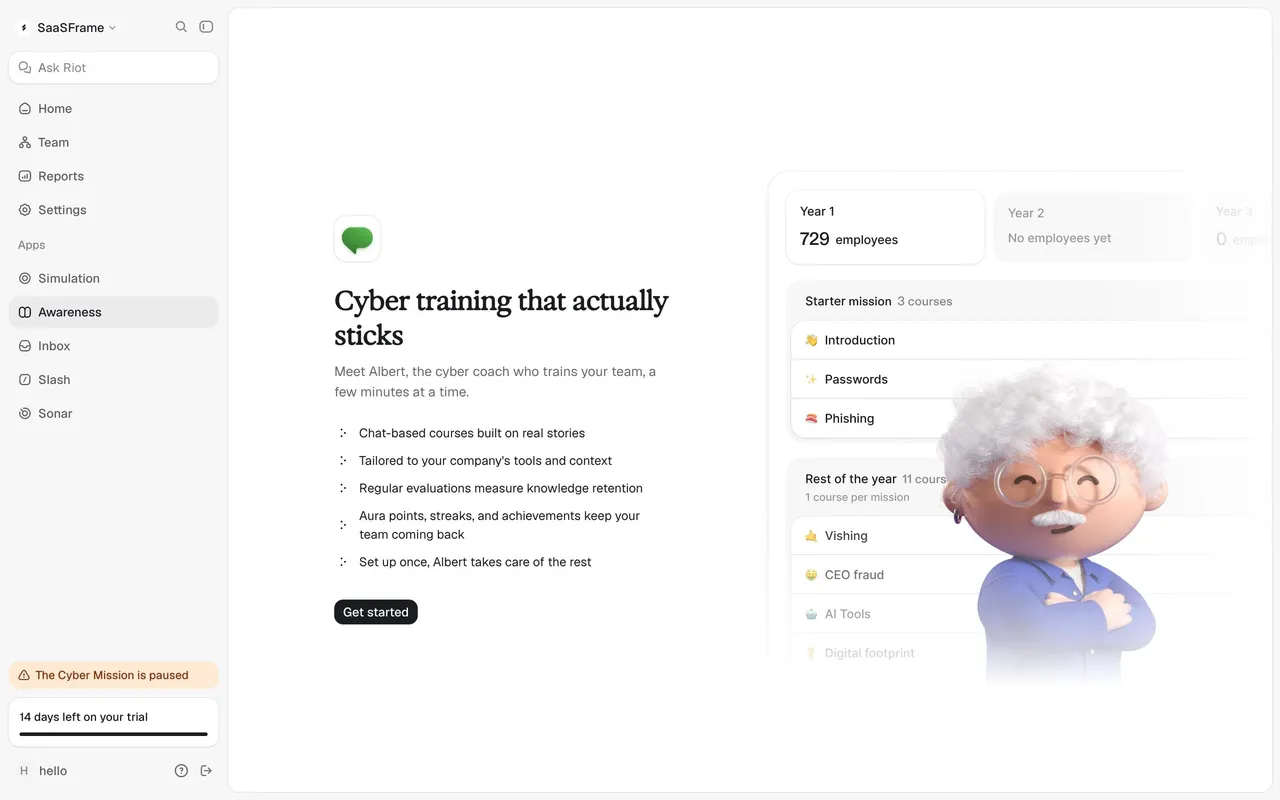
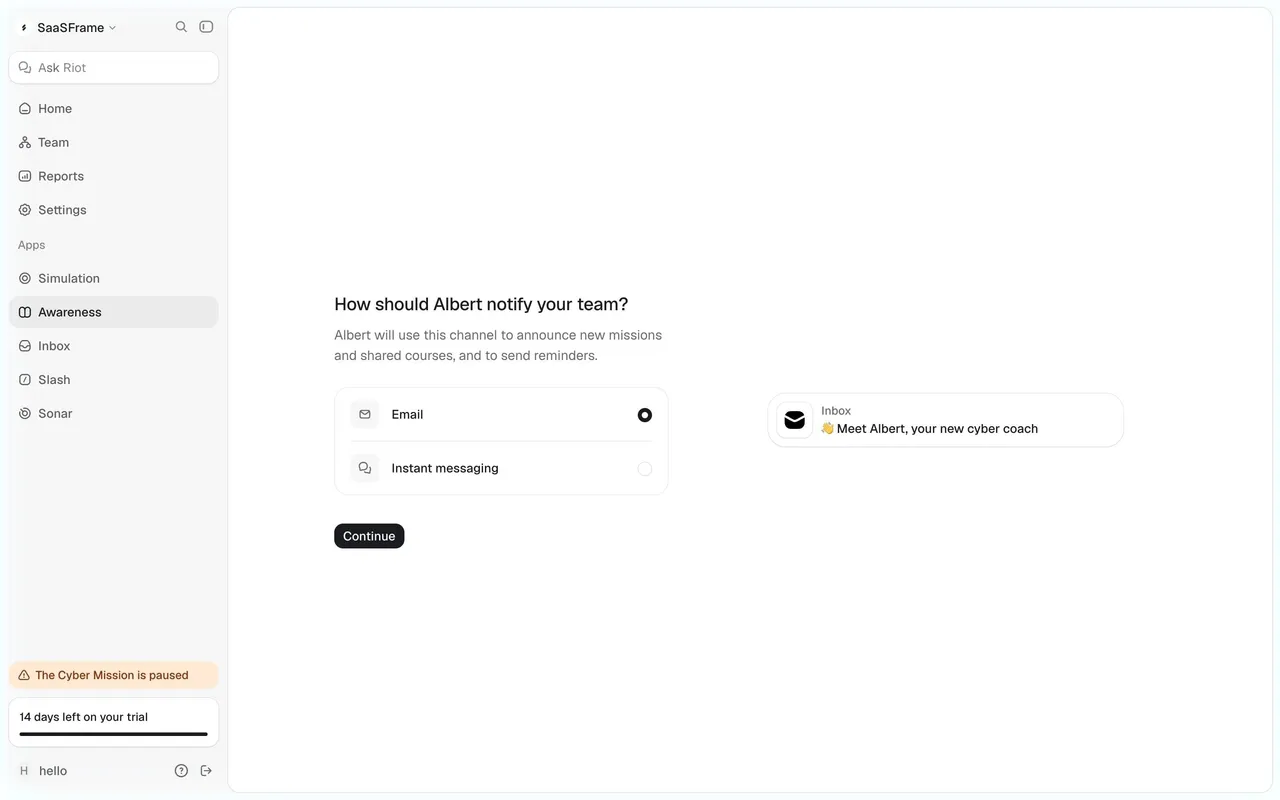
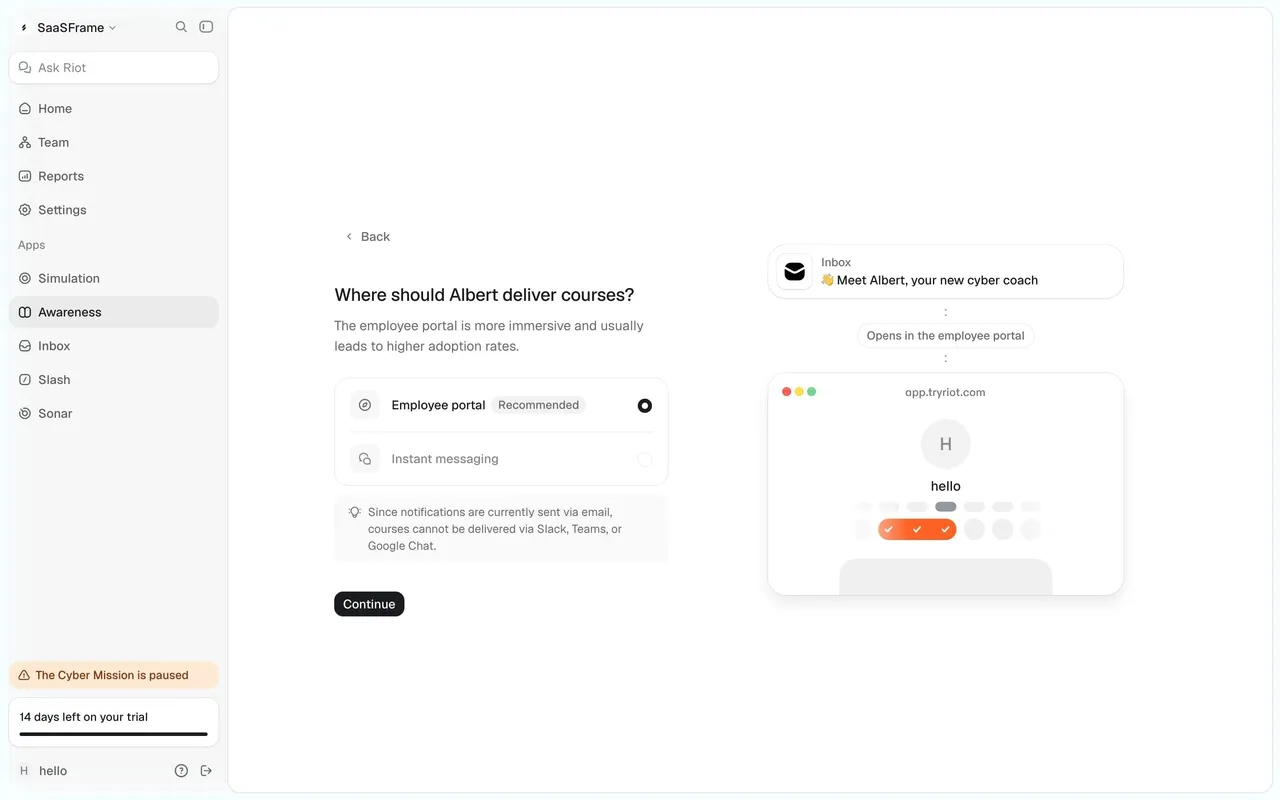
Riot Creating a Phishing Simulation Campaign
5 screens