SaaSFrame Pro
1 more step in this flow
Free accounts see the first 3 steps of each flow. Pro unlocks every step of every flow, plus every screen, section and Copy in Figma.
Riot Adding Employees
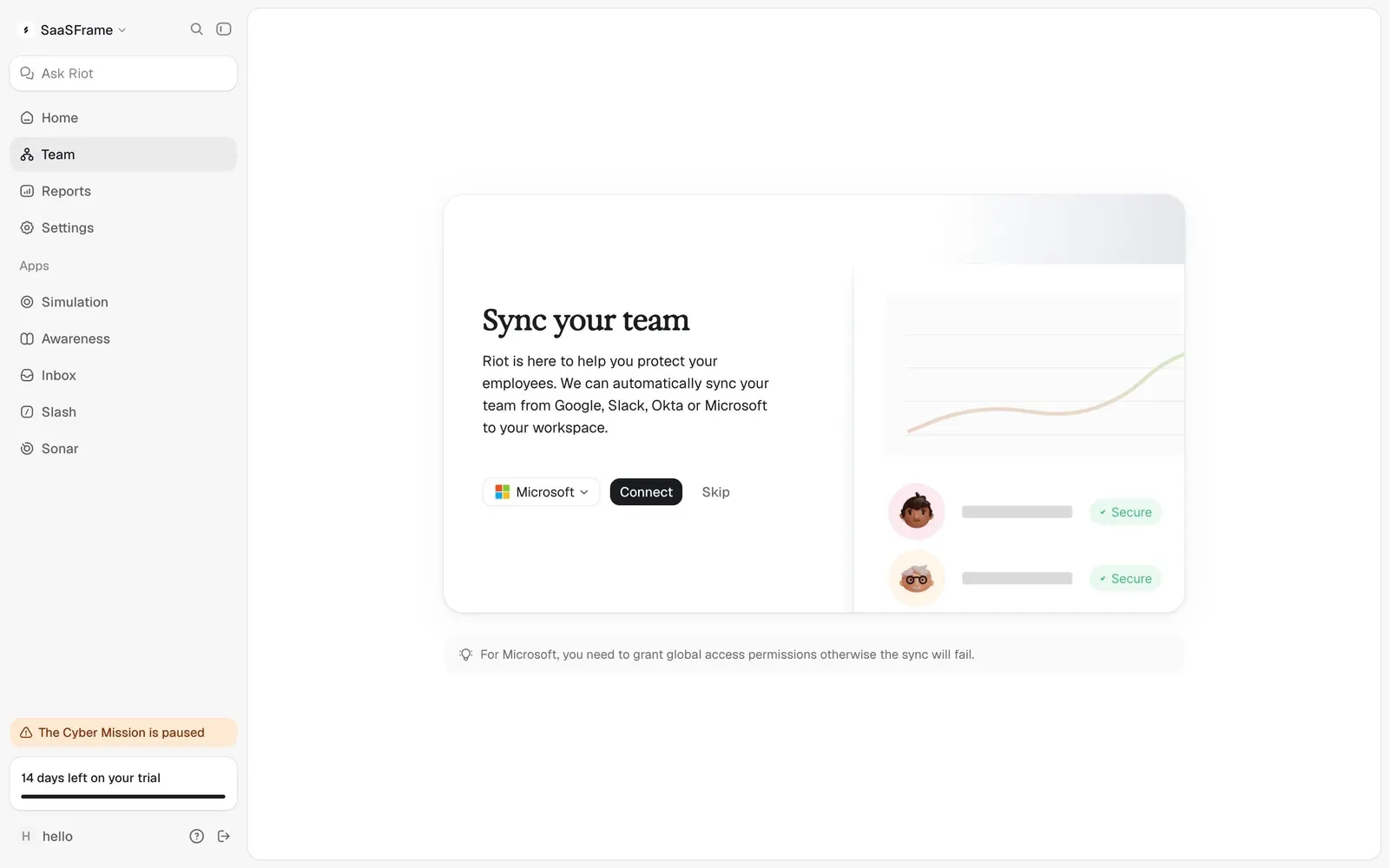
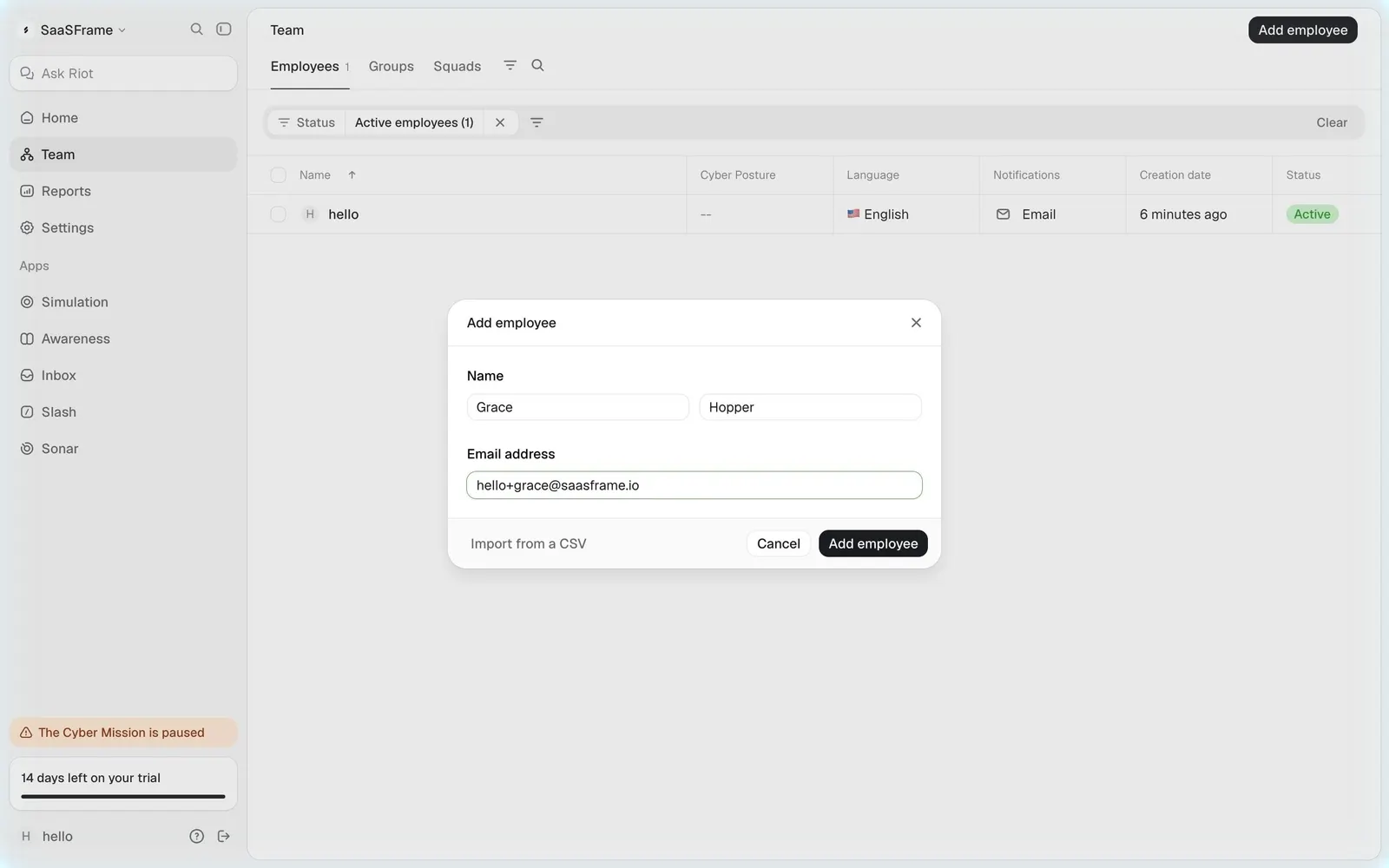
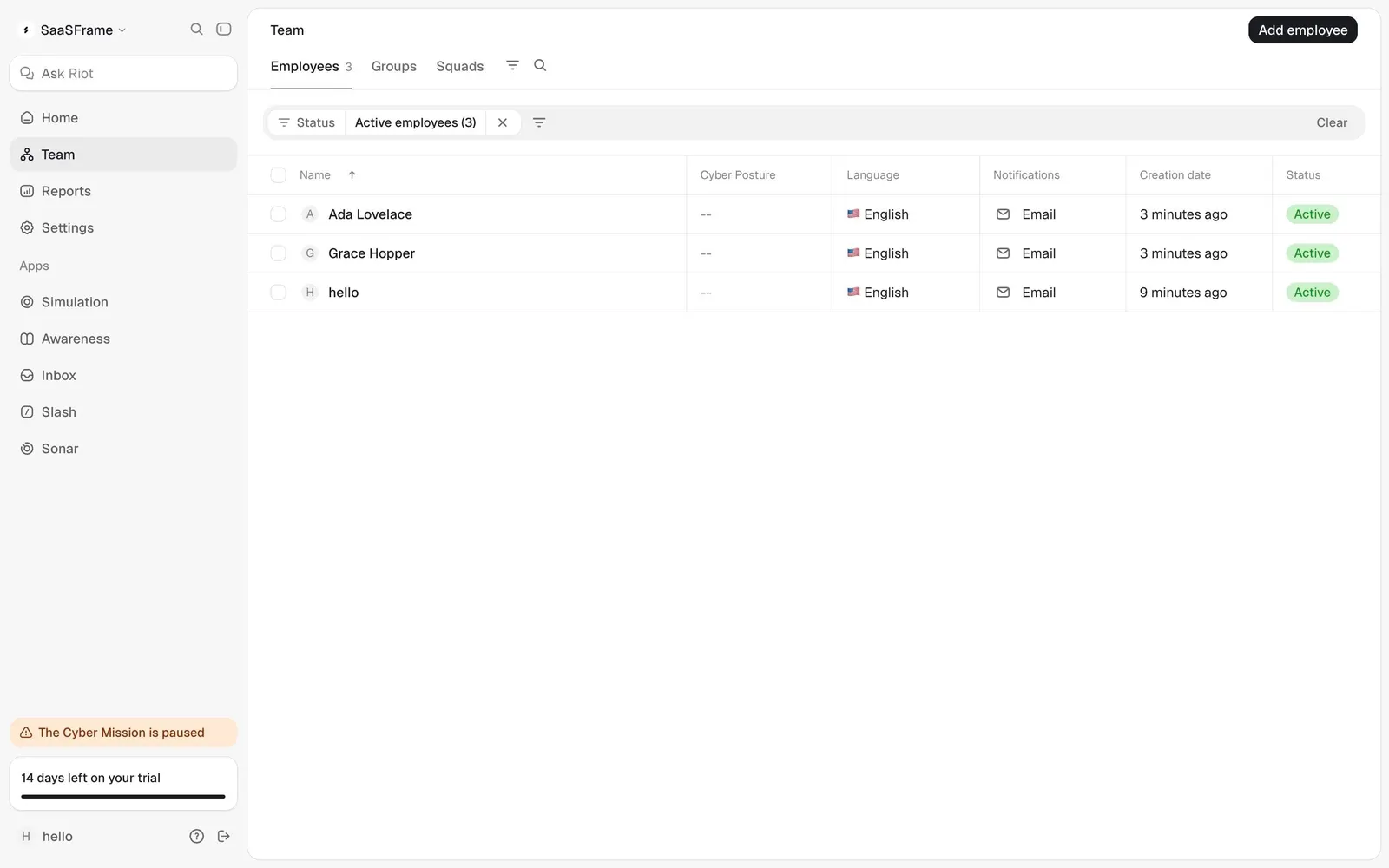
After skipping the directory sync on the Team page, employees are added by hand in a small dialog, appear in a filterable table and open into a record with tabs for missions, courses, attacks and more. The screens are white and light, with status tags and initials avatars as the only colour.
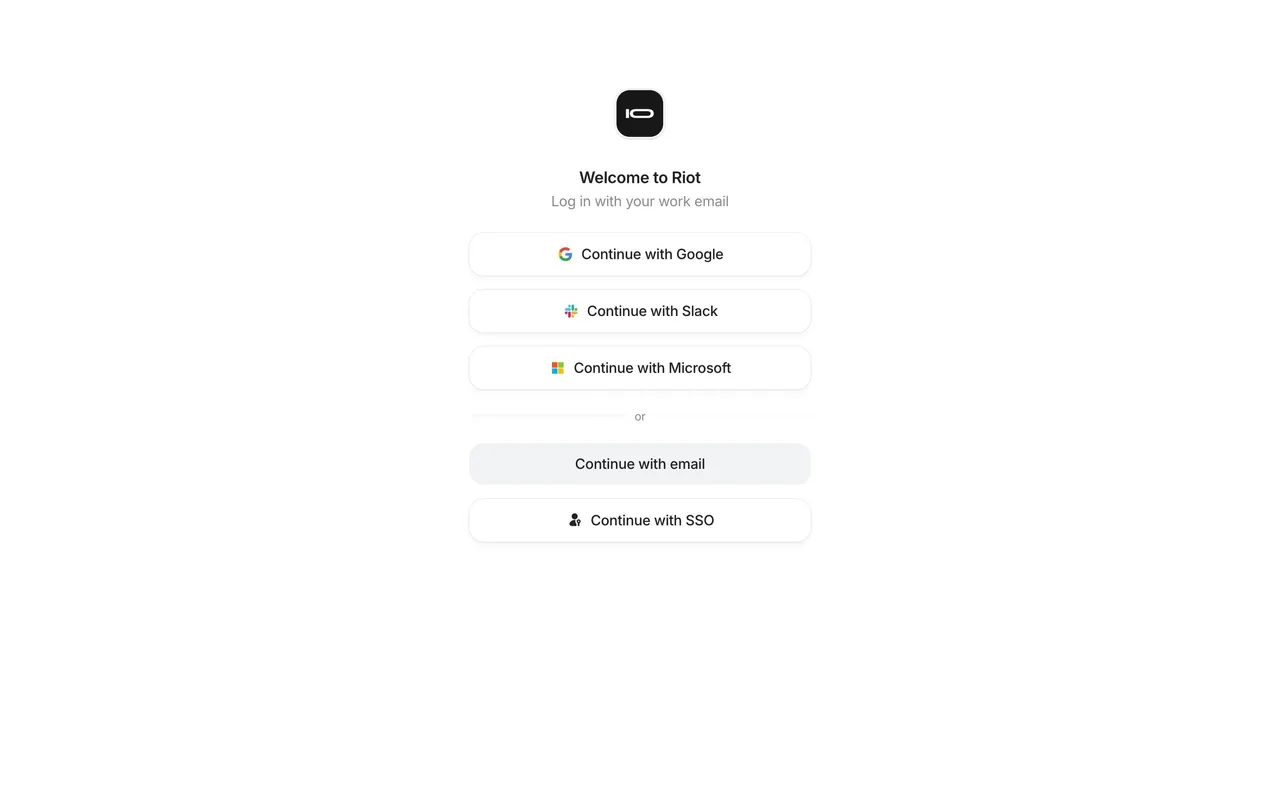
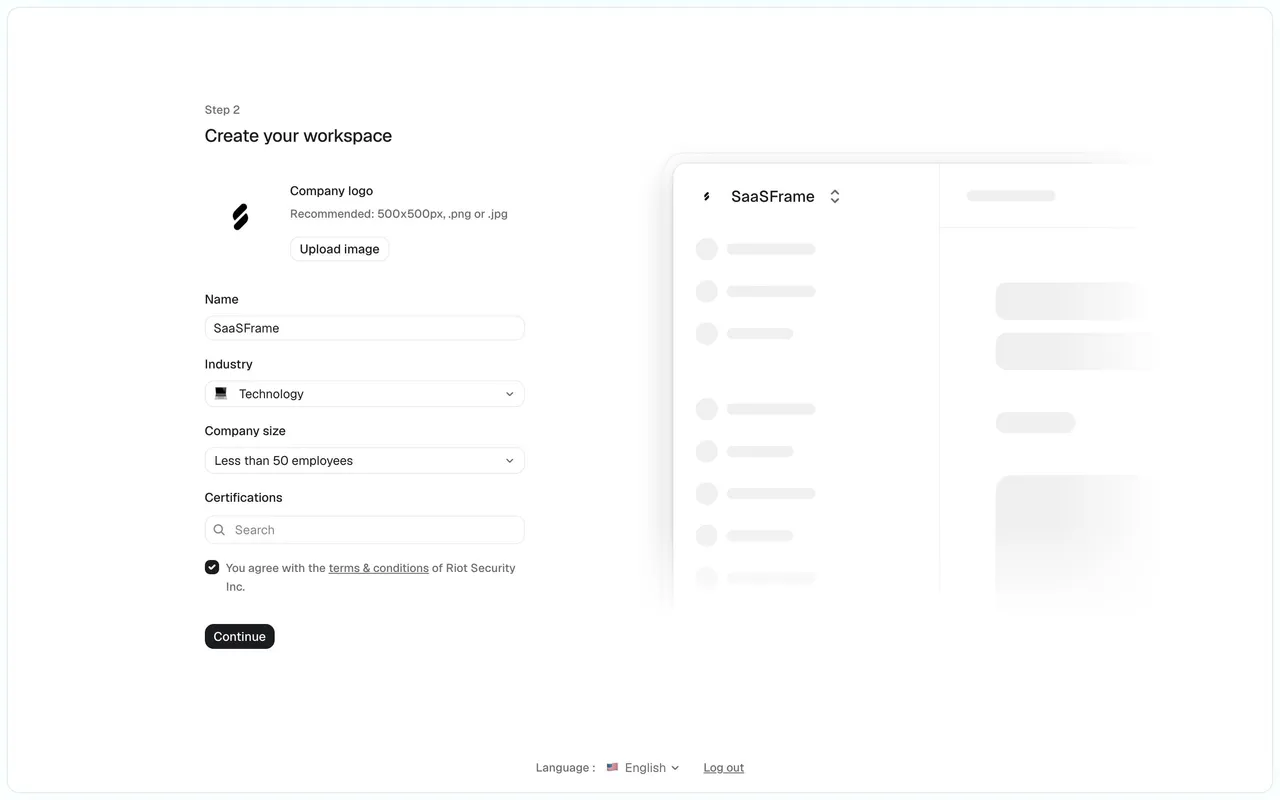
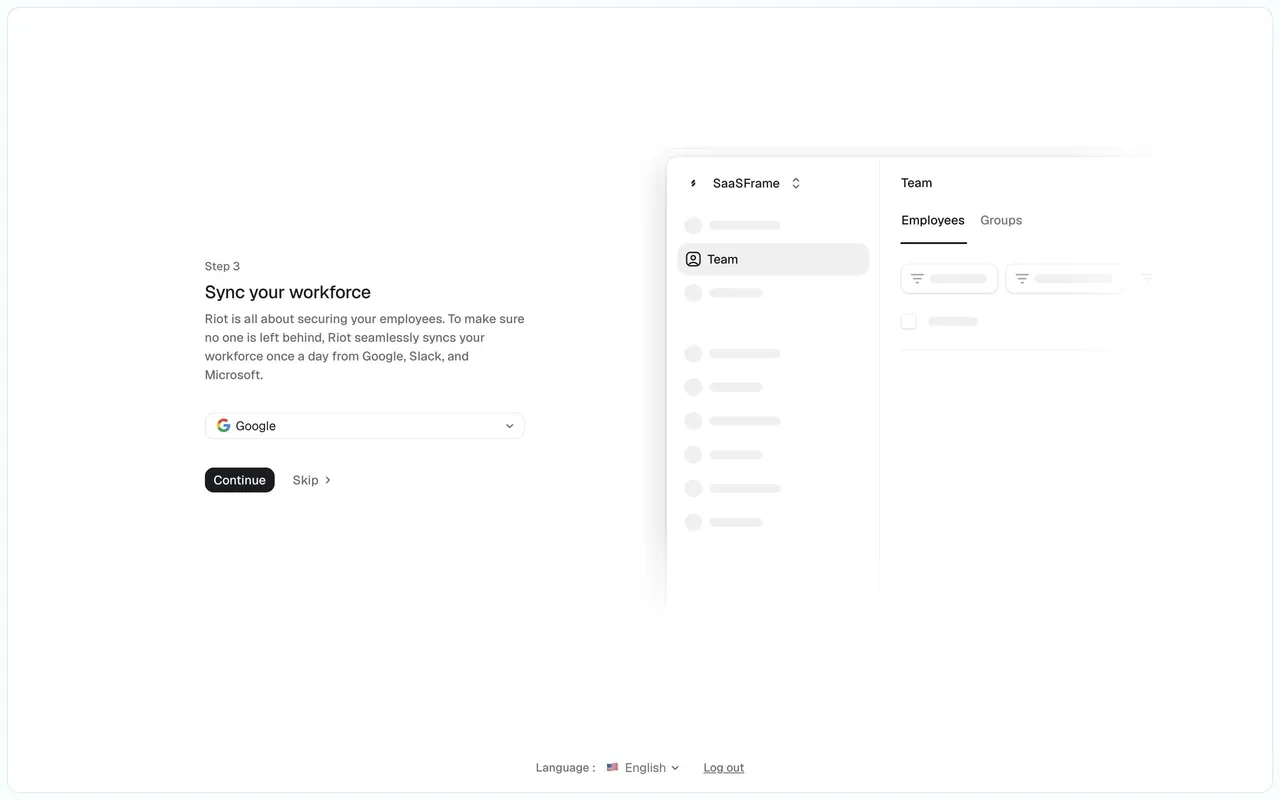
Follow Riot’s adding employees flow step by step: 4 real screens captured from the live product, from team sync prompt to employee details. Use ← → to move between steps, and open any screen to see it in full.
Steps in this flow
More flows from Riot
All Riot Riot Setting Up Security Awareness Training
9 screens
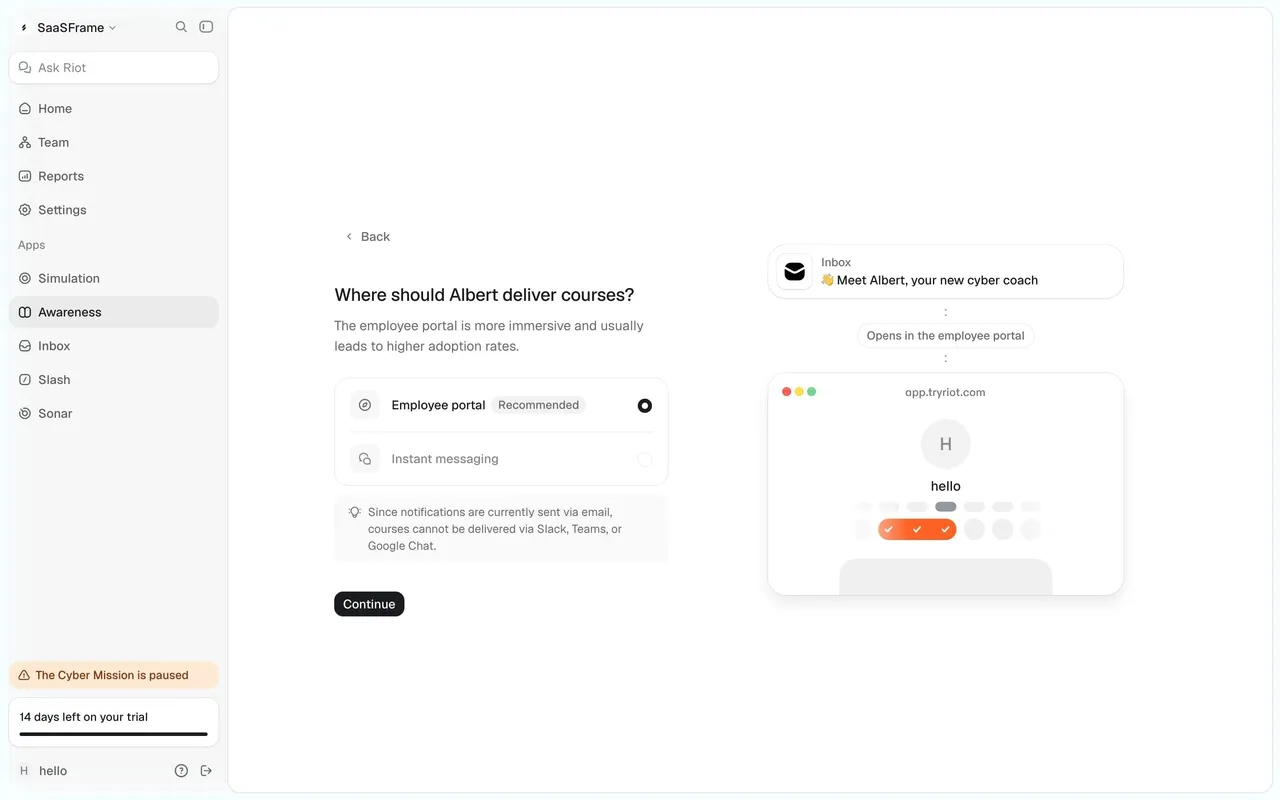
Riot Creating a Phishing Simulation Campaign
5 screens
Riot Onboarding
5 screens