SaaSFrame Pro
2 more steps in this flow
Free accounts see the first 3 steps of each flow. Pro unlocks every step of every flow, plus every screen, section and Copy in Figma.
Riot Creating a Phishing Simulation Campaign
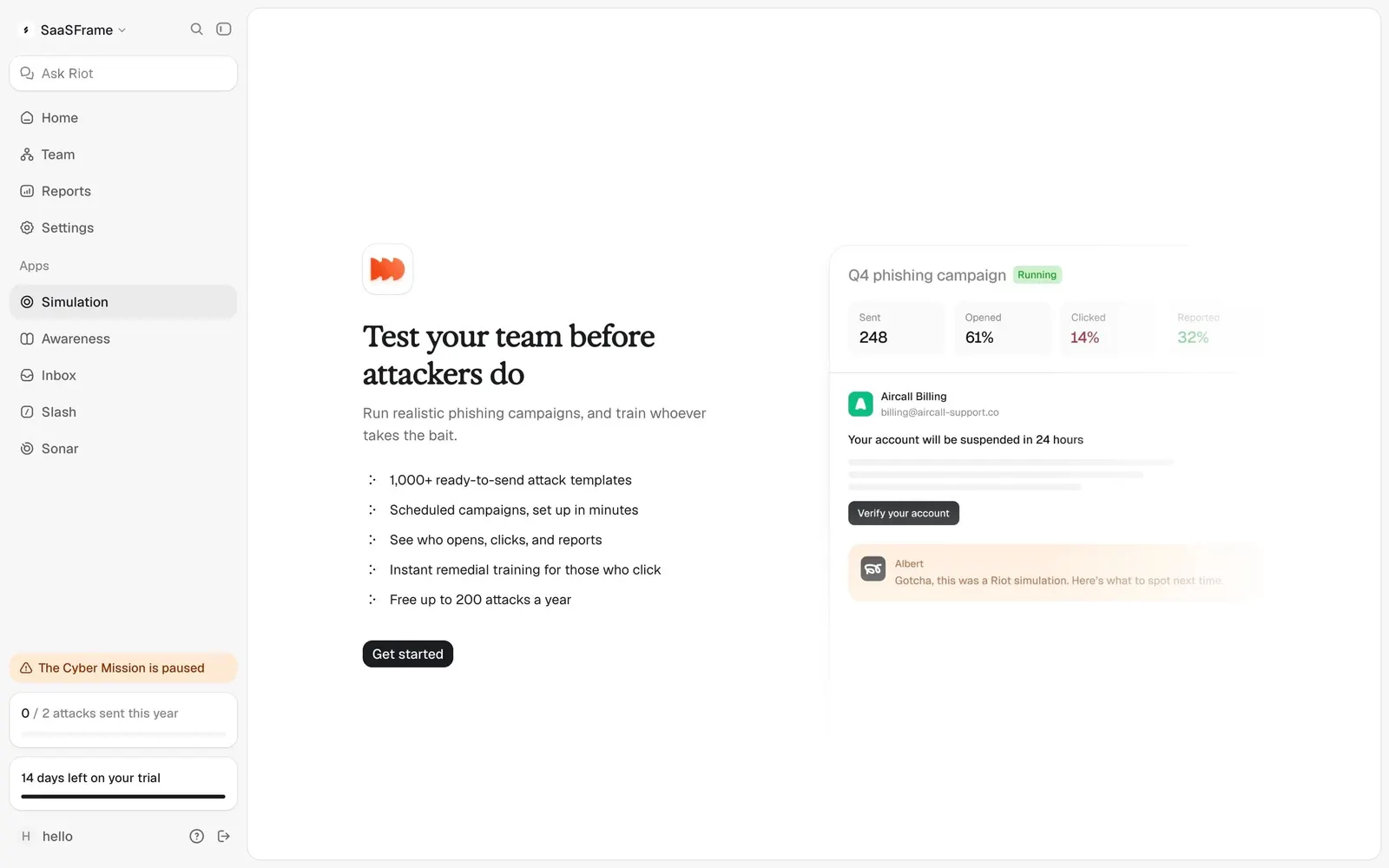
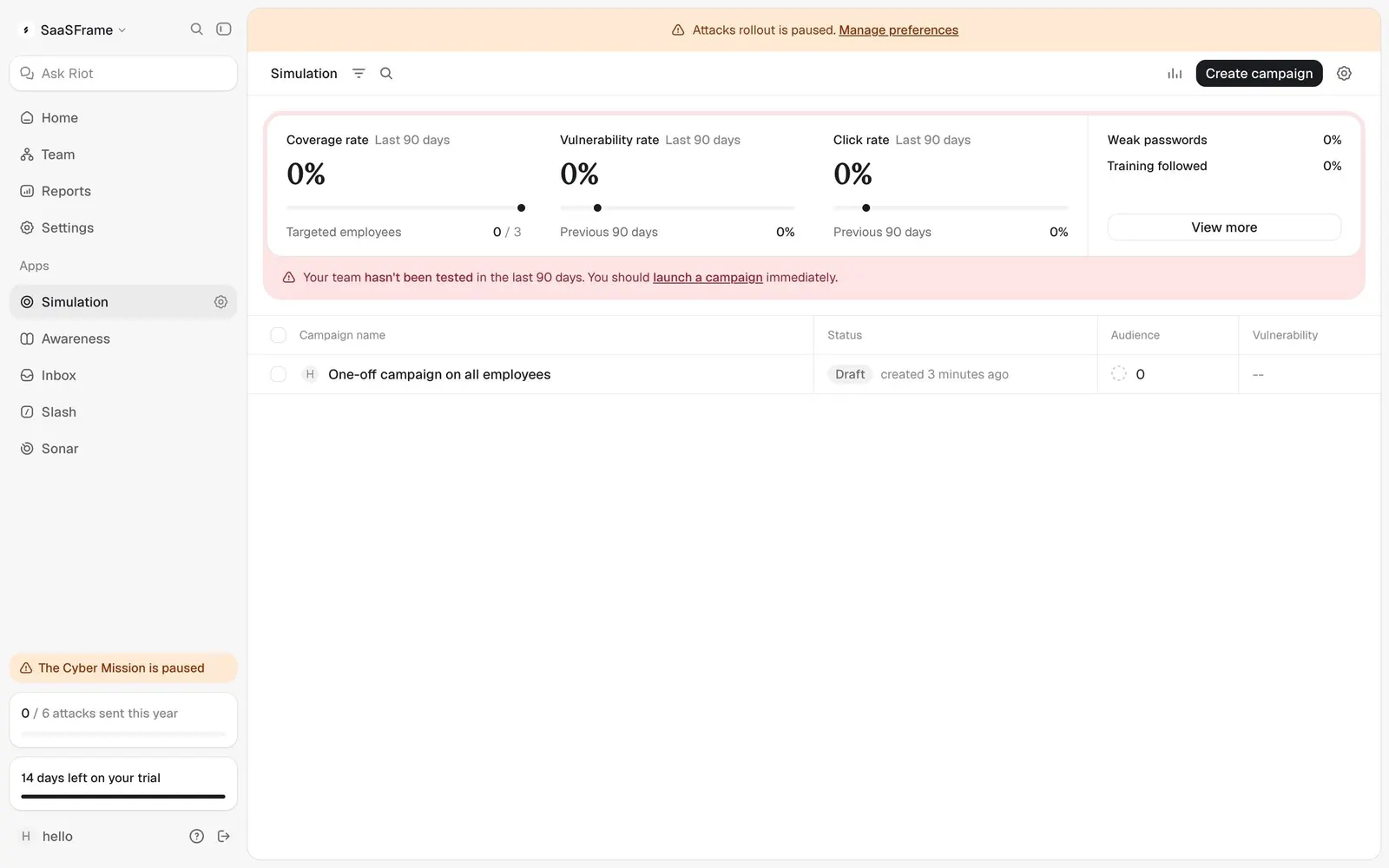
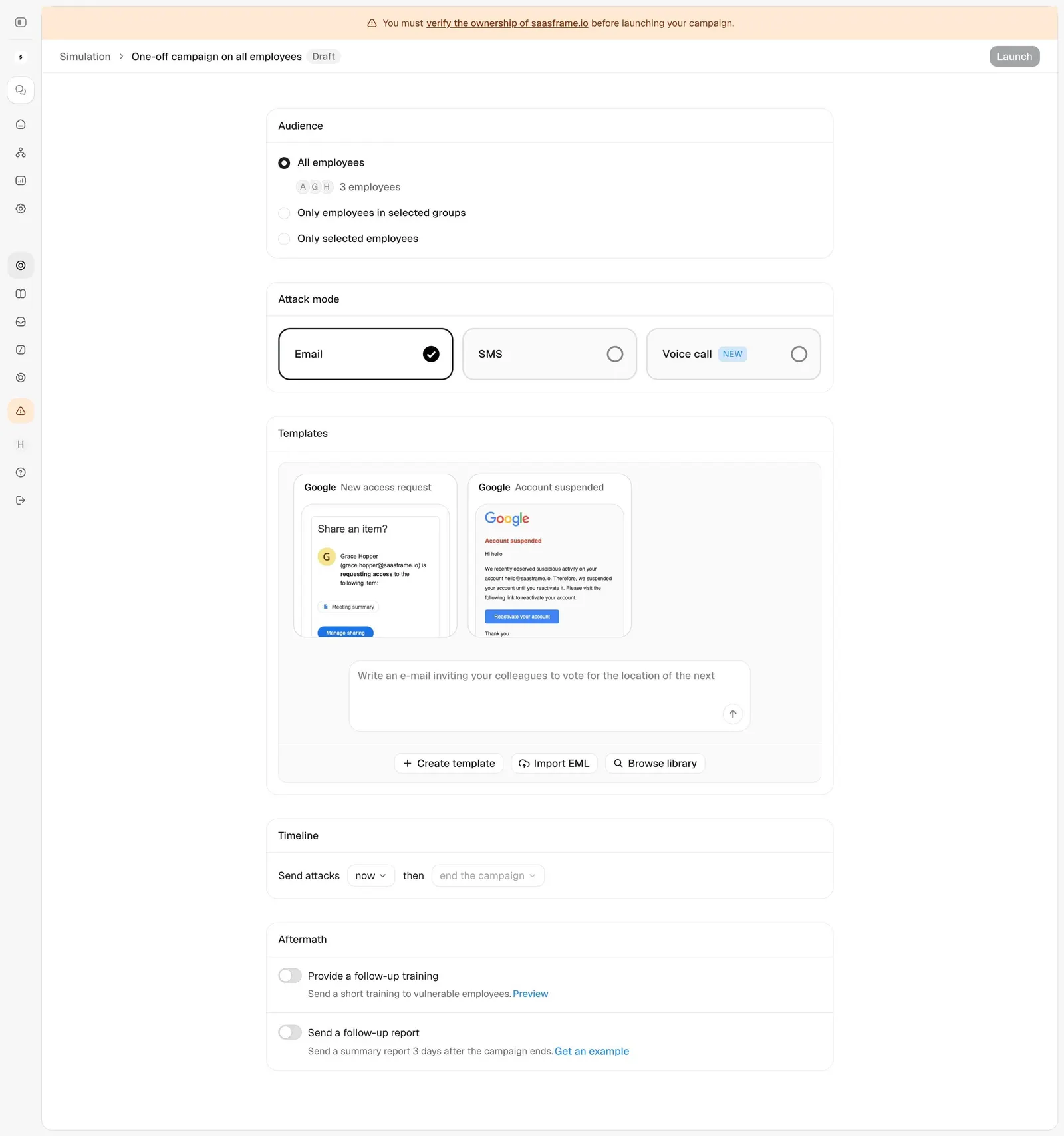
From the Simulation intro and its dashboard, this flow drafts a one-off phishing campaign: audience, attack mode, templates picked from a library of e-mail previews and a timeline written as a sentence. Launching stays blocked until the company domain is verified, which the last screen shows.
Follow Riot’s creating a phishing simulation campaign flow step by step: 5 real screens captured from the live product, from simulation intro to domain verification. Use ← → to move between steps, and open any screen to see it in full.
Steps in this flow
More flows from Riot
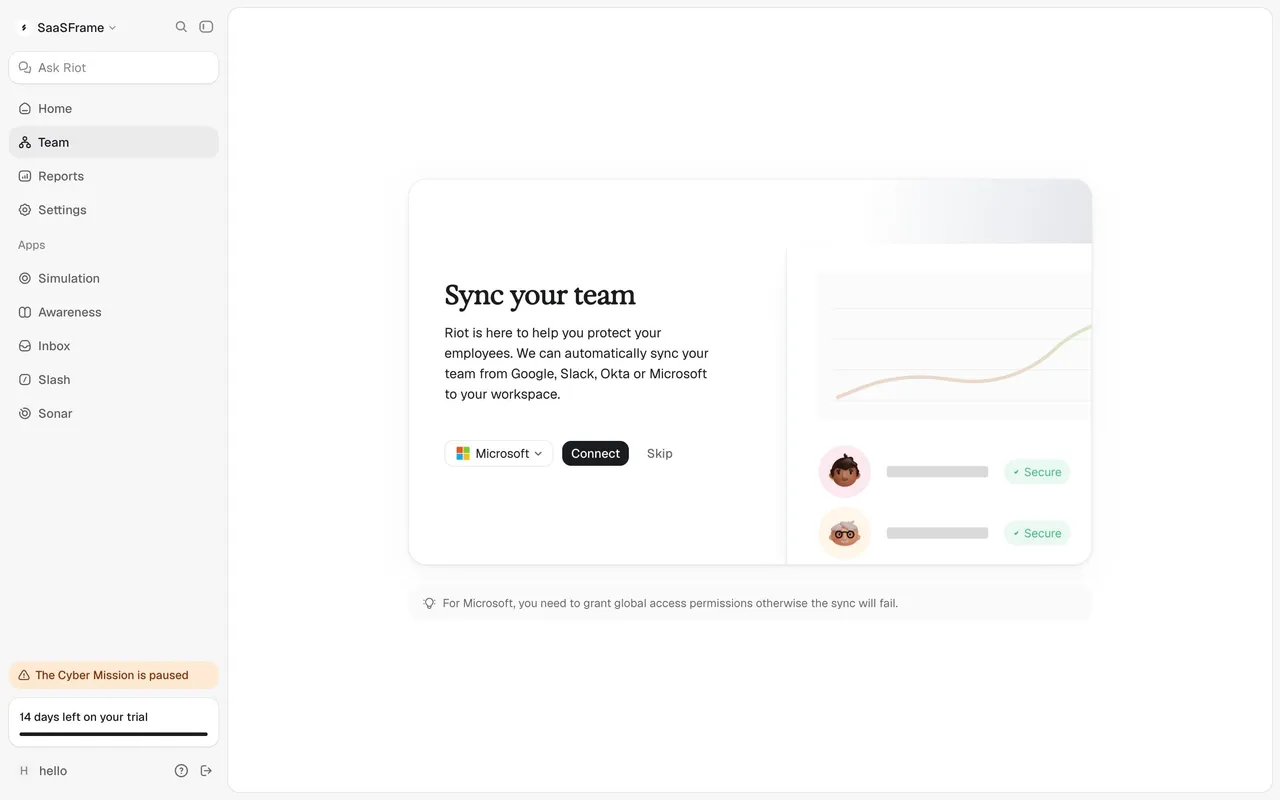
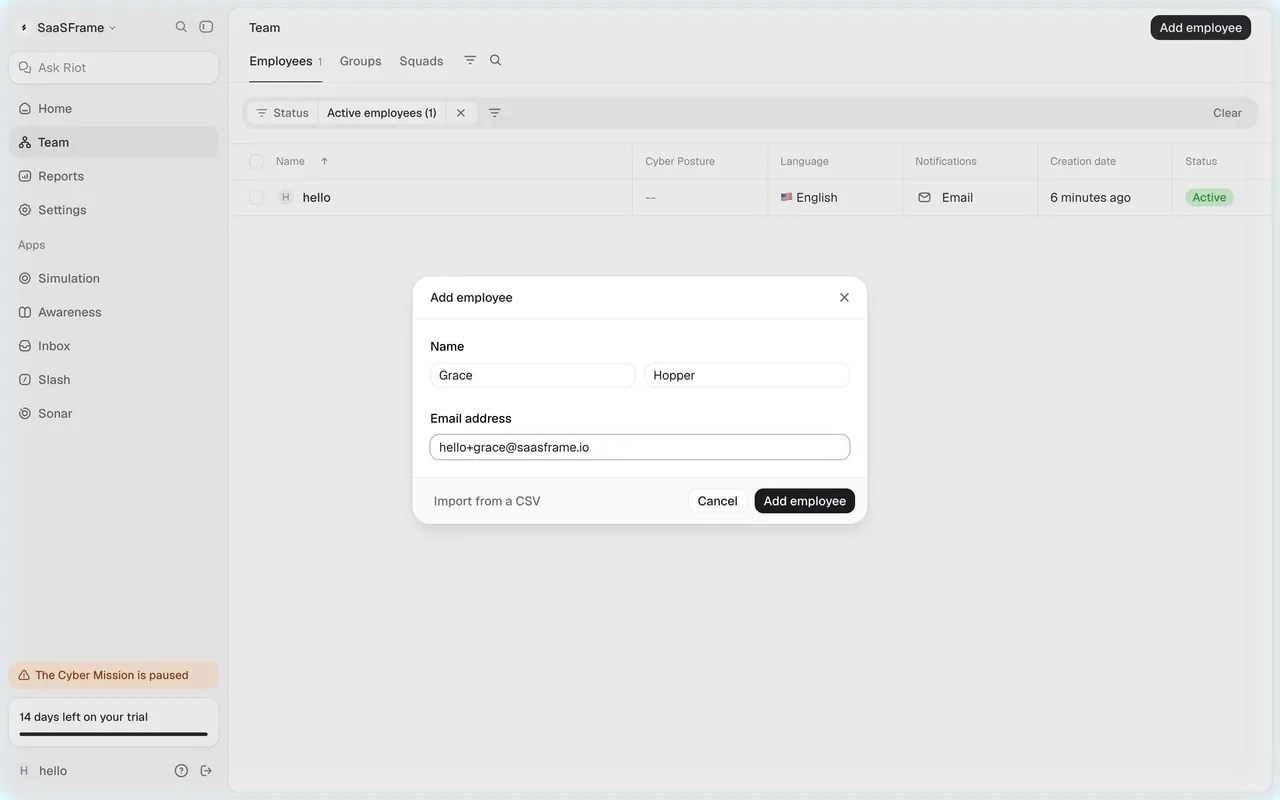
All Riot Riot Adding Employees
4 screens
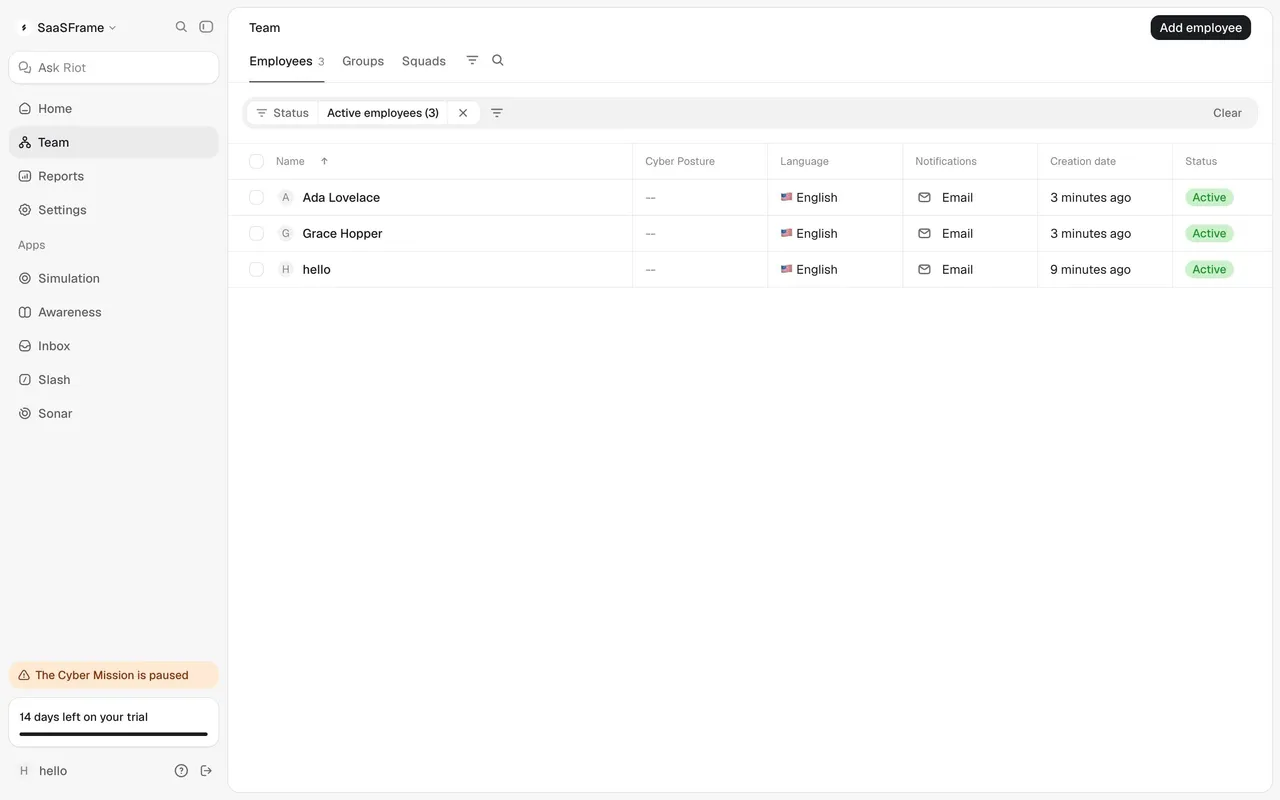
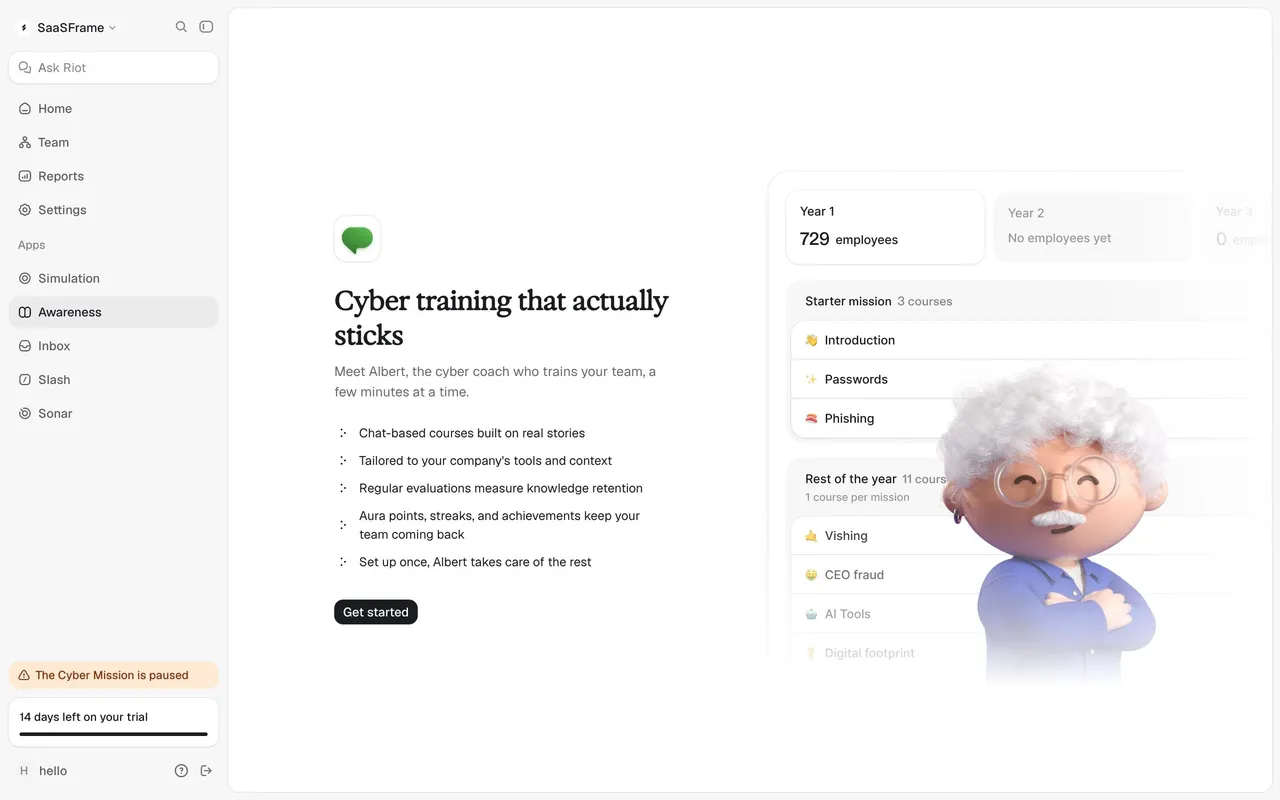
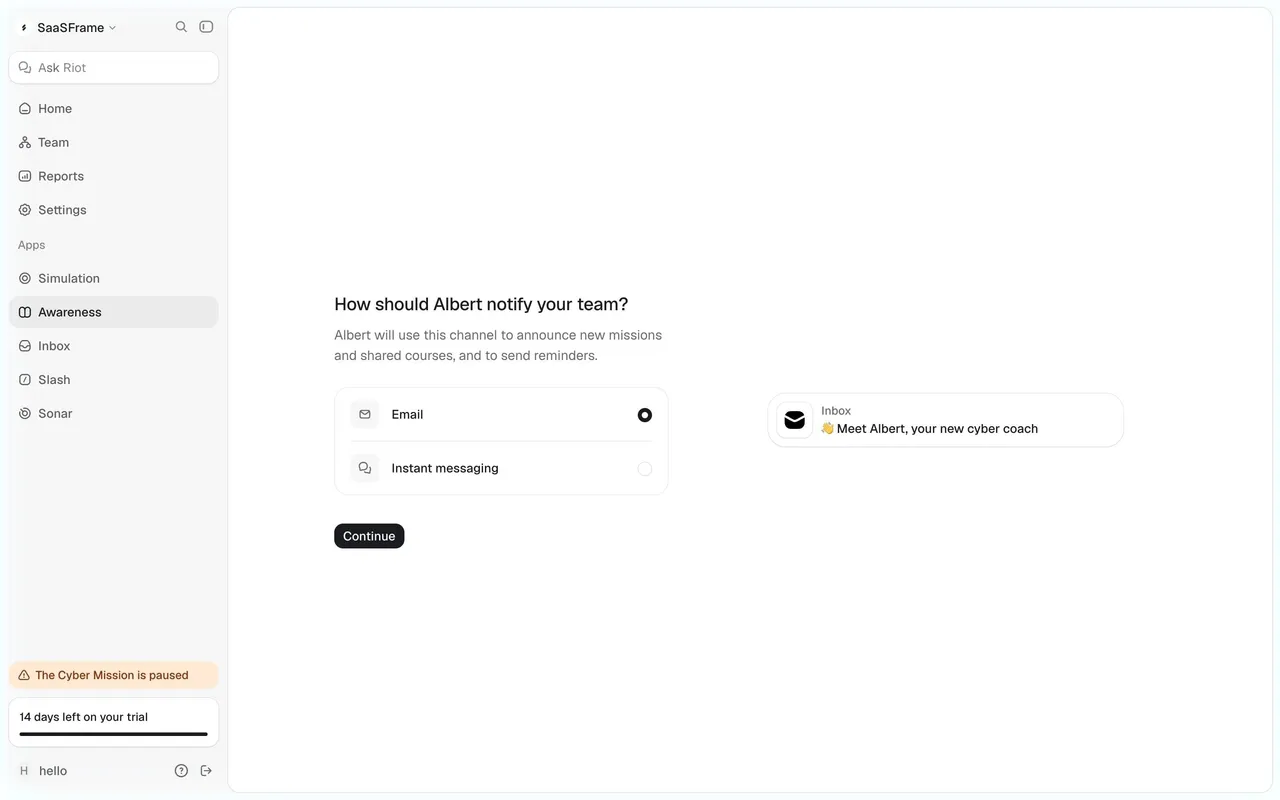
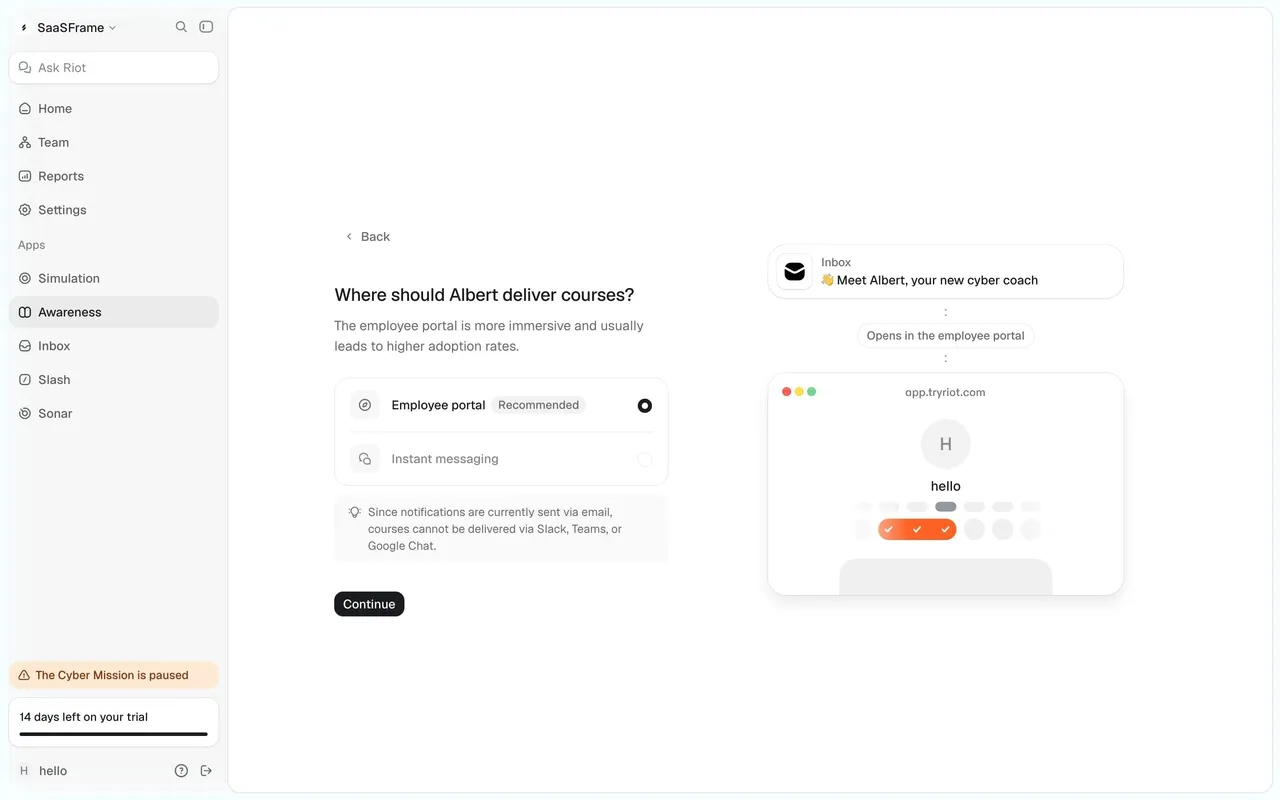
Riot Setting Up Security Awareness Training
9 screens
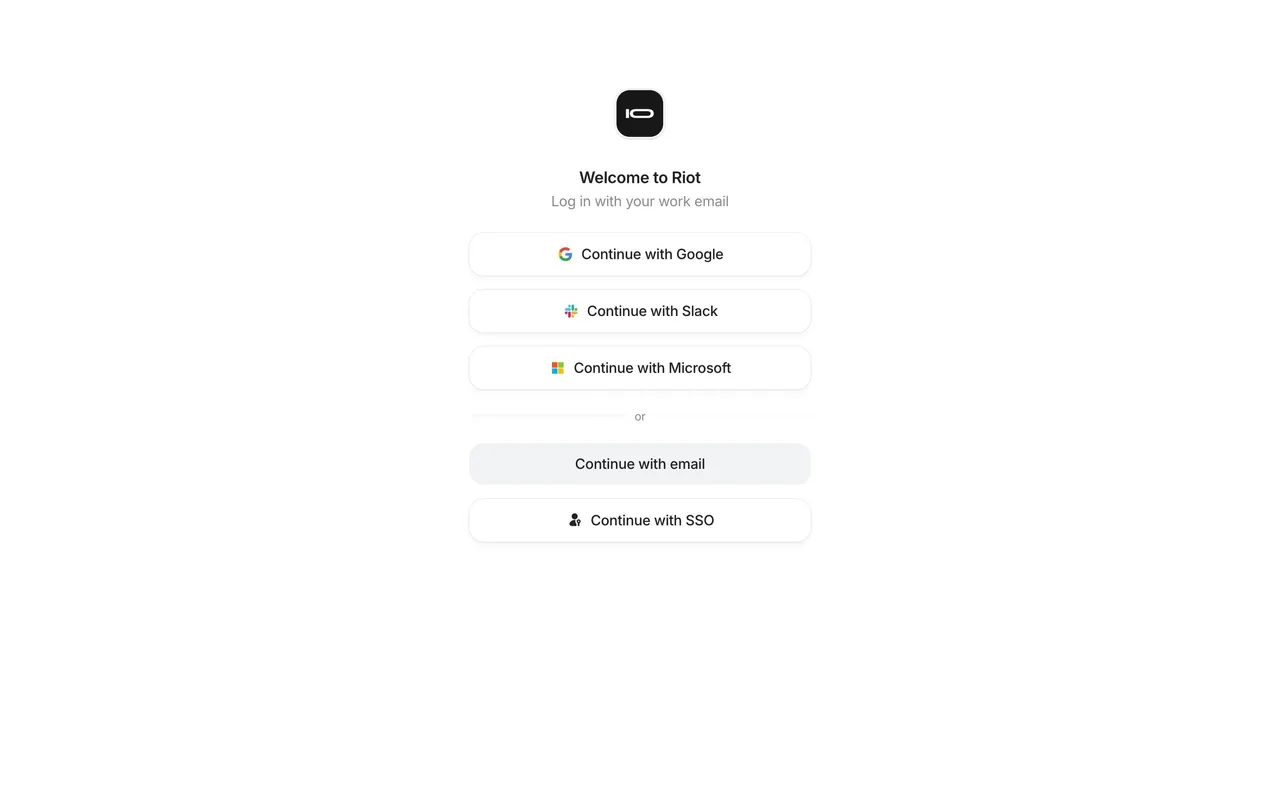
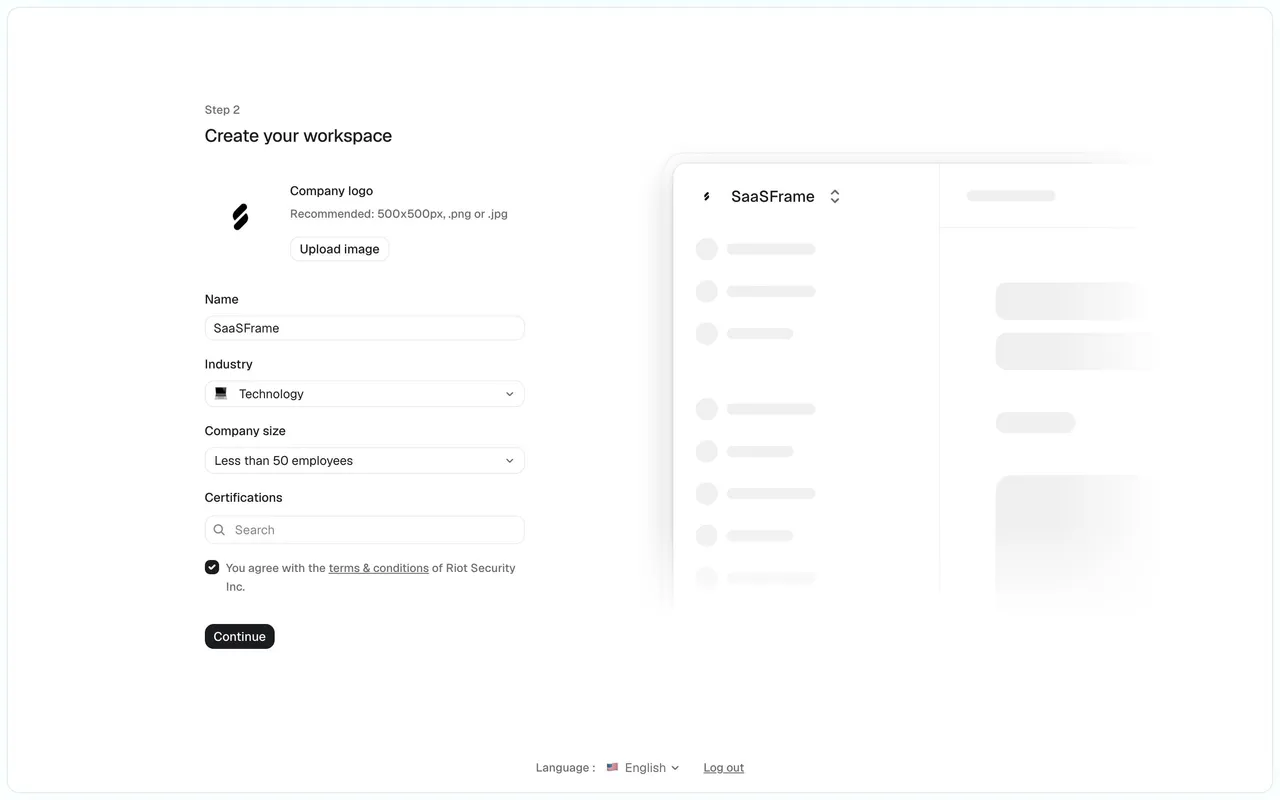
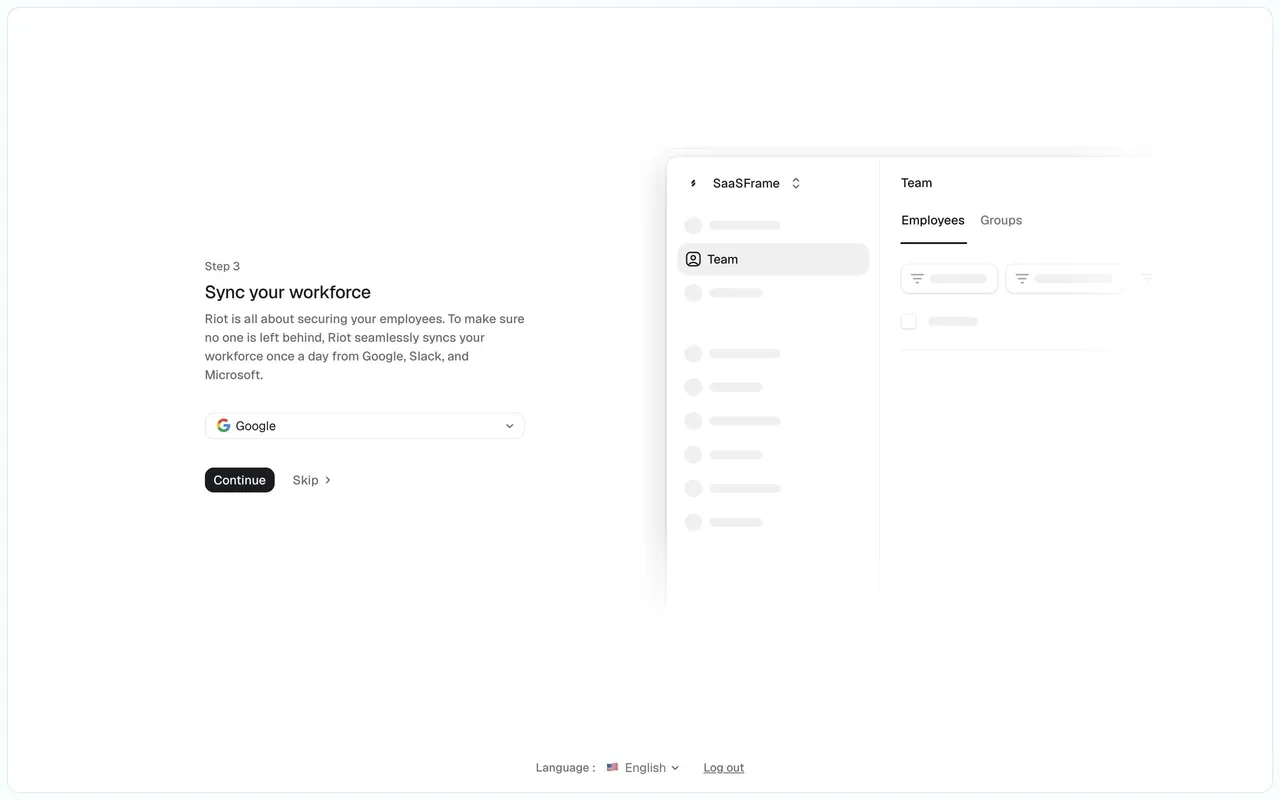
Riot Onboarding
5 screens