SaaSFrame
10 more steps in this flow
Free accounts see the first 3 steps of each flow. Pro unlocks every step of every flow, plus every screen, section and Copy in Figma.
Monday User Onboarding
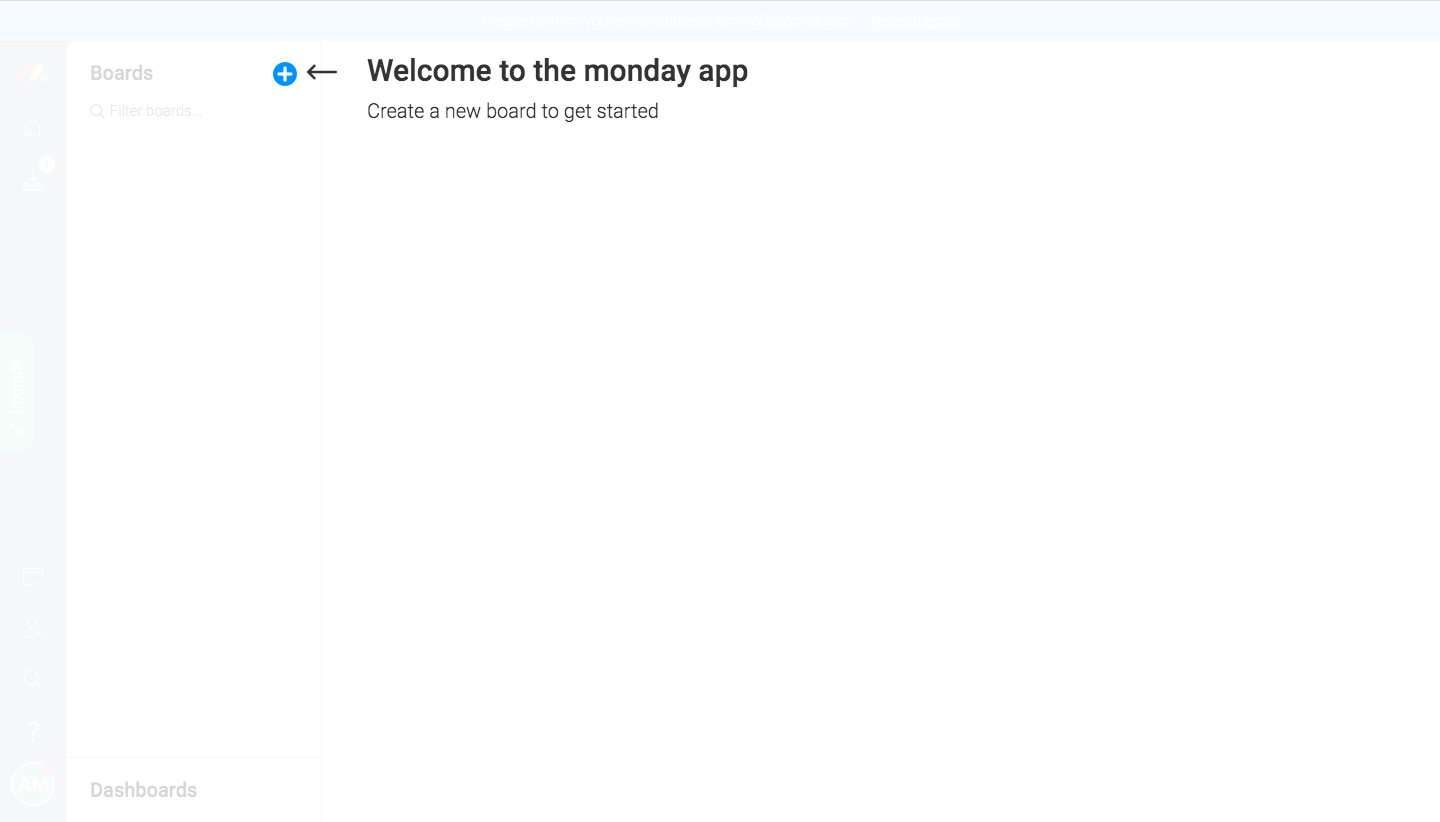
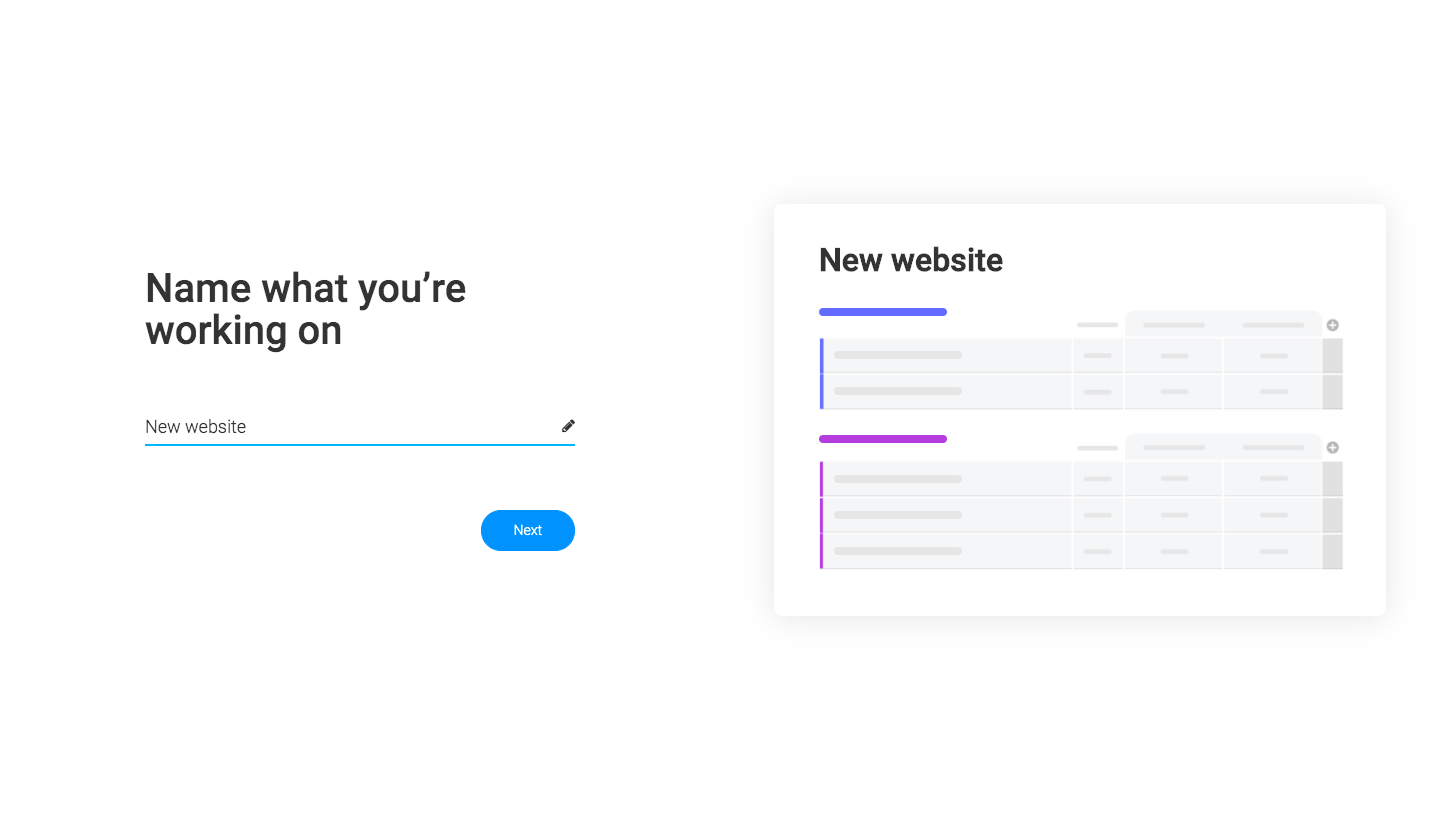
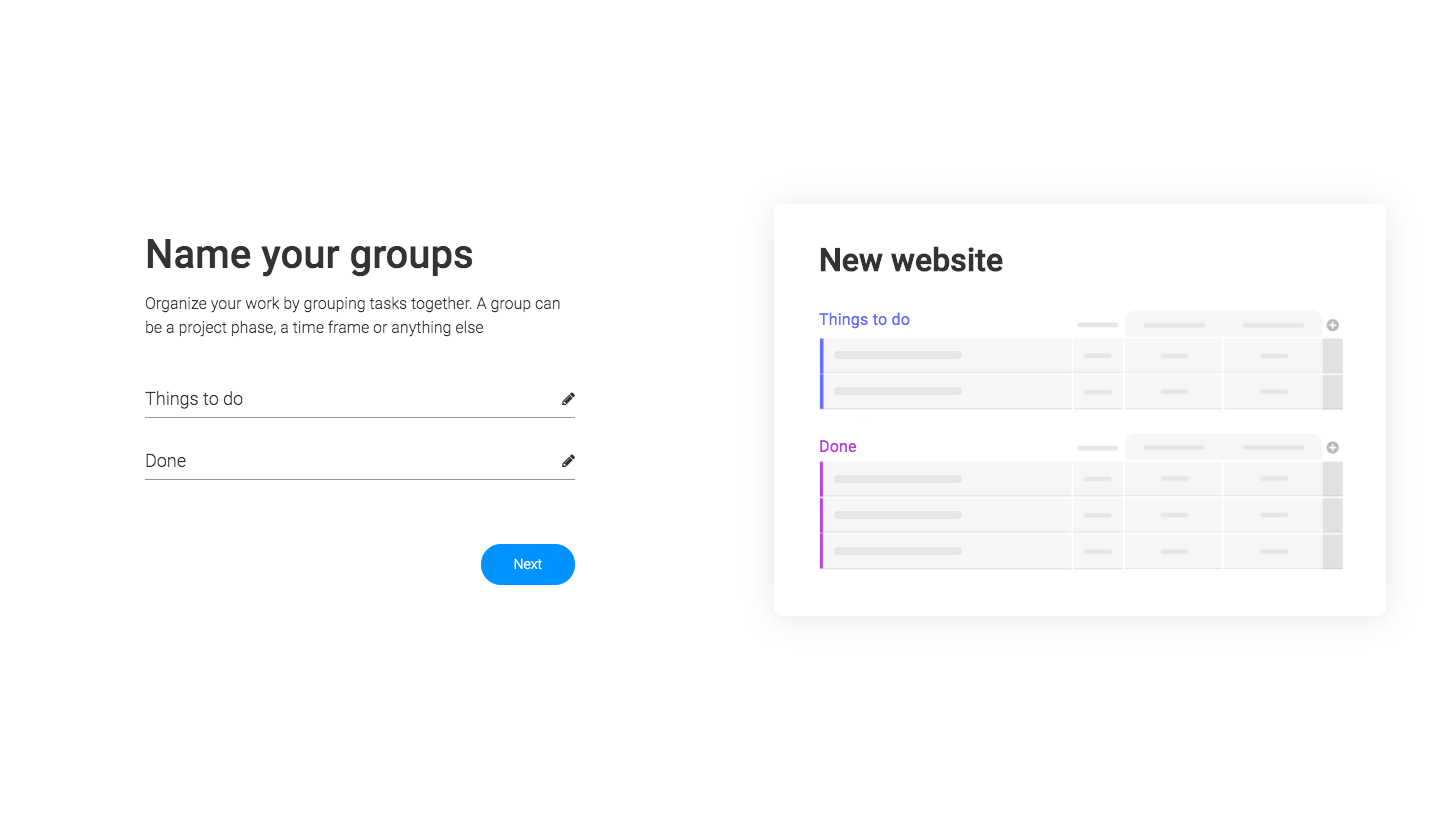
Monday's onboarding builds a first board in a few short questions, then tours the workspace through a series of tip cards. Each setup screen pairs one or two text inputs and a blue button on the left with a board preview on the right that updates as you type. Once inside, a lower-right card with an illustration, dot pagination and next button introduces columns, invites, automations, integrations and views.
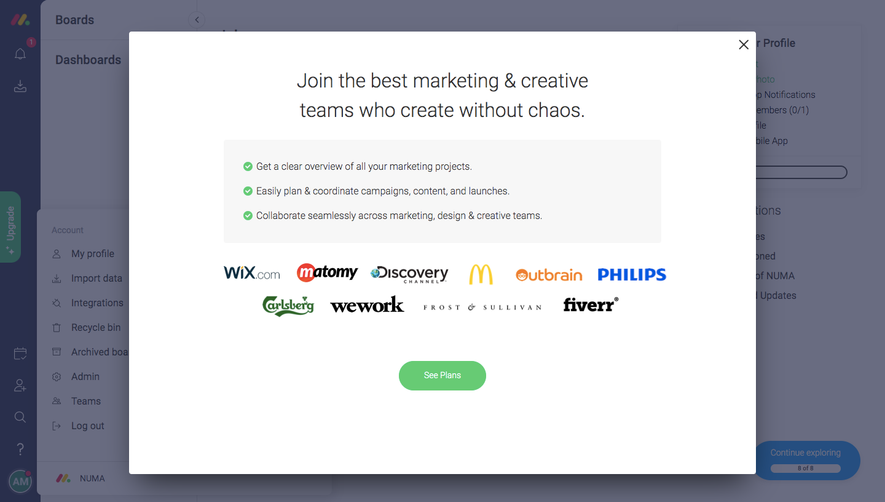
Follow Monday’s user onboarding flow step by step: 13 real screens captured from the live product, from user onboarding: welcome to user onboarding: help center tip. Use ← → to move between steps, and open any screen to see it in full.
Steps in this flow
- 1User Onboarding: Welcome
- 2User Onboarding: Name Board
- 3User Onboarding: Name Groups
- 4User Onboarding: Add Tasks
- 5User Onboarding: Board Ready
- 6User Onboarding: Welcome Video
- 7User Onboarding: Columns Tip
- 8User Onboarding: Invite Tip
- 9User Onboarding: Updates Tip
- 10User Onboarding: Automations Tip
- 11User Onboarding: Integrations Tip
- 12User Onboarding: Views Tip
- 13User Onboarding: Help Center Tip
More flows from Monday
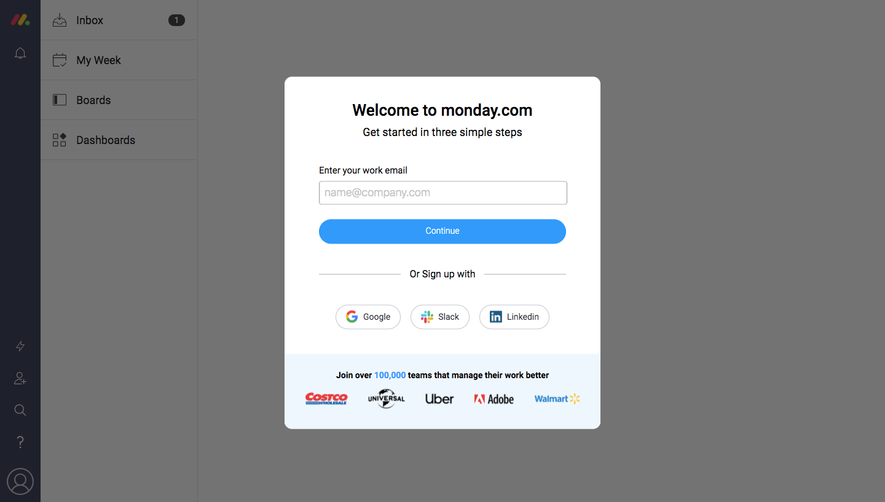
All Monday Monday Sign Up Flow
5 screens
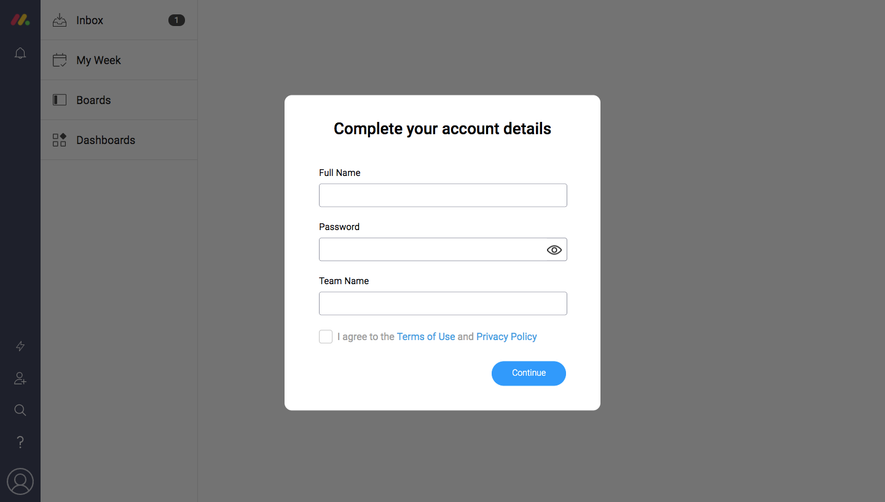
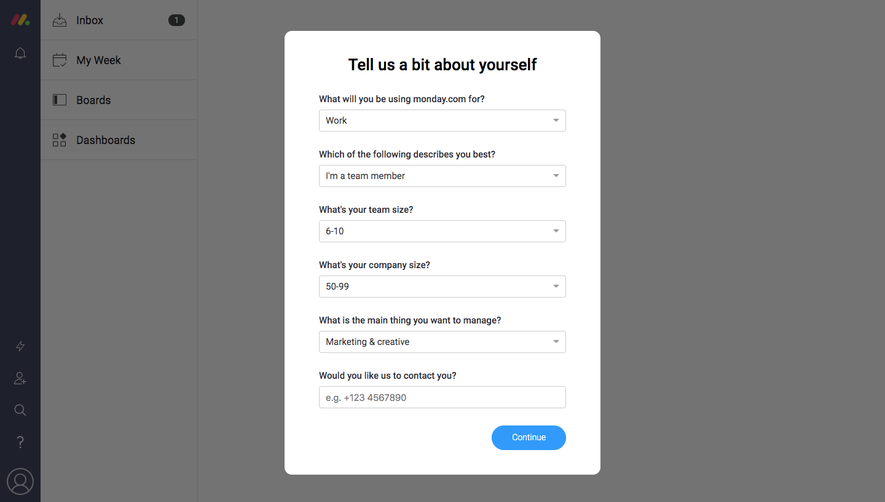
Monday Invite Team Members
2 screens
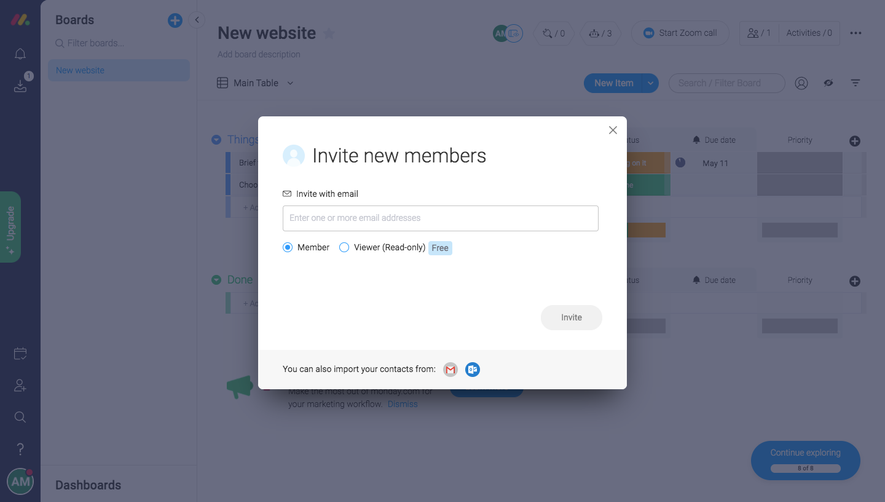
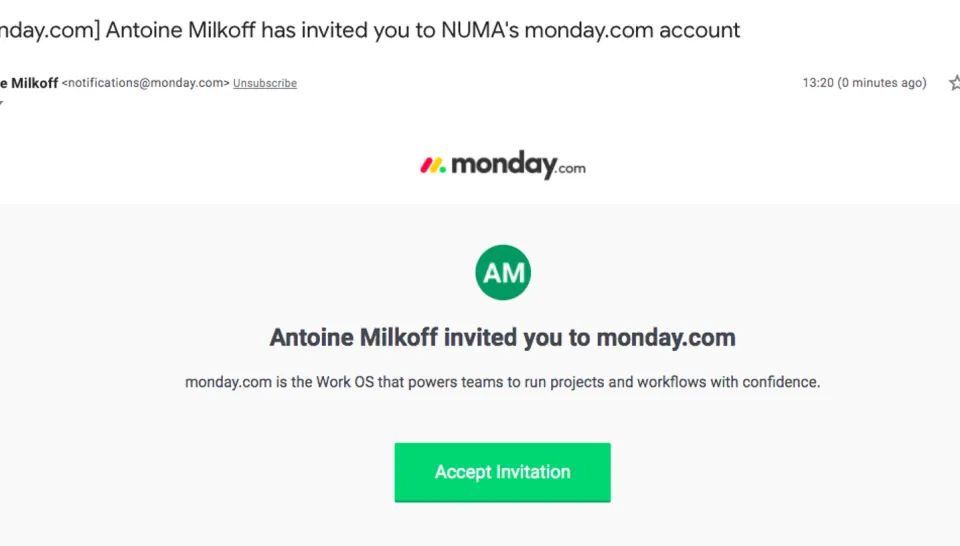
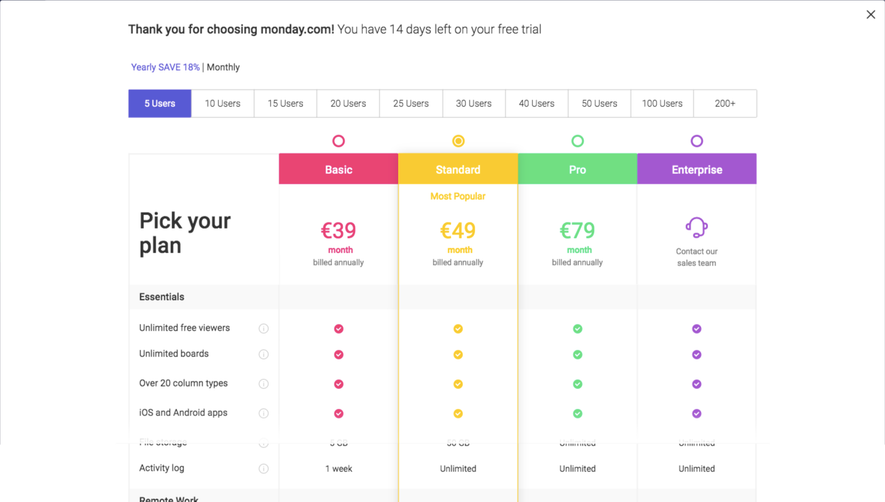
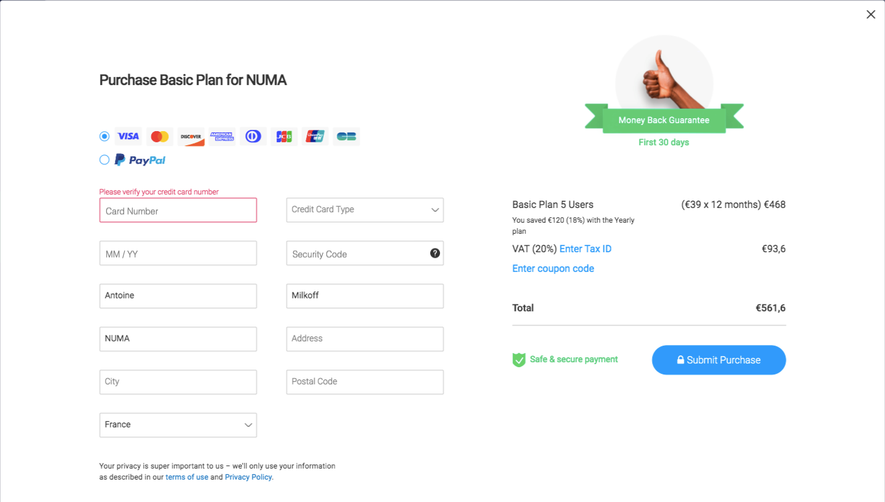
Monday Upgrading
3 screens