SaaSFrame
Monday Invite Team Members
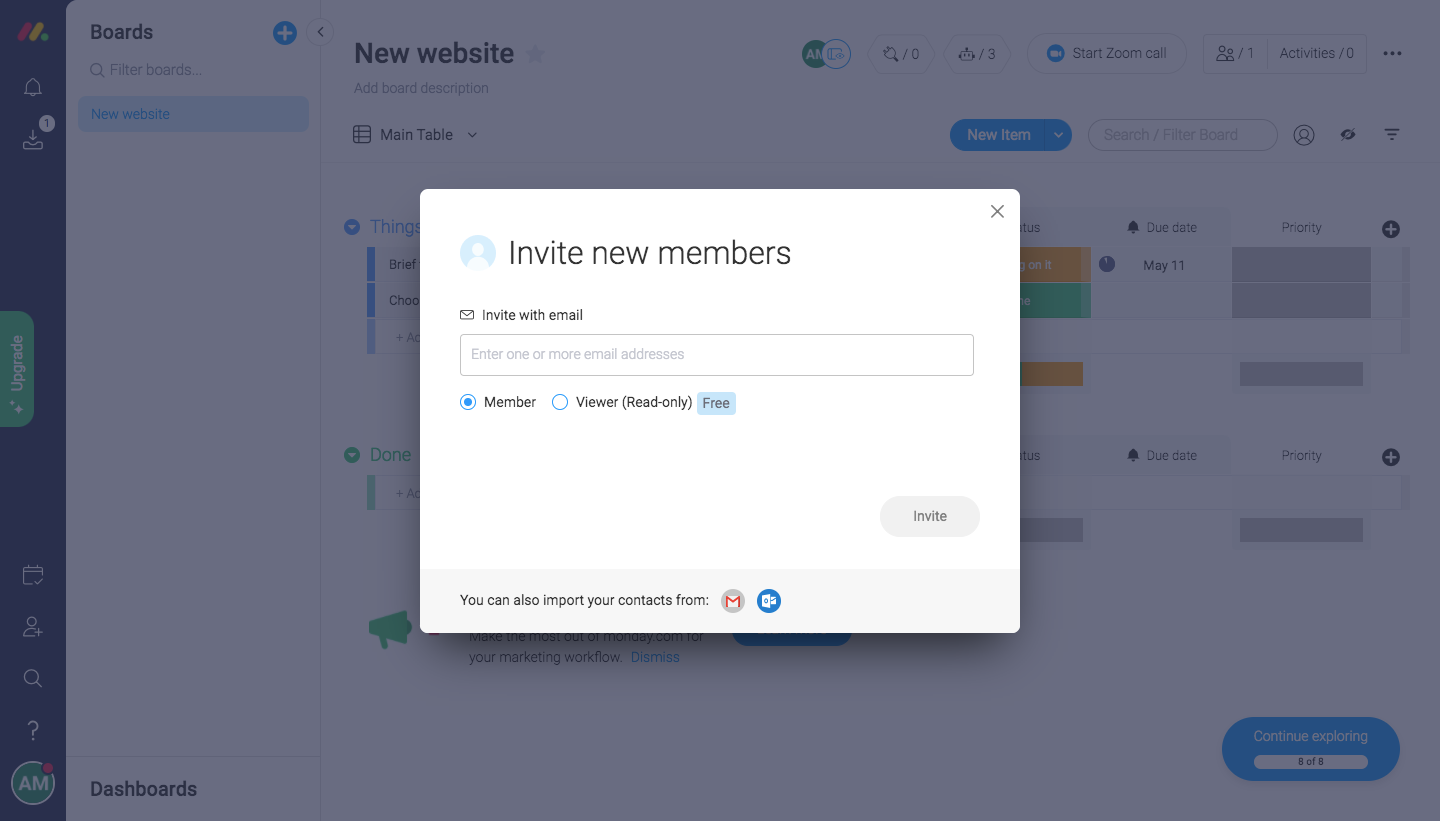
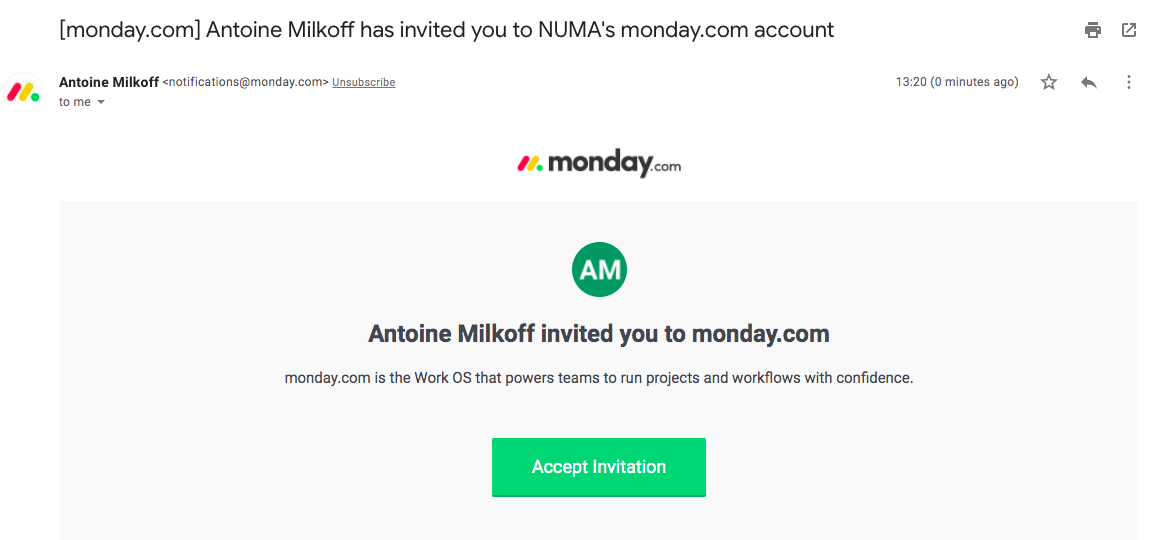
Monday's team invitation flow is two steps: a compact invite modal over a board and the email the invitee receives. The modal holds a single email field, member or viewer radio buttons and a grey Invite button, with a contact import hint in its footer. The email centers the monday.com logo, an initials avatar, a bold invite line and a bright green Accept Invitation button on a light grey panel.
Follow Monday’s invite team members flow step by step: 2 real screens captured from the live product, from invite team members: invite modal to invite team members: invite email. Use ← → to move between steps, and open any screen to see it in full.
Steps in this flow
More flows from Monday
All Monday Monday User Onboarding
13 screens
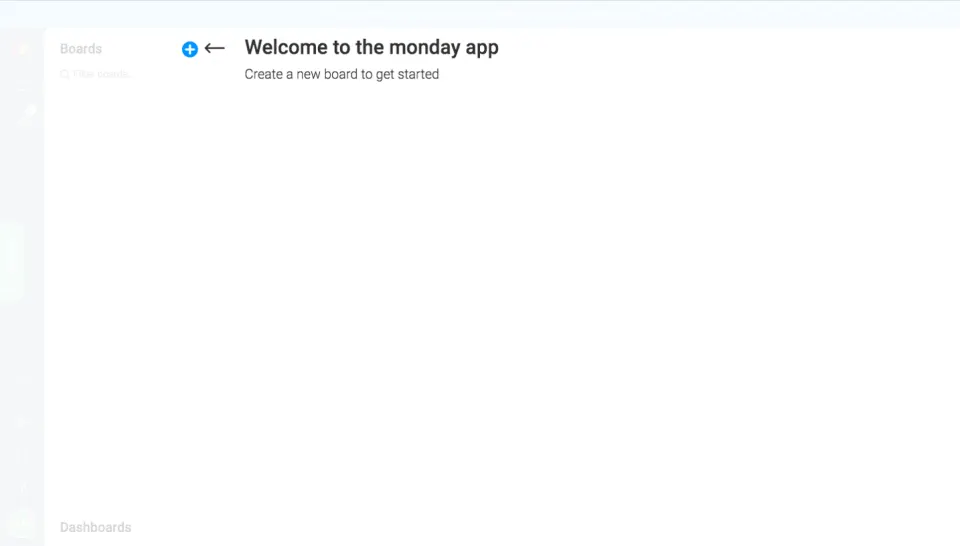
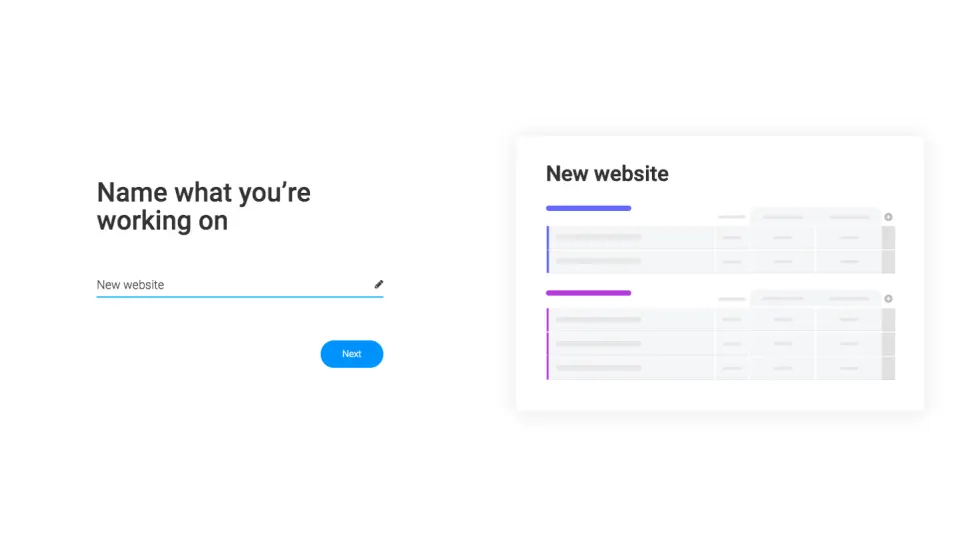
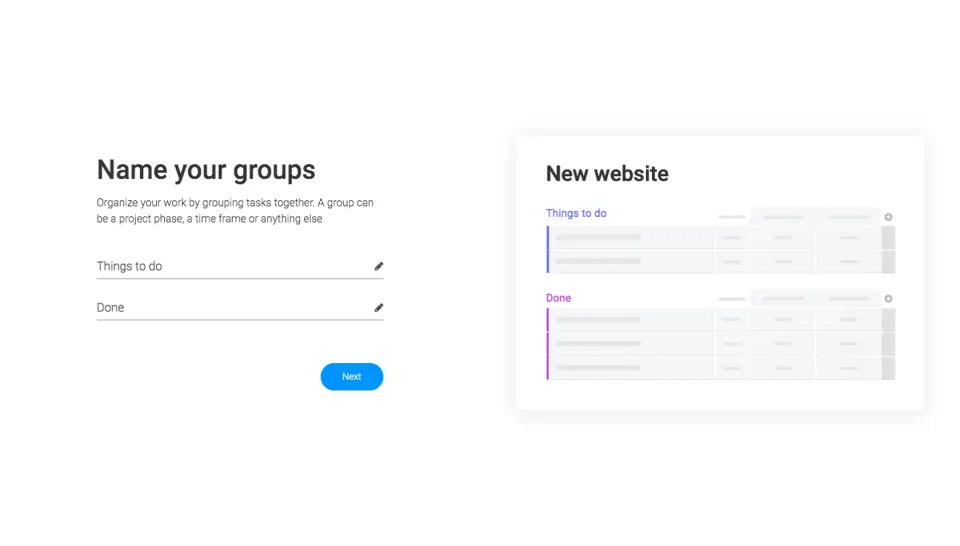
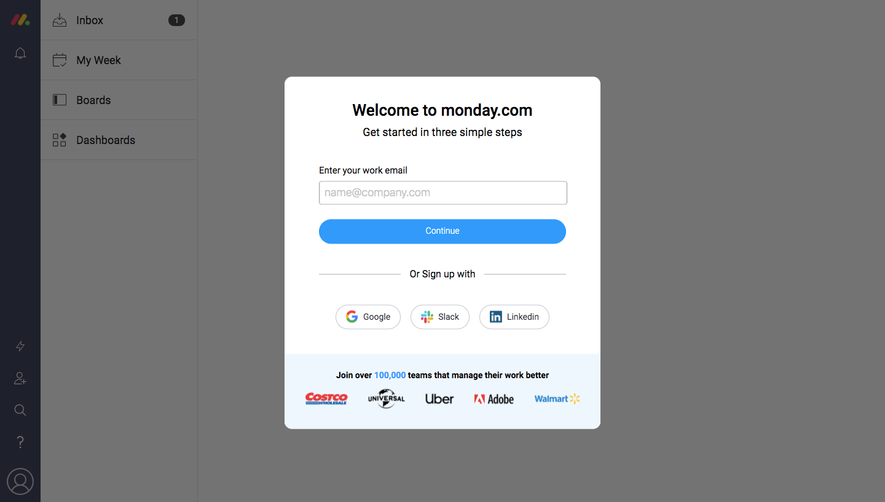
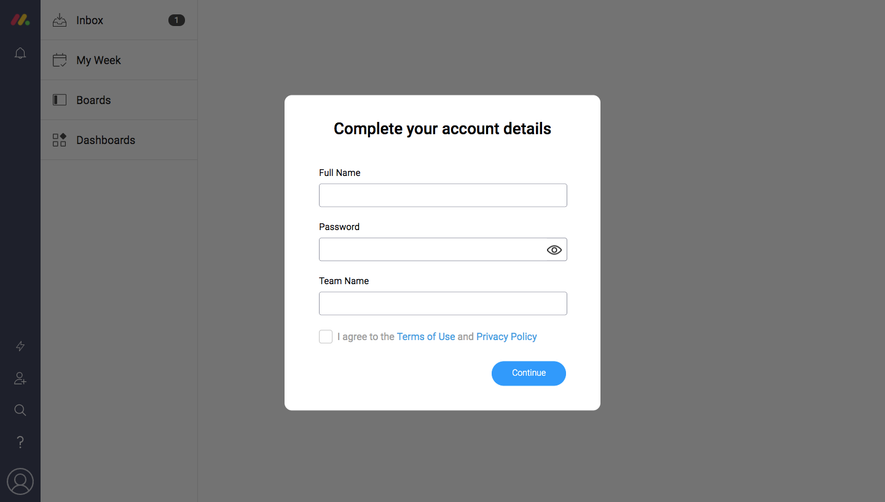
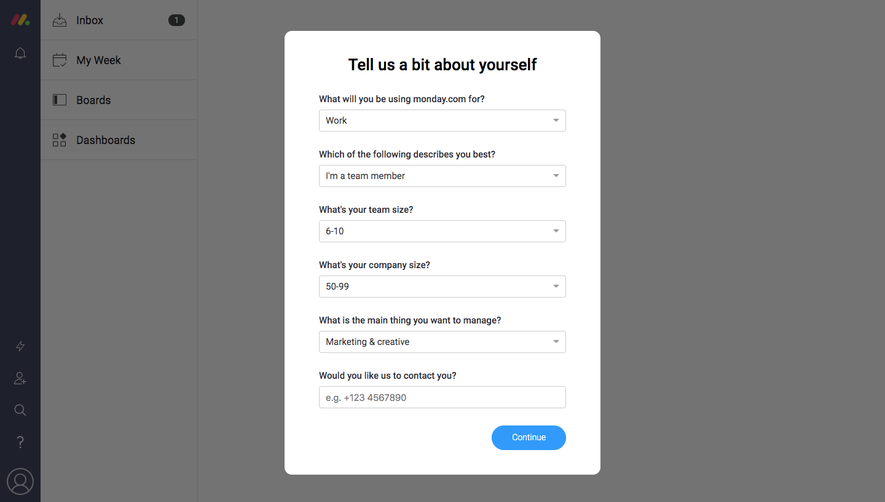
Monday Sign Up Flow
5 screens
Monday Upgrading
3 screens