SaaSFrame
Monday Upgrading
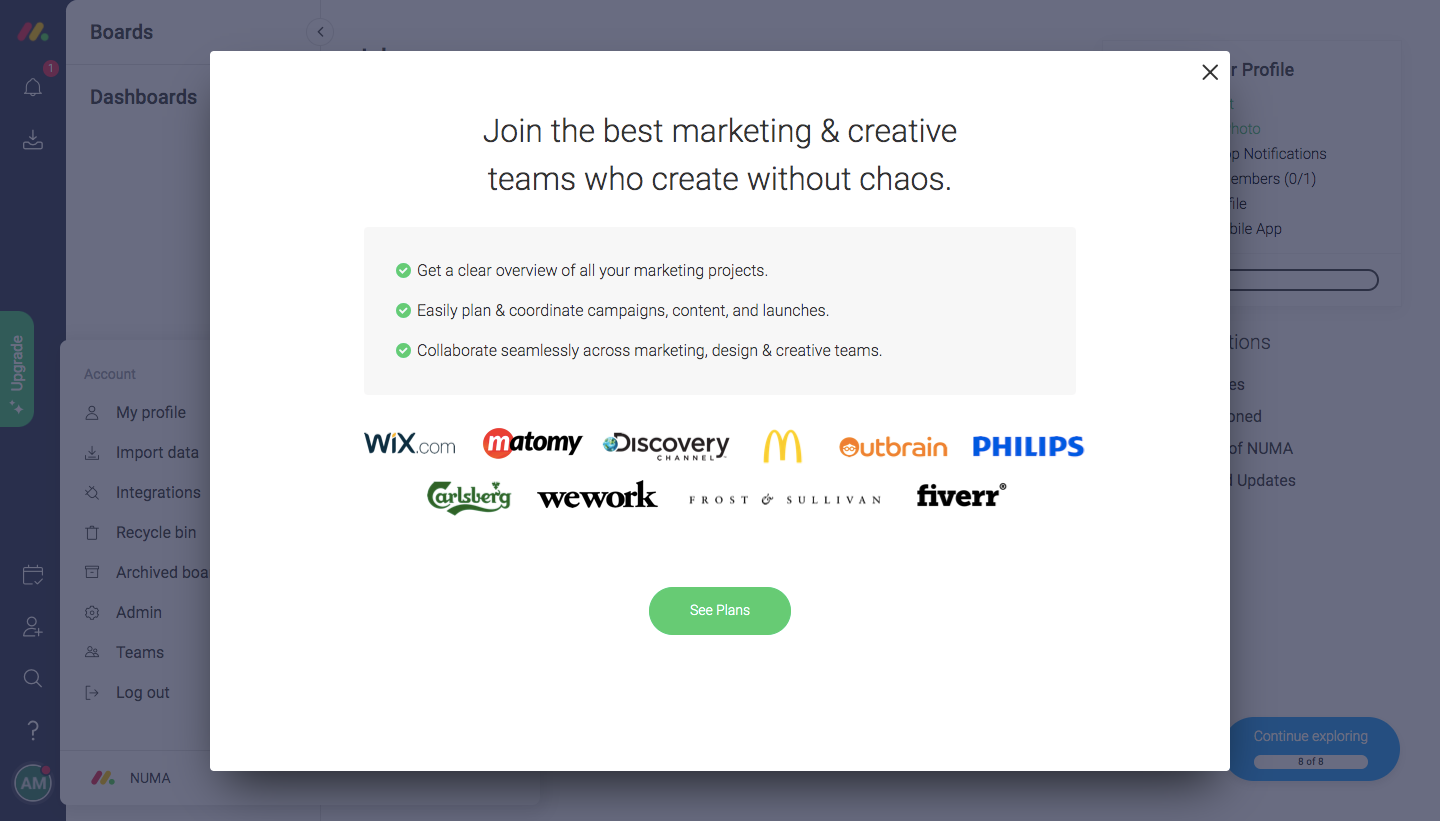
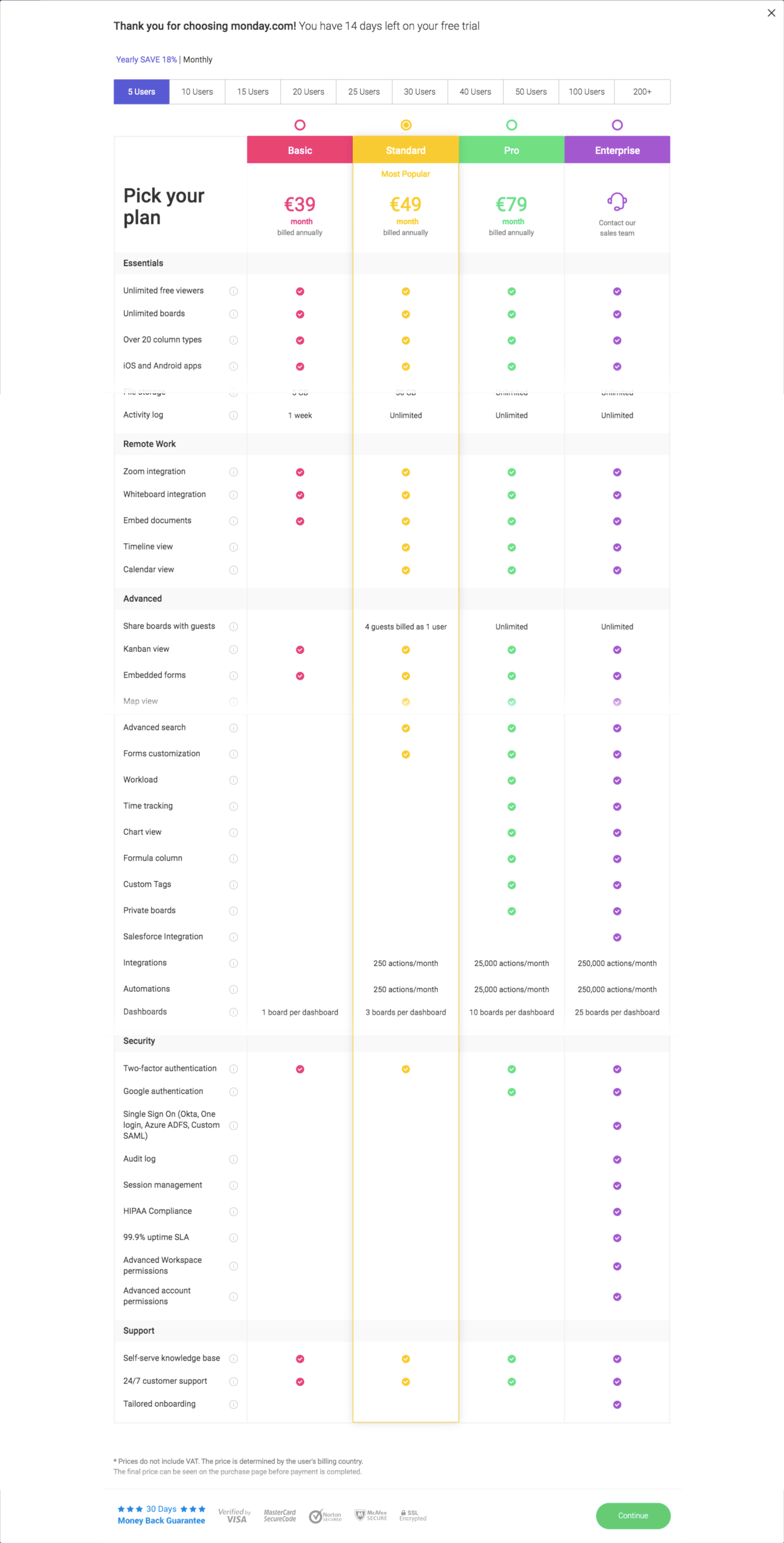
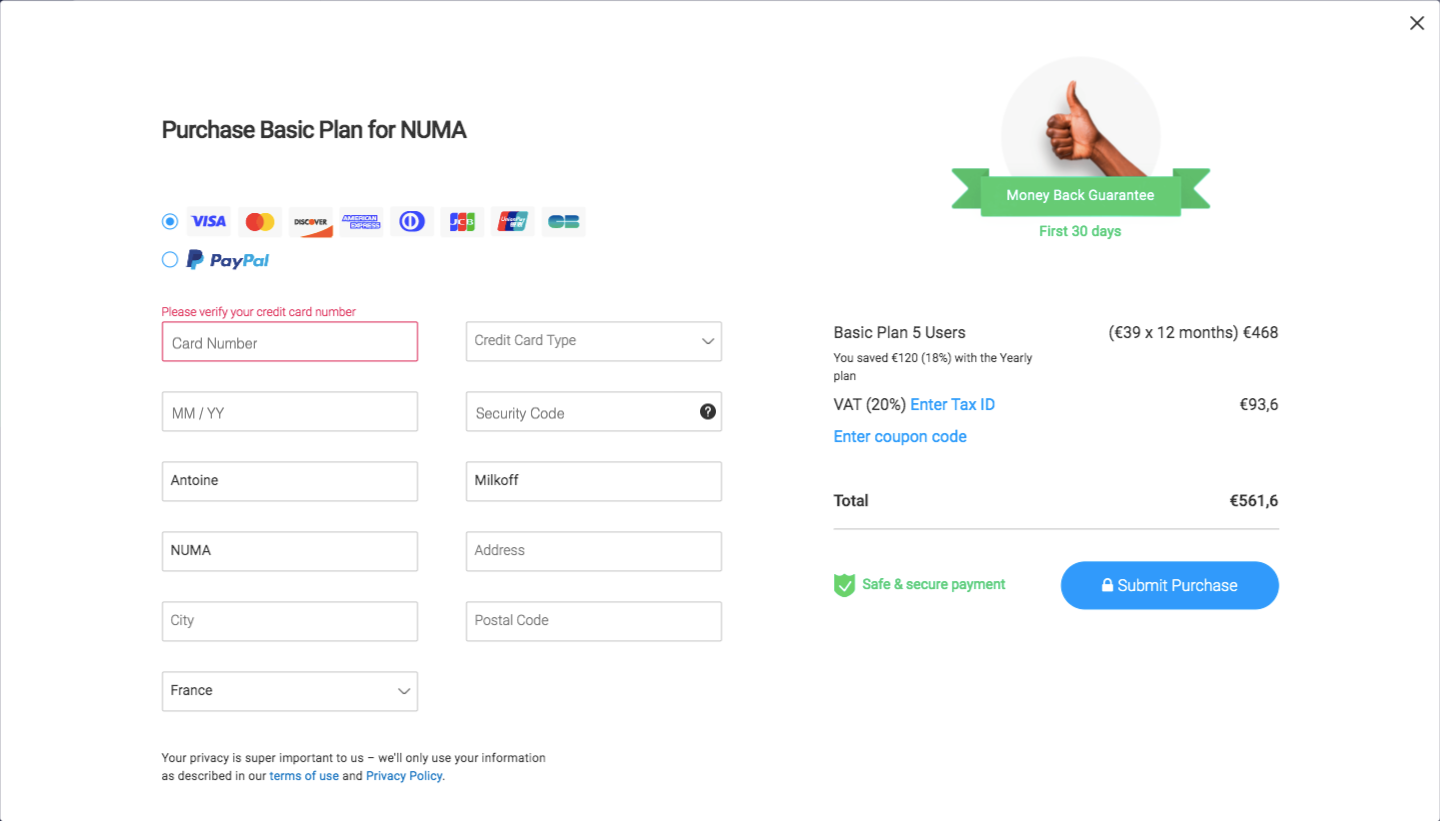
Monday's upgrade flow goes from a modal pitch with customer logos to a colorful plan table and a checkout form in three steps. The modal lists benefits with green dots above a logo wall and a green See Plans button. Plans sit in four color-coded columns with seat-count tabs and a yearly or monthly switch, and checkout puts card fields on the left and an order summary with a thumbs-up badge on the right.
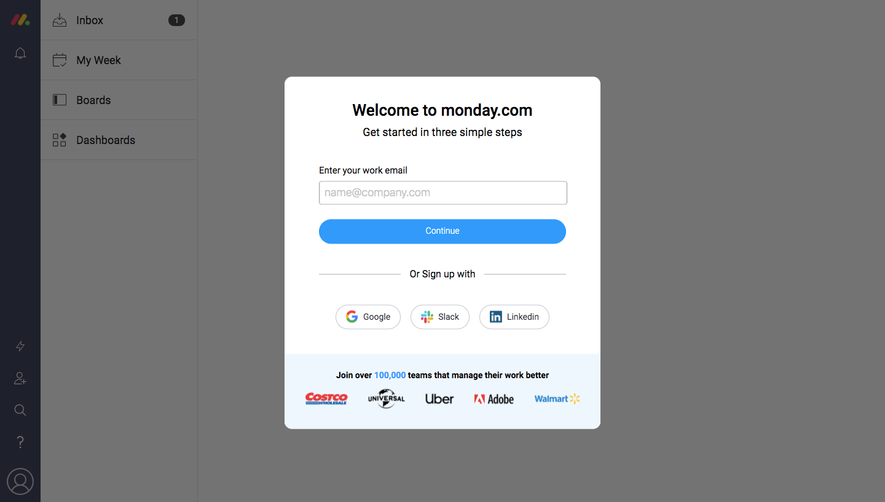
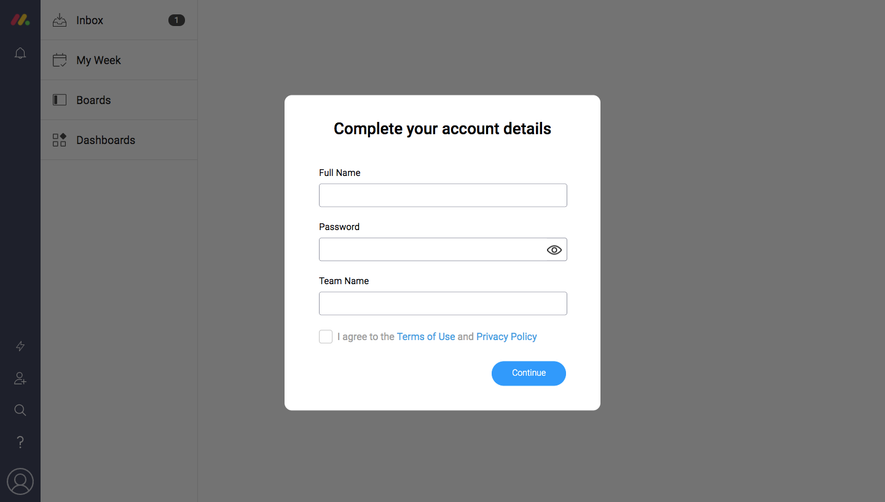
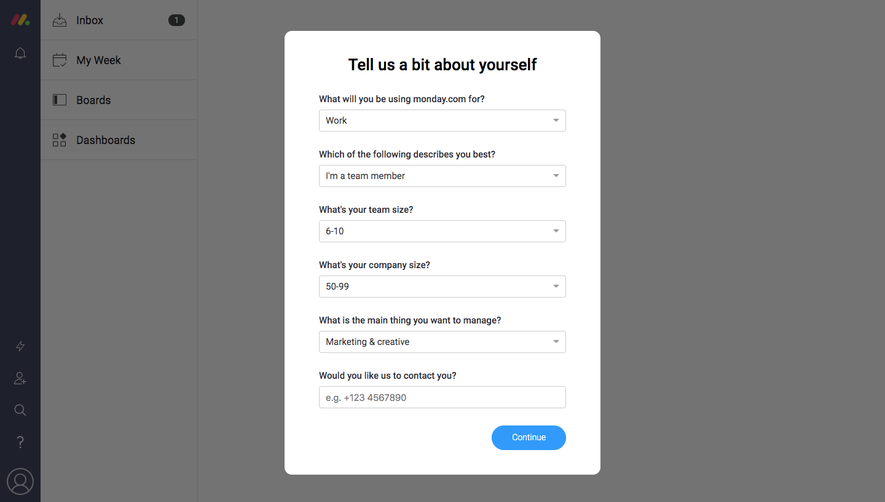
Follow Monday’s upgrading flow step by step: 3 real screens captured from the live product, from upgrading: plans pitch to checkout. Use ← → to move between steps, and open any screen to see it in full.
Steps in this flow
More flows from Monday
All Monday Monday User Onboarding
13 screens
Monday Sign Up Flow
5 screens
Monday Invite Team Members
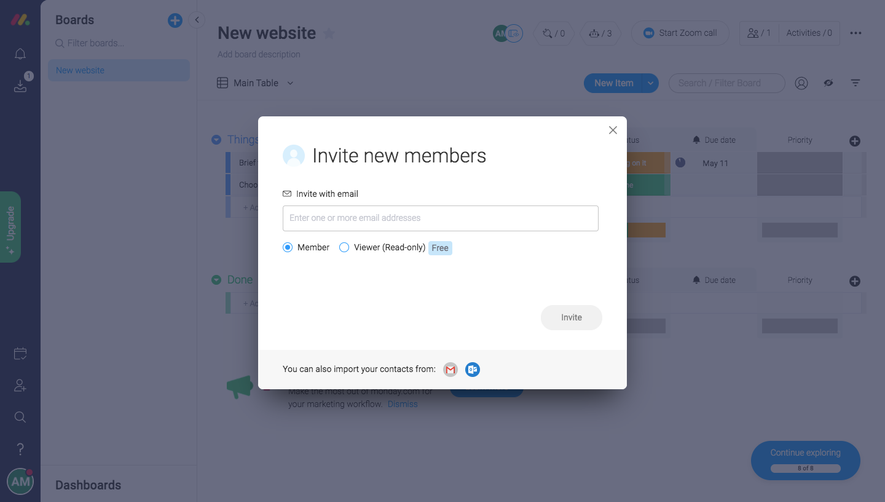
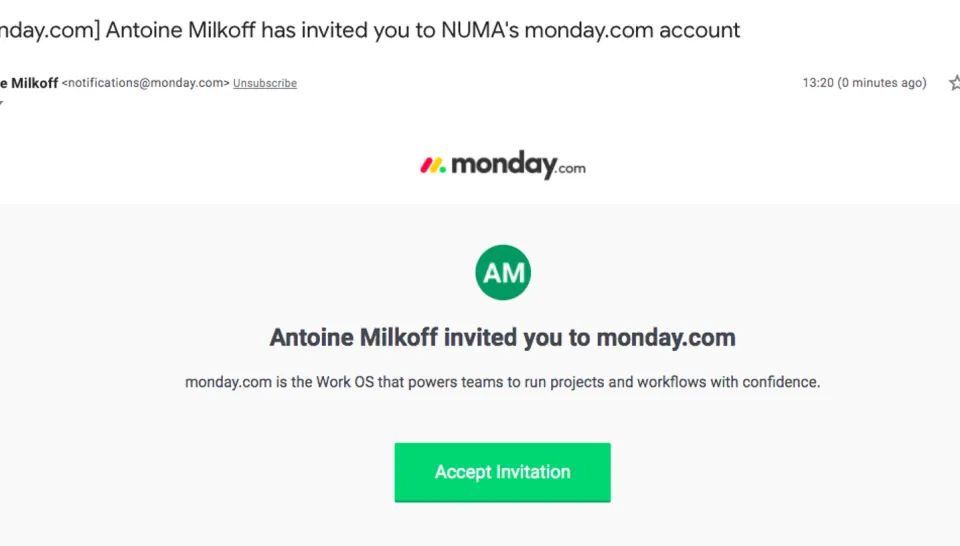
2 screens