SaaSFrame Pro
2 more steps in this flow
Free accounts see the first 3 steps of each flow. Pro unlocks every step of every flow, plus every screen, section and Copy in Figma.

Infisical Creating a Project and Adding Secrets
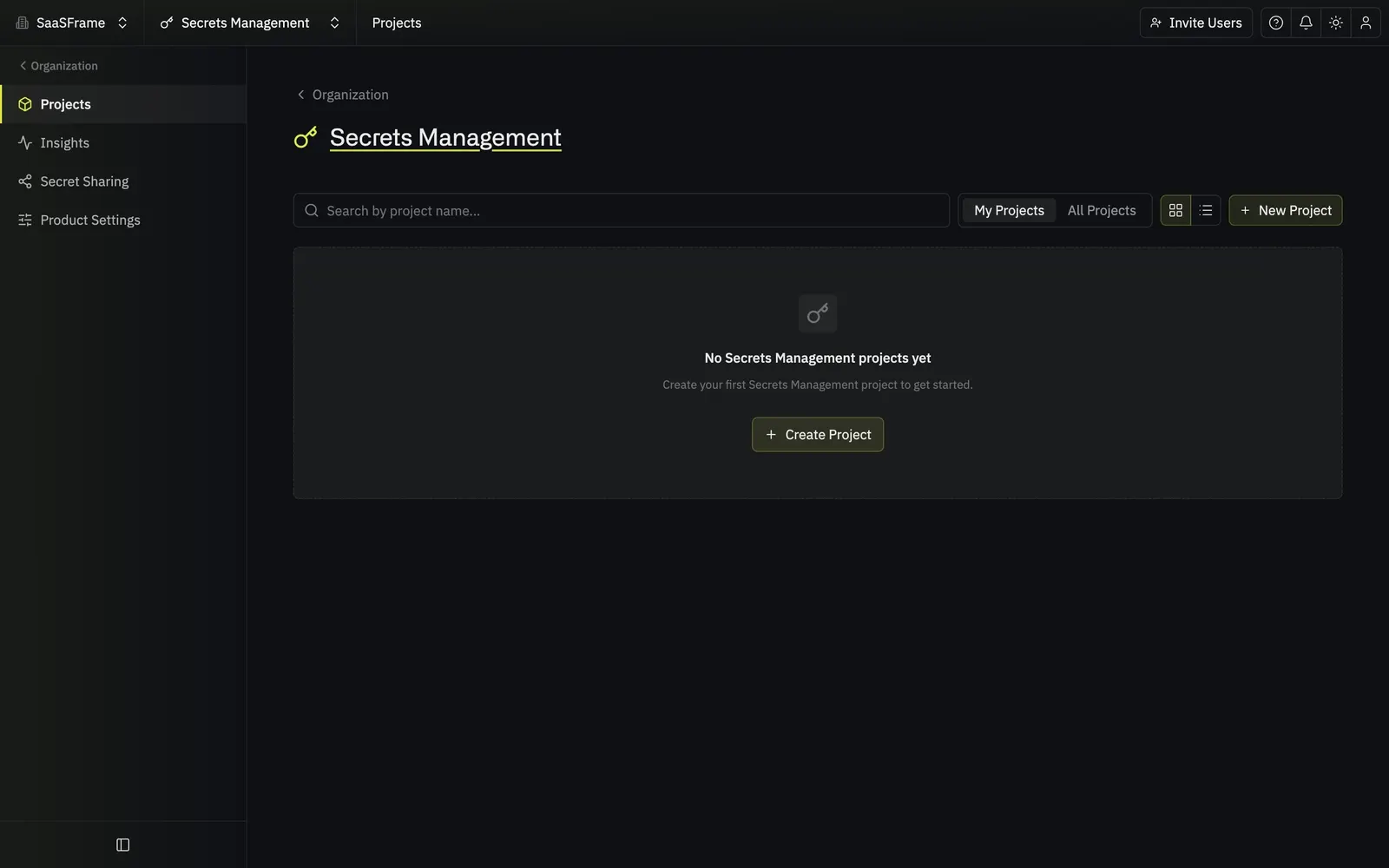
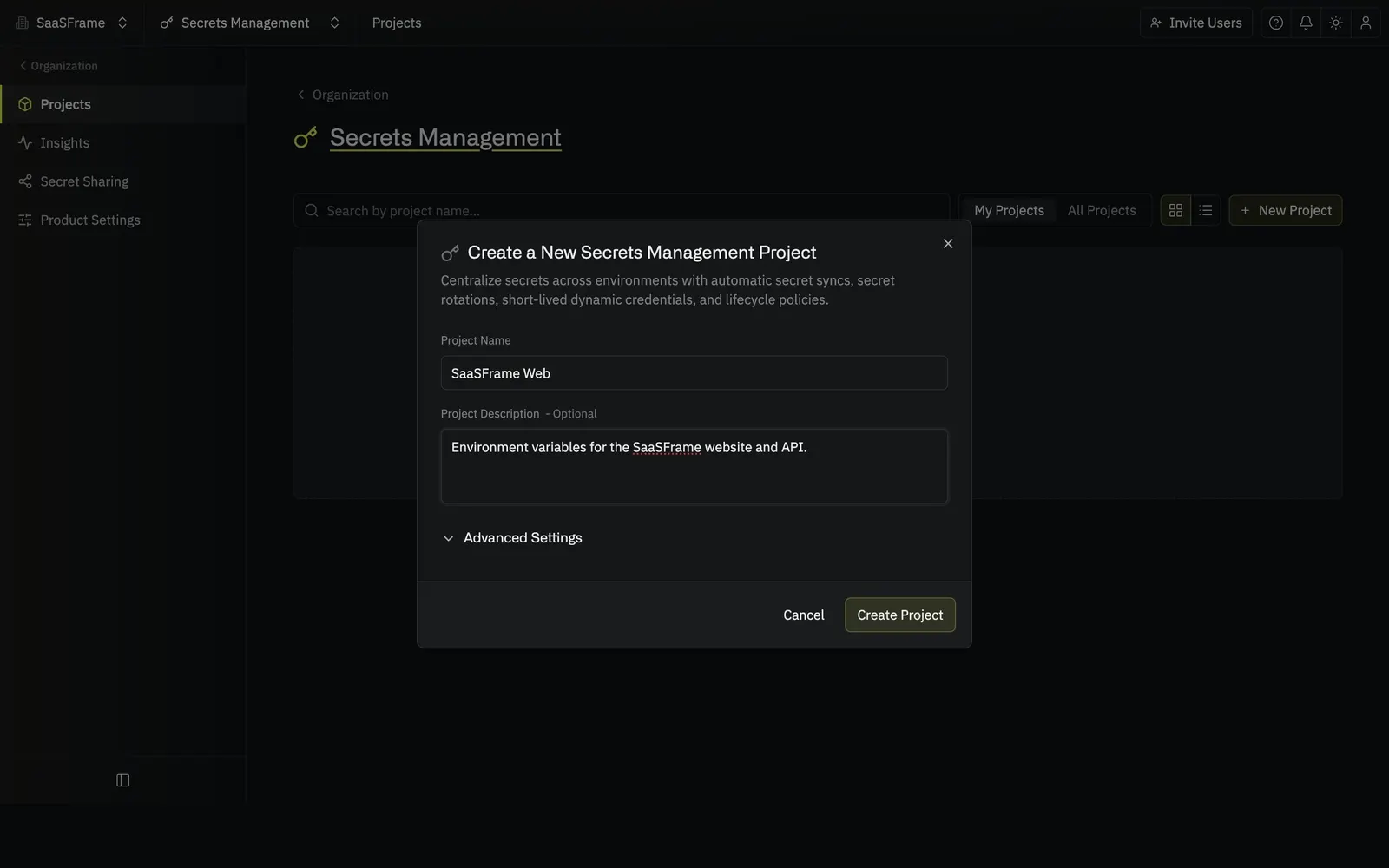
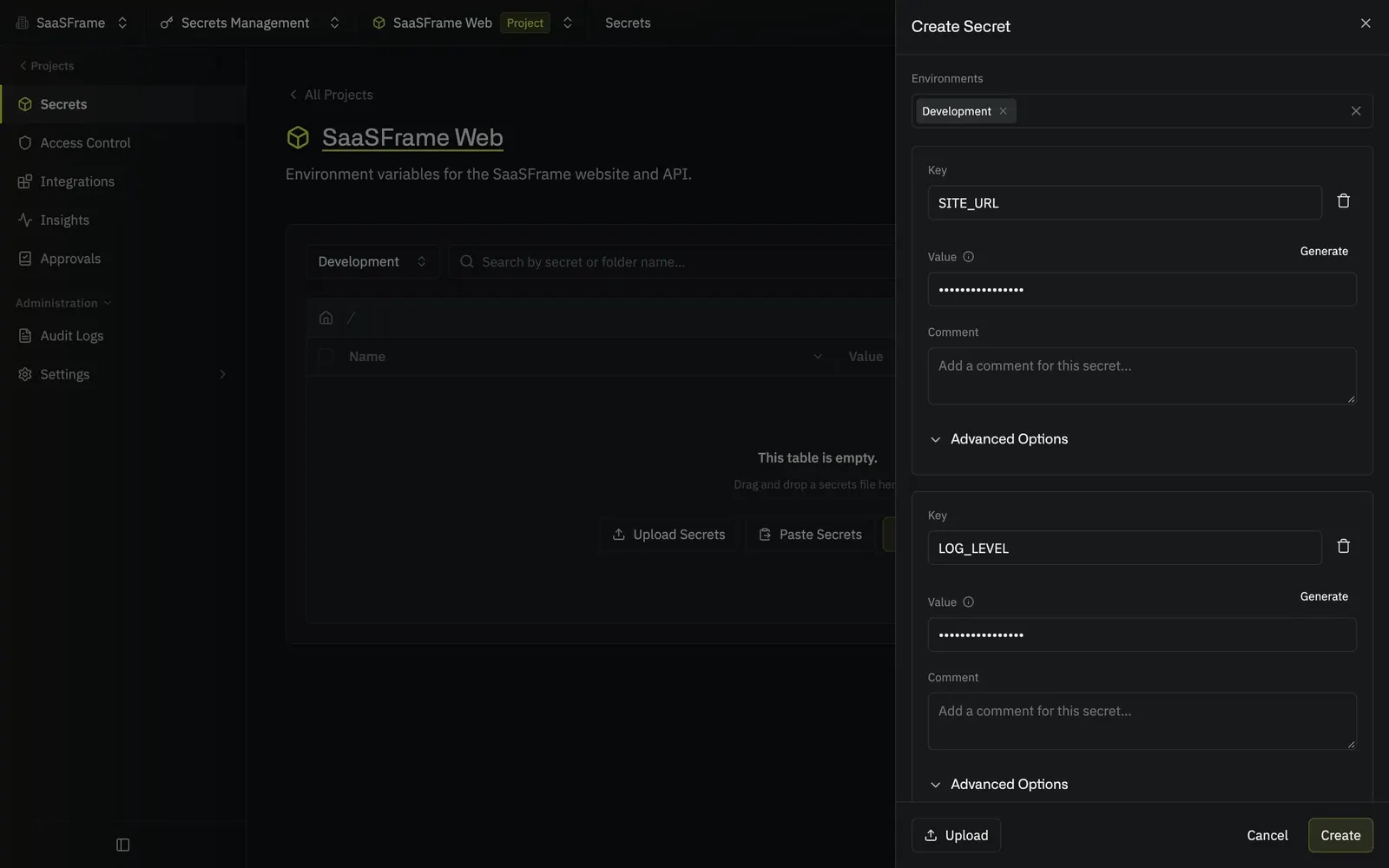
Infisical flow from an empty Secrets Management list to a project filled with secrets. A short creation dialog is followed by a drawer to add secrets one by one, a bulk review step and the final masked key-value table, all in the dark console.
Follow Infisical’s creating a project and adding secrets flow step by step: 5 real screens captured from the live product, from secrets management empty state to secrets overview. Use ← → to move between steps, and open any screen to see it in full.