SaaSFrame
1 more step in this flow
Free accounts see the first 3 steps of each flow. Pro unlocks every step of every flow, plus every screen, section and Copy in Figma.
Guru User Onboarding
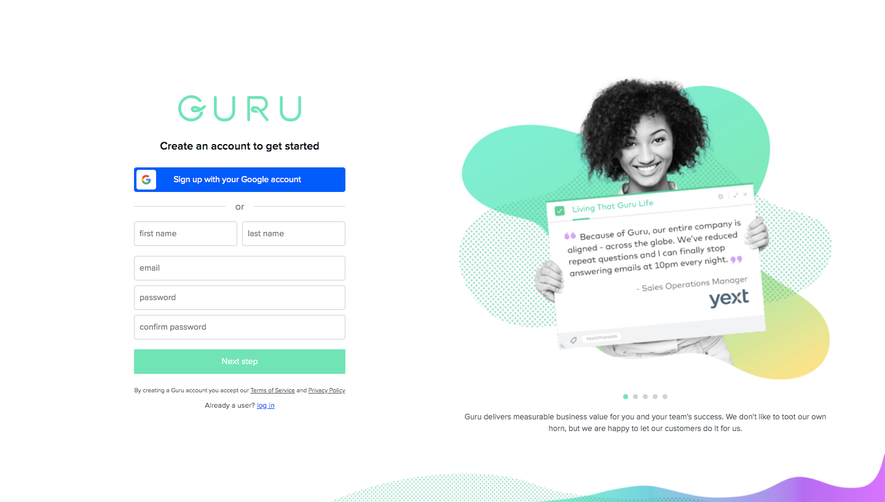
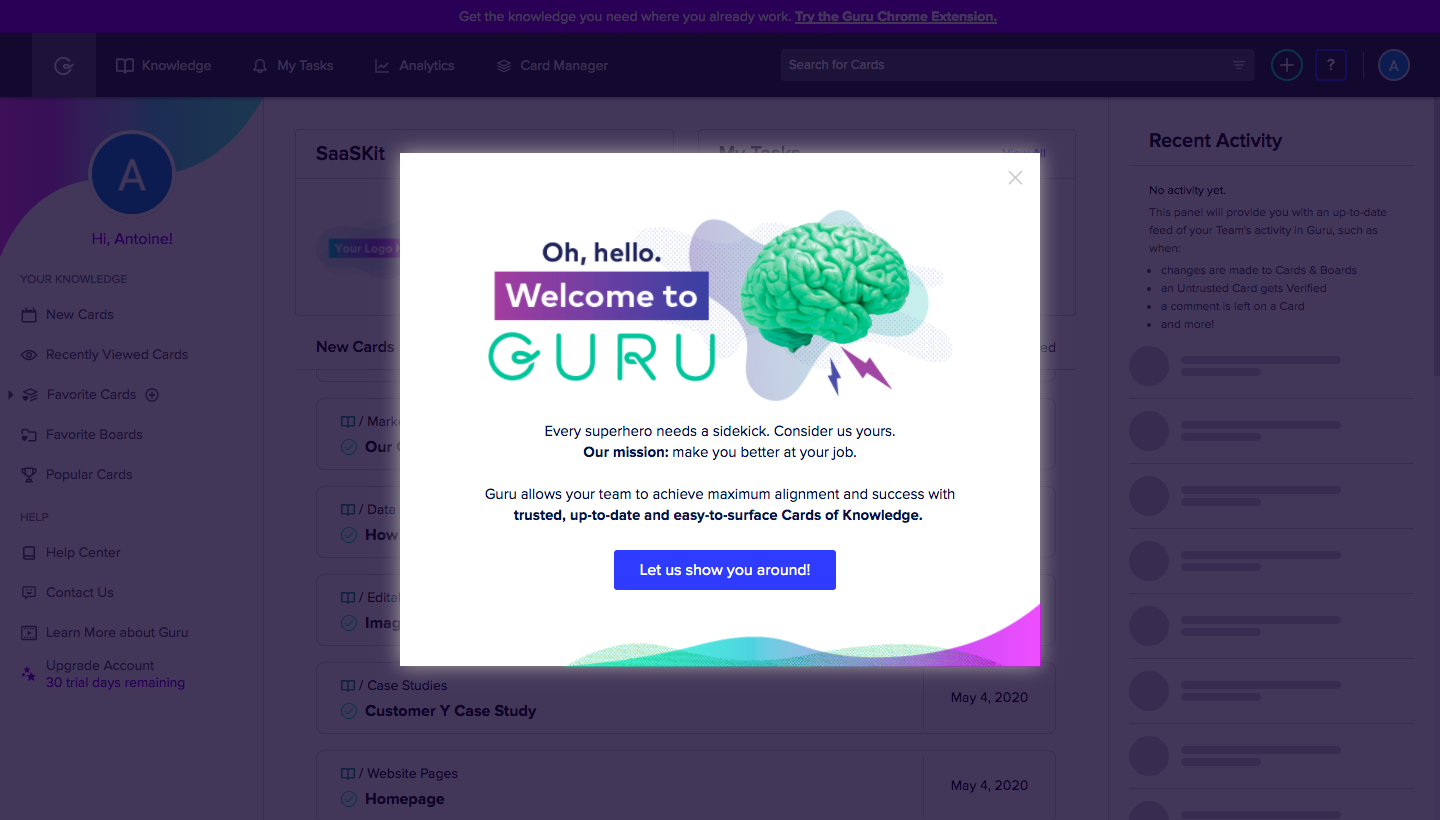
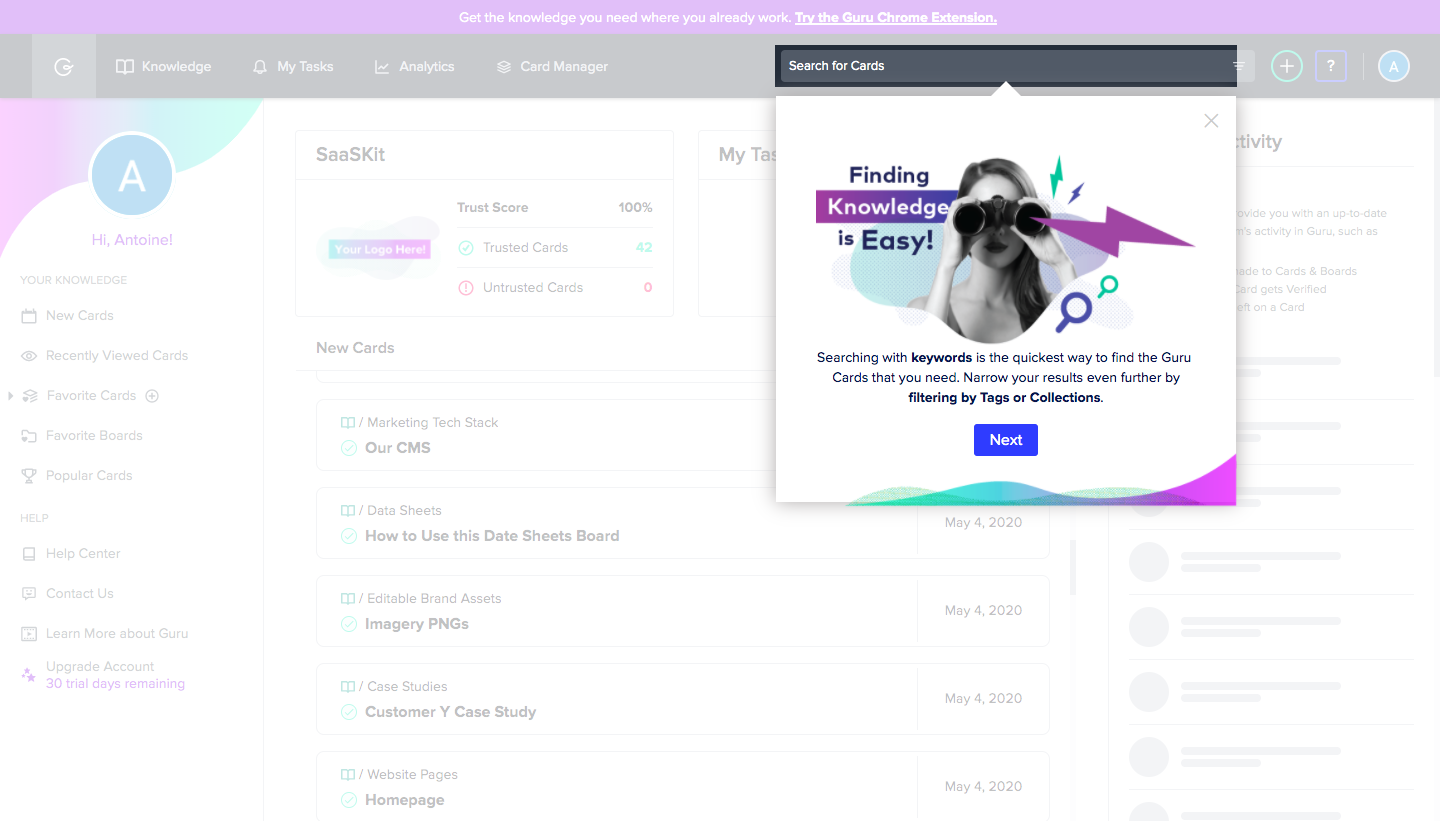
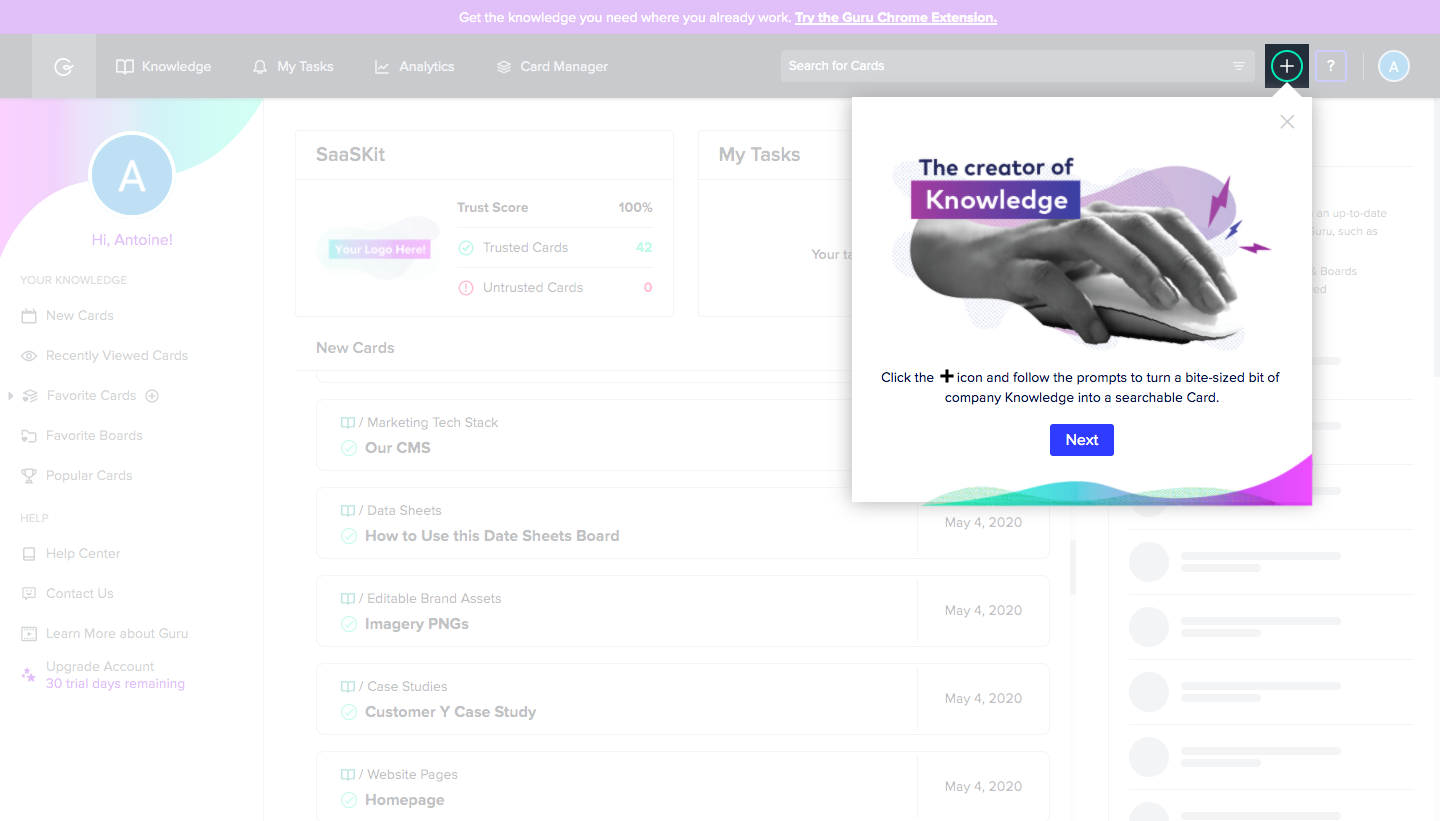
Guru's user onboarding is a four-step product tour of bright modals and popovers with collage-style photo art and neon gradients. A welcome modal over the dimmed app introduces the brand, then three popovers point at search, card creation and expert questions in the top bar. Each pairs a cut-out black and white photo with highlighted headline words, a short line of copy and one blue button.
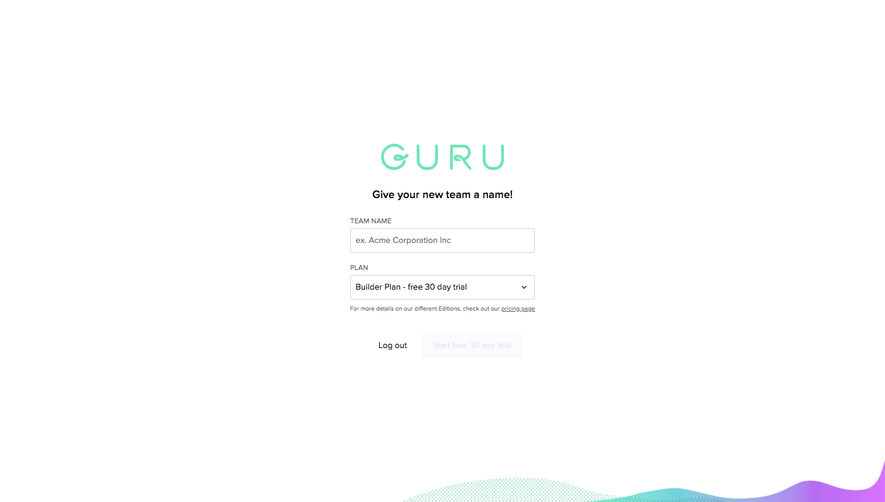
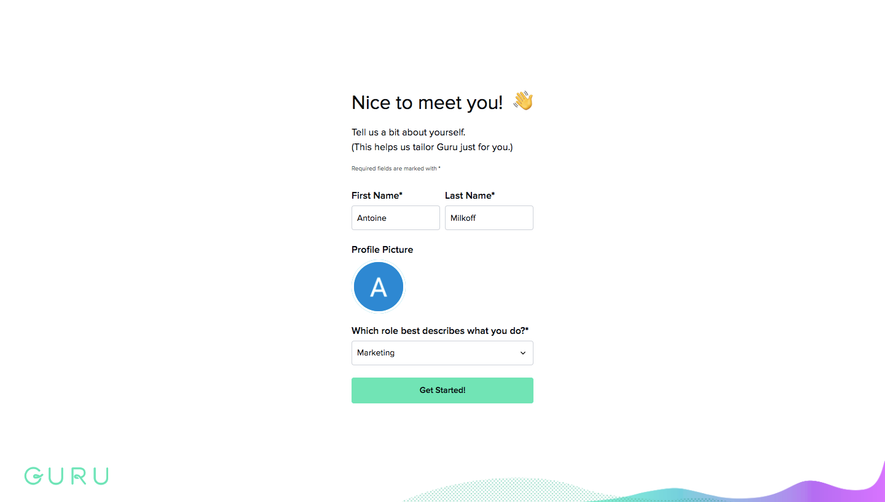
Follow Guru’s user onboarding flow step by step: 4 real screens captured from the live product, from onboarding: welcome to onboarding: ask an expert tip. Use ← → to move between steps, and open any screen to see it in full.
Steps in this flow
More flows from Guru
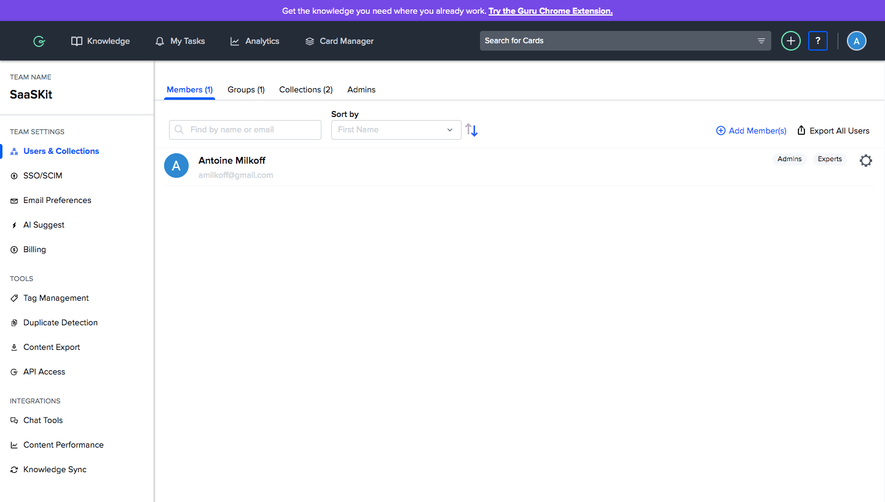
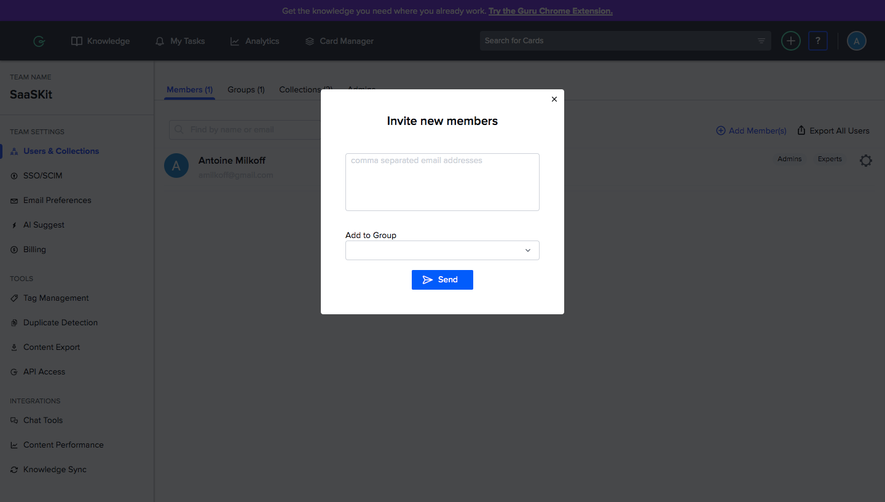
All Guru Guru Invite Team Members
2 screens
Guru Sign Up Flow
5 screens