SaaSFrame
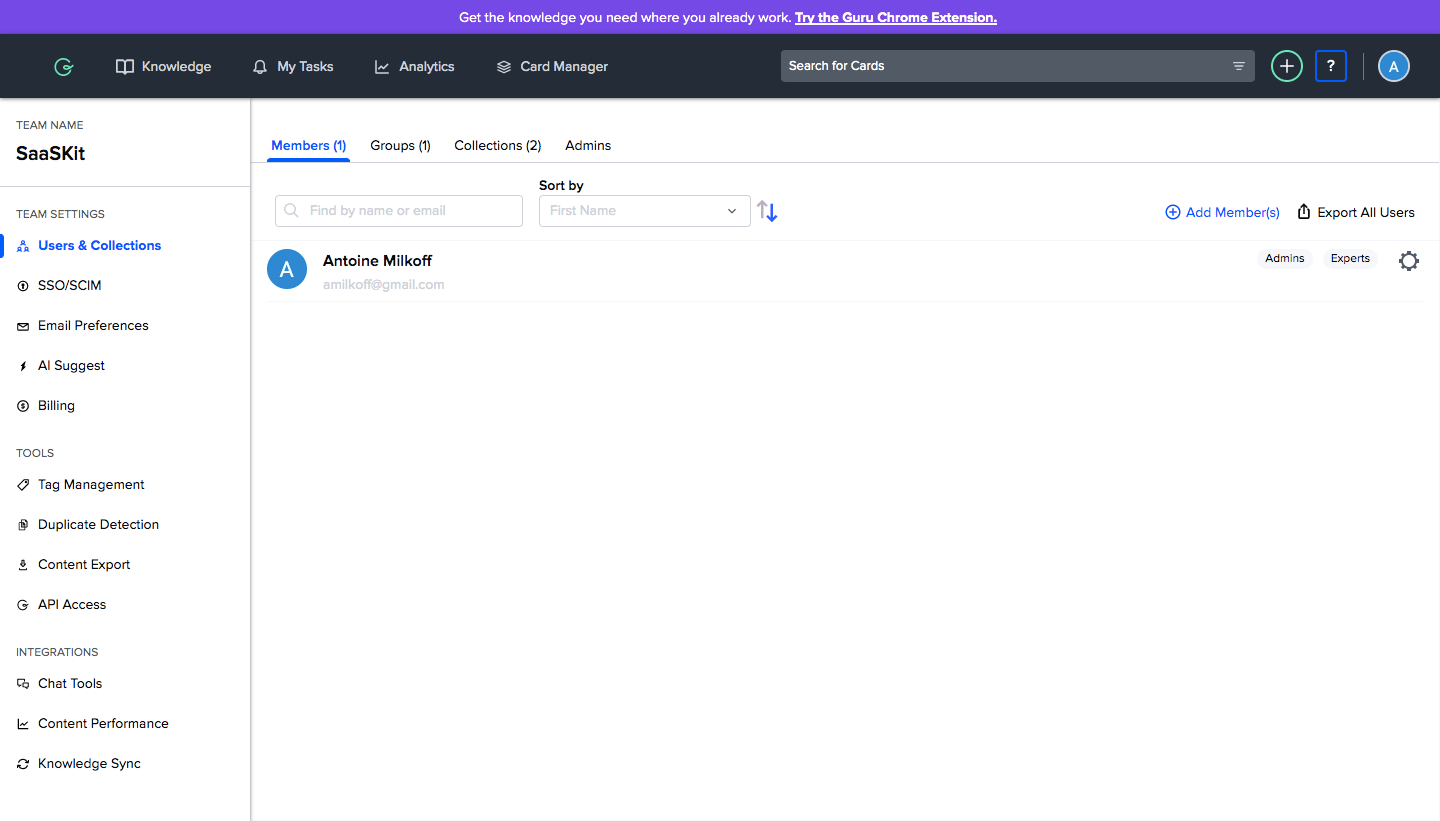
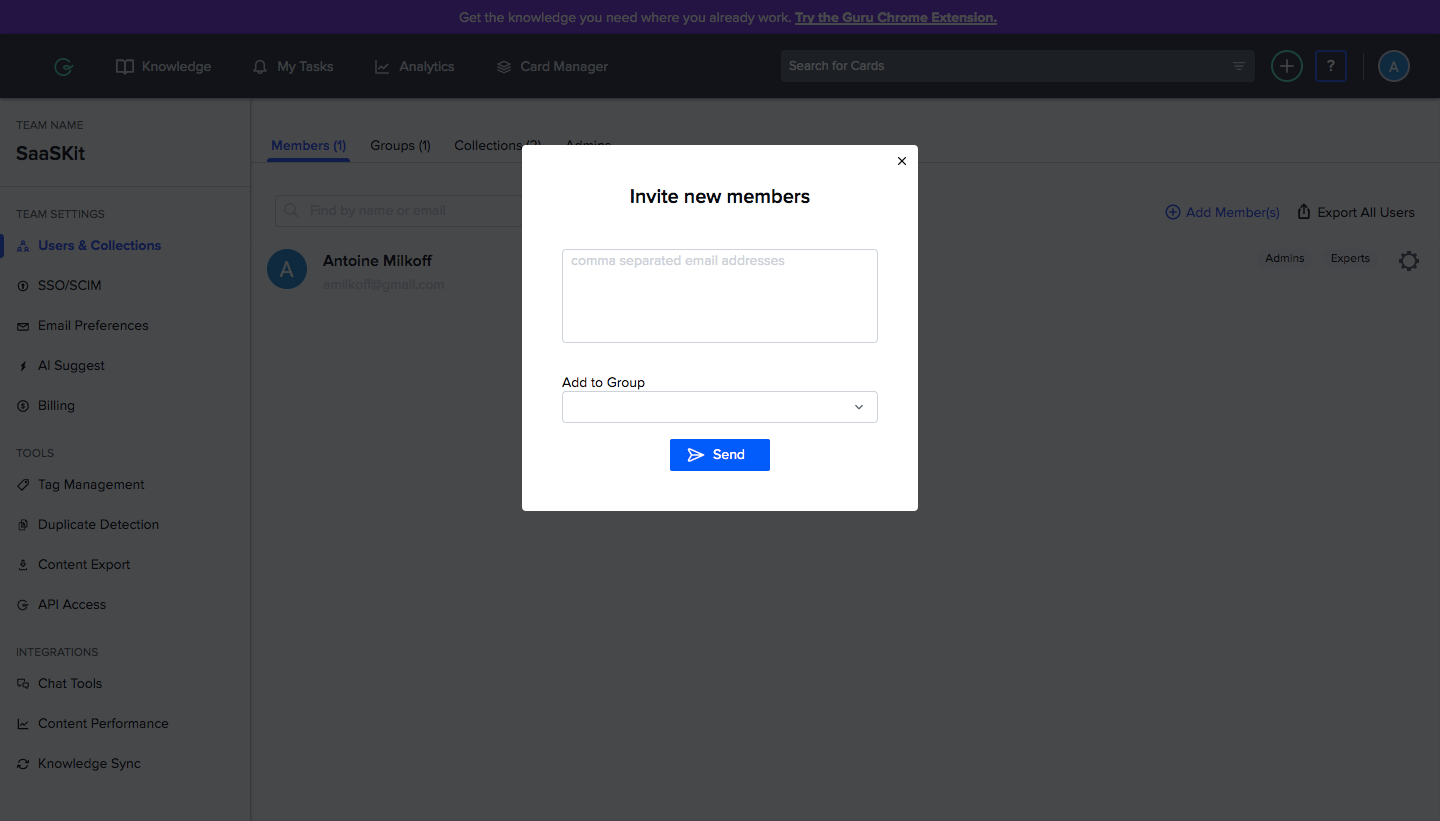
Guru Invite Team Members
Guru's invite flow goes from the team members table to a compact invite modal and ends on the email the new teammate receives. In three steps, the admin view keeps a dark top bar and a left settings menu, the modal asks only for addresses and an optional group, and the invitation email explains the product in a short bullet list above a single teal button.
Follow Guru’s invite team members flow step by step: 2 real screens captured from the live product, from invite team members: members list to invite team members: invite modal. Use ← → to move between steps, and open any screen to see it in full.
Steps in this flow
More flows from Guru
All Guru Guru Sign Up Flow
5 screens

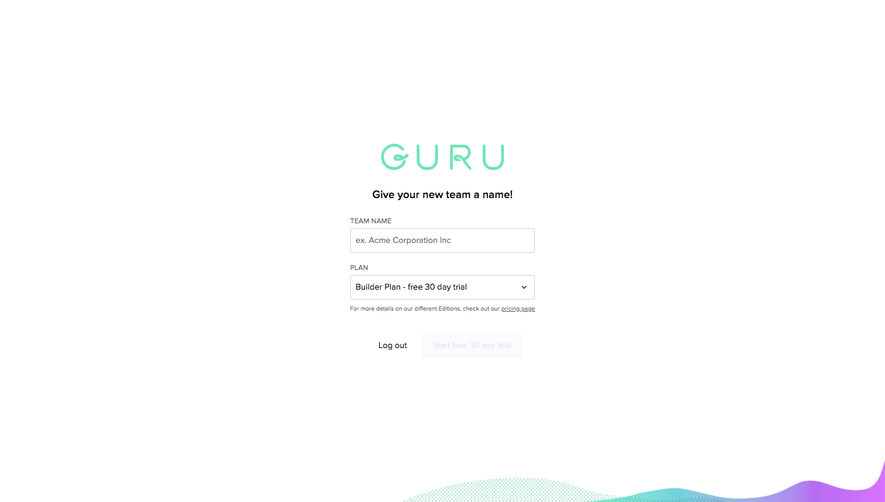
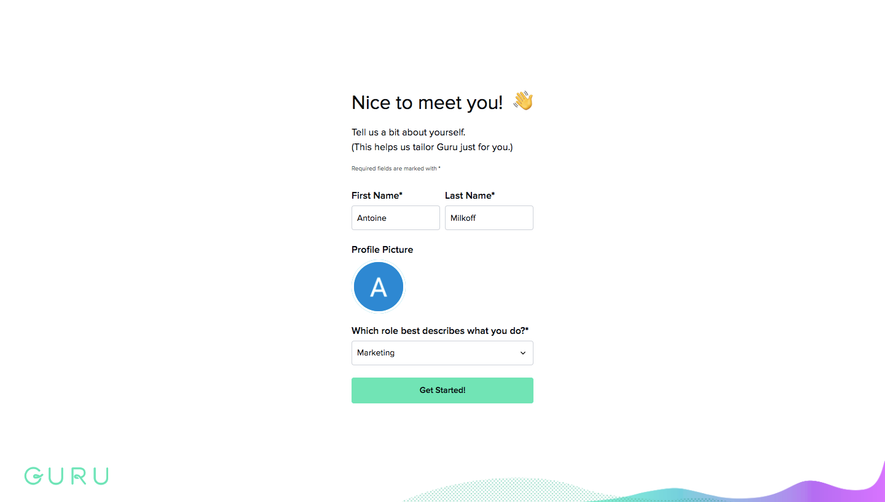
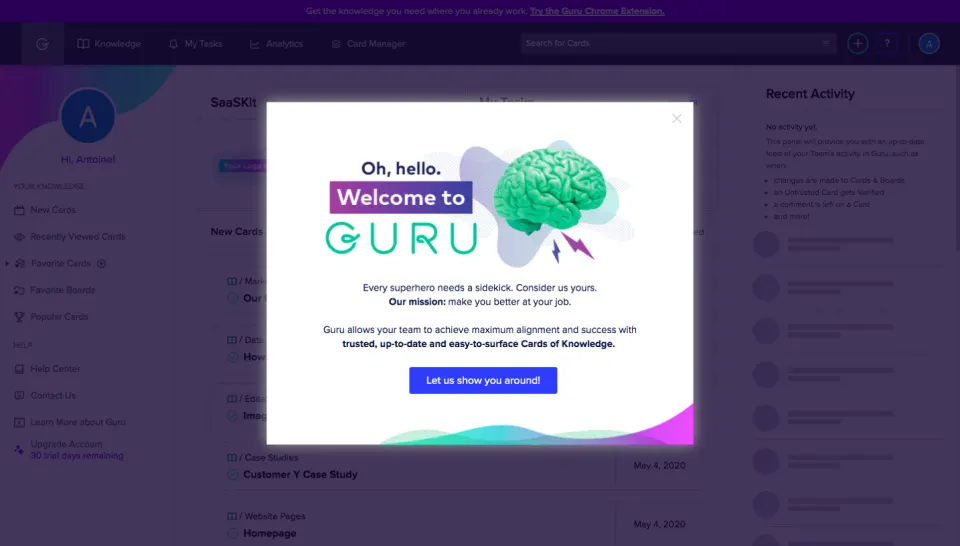
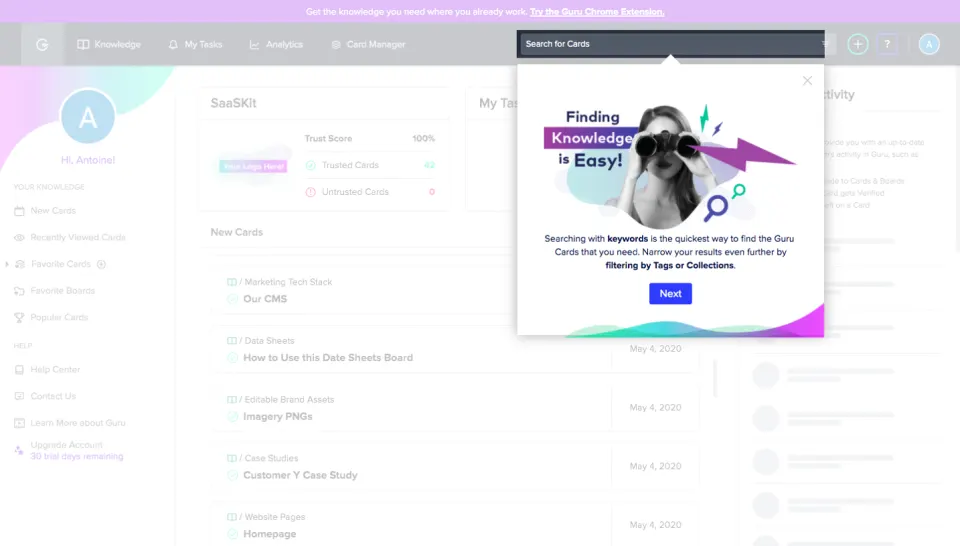
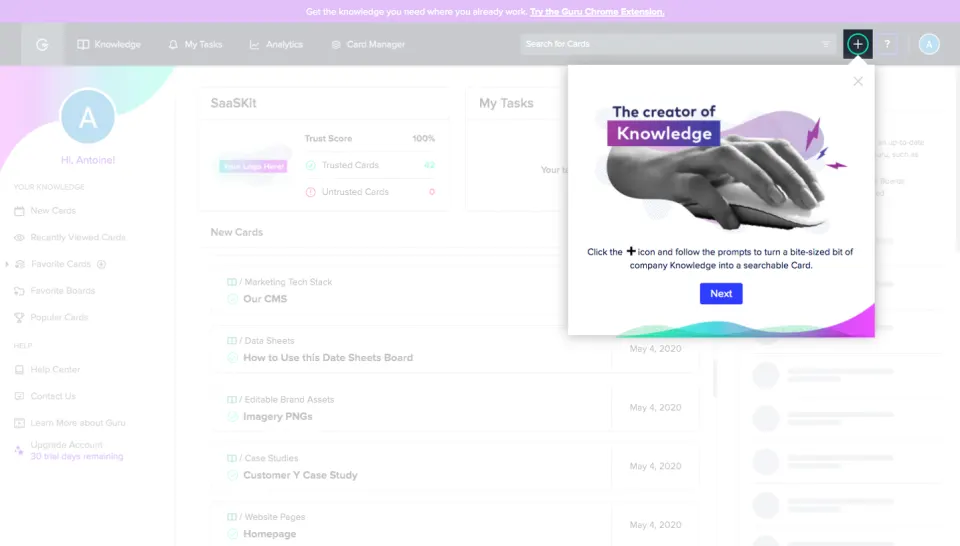
Guru User Onboarding
4 screens