 SaaSFrame
SaaSFrame Pro
2 more steps in this flow
Free accounts see the first 3 steps of each flow. Pro unlocks every step of every flow, plus every screen, section and Copy in Figma.

Firecrawl Connecting an Agent
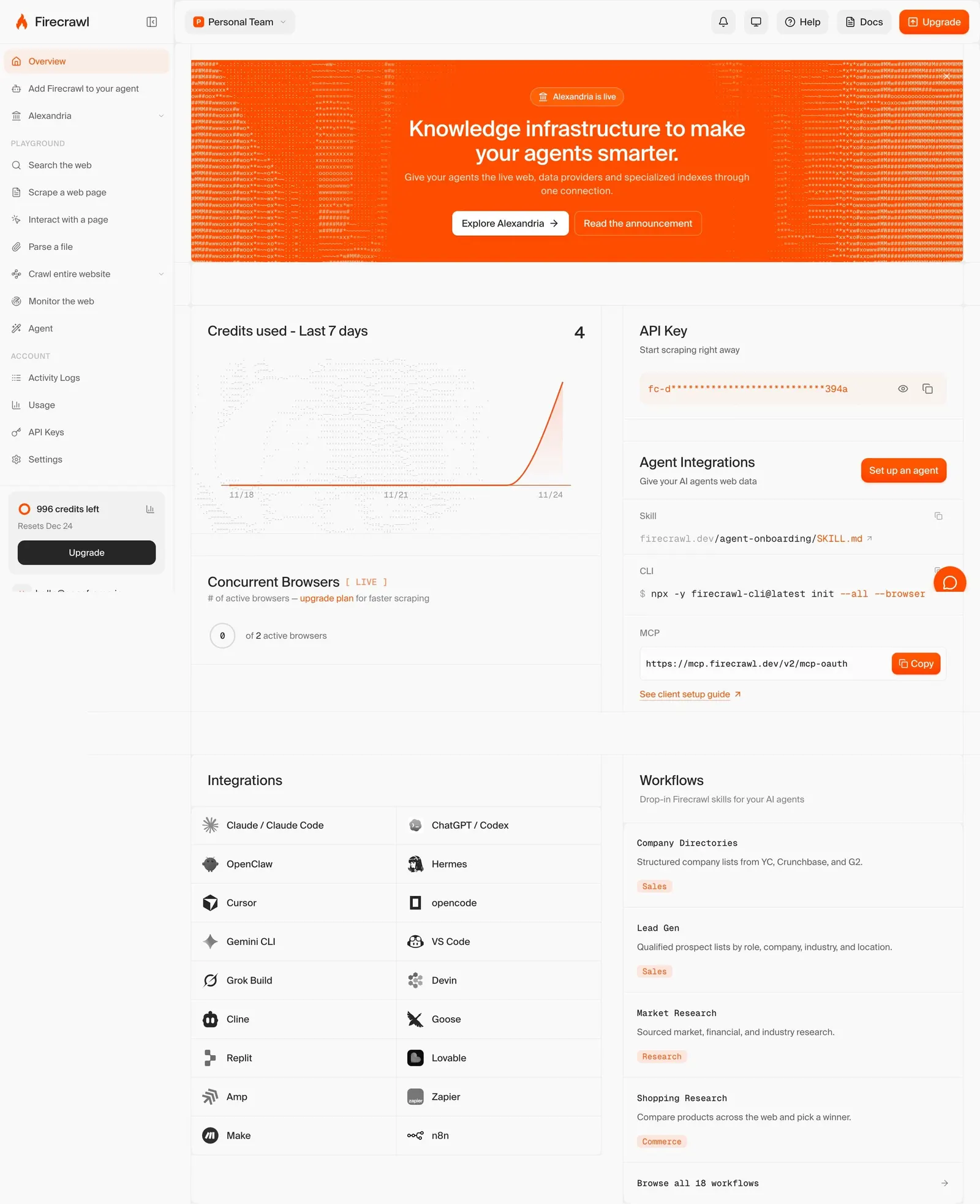
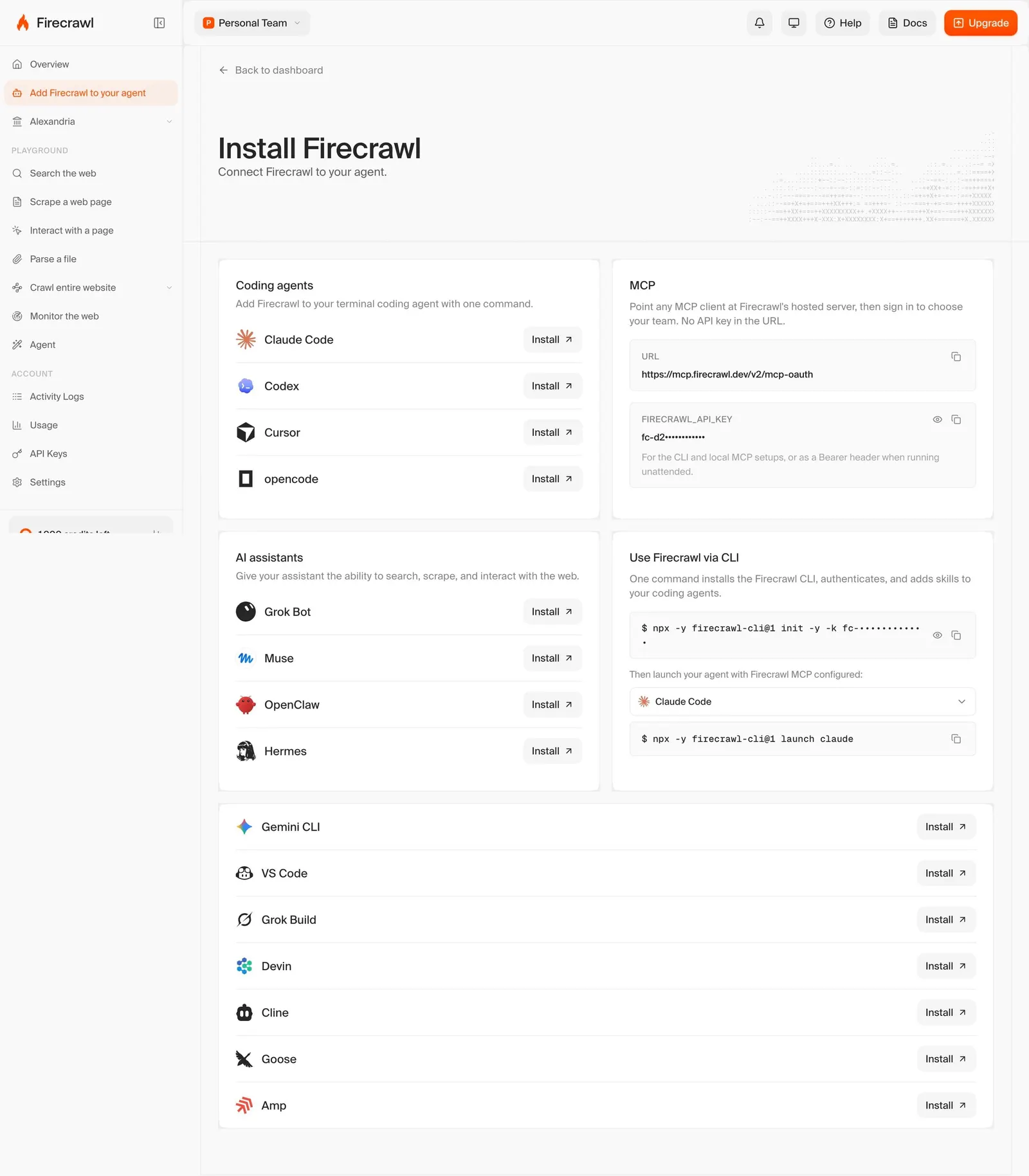
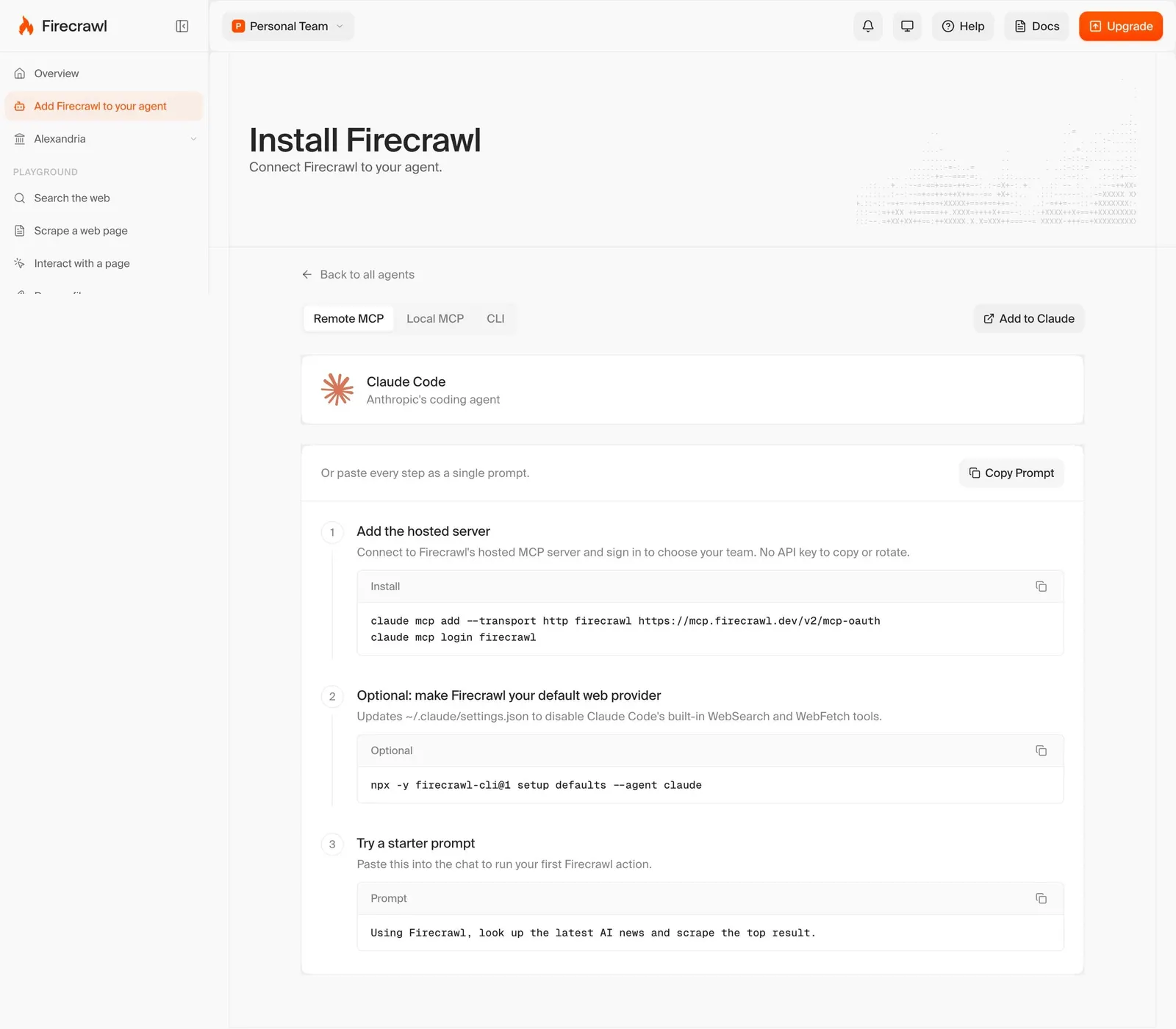
Firecrawl takes a new user from the dashboard to a connected coding agent in three screens, then into the Agent playground. The overview shows the API key and install snippets, the install hub lists every supported client, and the Claude Code page reduces setup to two copyable commands. All screens keep the same flat, off-white layout with orange reserved for the main action.
Follow Firecrawl’s connecting an agent flow step by step: 5 real screens captured from the live product, from overview to agent. Use ← → to move between steps, and open any screen to see it in full.