SaaSFrame

About this screen
A dashboard that starts with the API key
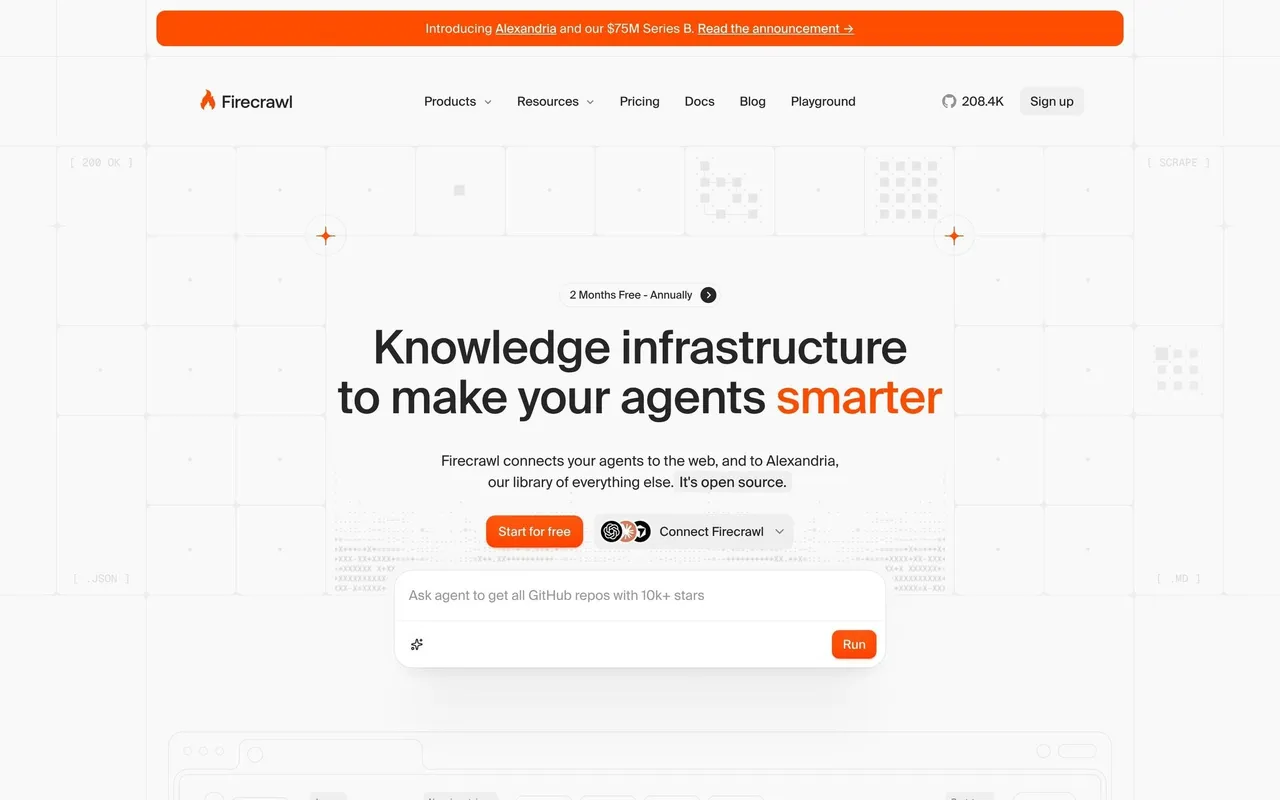
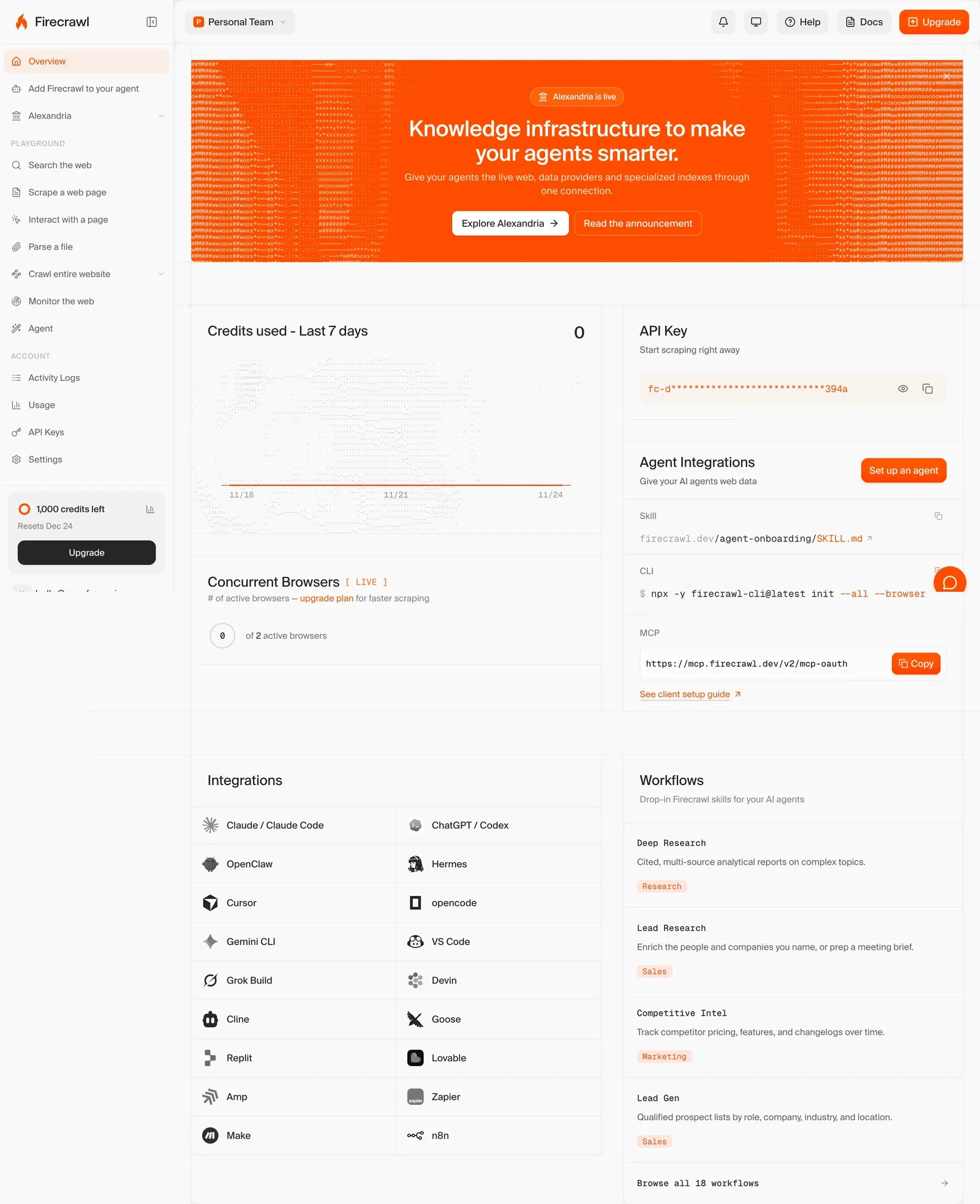
The Firecrawl overview opens on an orange ASCII-art banner announcing "Alexandria is live", then gets straight to work: a "Credits used - Last 7 days" chart sits next to the masked API key, with show and copy icons under "Start scraping right away".
Agent integrations in three snippets
The "Agent Integrations" card gives three ways in: a one-line skill URL, a CLI command and the hosted MCP address, each in a monospace code block with a copy button and an orange "Set up an agent" action.
Integrations and workflows as a directory
Lower down, a two-column list links to Claude Code, ChatGPT / Codex, Cursor, Gemini CLI and a dozen other agents, while "Workflows" lists ready-made prompts such as Deep Research, Lead Research and Competitive Intel.