SaaSFrame
SaaSFrame Pro
4 more steps in this flow
Free accounts see the first 3 steps of each flow. Pro unlocks every step of every flow, plus every screen, section and Copy in Figma.
Extend Creating and Running a Workflow
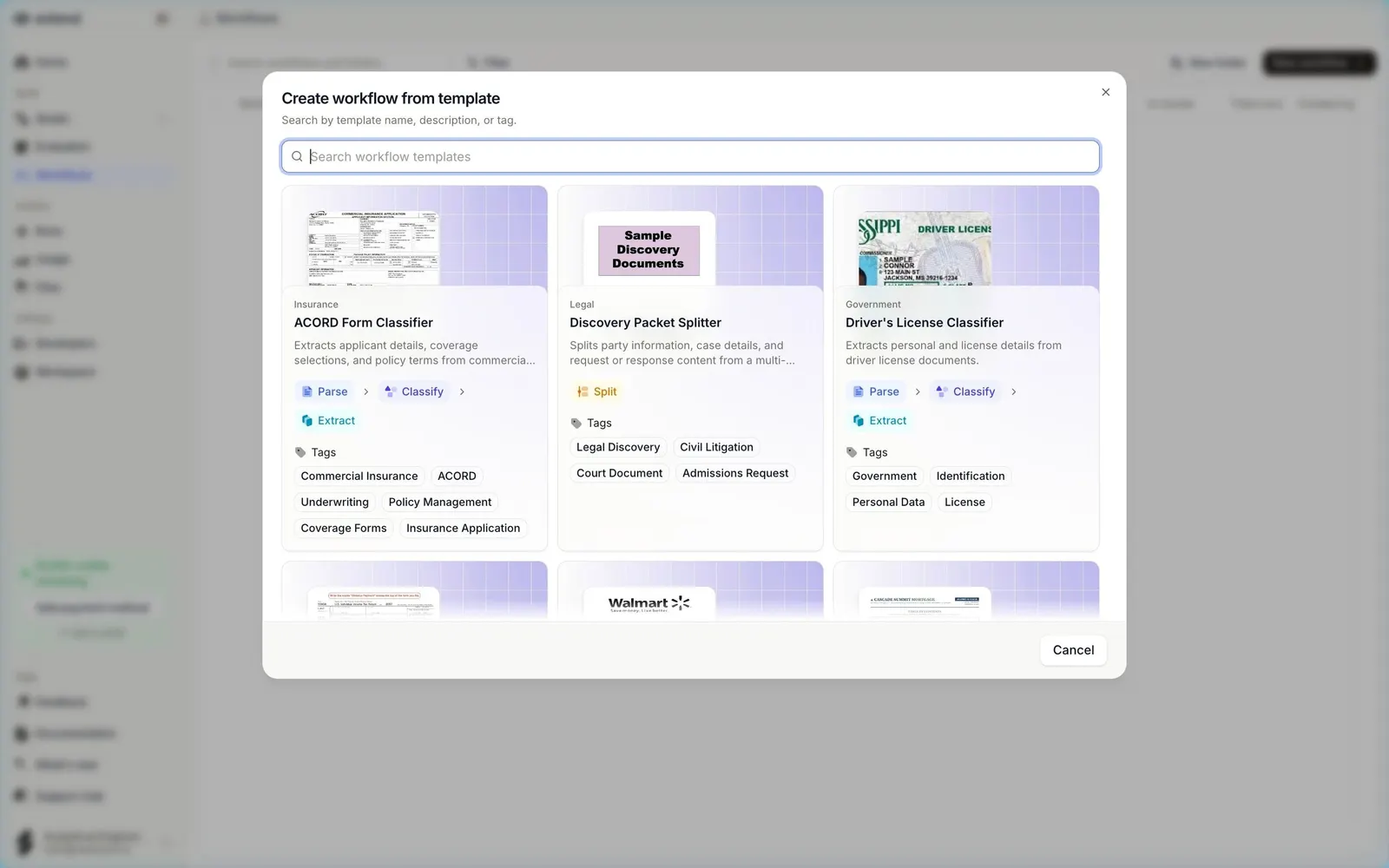
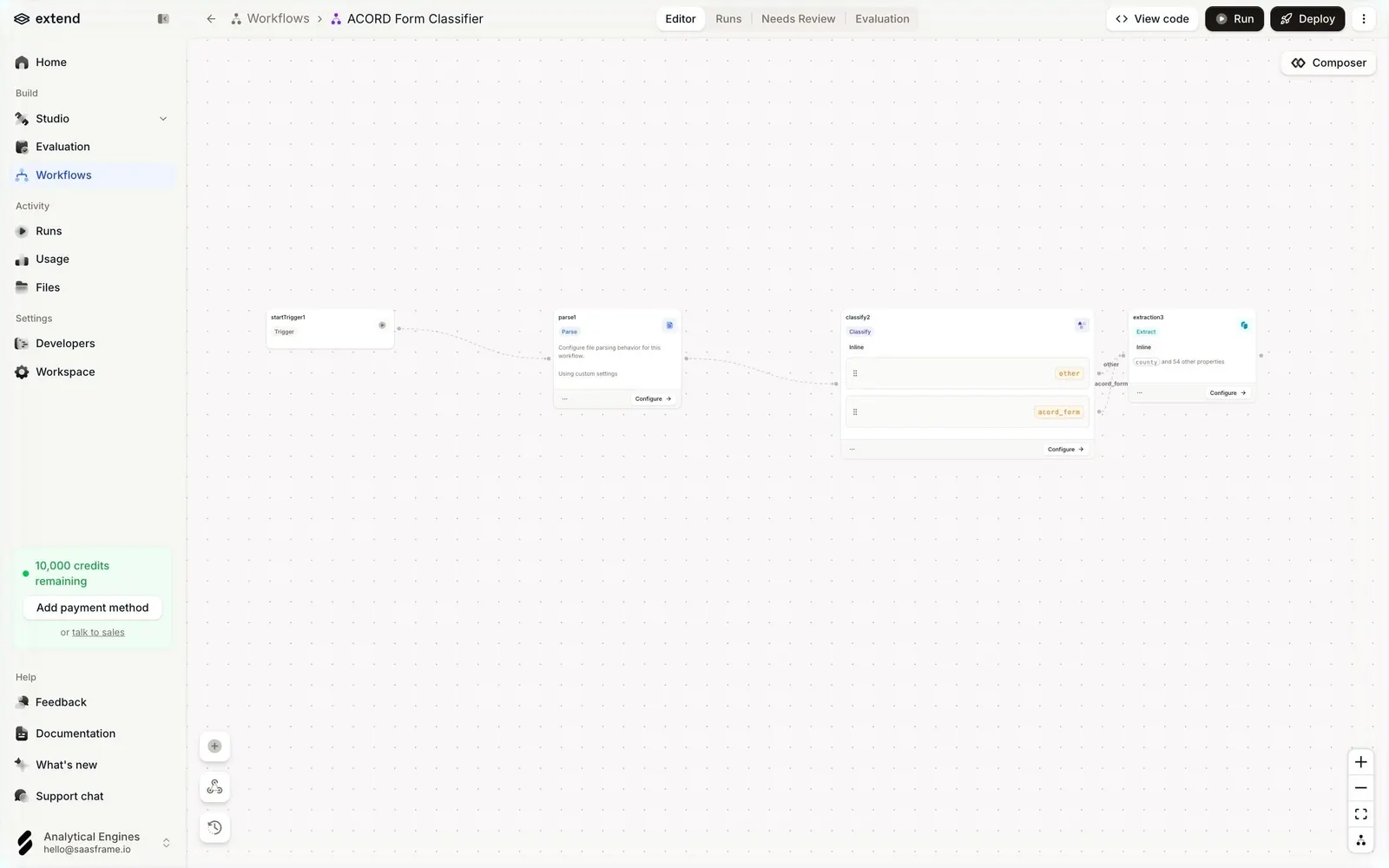
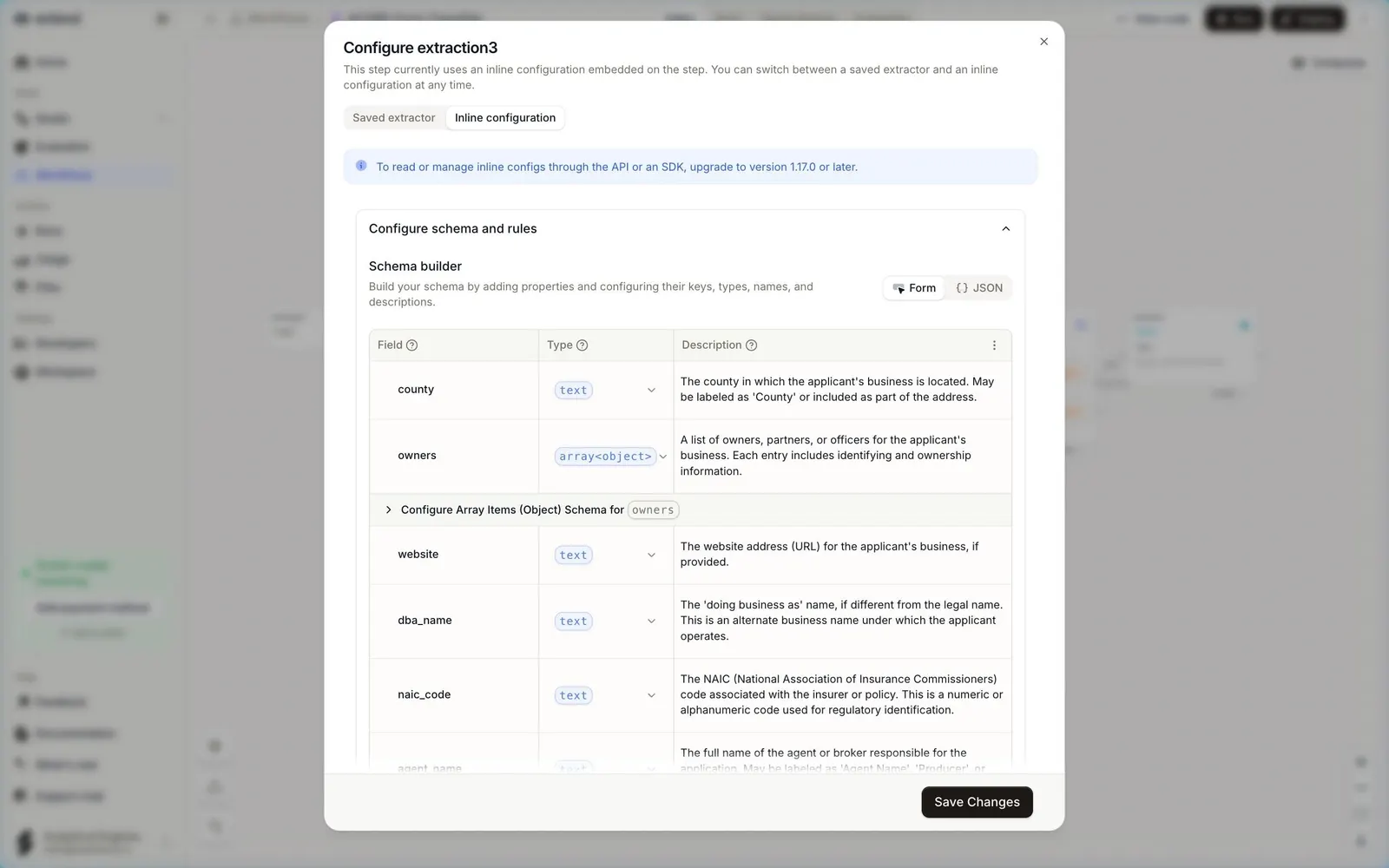
Extend's workflow journey goes from a template gallery to a reviewed extraction in seven screens. A template becomes a node canvas, a step is configured in a schema builder, a file is dropped in the run modal, then each step of the run is reviewed beside the document.
Follow Extend’s creating and running a workflow flow step by step: 7 real screens captured from the live product, from workflow templates modal to workflow run extraction review. Use ← → to move between steps, and open any screen to see it in full.
Steps in this flow
More flows from Extend
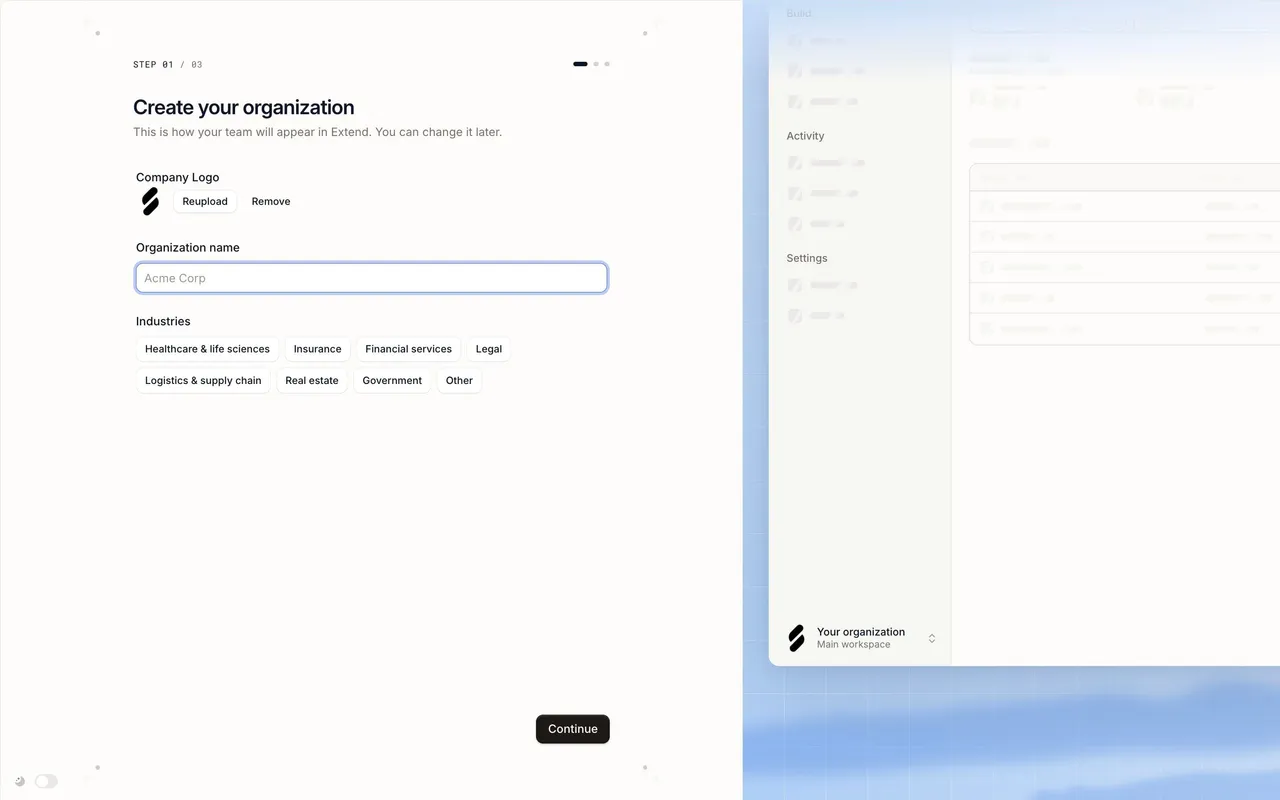
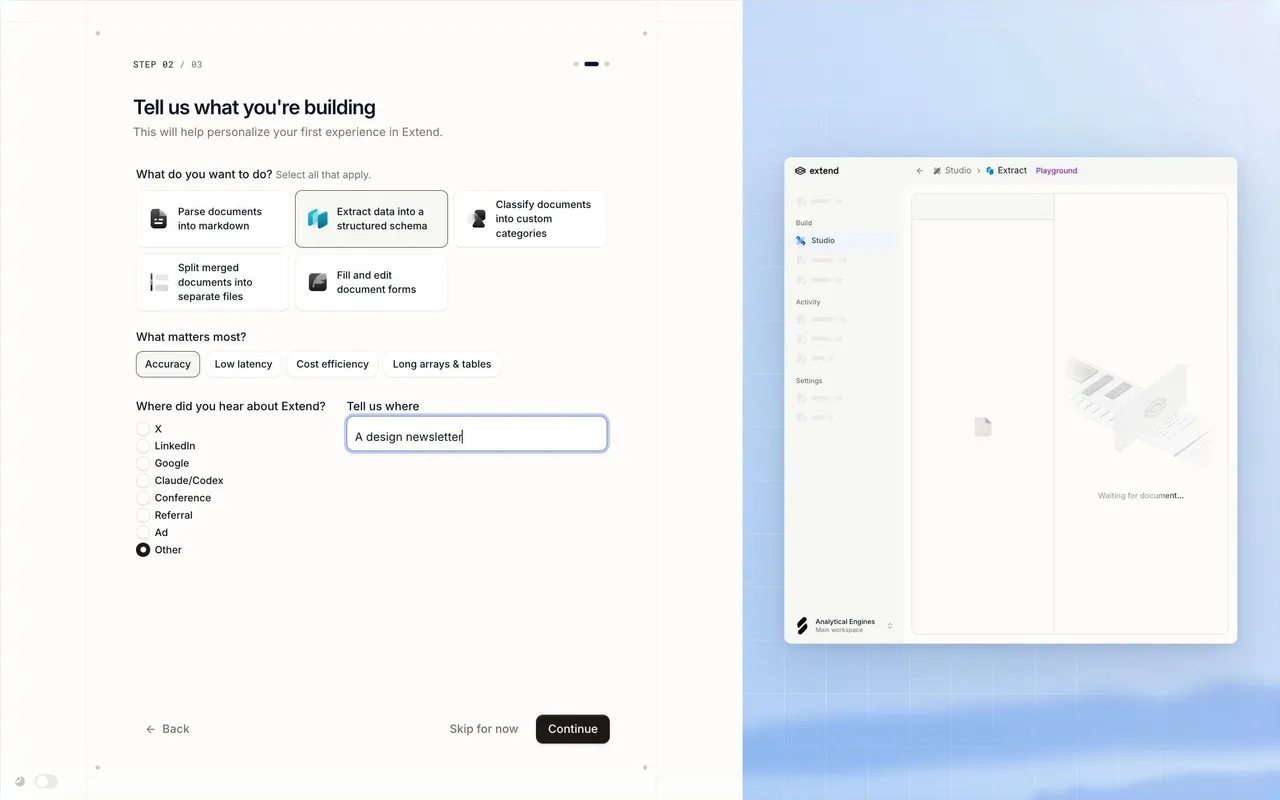
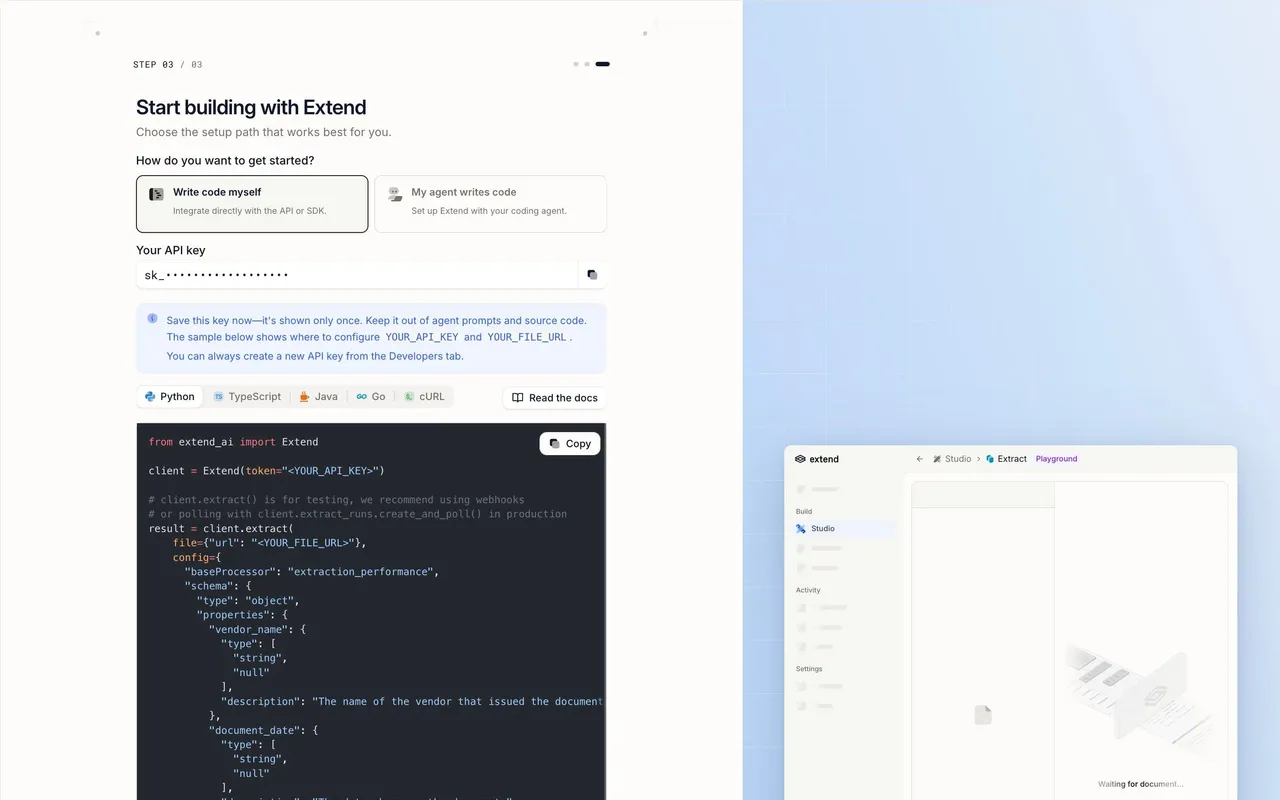
All Extend Extend Onboarding
5 screens