 SaaSFrame
SaaSFrame Pro
2 more steps in this flow
Free accounts see the first 3 steps of each flow. Pro unlocks every step of every flow, plus every screen, section and Copy in Figma.

Extend Onboarding
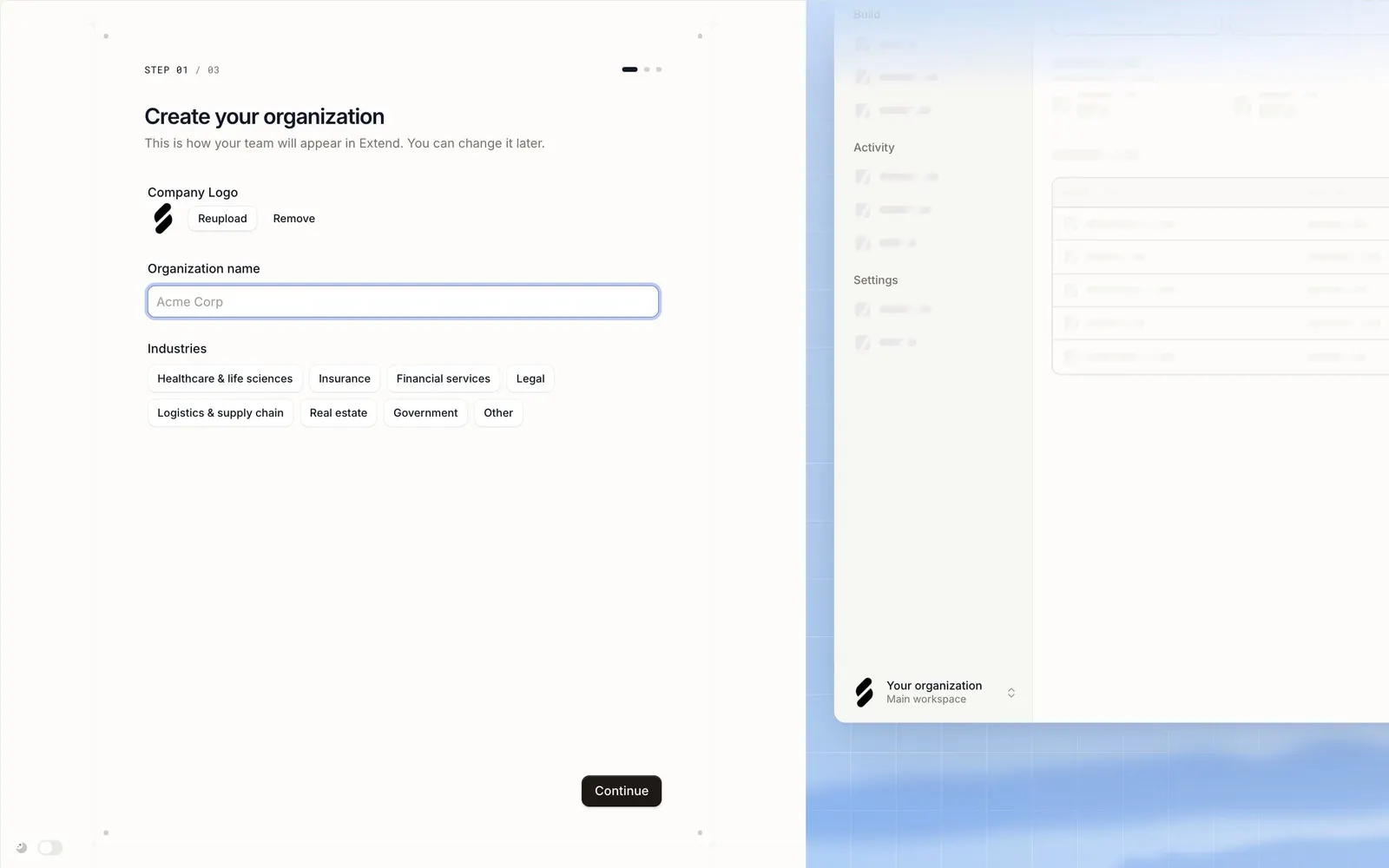
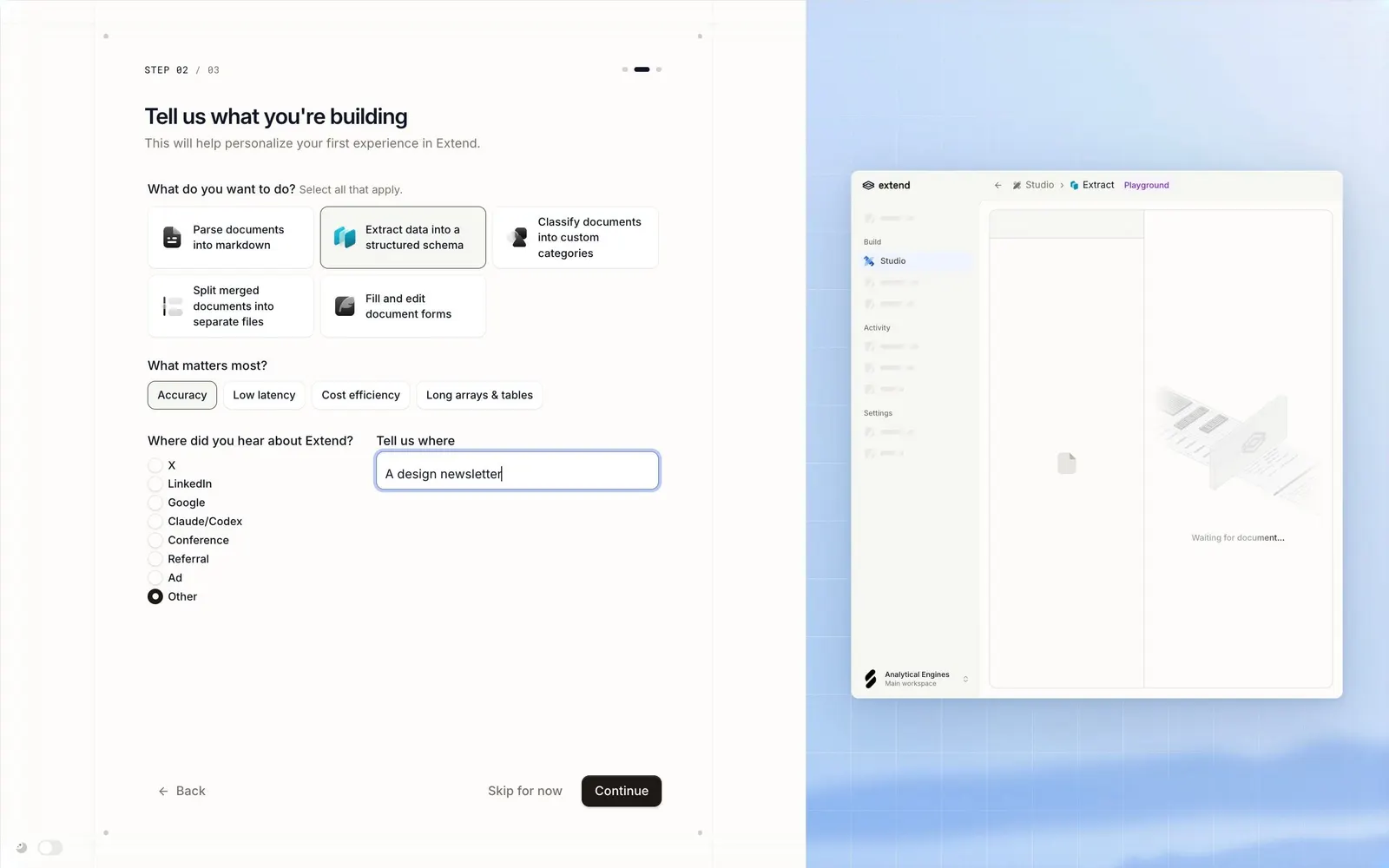
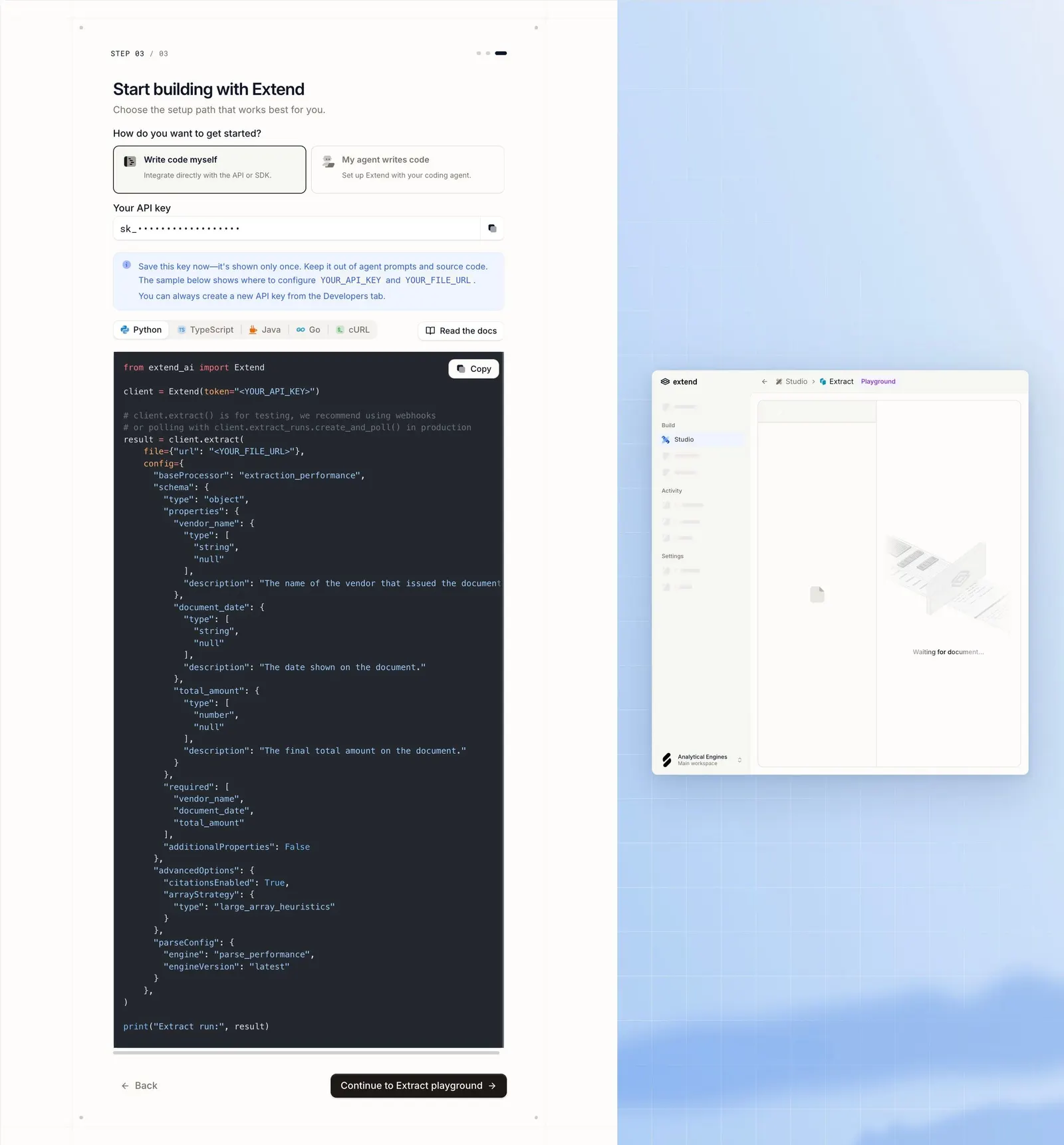
Extend's onboarding takes three steps: create the organization, say what you are building, then pick a setup path and receive an API key with sample code. A welcome modal then asks for a first document in the Extract playground. The form sits on warm white beside a sky-blue panel where a skeleton of the product updates with each answer.
Follow Extend’s onboarding flow step by step: 5 real screens captured from the live product, from onboarding create organization to extract playground. Use ← → to move between steps, and open any screen to see it in full.