 SaaSFrame
3 more steps in this flow
Free accounts see the first 3 steps of each flow. Pro unlocks every step of every flow, plus every screen, section and Copy in Figma.

Deepgram Try the Voice APIs
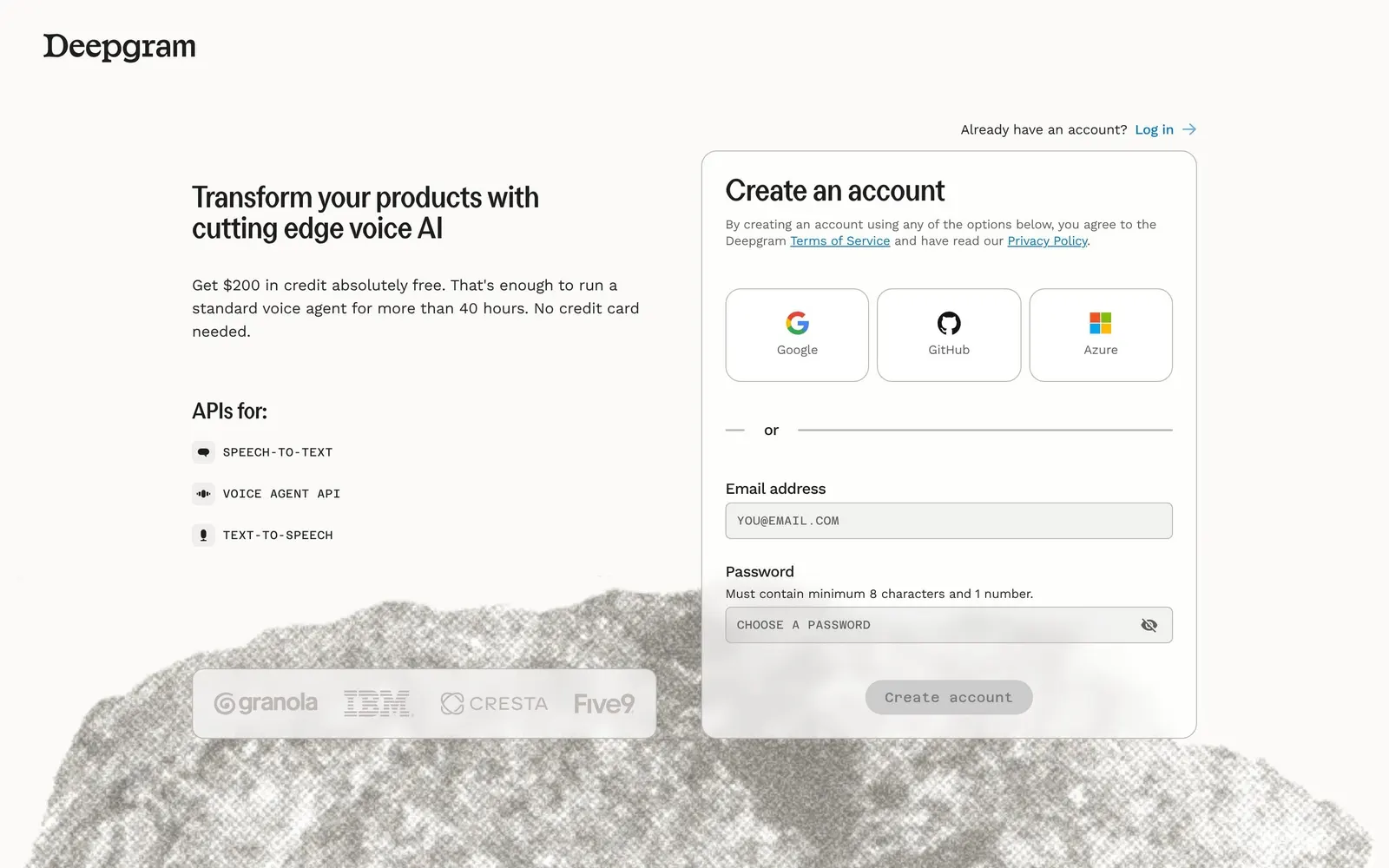
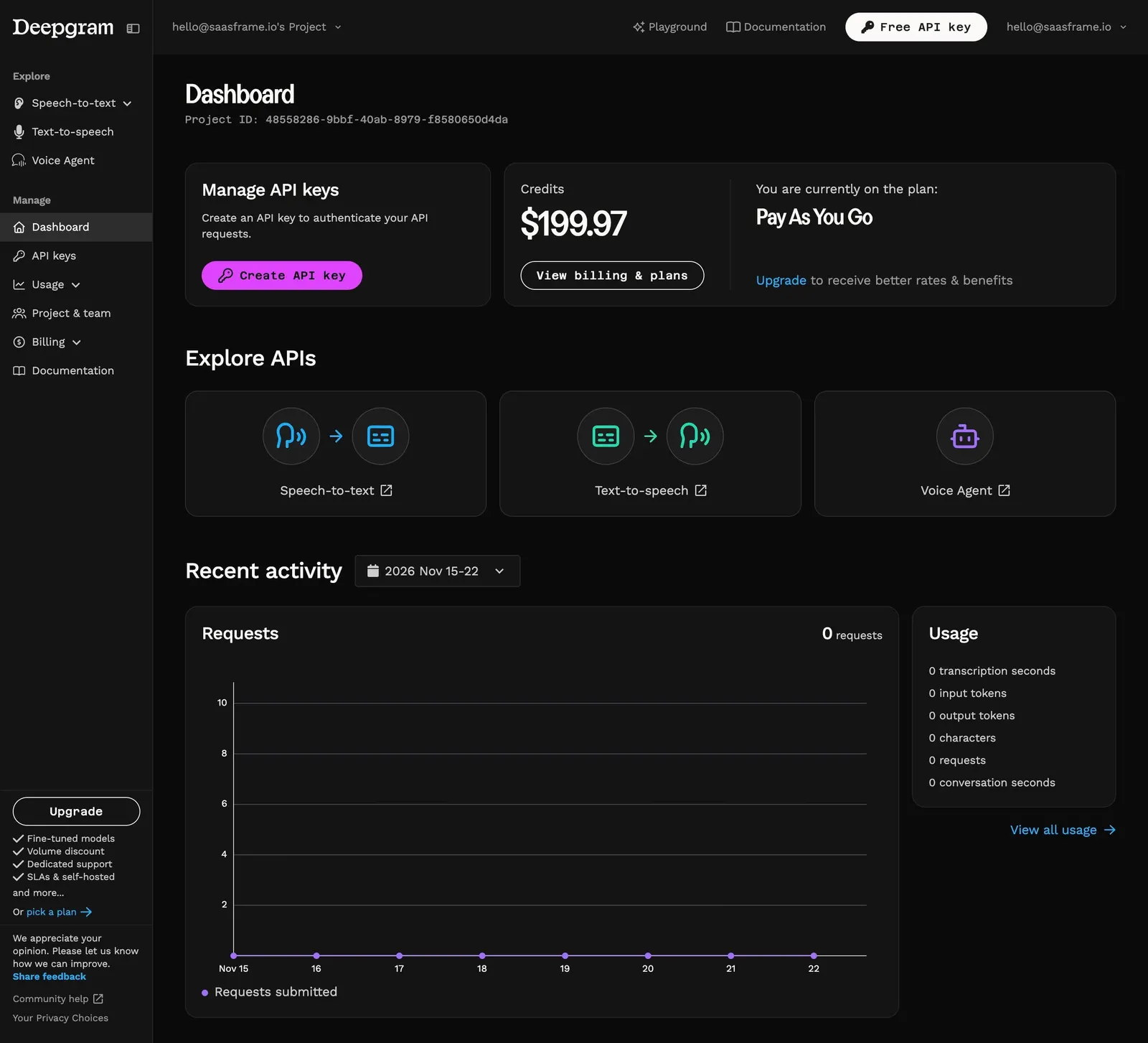
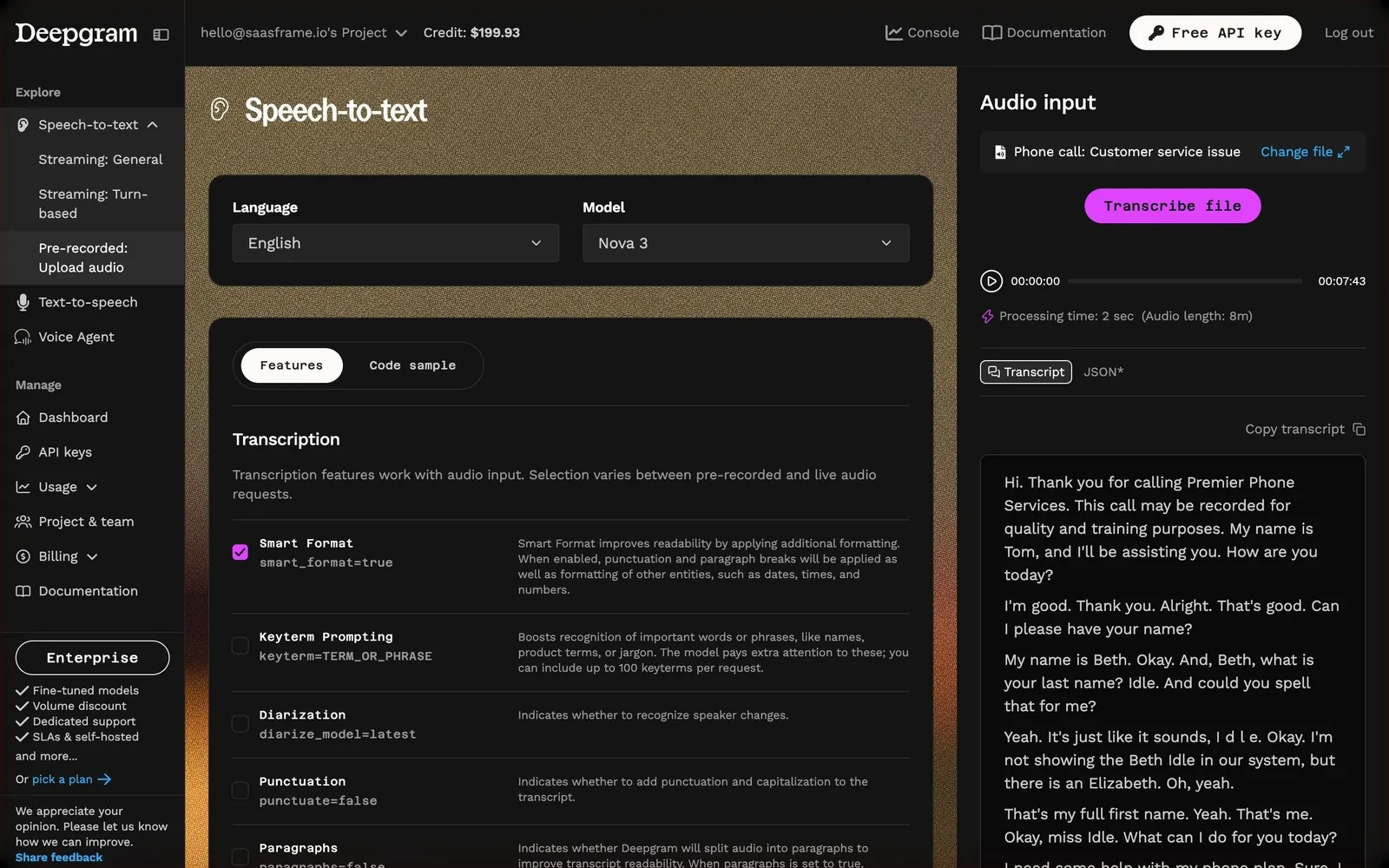
Deepgram's first-run path goes from a sign-up page that turns a $200 credit into 40 hours of voice agent usage, to a console dashboard with keys and credits, then through the three playgrounds: speech-to-text with a transcribed sample call, text-to-speech with a playable voice list and a preset voice agent ready to call. It ends on the usage page, where the test request shows up. The light auth pages give way to near-black panels on grainy colored backgrounds with magenta actions.
Follow Deepgram’s try the voice apis flow step by step: 6 real screens captured from the live product, from sign up to usage. Use ← → to move between steps, and open any screen to see it in full.