SaaSFrame
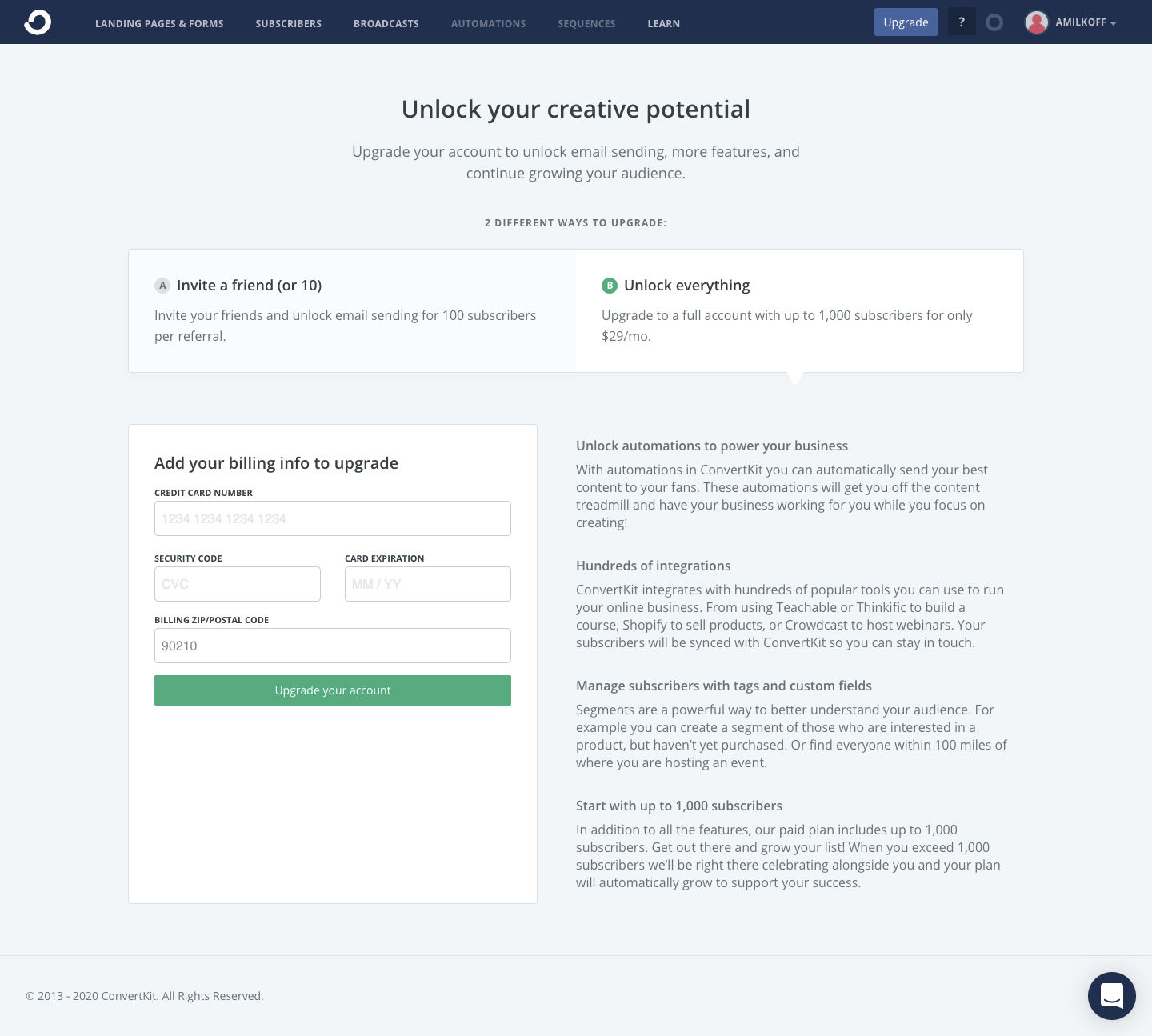
ConvertKit Upgrading
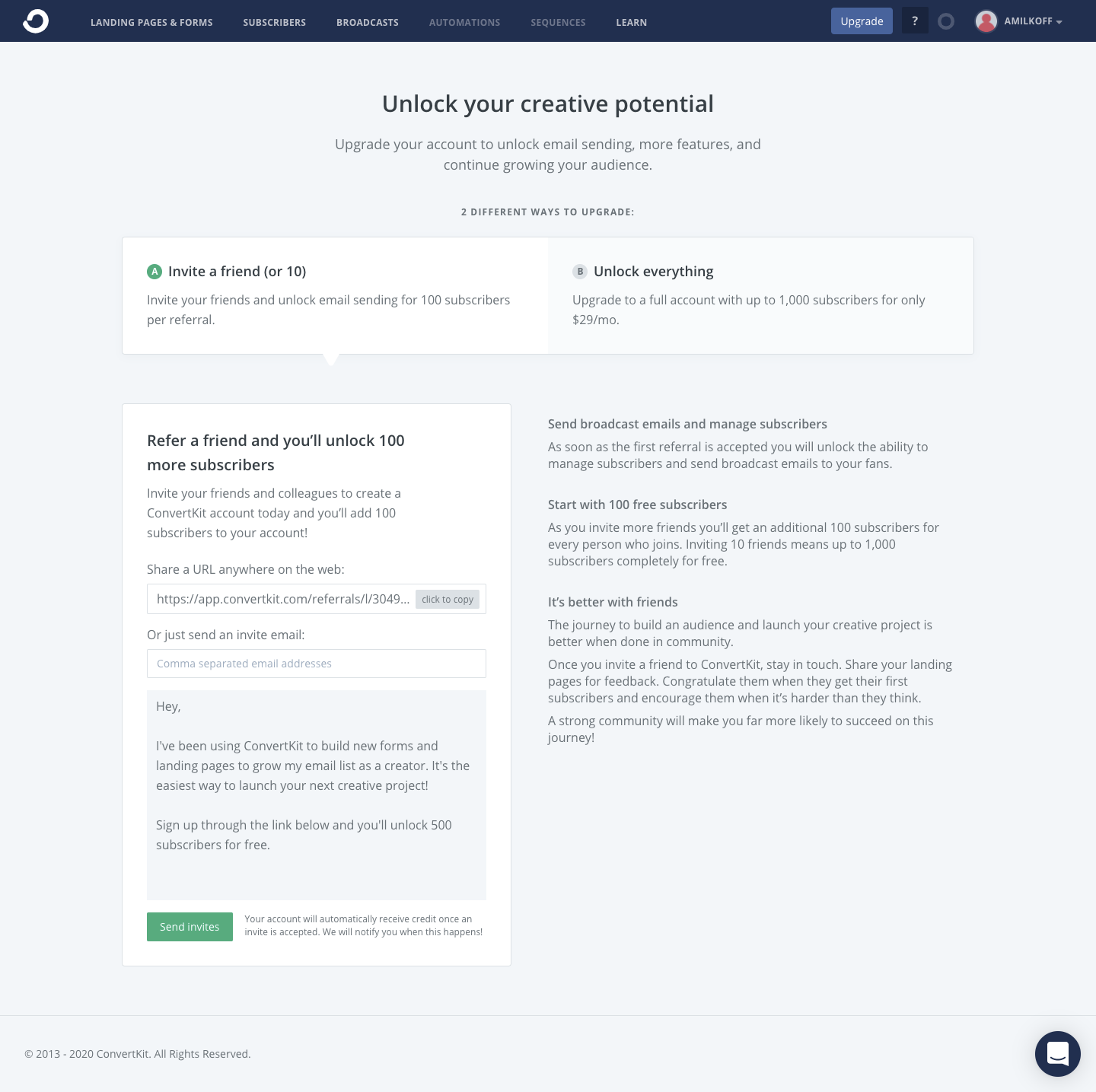
ConvertKit's upgrade flow offers two ways to unlock more features, inviting friends or paying, as tabs on one page. Picking a tab swaps the panel below: a referral link block for invites, or a compact billing form for card details. A right column lists what each path unlocks in short headed paragraphs under a dark navigation bar.
Follow ConvertKit’s upgrading flow step by step: 2 real screens captured from the live product, from upgrading to checkout. Use ← → to move between steps, and open any screen to see it in full.
Steps in this flow
More flows from ConvertKit
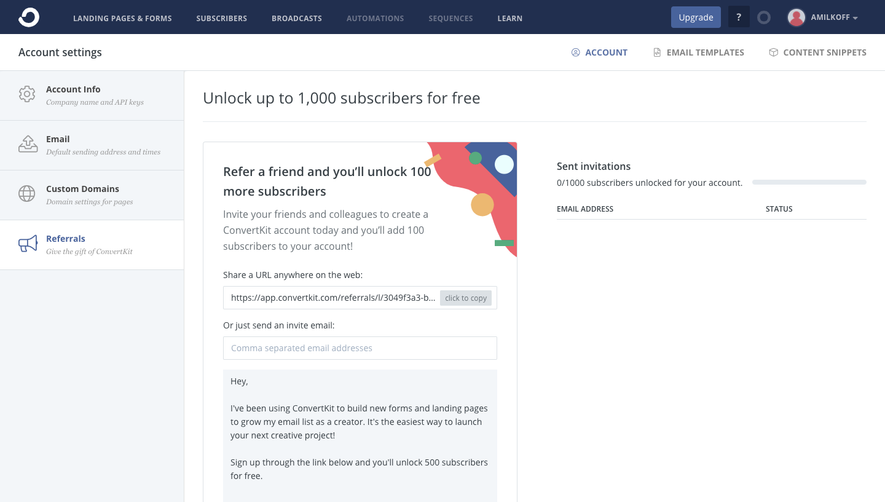
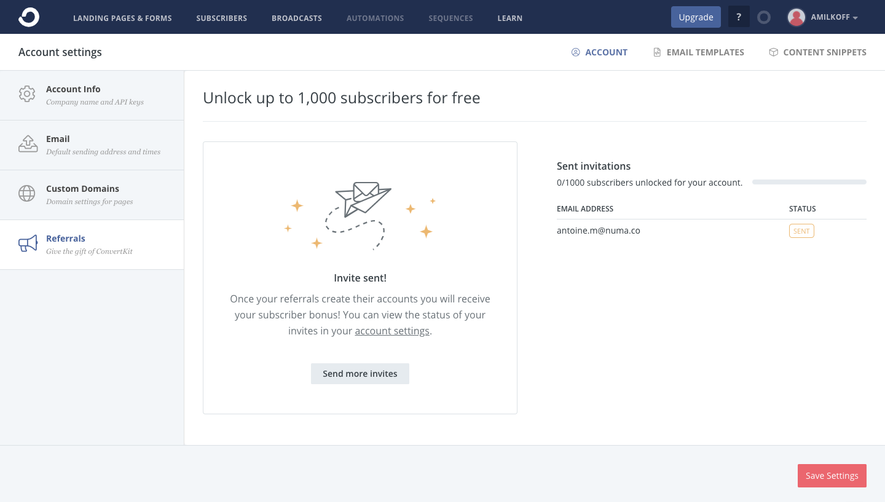
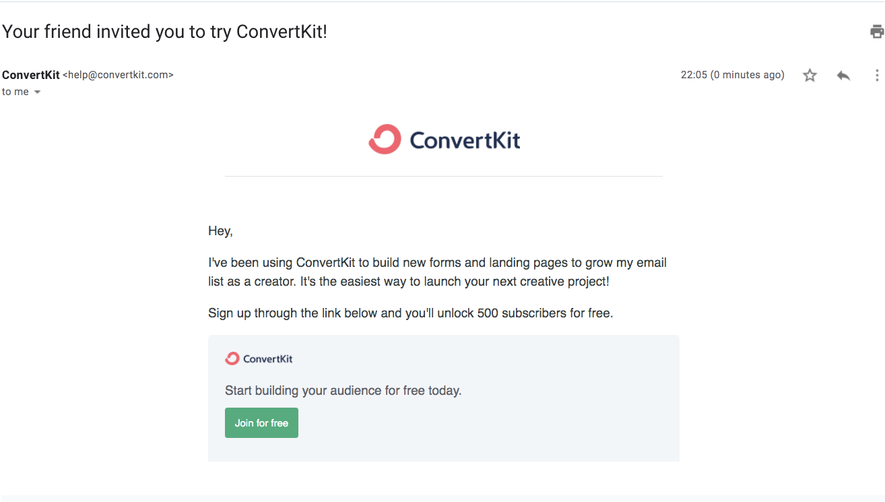
All ConvertKit ConvertKit Referral Flow
3 screens
ConvertKit Sign Up Flow
5 screens