SaaSFrame
ConvertKit Referral Flow
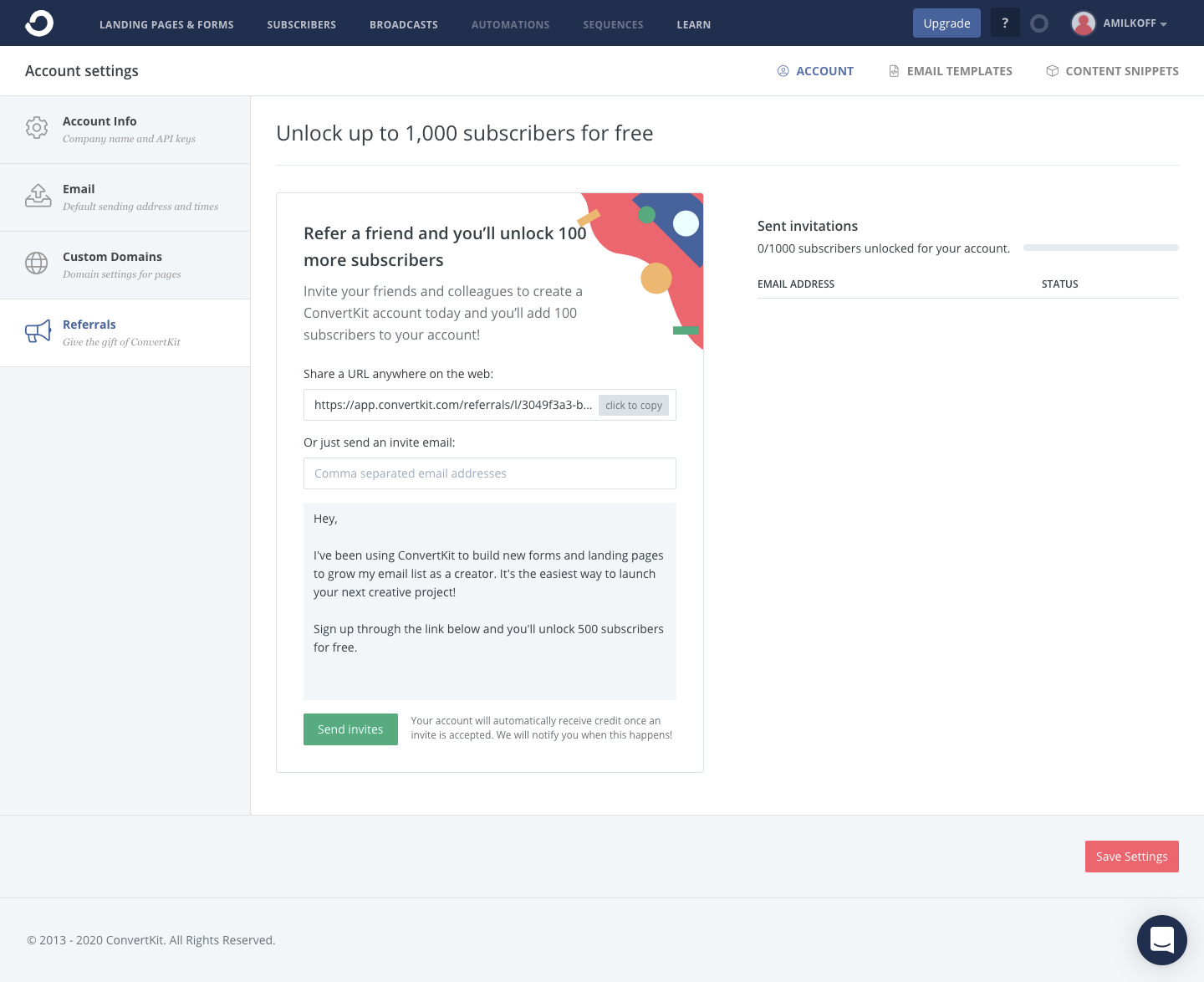
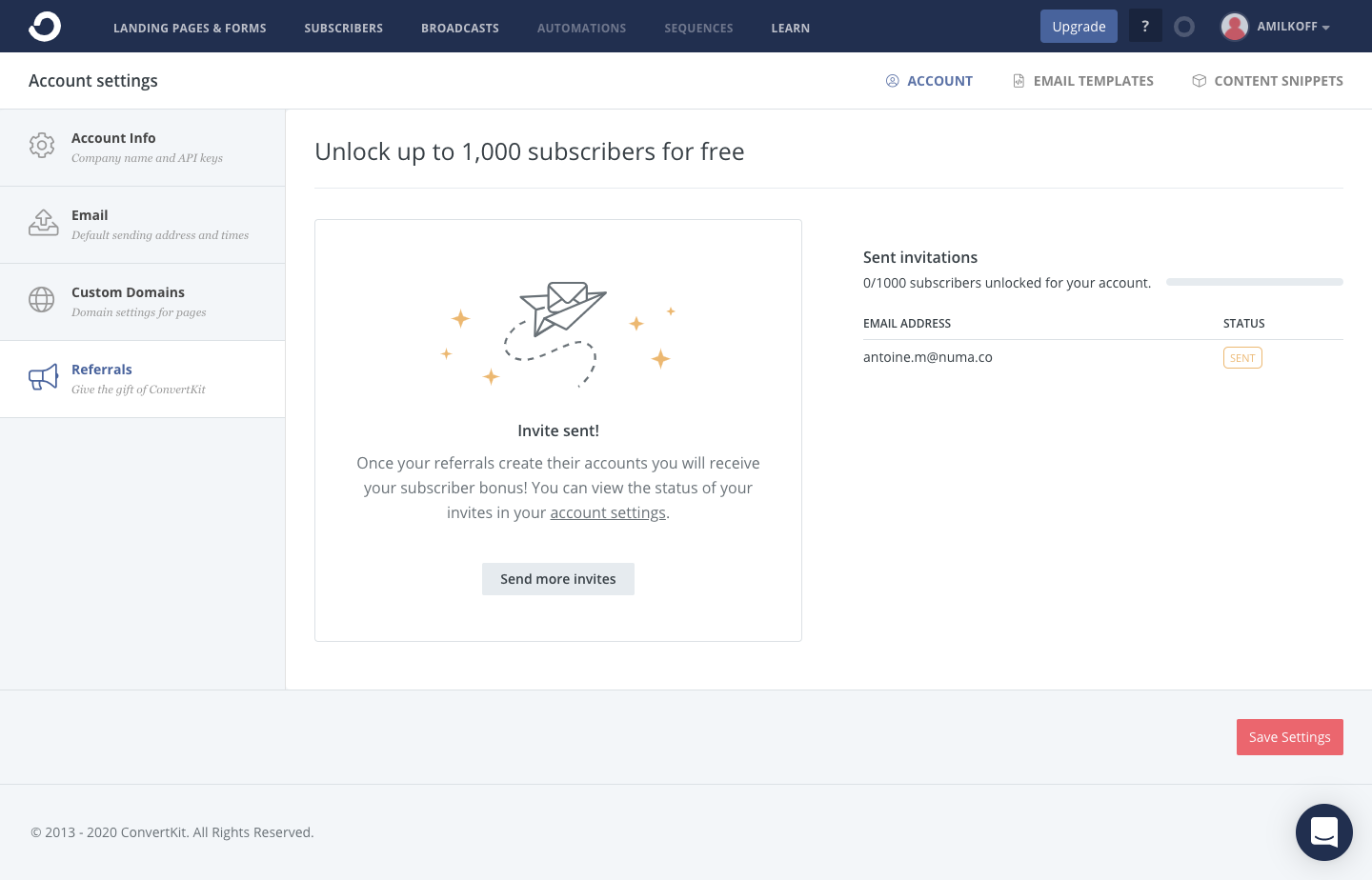
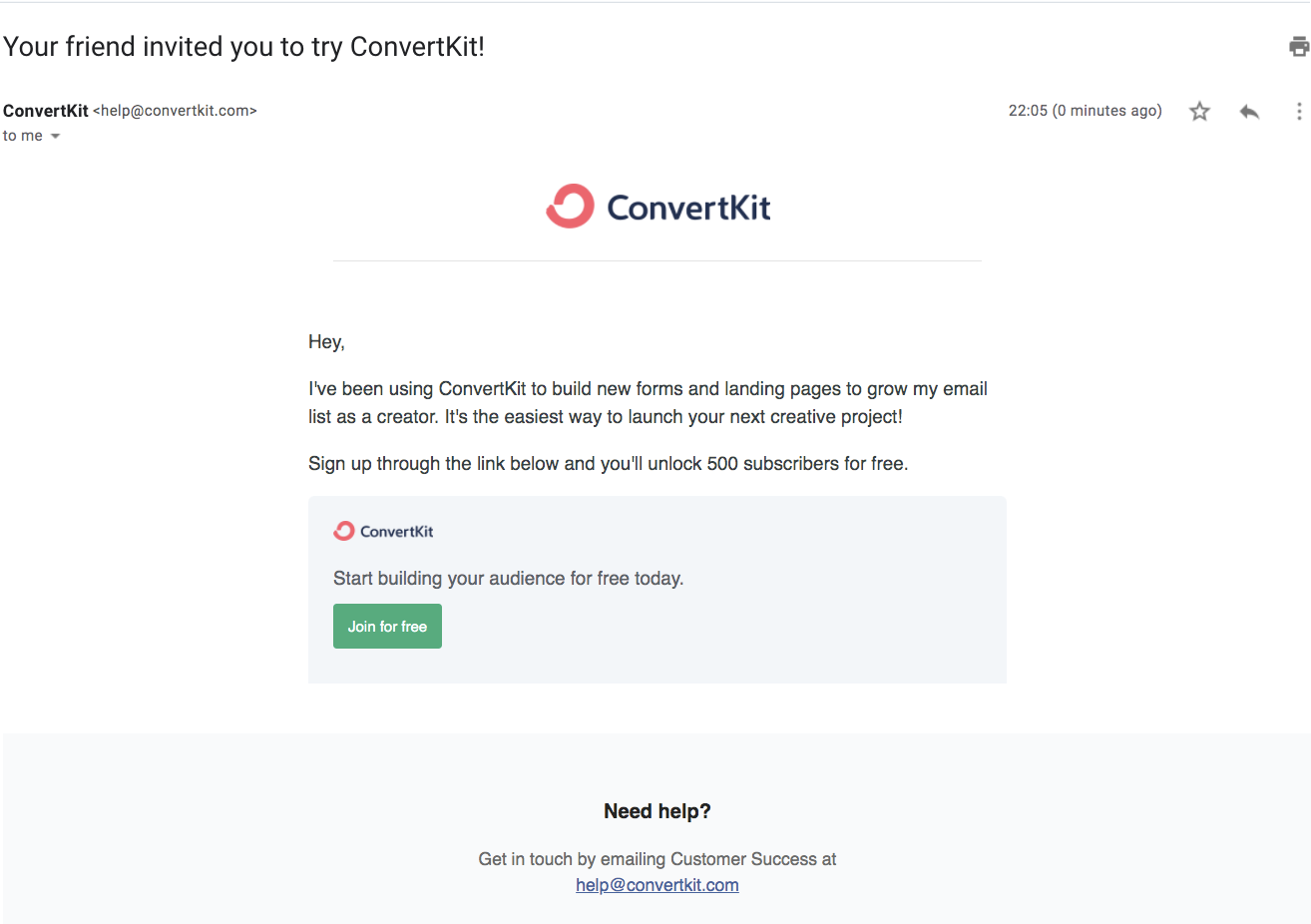
ConvertKit's referral flow lets you invite friends from account settings, then shows the email they receive, in three light, sidebar-led screens. The invite card pairs a coral illustration with a shareable link field and an editable message preview, beside a table of sent invitations. After sending, a paper-plane empty state confirms it, and the final email repeats the offer with a single green button.
Follow ConvertKit’s referral flow flow step by step: 3 real screens captured from the live product, from referral flow: invite friends to referral flow: invitation email. Use ← → to move between steps, and open any screen to see it in full.
Steps in this flow
More flows from ConvertKit
All ConvertKit ConvertKit Upgrading
2 screens
ConvertKit Sign Up Flow
5 screens