SaaSFrame
2 more steps in this flow
Free accounts see the first 3 steps of each flow. Pro unlocks every step of every flow, plus every screen, section and Copy in Figma.
ConvertKit Sign Up Flow
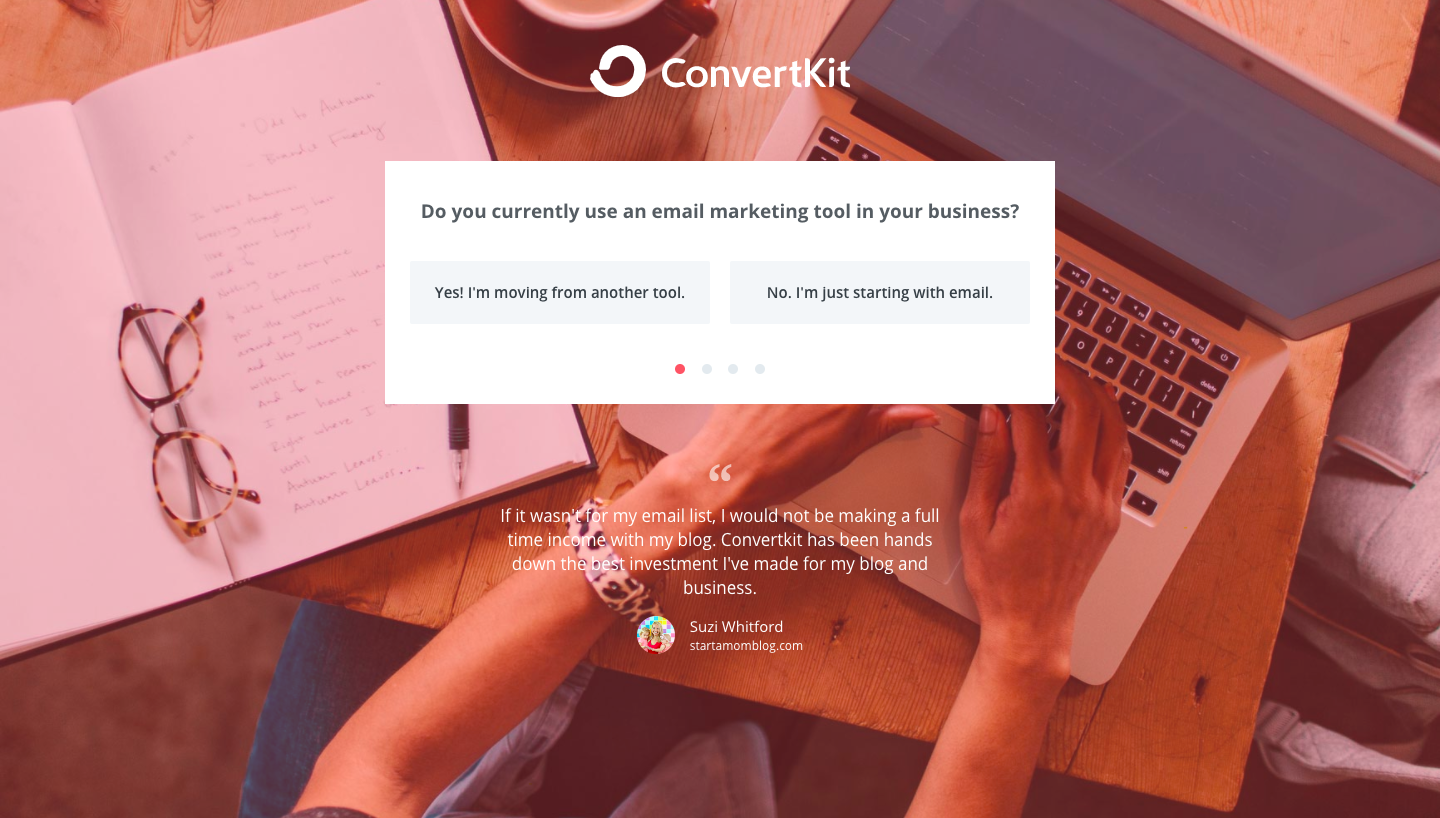
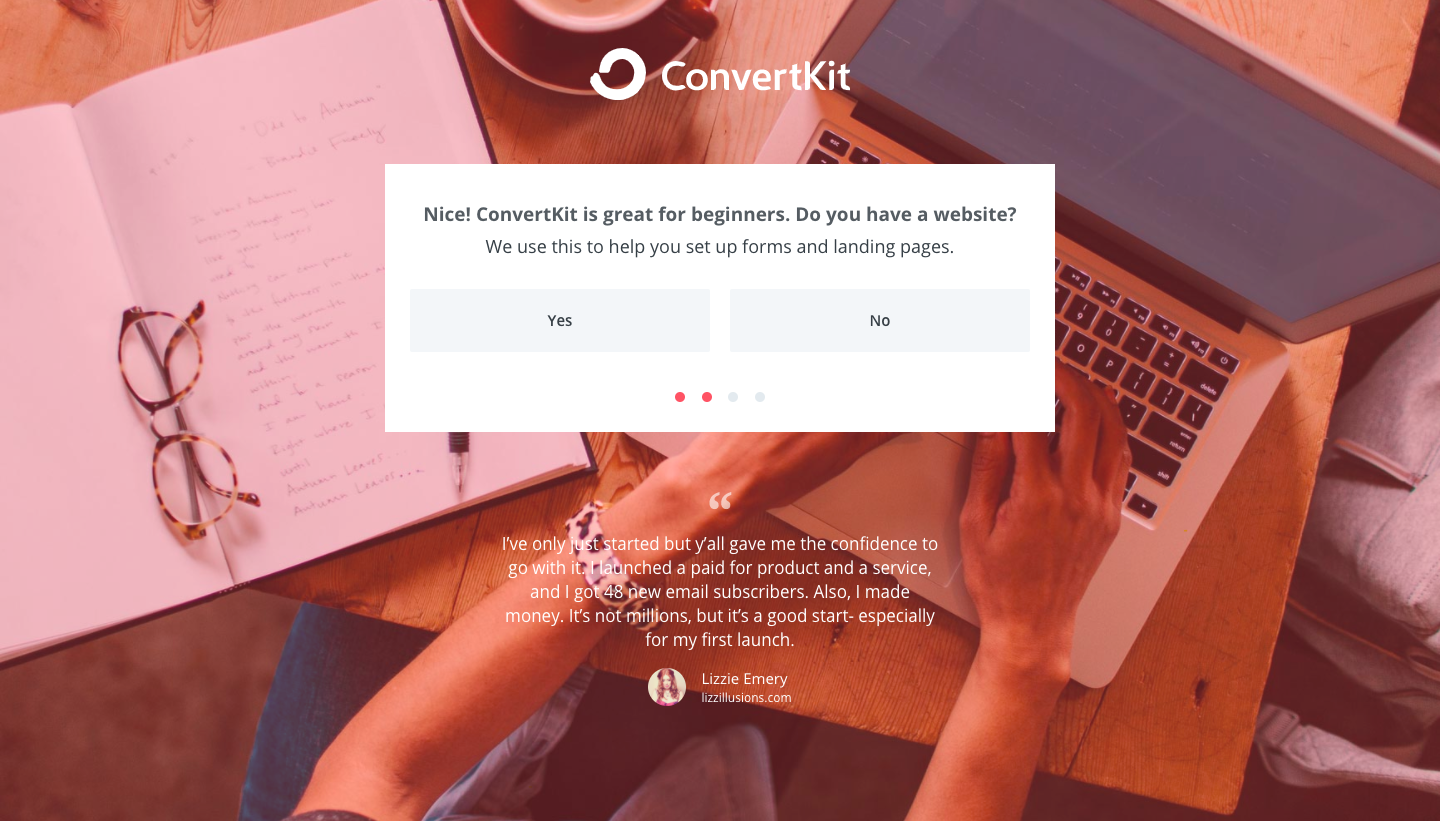
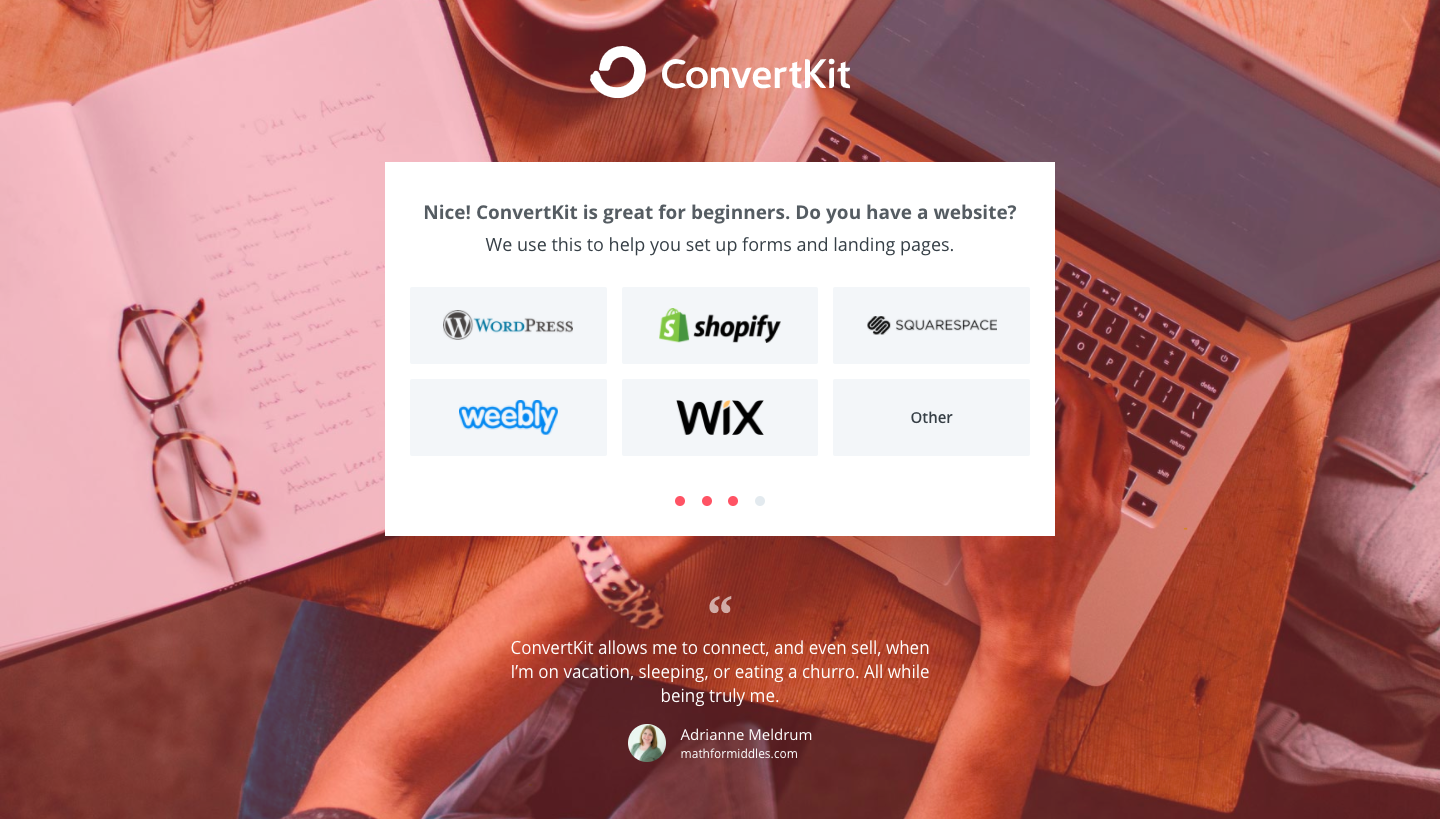
ConvertKit's sign-up flow asks a few qualifying questions in a small white card over a warm pink photo backdrop before collecting login details. The first three steps offer two or six large tap targets, such as platform logos, with dot pagination and a customer quote under the card. A coral Get Started button finishes the form, followed by a verification email with a matching coral button.
Follow ConvertKit’s sign up flow flow step by step: 5 real screens captured from the live product, from sign up page to sign up flow: verify email. Use ← → to move between steps, and open any screen to see it in full.
Steps in this flow
More flows from ConvertKit
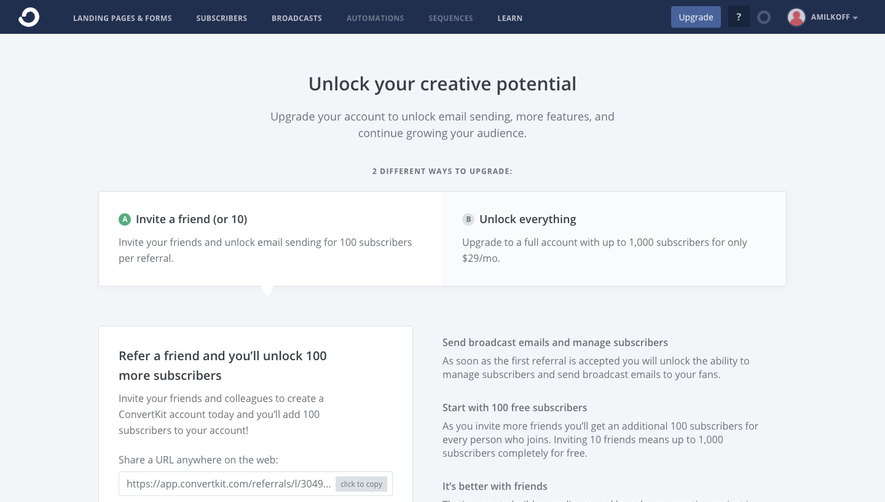
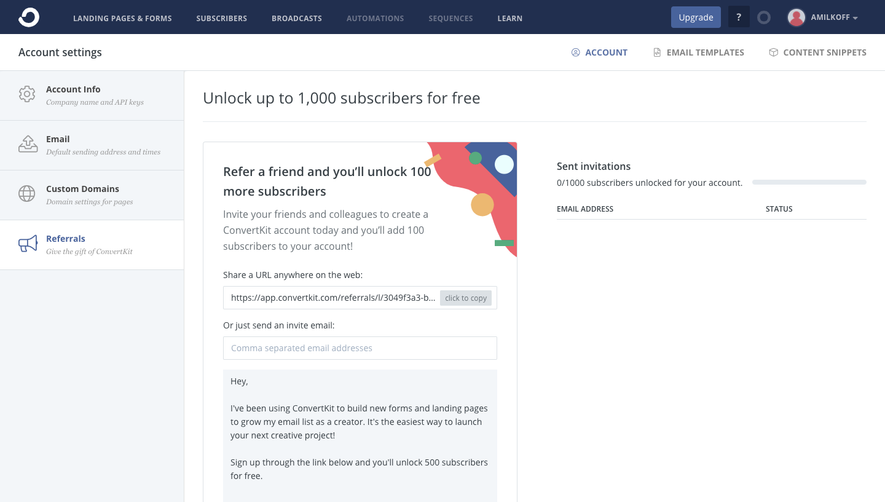
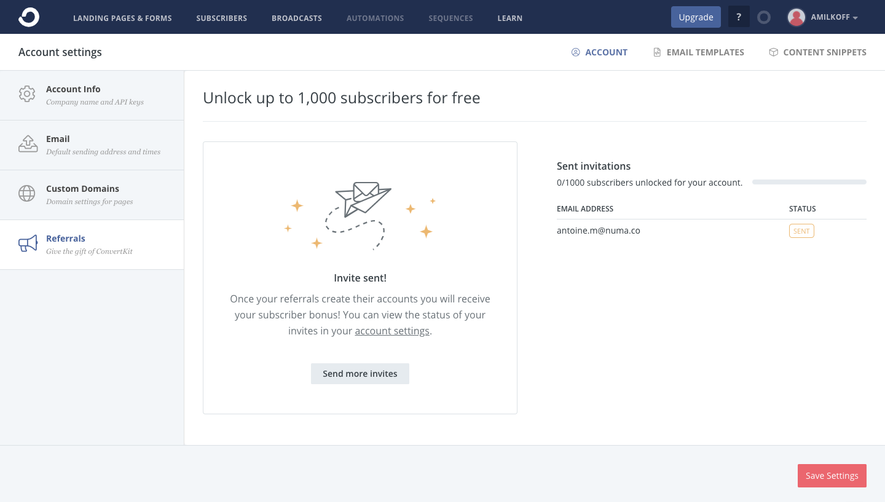
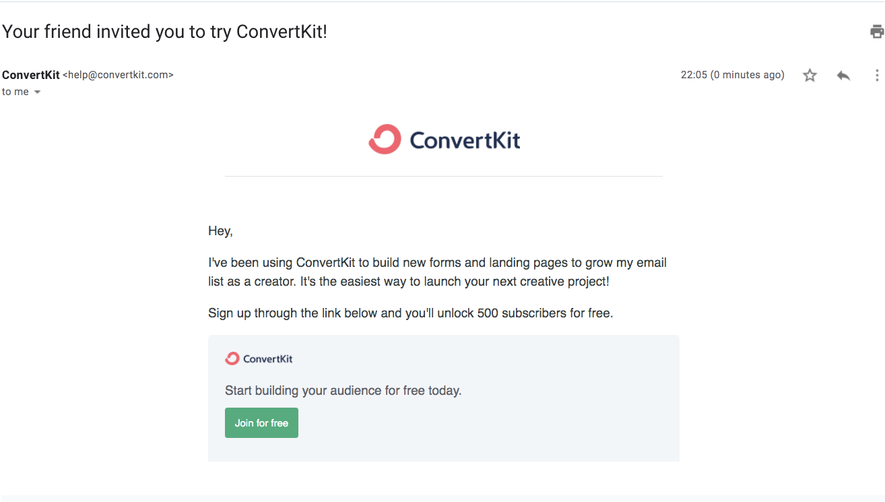
All ConvertKit ConvertKit Referral Flow
3 screens
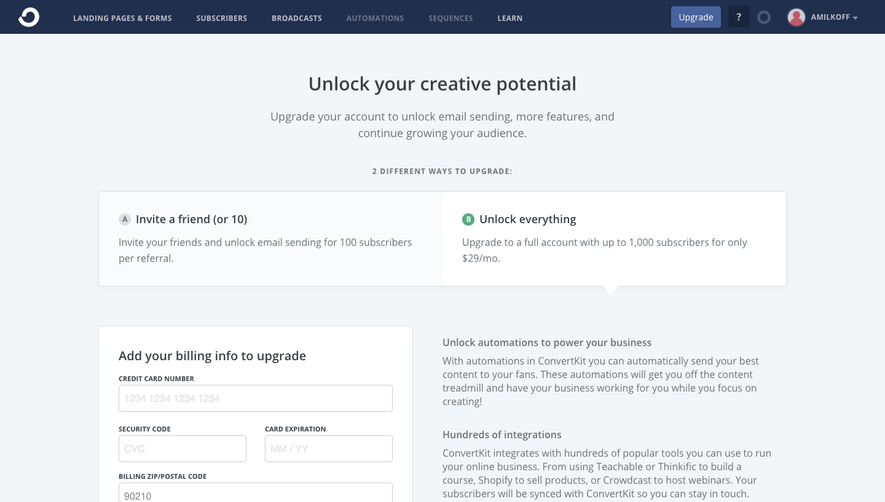
ConvertKit Upgrading
2 screens