SaaSFrame
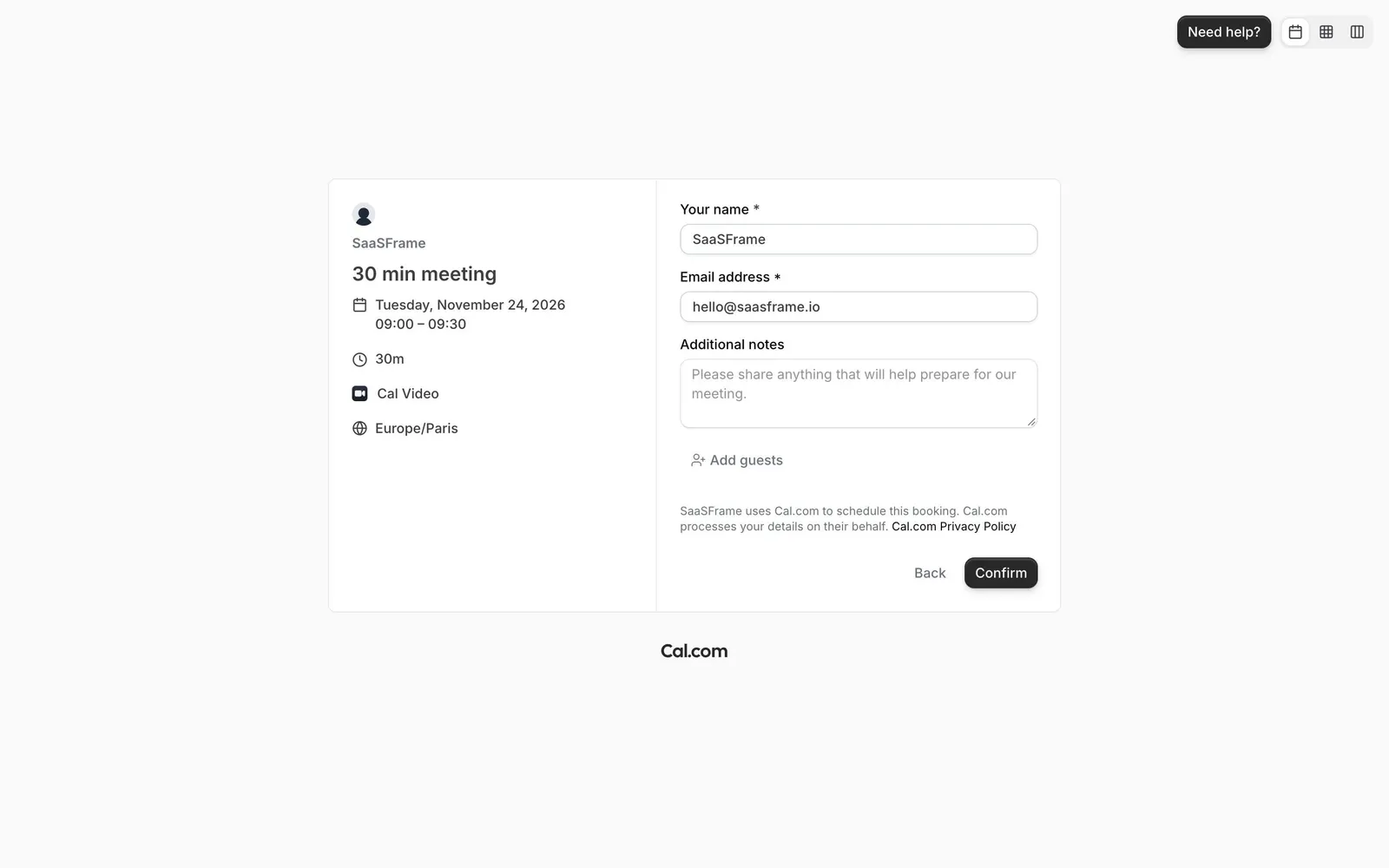
Cal.com Booking a Meeting
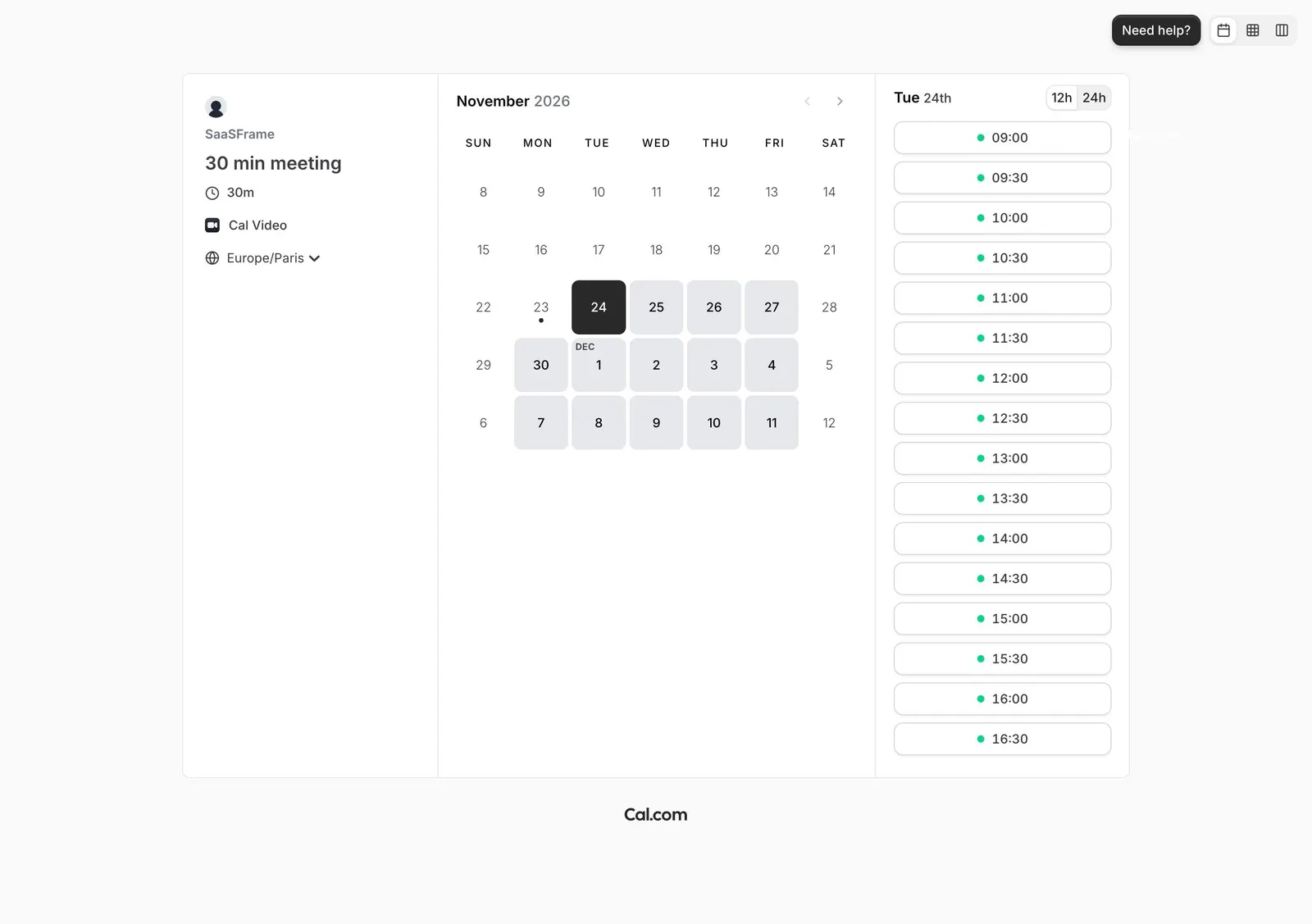
Booking on Cal.com takes two screens: the public booking page with event details, a month calendar and time slots side by side, then a short confirmation form that keeps the chosen slot recapped on the left. Both live in the same compact white card with a dark Confirm button.
Follow Cal.com’s booking a meeting flow step by step: 2 real screens captured from the live product, from booking page to booking form. Use ← → to move between steps, and open any screen to see it in full.
Steps in this flow
More flows from Cal.com
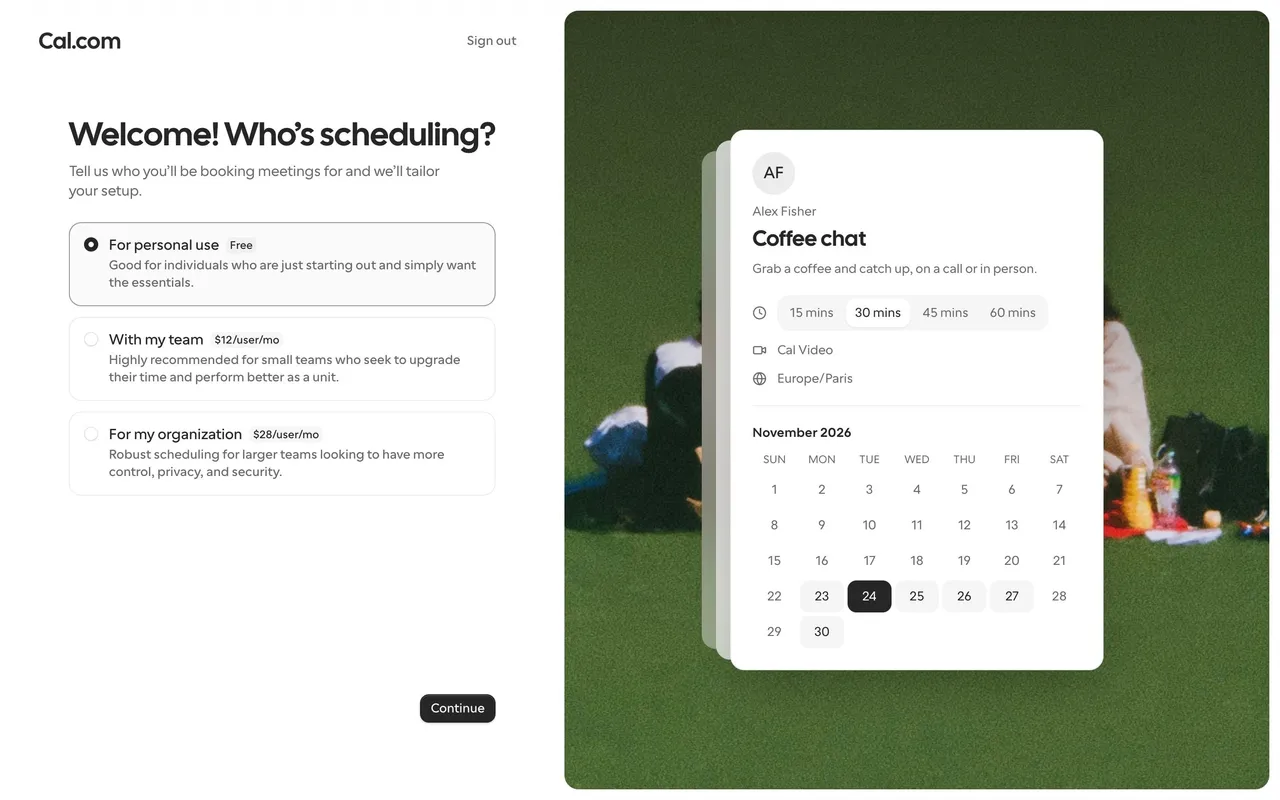
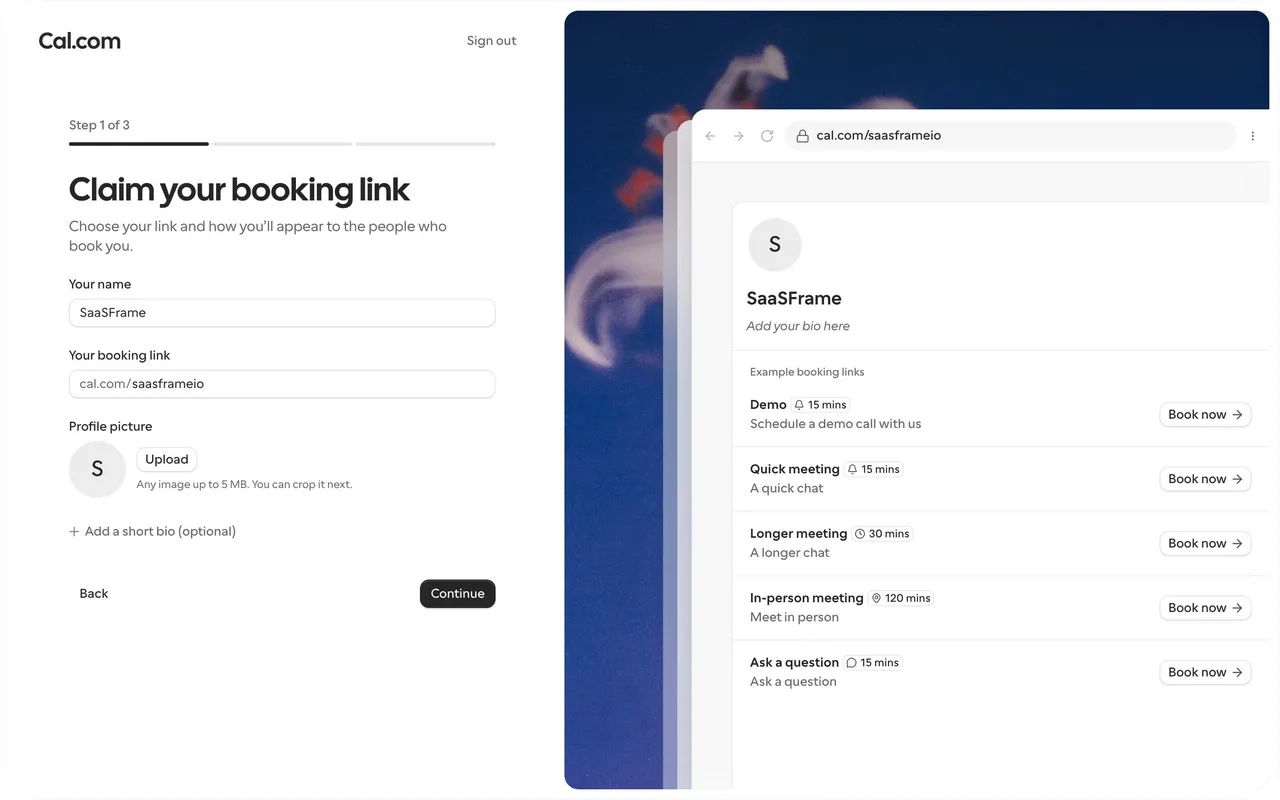
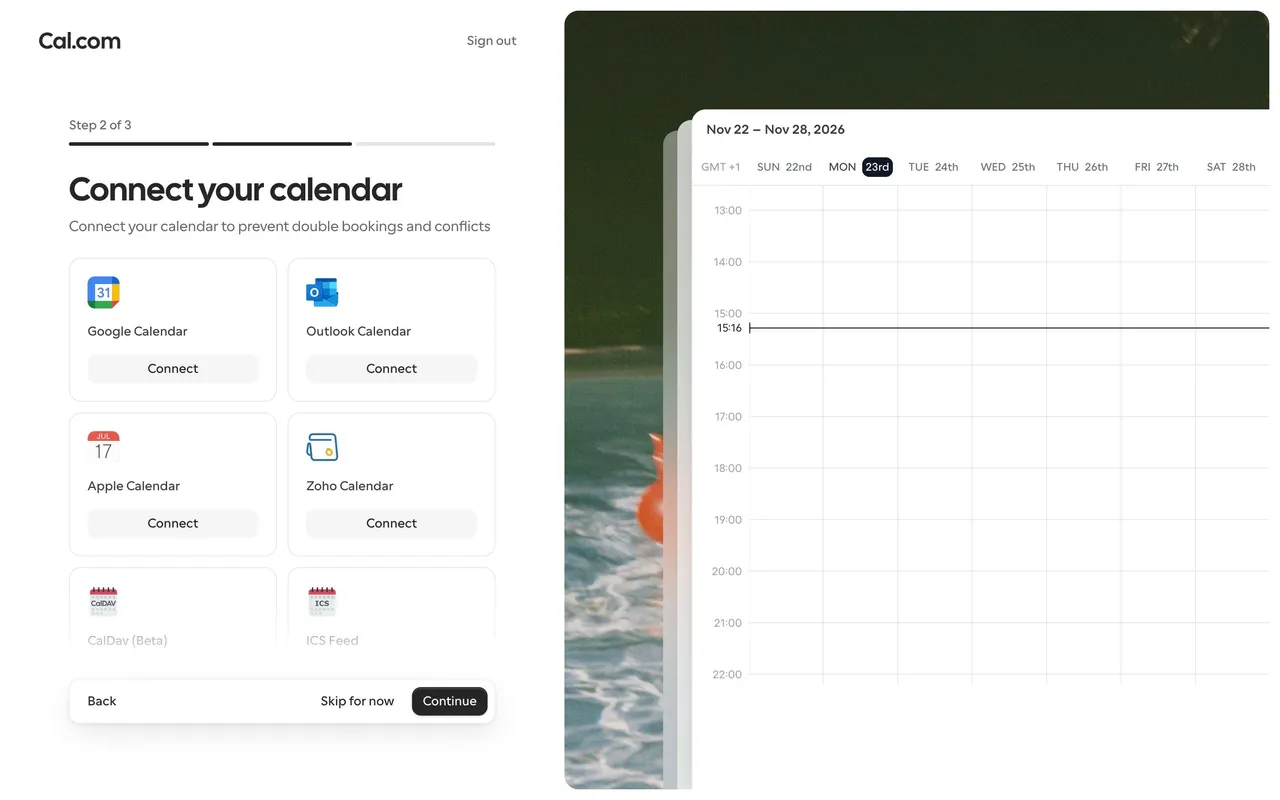
All Cal.com Cal.com Onboarding
5 screens
Cal.com Create a workflow
3 screens
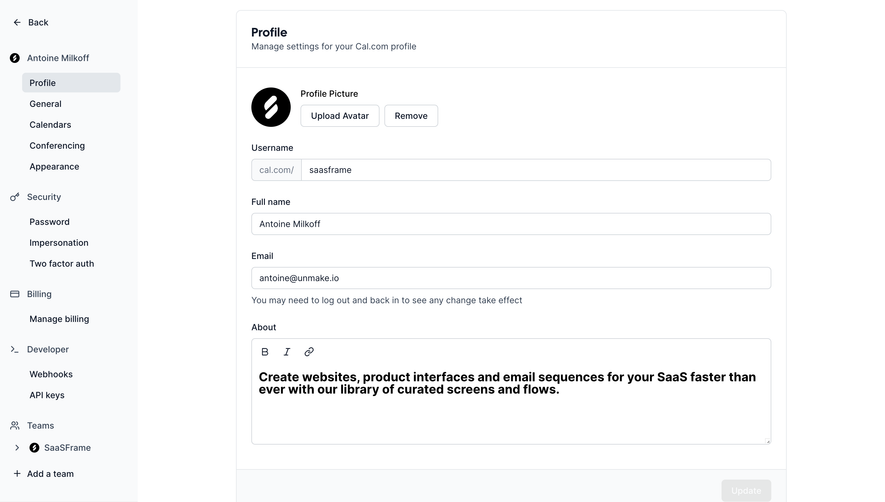
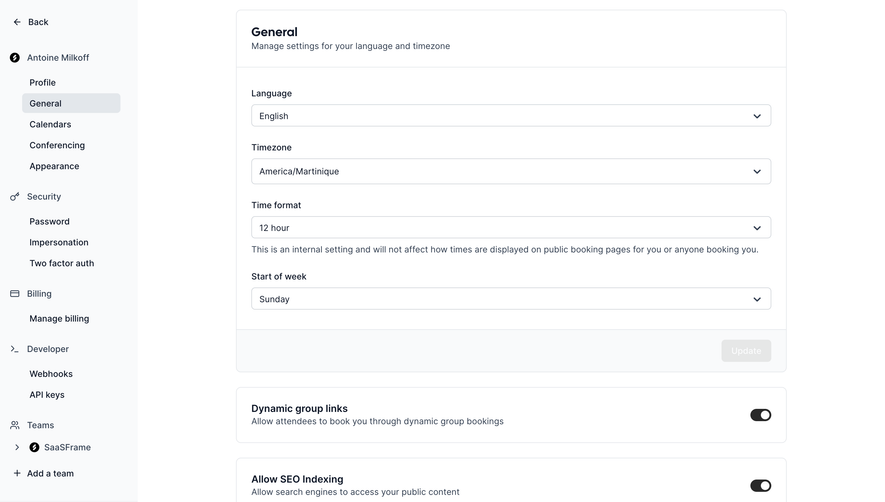
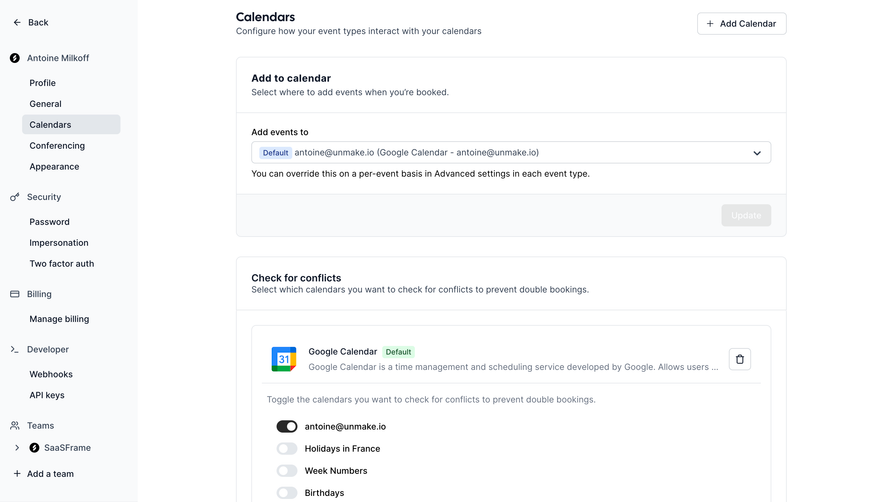
Cal.com Settings
9 screens