SaaSFrame
SaaSFrame Pro
2 more steps in this flow
Free accounts see the first 3 steps of each flow. Pro unlocks every step of every flow, plus every screen, section and Copy in Figma.
Asana User Onboarding
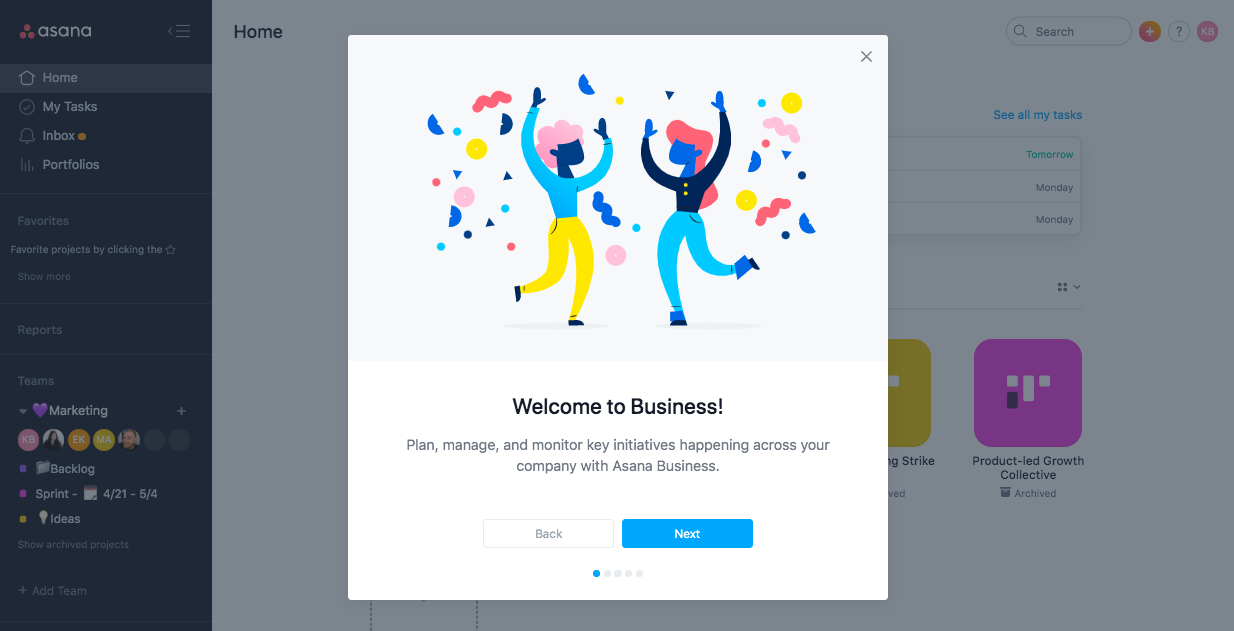
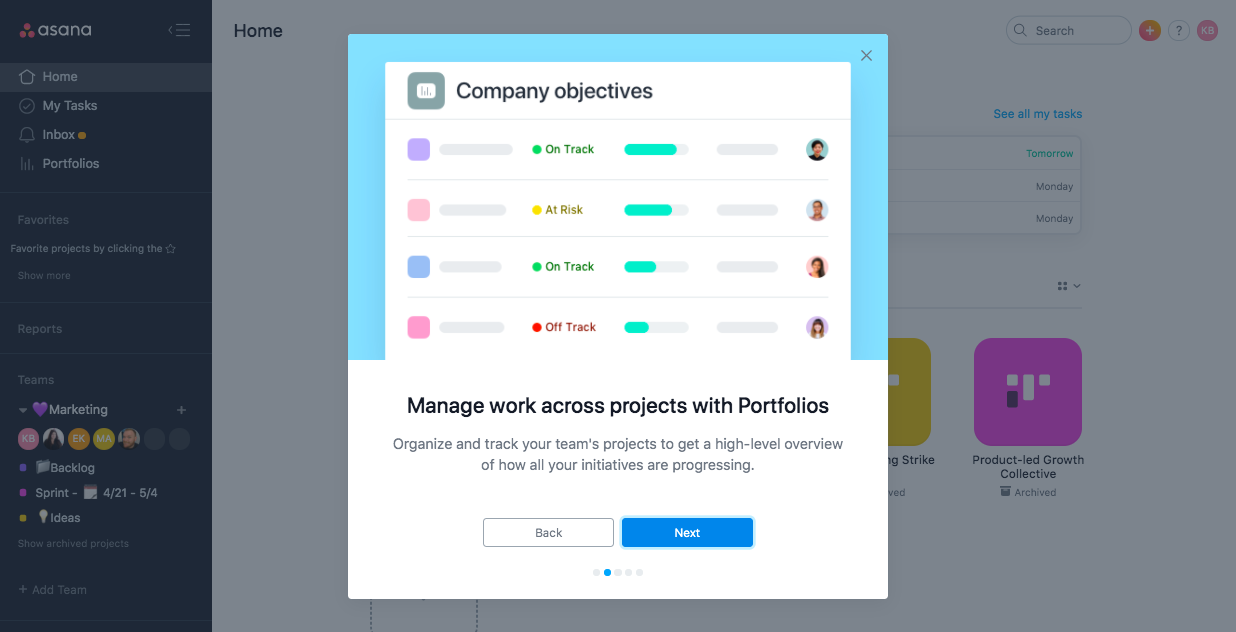
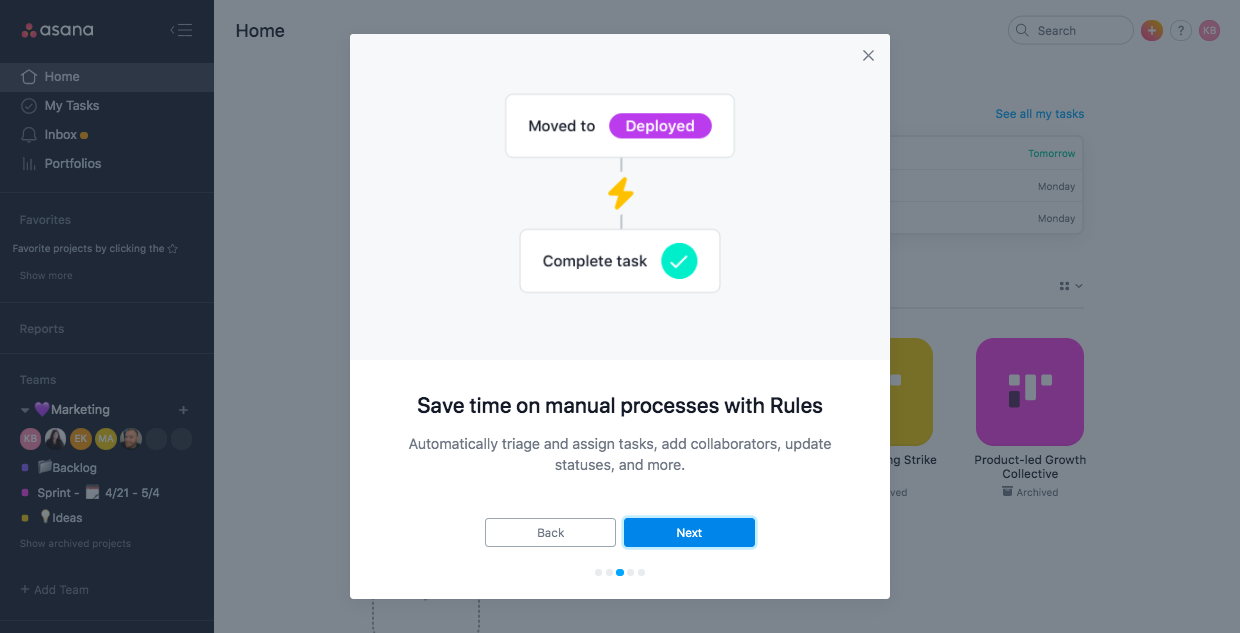
Asana's onboarding presents business features in a five-card modal carousel over the dimmed home screen, from a welcome to Portfolios and Workload. Each card has a colored illustration area on top, a bold title and one line of copy below. Dot indicators and back and next buttons sit at the bottom, and the last card switches the label to done.
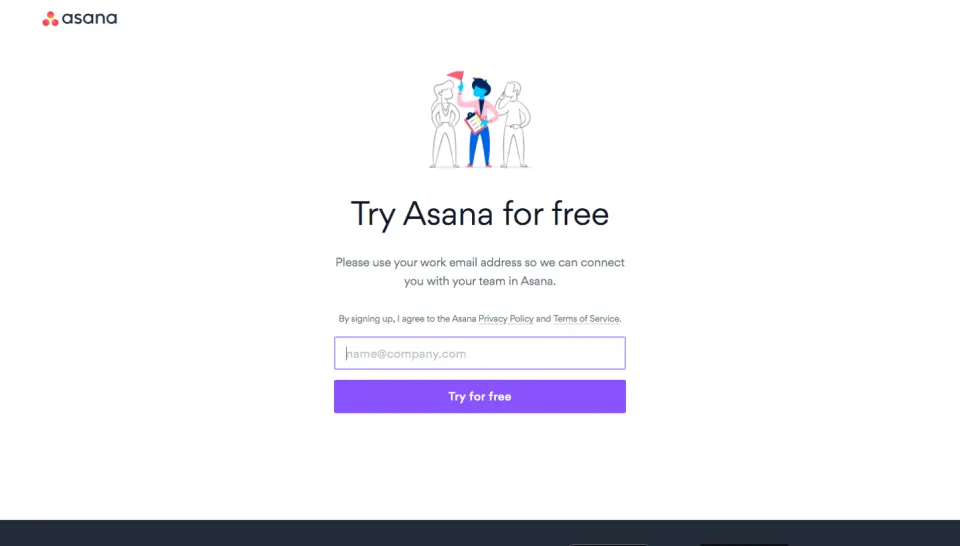
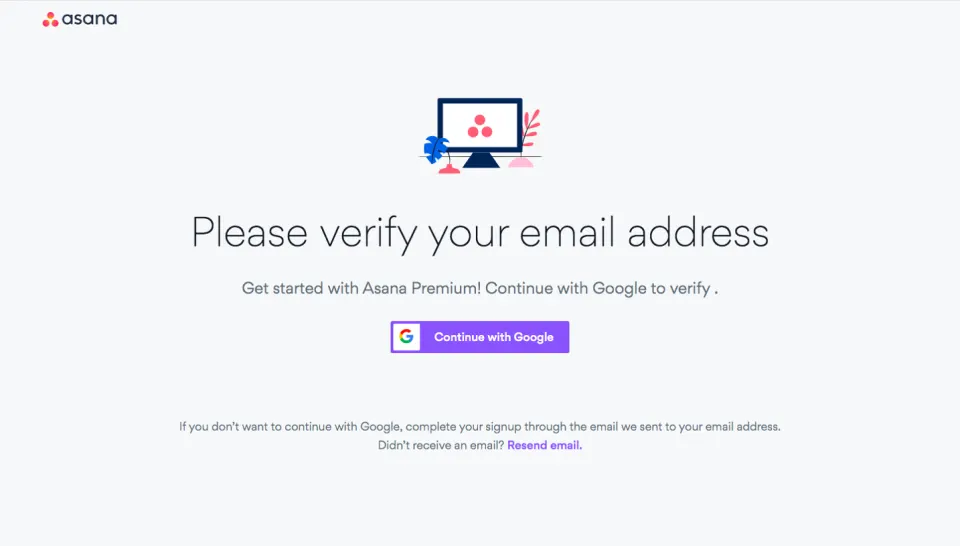
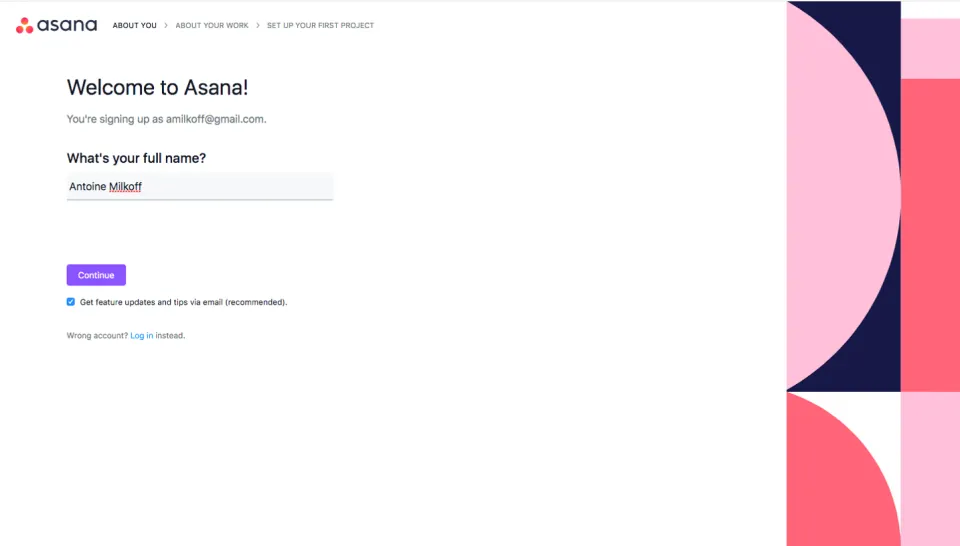
Follow Asana’s user onboarding flow step by step: 5 real screens captured from the live product, from user onboarding: home to user onboarding: workload. Use ← → to move between steps, and open any screen to see it in full.
Steps in this flow
More flows from Asana
All Asana Asana Dashboard
3 screens
Asana Sign Up Flow
10 screens