SaaSFrame
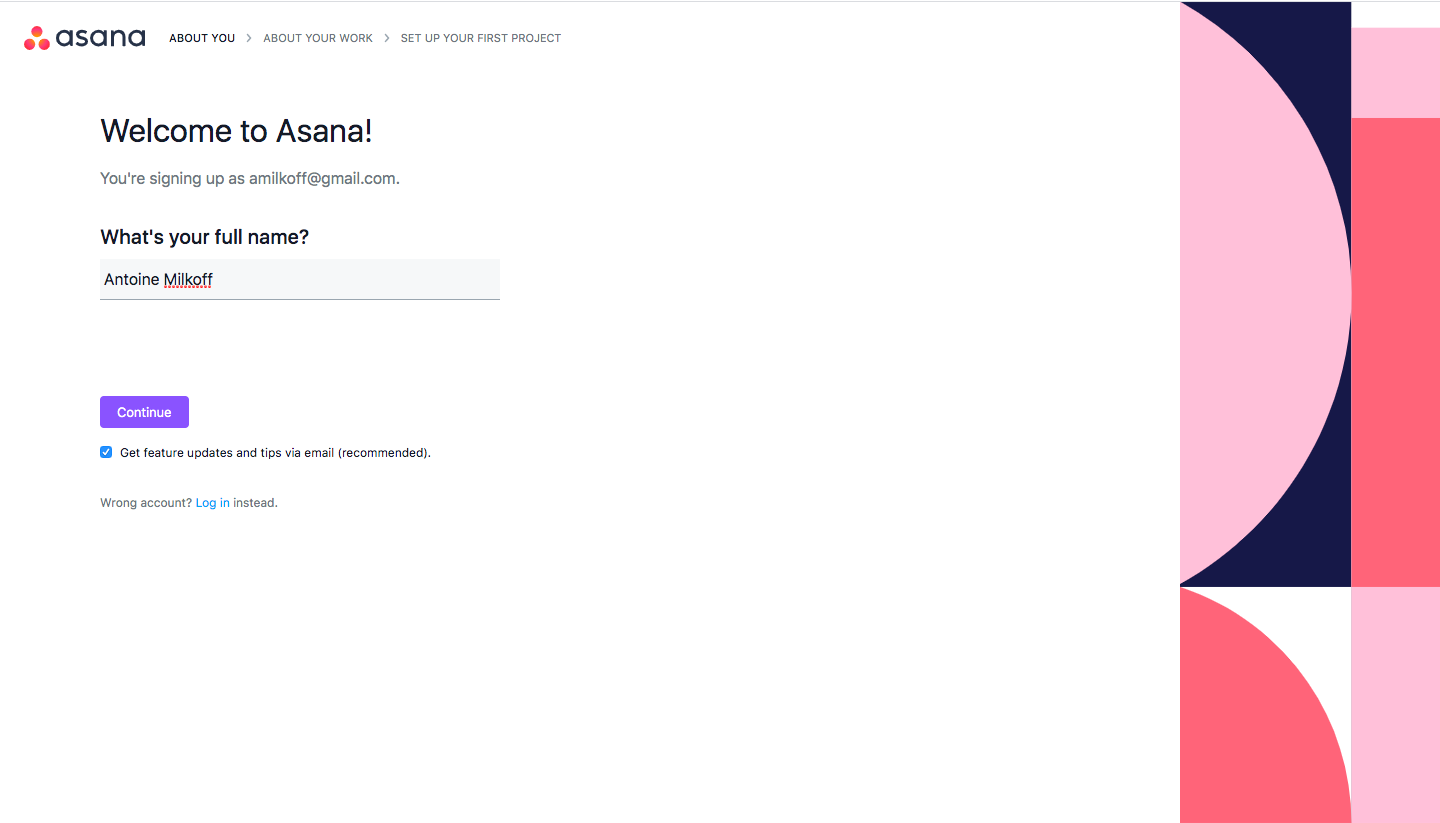
7 more steps in this flow
Free accounts see the first 3 steps of each flow. Pro unlocks every step of every flow, plus every screen, section and Copy in Figma.
Asana Sign Up Flow
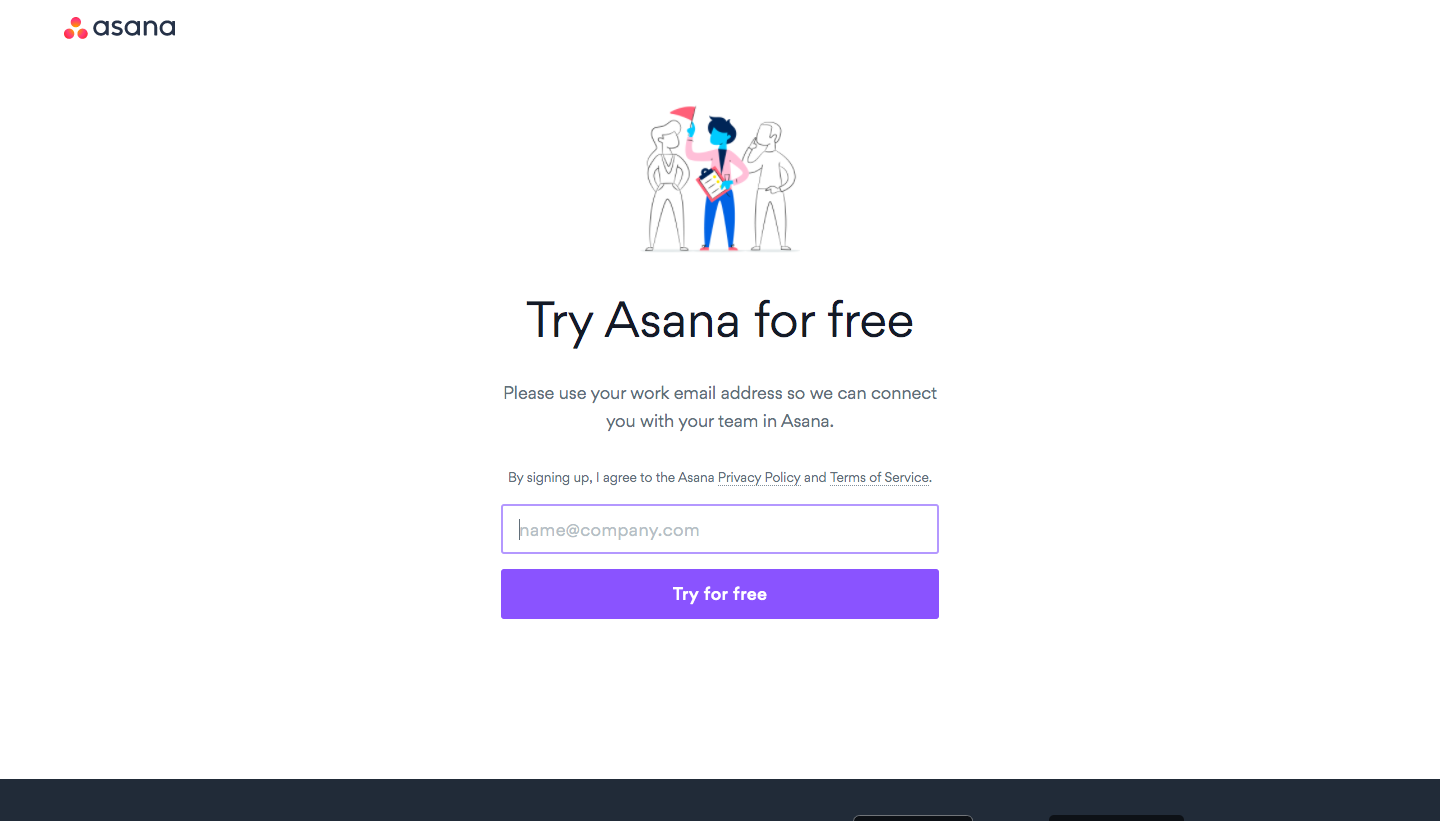
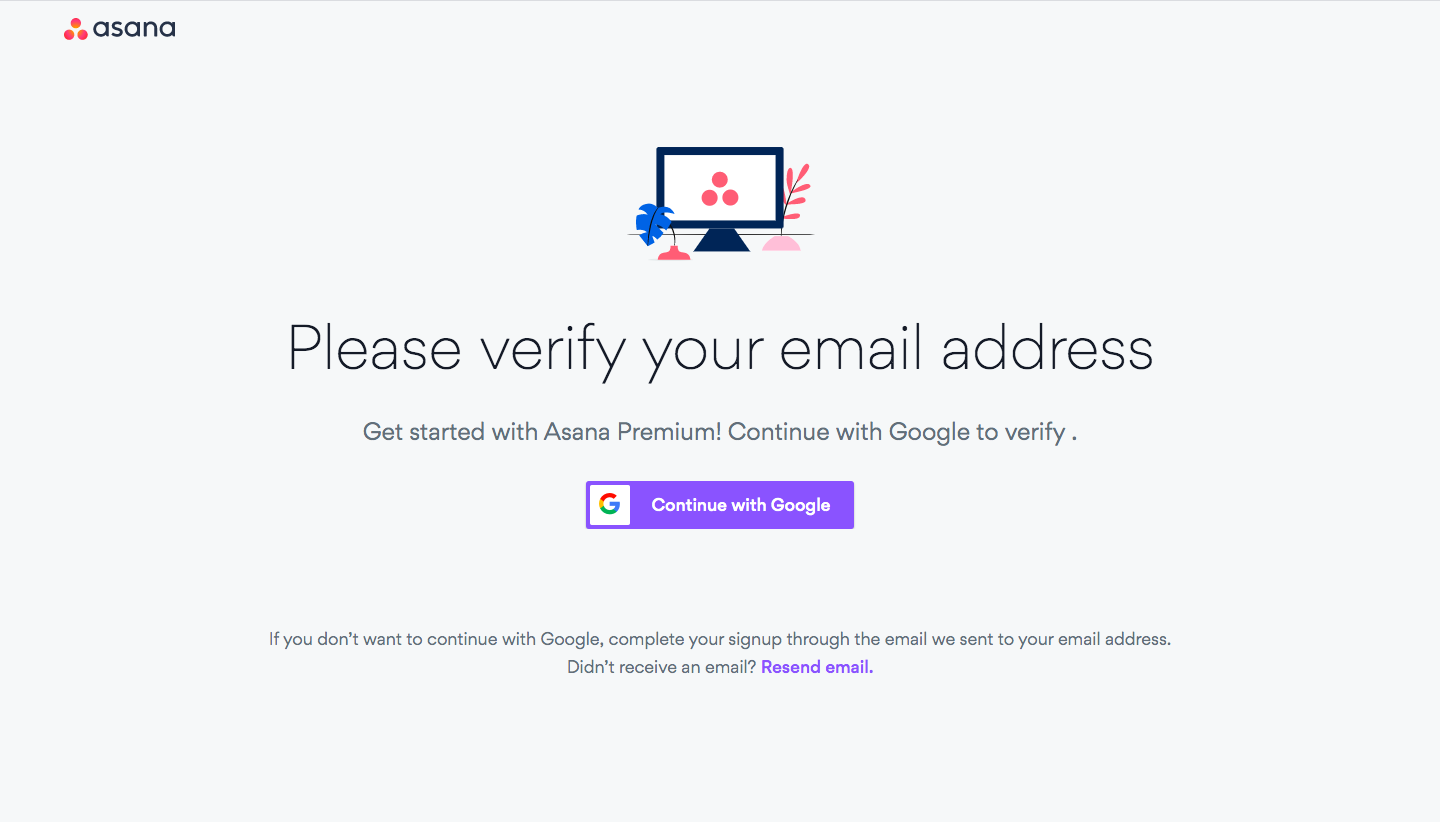
Asana's sign up flow builds a sample project live as you answer, across ten split-screen steps with a pink and navy geometric panel. After an email field and verification, each question sits on the left with a purple button while the right side previews the project filling with tasks, sections and a chosen layout. Tool choices appear as illustrated cards, and the final step asks for teammate emails.
Follow Asana’s sign up flow flow step by step: 10 real screens captured from the live product, from sign up page to invite team members. Use ← → to move between steps, and open any screen to see it in full.
Steps in this flow
More flows from Asana
All Asana Asana Dashboard
3 screens
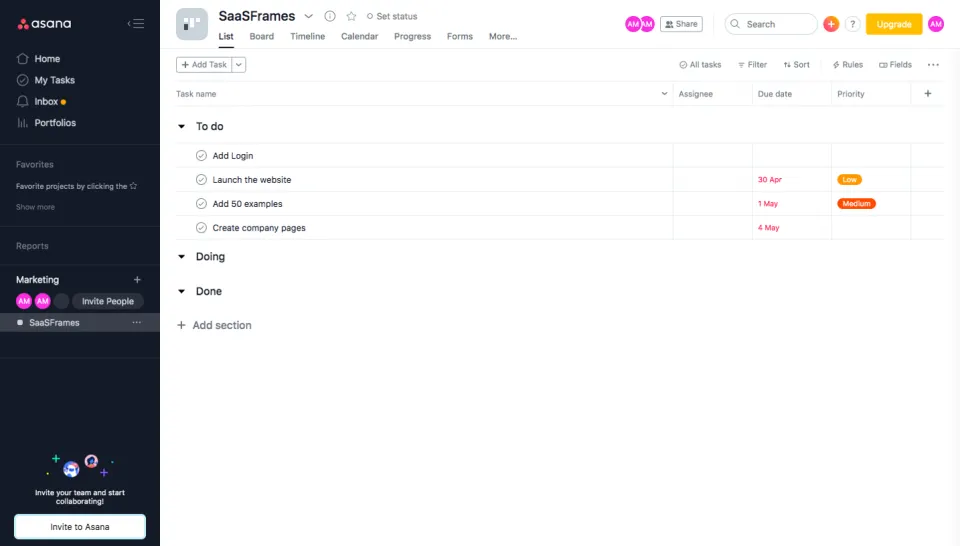
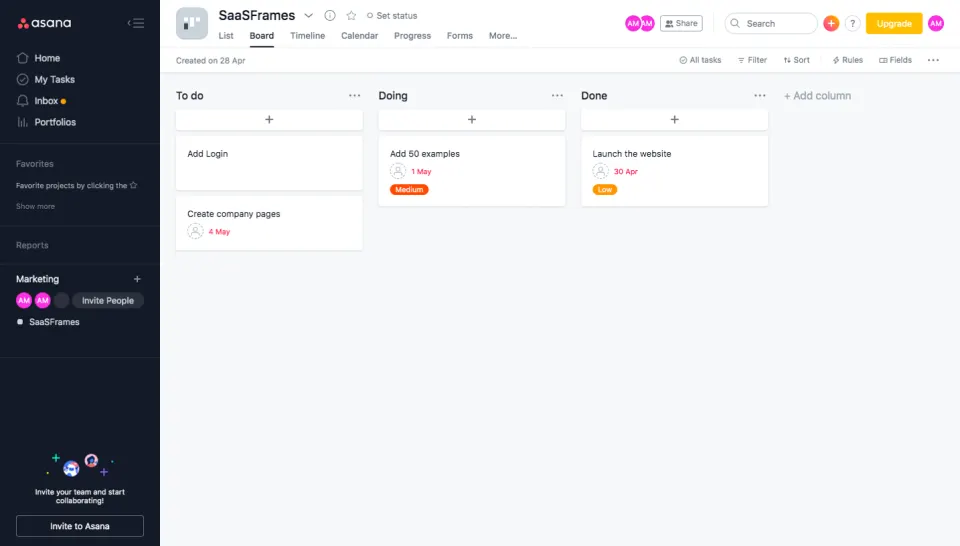
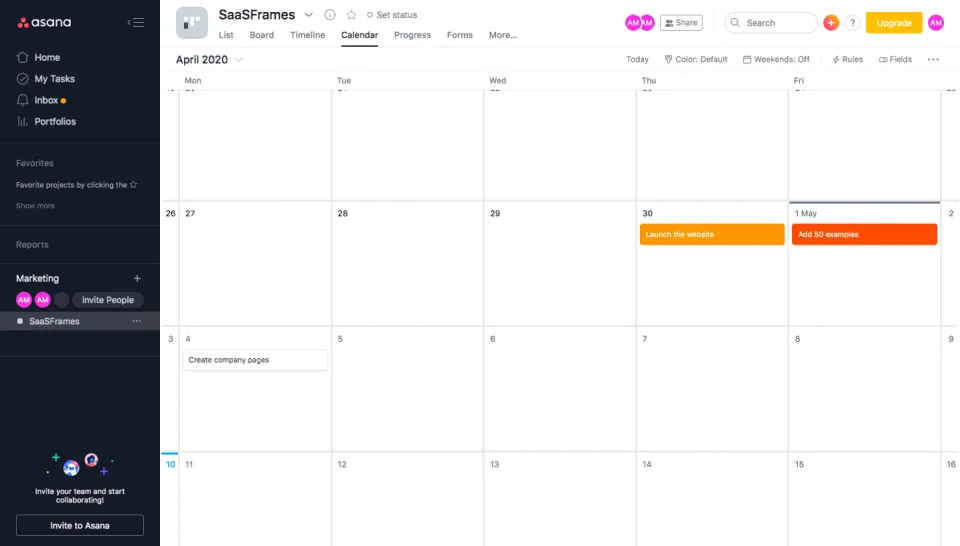
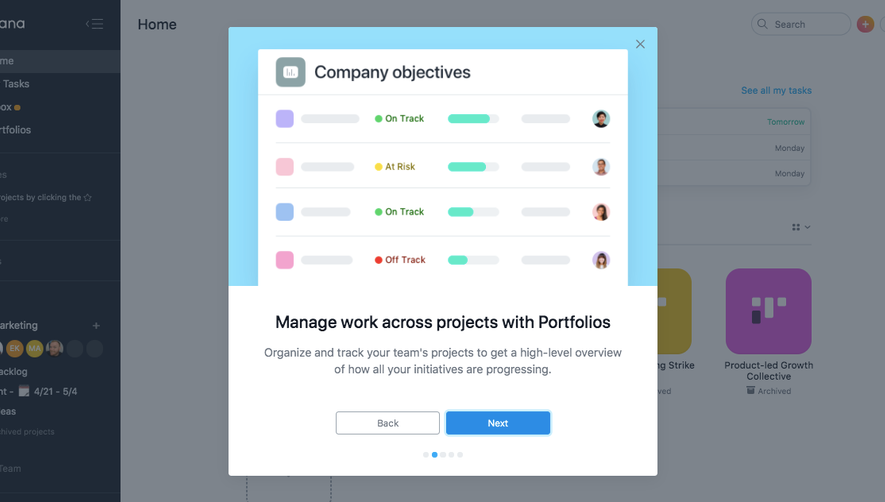
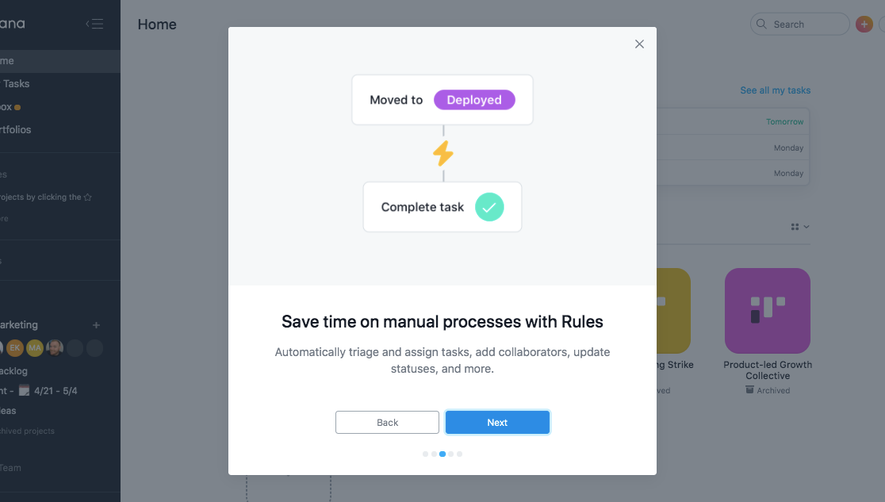
Asana User Onboarding
5 screens