About this screen
Layout
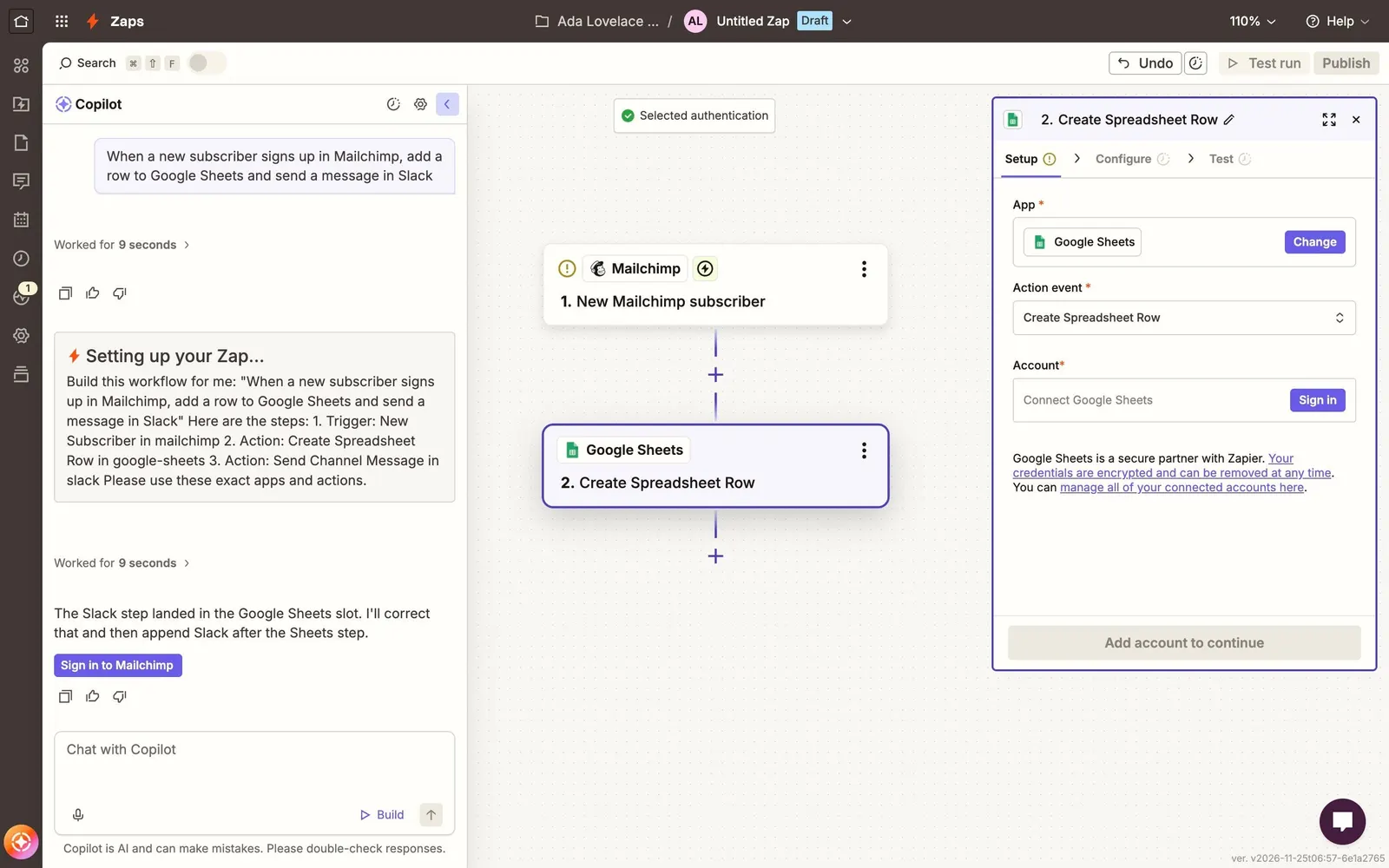
Three-pane editor: Copilot chat on the left, step canvas in the center, step configuration on the right.
Content
Untitled Zap draft with steps New Mailchimp subscriber and Create Spreadsheet Row; the right panel shows Setup, Configure and Test tabs with app, action event and an account to connect; Copilot explains what it built.
Notable details
The AI panel narrates its own corrections while the canvas updates; the selected step has a purple outline. The top bar shows the workspace, the Zap name with a Draft tag, zoom level, Undo, Test run and a Publish button that stays disabled until the Zap is fixed. In the chat, Copilot reports how long it worked and which tools it called, and it corrects its own placement of a step, which makes the automation process transparent to the user.