SaaSFrame

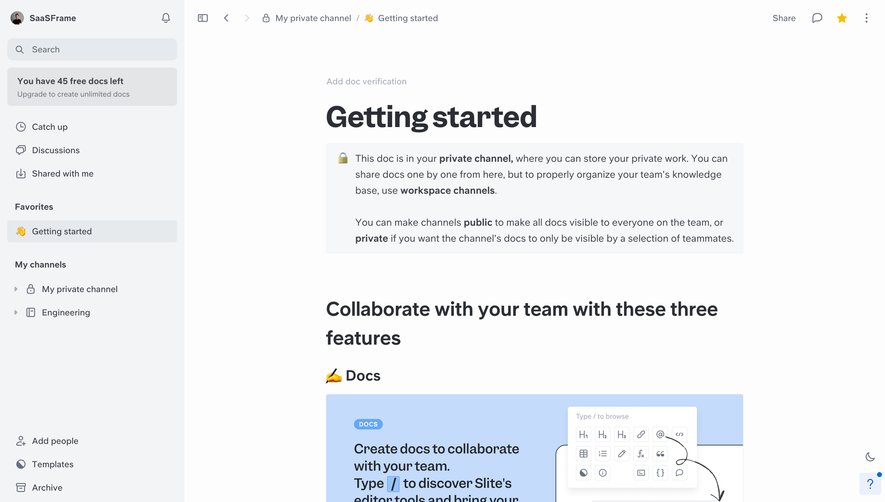
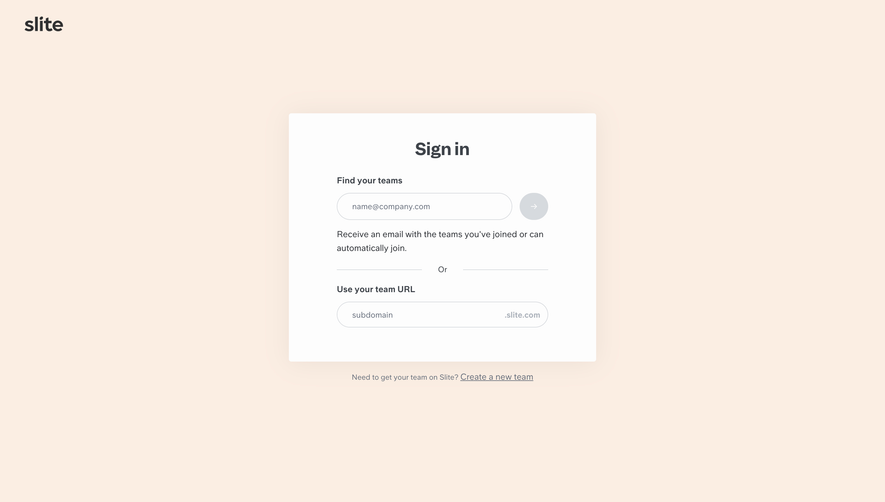
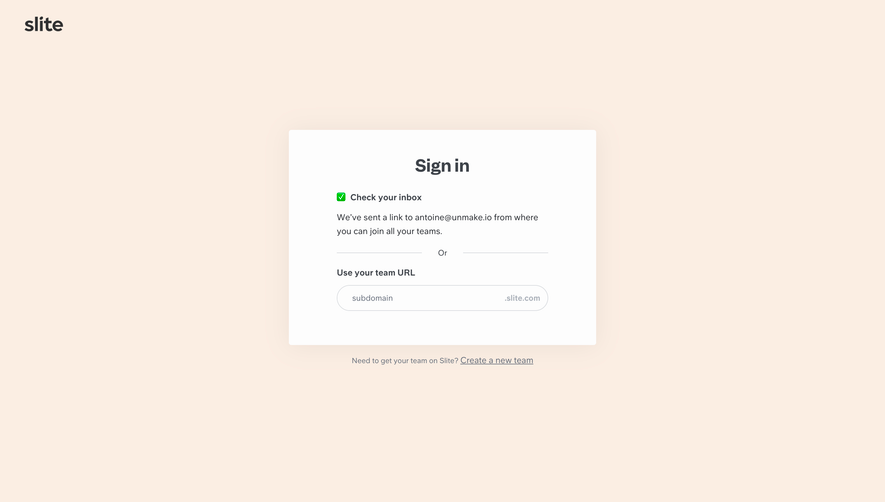
1. Header: The top section of the page contains the Slite logo and a navigation bar. The navigation bar contains links to features, pricing, blog, and login/ sign up sections. 2. Hero section: This section has a large banner image in the background along with a headline that reads "The notes app for teams." The subheading highlights Slite's key features, which are listed in bullet points. 3. Testimonials: A section containing testimonials from satisfied Slite users. This section is designed to build credibility and trust. 4. Features section: This section is an extension of the bullet points highlighted in the hero section. It details Slite's features using clear text descriptions with accompanying icons. 5. Integration section: This section lists various integrations that Slite offers with other apps to ensure seamless workflow and productivity. 6. Pricing section: Slite offers a free version for small teams and a Pro version for larger organizations. This section provides a clear breakdown of the features available in each version along with their respective pricing plans. 7. Blog section: This is a collection of Slite's latest blog posts, providing resources and insights on productivity, remote work, and team collaboration. 8. Footer: The footer contains links to Slite's social media handles, about us page, terms of service, and privacy policy. 9. Sign up section: This section offers new users the option to sign up for a free Slite account or to sign in to their existing account. Overall, the Slite website has a clear and well-organized structure that makes it easy for users to understand the product's features, pricing, and benefits. The use of customer testimonials, clear descriptions, and attractive visuals enhances the user experience and engages visitors to the site.