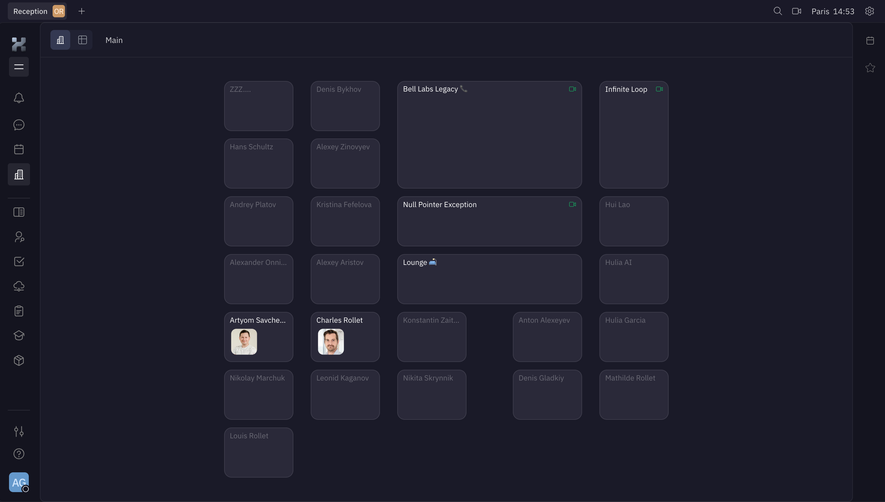
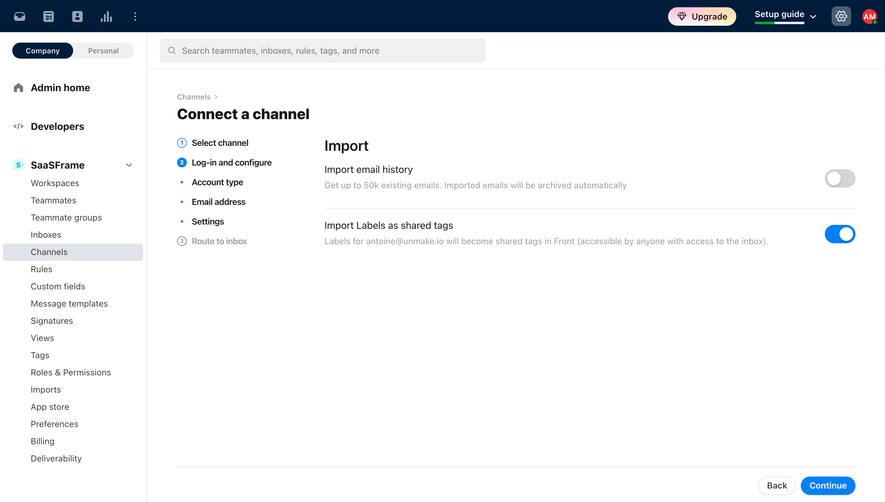
Generate a new design based on this screen using your own content.
Thank you! Your submission has been received!
Oops! Something went wrong while submitting the form.
# Design from Reference: Oku Search Results
Create an original, high-fidelity visual design inspired by the reference. Prioritize composition, typography, colors, spacing, and component styling over technical implementation.
## Reference
- **Product:** Oku
- **Category:** Empty
- **Screenshot:** https://cdn.prod.website-files.com/5e9dc792e1210c5325f7ebbc/6acad626fef6904ce0090dfa_6acad5aba56d77db6c10744a_cms-7b10f356bc8ea5e6bd15e9ec.webp
Analyze the screenshot first. If inaccessible, request it rather than guessing.
## Content
{{content.instructions}}
{{content.data}}
Preserve essential messaging and factual accuracy. Adapt structure and copy length for visual balance; never invent product claims.
## Visual Design
Use this context to reproduce the reference's visual language: layout, typography, colors, spacing, borders, radii, and distinctive elements. The screenshot takes priority if descriptions conflict.
## Direction
{{preferences.fidelityInstructions}}
## Output
{{output.instructions}}
Deliver a polished, cohesive design with precise alignment, hierarchy, and spacing. Produce the requested visual artifact, not just a description. If unsupported, explain the limitation.
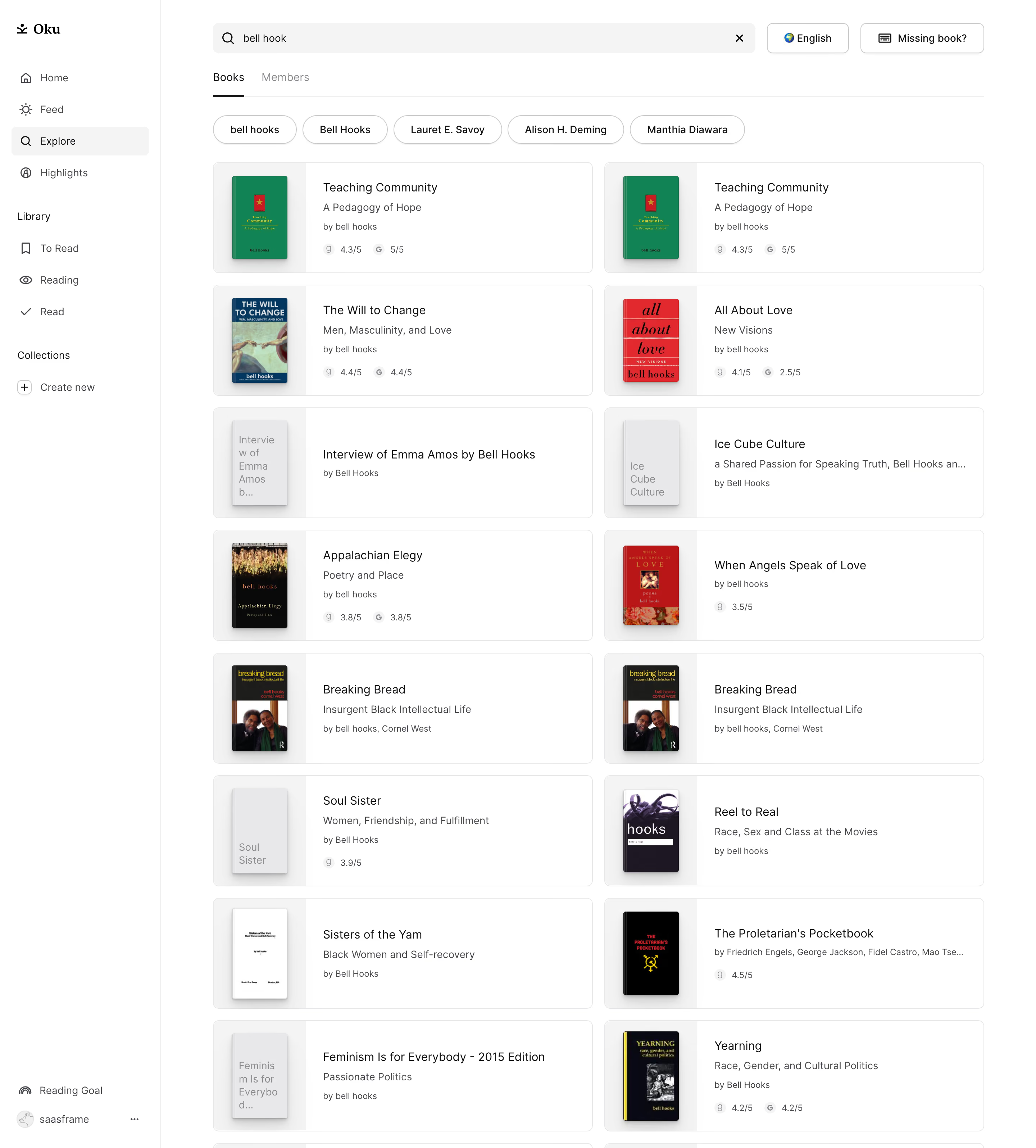
Oku’s Explore Books page expresses a sleek, contemporary vibe. Feather-light design elements, copious white space, and subtle gradients evoke a minimalist, readable atmosphere while balancing a playful energy through rounded interface components and colorful book covers.
Layout and Structure
The page employs a familiar, intuitive layout, skipping the hero section to focus directly on user-driven discovery. At the top, a sticky navigation bar ensures easy access to other sections. The main content area centers on a grid of book cards, each neatly spaced and consistent in size. Filters and category chips—pinned to the page—empower users to refine their exploration seamlessly.
Visual Elements
Book covers provide vibrant visual interest, acting as miniature posters that punctuate the page with personality. Gentle drop shadows and hover states animate each card subtly, cueing interactivity. UI elements like toggles and buttons are softened with rounded corners and understated iconography, keeping interactions friendly and modern.
Color Palette and Typography
A clean, light background sets the stage for deep navy accents and pastel highlights, with pops of color emerging from the book art. The typography employs a restrained sans-serif font, emphasizing clarity and legibility. Bold, slightly oversized titles anchor each section, while secondary details use lighter weights and smaller sizes for clear hierarchy.
User Experience Patterns
Navigation is frictionless—persistent search and filters encourage exploration without overwhelming. Interactive cues such as animated shadows on hover guide the user. The “Add to list” CTA is prominent yet unobtrusive, inviting engagement without clutter.
Unique and Notable Design Choices
Oku’s design notably foregrounds content as the interface, letting book covers shine without heavy UI chrome. Filters are contextually aware and remain accessible, streamlining the discovery process. The overall tone feels trustworthy and communal—inviting users to engage in a shared love of books with a digital twist.
.webp)




.avif)