Prompt 704 words Copy
# Design from Reference: Minerva Set Up Organization

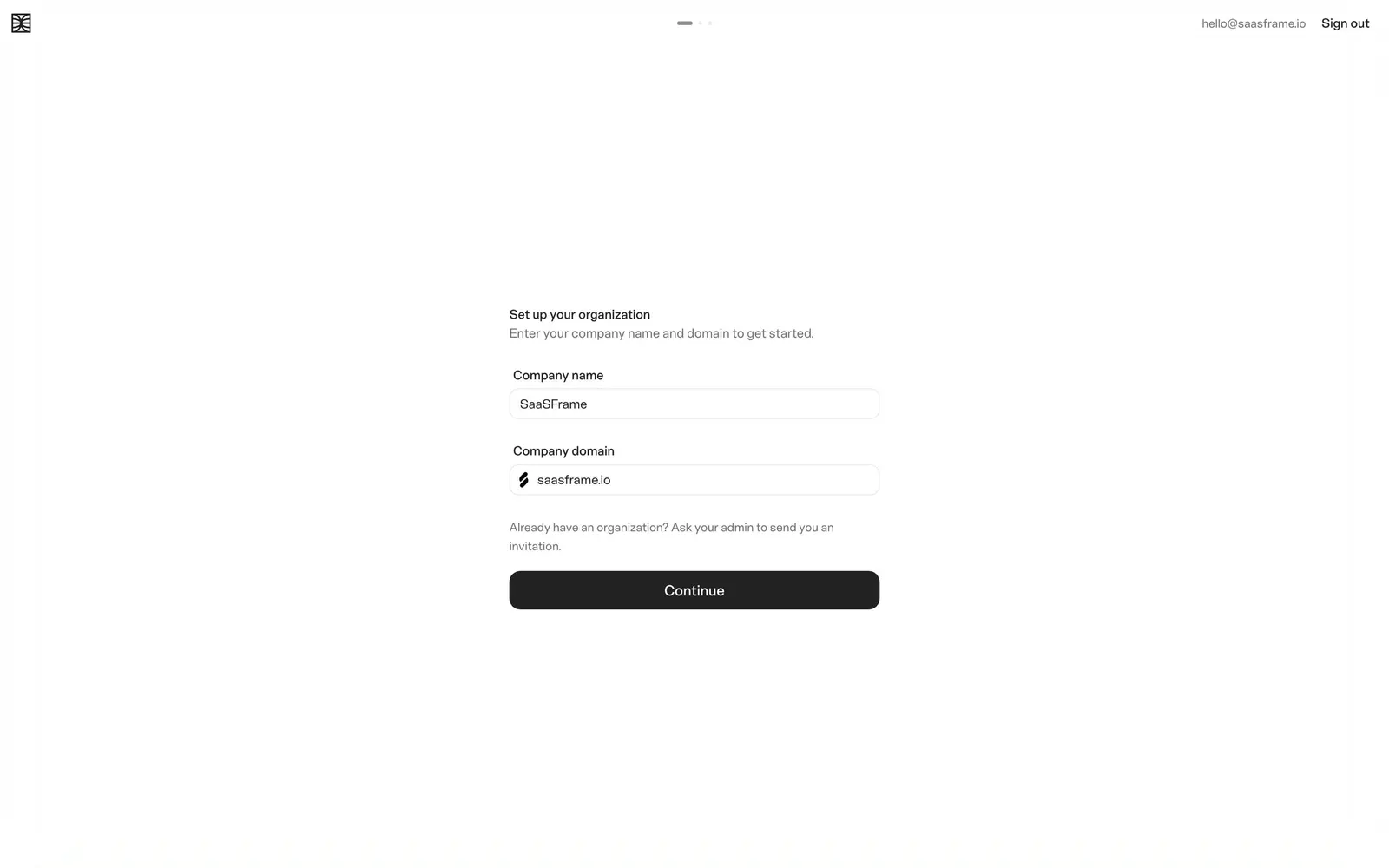
Create an original, high-fidelity visual design inspired by the reference. Prioritize composition, typography, colors, spacing, and component styling over technical implementation.

## Reference

- **Product:** Minerva
- **Category:** Account Setup
- **Screenshot:** attached to this message (also available at https://media.saasframe.io/v/b5de547462f93690d439-1600.webp)
- **Source:** https://app.minerva.io/onboarding

Analyze the attached screenshot first. If no image is attached, open the screenshot link; if neither is accessible, ask for it rather than guessing.

## Visual Design Context

## Minerva: shared style

### Brand
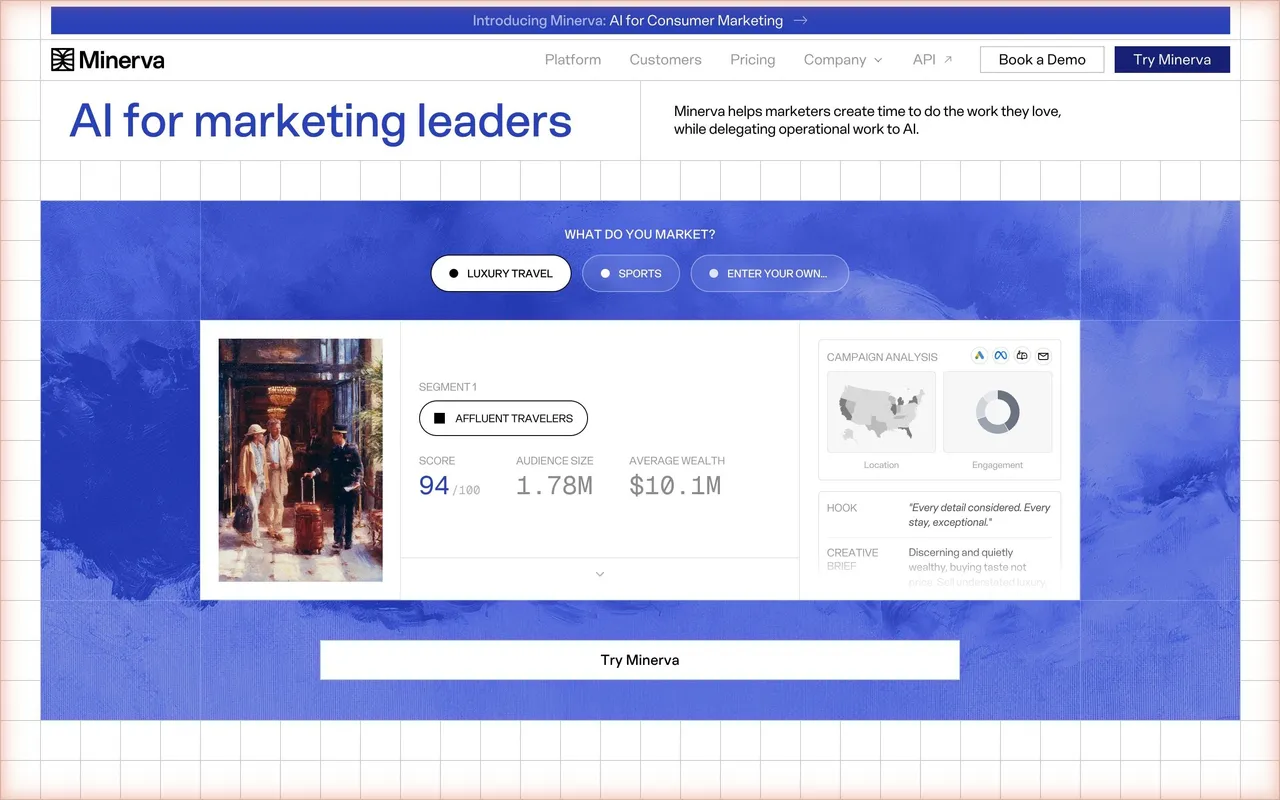
AI marketing platform built on consumer data. The website feels editorial and research-like; the app is a quiet, neutral agent workspace.

### Website
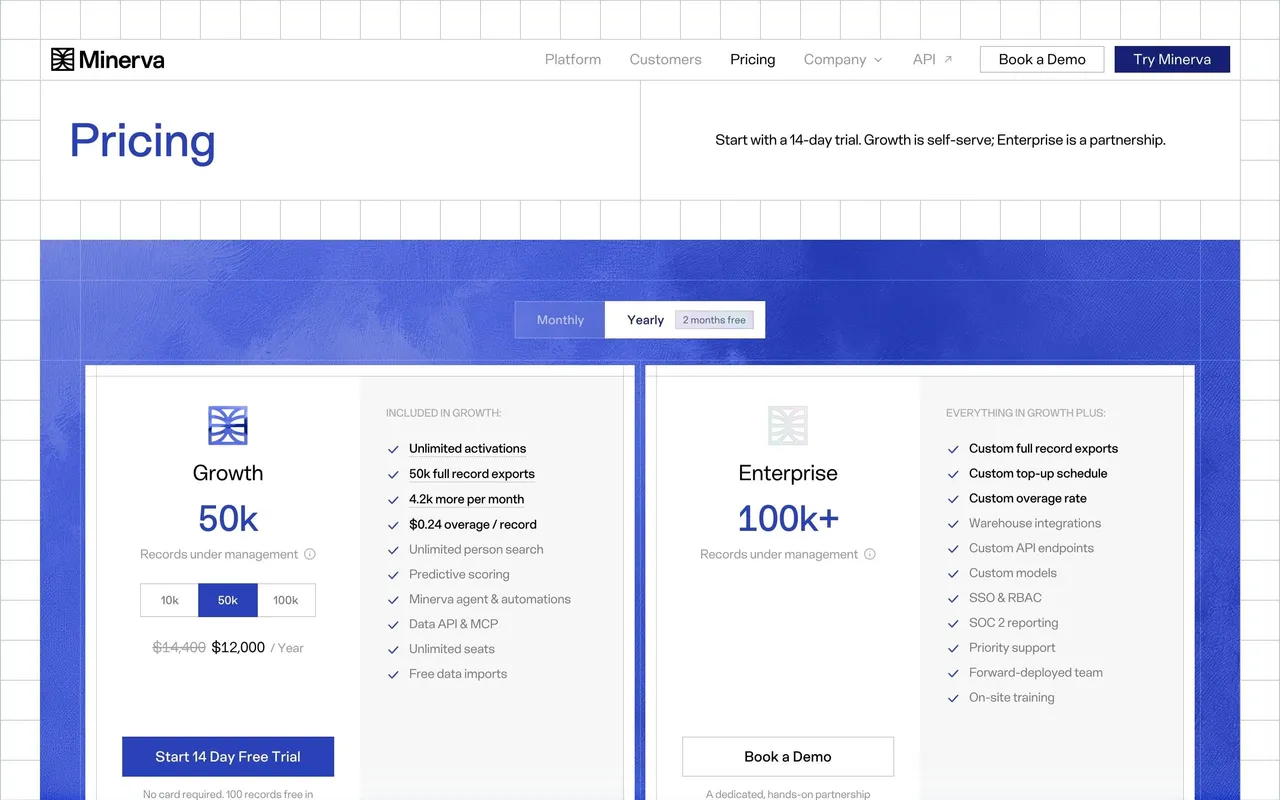
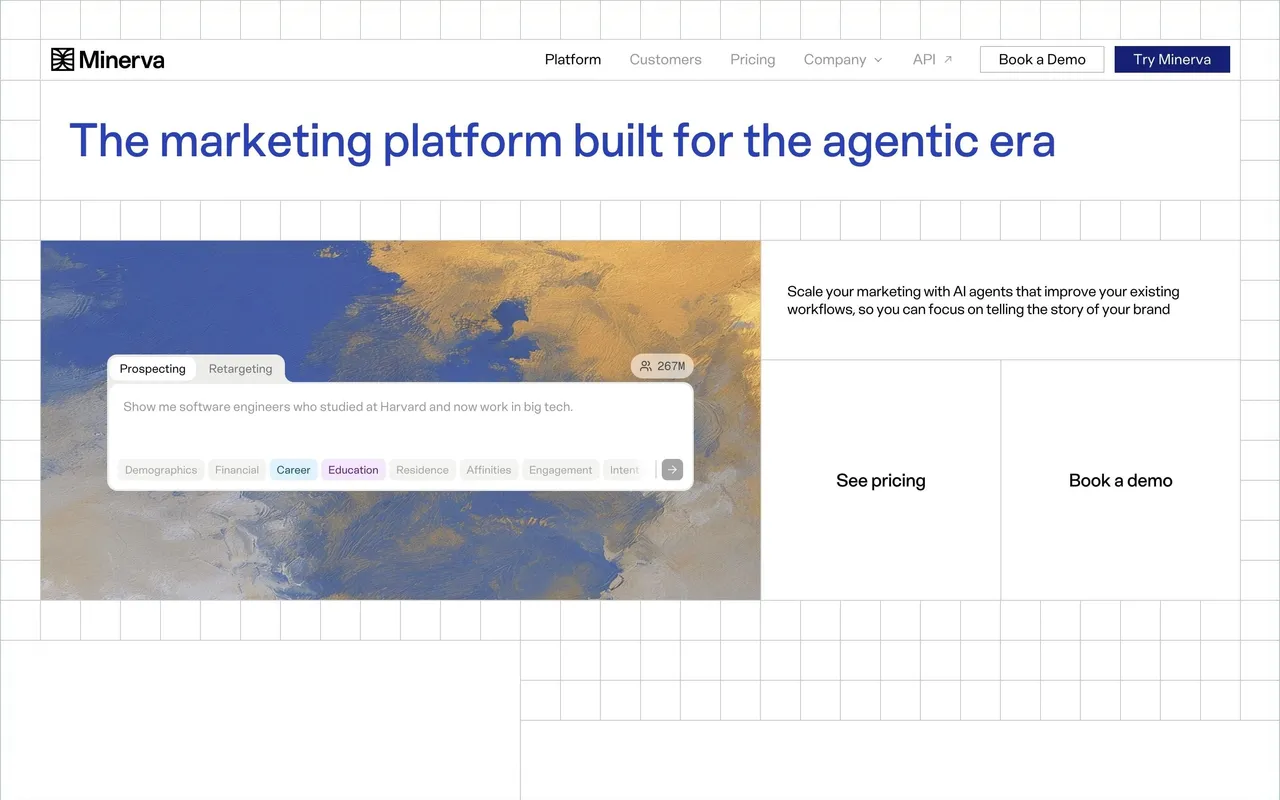
- Type: ES Schwarzweiss, medium weight, tight tracking. H1 52px in #2941B9, section titles 48px black. Geist Mono for figures, dates and small-caps labels.
- Color: white pages crossed by a thin light grid; painted cloud skies in ultramarine (#2941B9, #6371E2) and ochre behind product cards; #162174 for buttons and the CTA band.
- Shapes: square-cornered buttons (30px high), white cards with thin borders, almost no radius.
- Recurring blocks: title left / tagline right header row, logo strip, customer story with three mono metrics, security block with SOC 2 and CCPA badges, "The future of marketing starts with Minerva" CTA band on sky, footer on blue.

### App
- Type: ES Schwarzweiss 13–14px, #222222 text, #707070 secondary, Geist Mono for counts.
- Color: #F9F9F9 shell, white cards with 10px radius and light borders, black pill primary buttons, pastel chips for categories.
- Layout: left sidebar (Home, Agent, Competitors, Segments, Person Search, Bulk Enrich, Personas, workflows), an agent sidebar for chats, Ask Minerva in every header, centered empty states with an icon, title and one action.

### Tone
Short, plain sentences in the second person; every empty state explains what is missing and what to connect.

### Overall aesthetic
Bare onboarding step, small and left-aligned in a centered column.

### Page composition
Top bar with step dots and account links, then a narrow form with title, subtitle, two fields, note and button.

### Typography
ES Schwarzweiss 14px medium title, 14px gray subtitle, 13px labels.

### Colors & surfaces
White page, #F9F9F9 inputs, #222222 button with white text.

### Components
Text inputs with favicon prefix, helper note, primary button, step dots.

### Responsive
The column already fits mobile.

### Adaptation guidance
Ask for the company domain on the first step: it lets you pull the logo and context for everything that follows.

## Content

**Instructions:**

Generate realistic example content that fits the selected design reference.

Create appropriate headlines, descriptions, labels, buttons, and supporting copy based on the type of interface being designed.

If a product or business description is provided, use it to guide the content.

Otherwise, invent a plausible fictional SaaS product appropriate for the reference.

Keep the content concise, coherent, and visually balanced.

Do not present fictional statistics, customer names, or testimonials as verified facts.

## Design Direction

**Instructions:**

Use the reference screenshot as the main source of visual inspiration rather than a strict layout template.

Preserve its most distinctive design characteristics, such as typography, visual rhythm, color relationships, component treatments, and overall aesthetic.

Feel free to modify section arrangements, proportions, spacing, and individual components to better suit my content.

Introduce original design decisions where they improve usability, composition, or brand consistency.

The result should clearly reflect the reference's visual language without looking like a direct reproduction.

Follow the visual identity of the reference design.

Use its typography, color palette, component styling, and overall aesthetic as the primary design direction.

Do not introduce an unrelated visual identity.

## Output

**Instructions:**

Generate a high-fidelity visual mockup of the requested interface.

Present the design as a polished, realistic website or product UI screenshot.

Prioritize visual composition, typography, spacing, colors, alignment, and component details.

Use the available image-generation or visual-design capabilities.

Do not replace the mockup with source code, a written design specification, or a textual description.

If direct visual generation is unavailable, clearly explain the limitation.

## Constraints

- Use the actual screenshot as the primary visual reference.
- Preserve essential messaging and factual accuracy.
- Prioritize visual quality and consistency.
- Do not invent unsupported product claims.
- Adapt structure and copy length for visual balance.
Reference image Attach it to your message: assistants can’t open image links. Open in ChatGPT ↗ Open in Claude ↗
Build it in Lovable ↗ v0 ↗ Figma Make ↗
Opening a tool copies the screenshot so you can paste it with your prompt.
 SaaSFrame