SaaSFrame
MindCloud Gravity Connections
 MindCloudIntegrations and workflow automation
About this screen
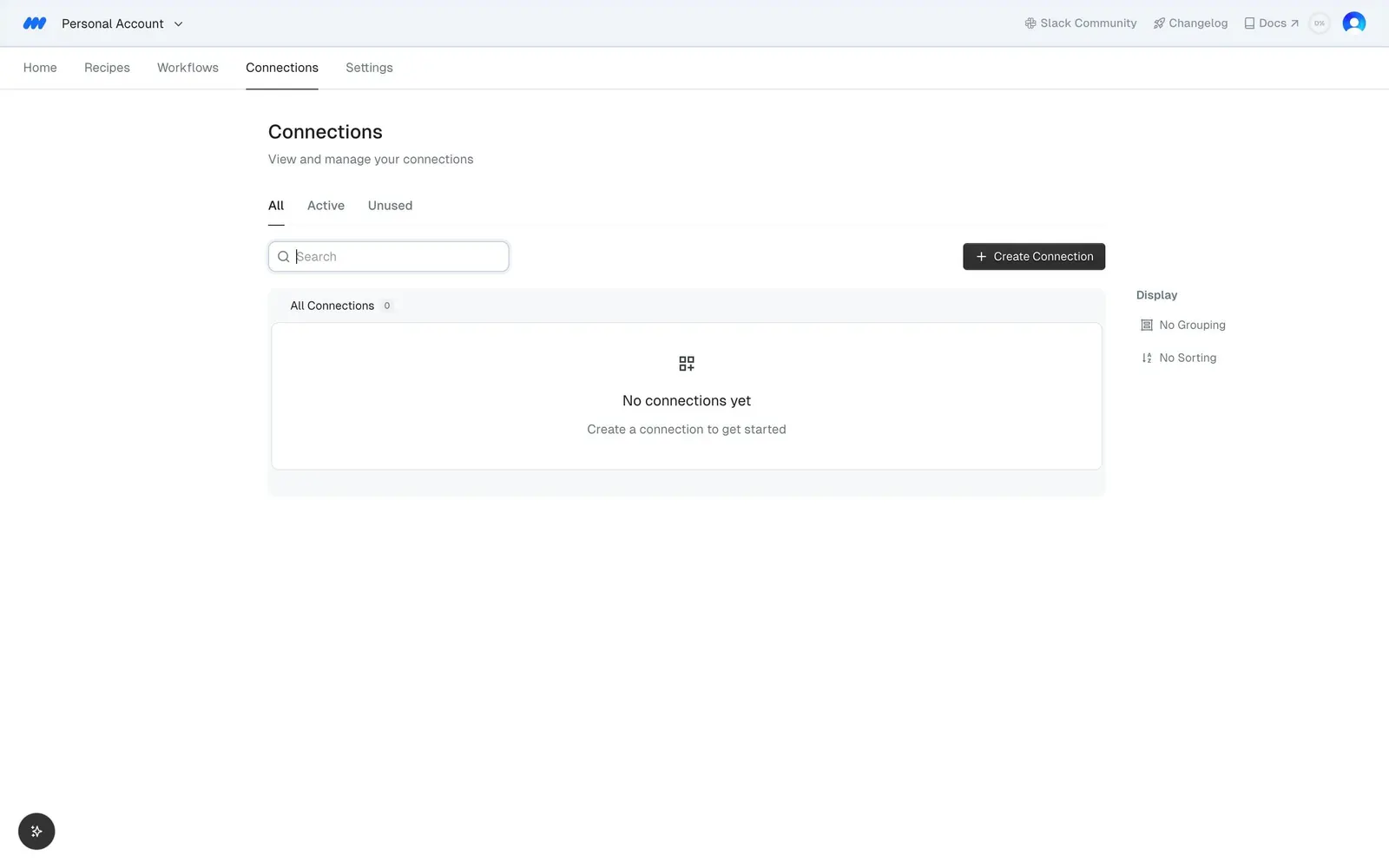
Connections header
"Connections" with the subline "View and manage your connections" sits above three tabs: "All", "Active" and "Unused".
Empty connection list
A search field and a dark "Create Connection" button lead to an "All Connections" box reading "No connections yet" and "Create a connection to get started".
Display options
A small right rail offers only "Display" settings, "No Grouping" and "No Sorting", with no filters.