SaaSFrame
Gradium Text to Speech Generations
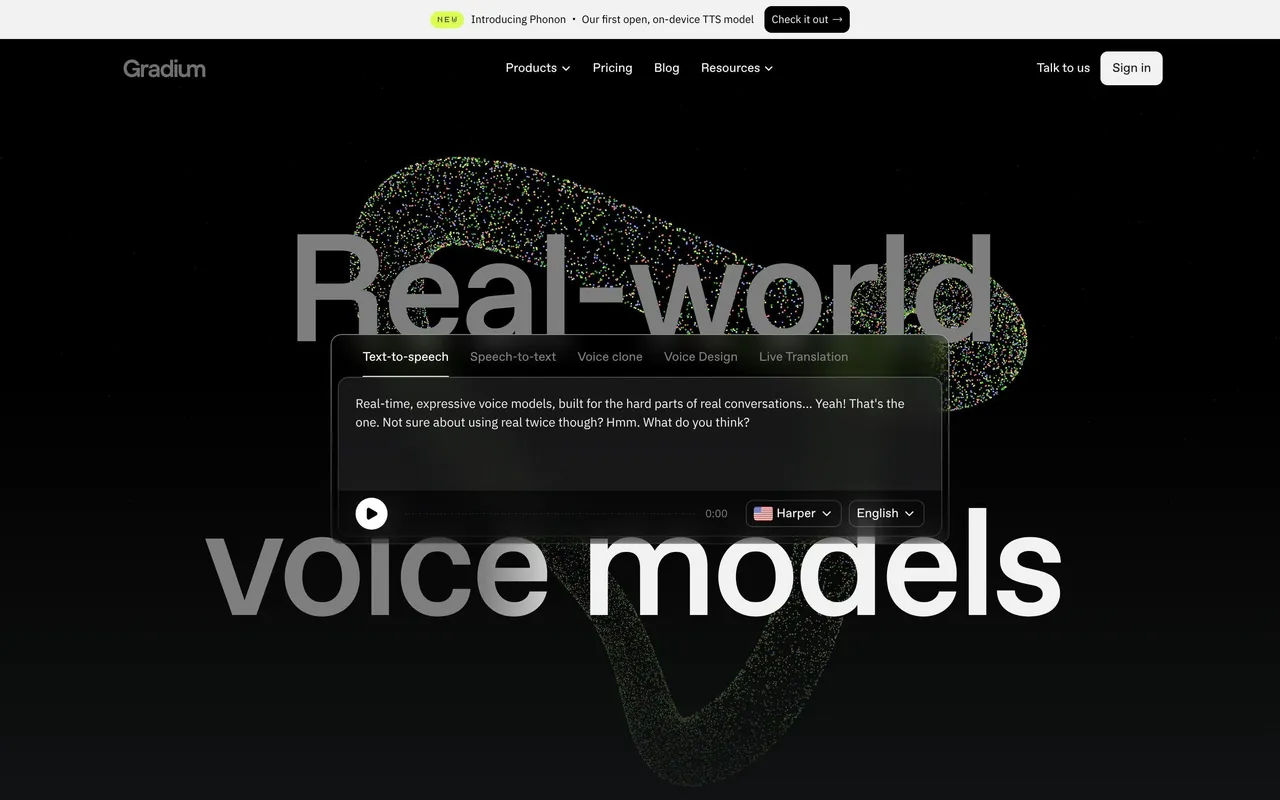
 GradiumReal-time voice AI API for voice agents
About this screen
Text in, takes out
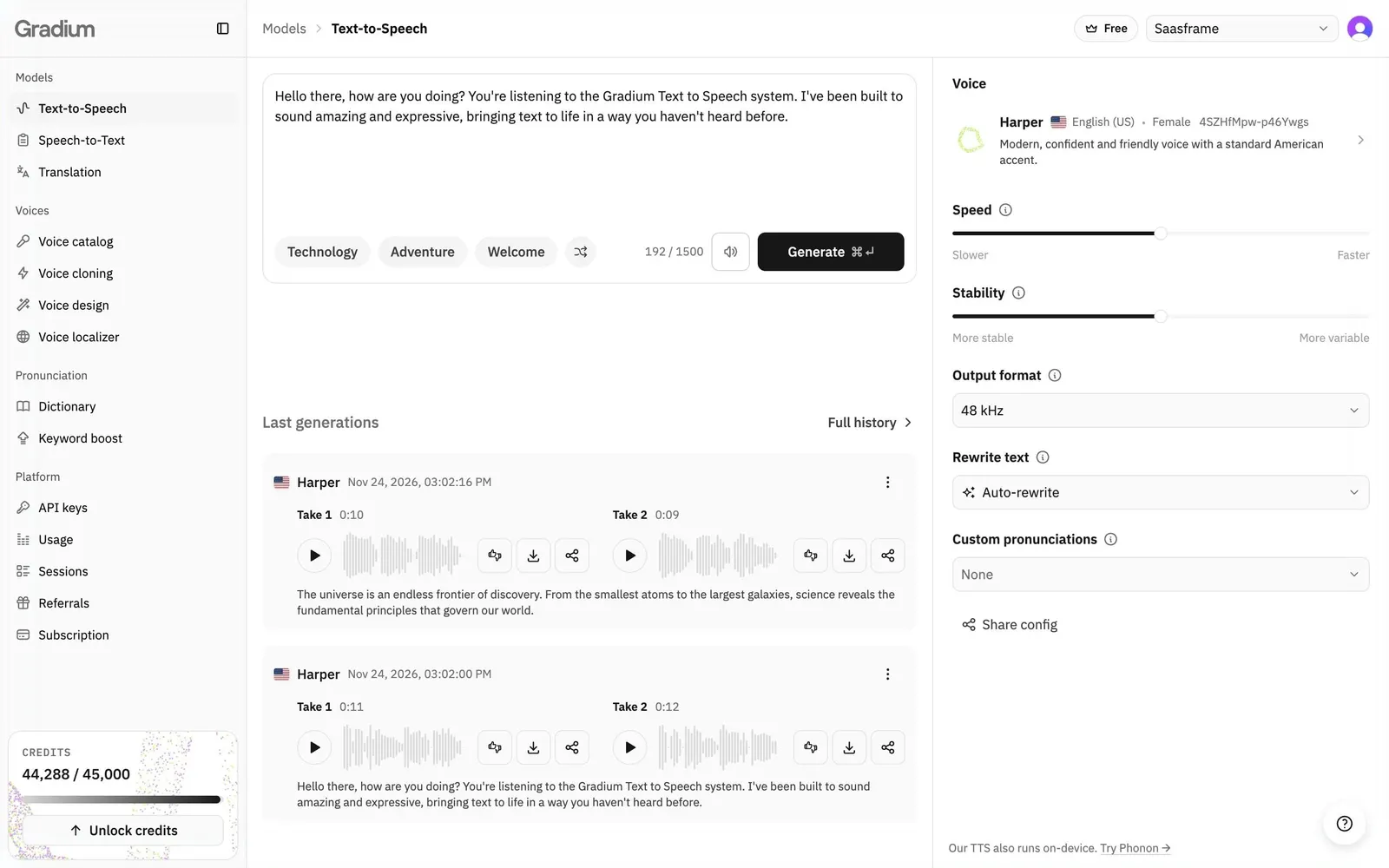
The Text-to-Speech page has a text box with sample chips (Technology, Adventure, Welcome), a shuffle button, a character count (192 / 1500) and a black "Generate" button with its shortcut.
Generations with two takes
"Last generations" lists each generation with the voice (Harper), date and time, and two takes side by side. Each take has a play button, a waveform, its duration and buttons to reuse, download or share; the source text is printed below.
Voice settings on the right
A panel shows the selected voice with its language and description, then Speed and Stability sliders, output format (48 kHz), "Rewrite text", custom pronunciations and "Share config". Credits (44,288 / 45,000) sit at the bottom of the sidebar.