SaaSFrame
Gradium Create Dictionary
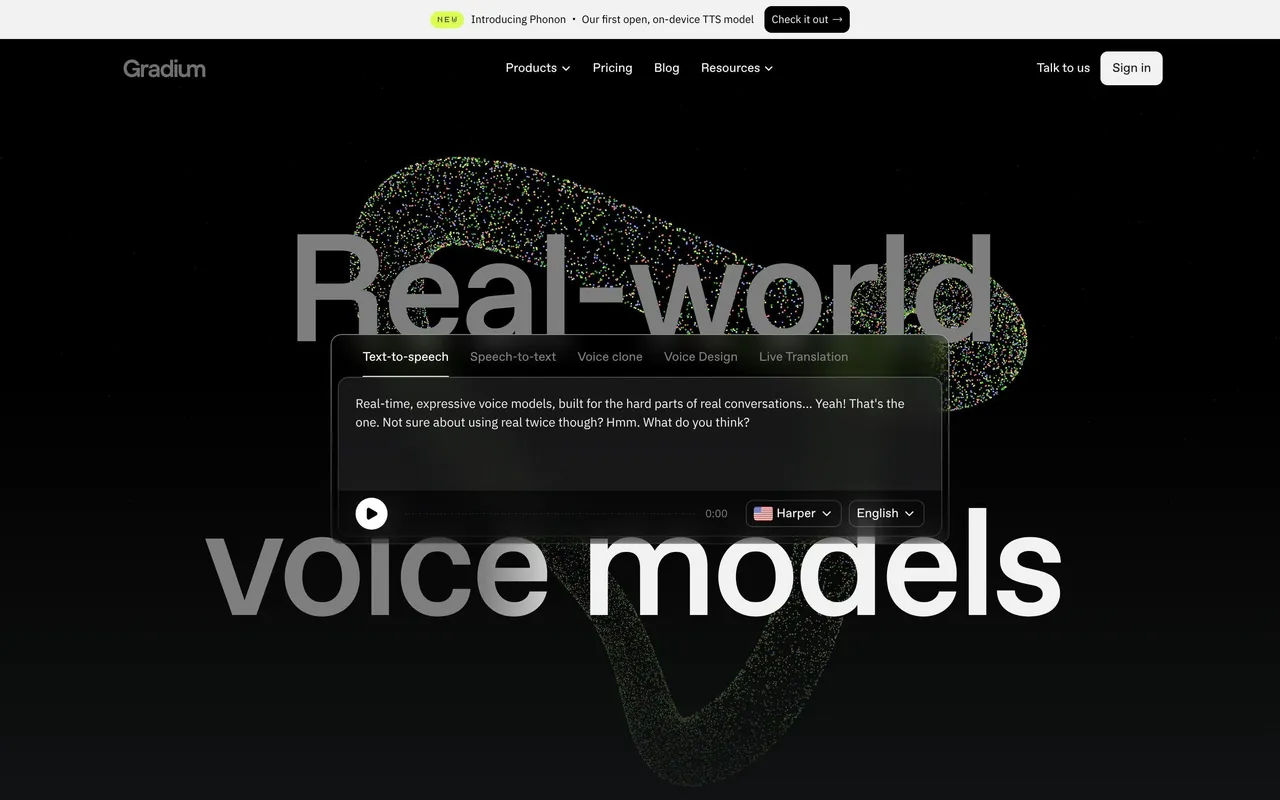
 GradiumReal-time voice AI API for voice agents
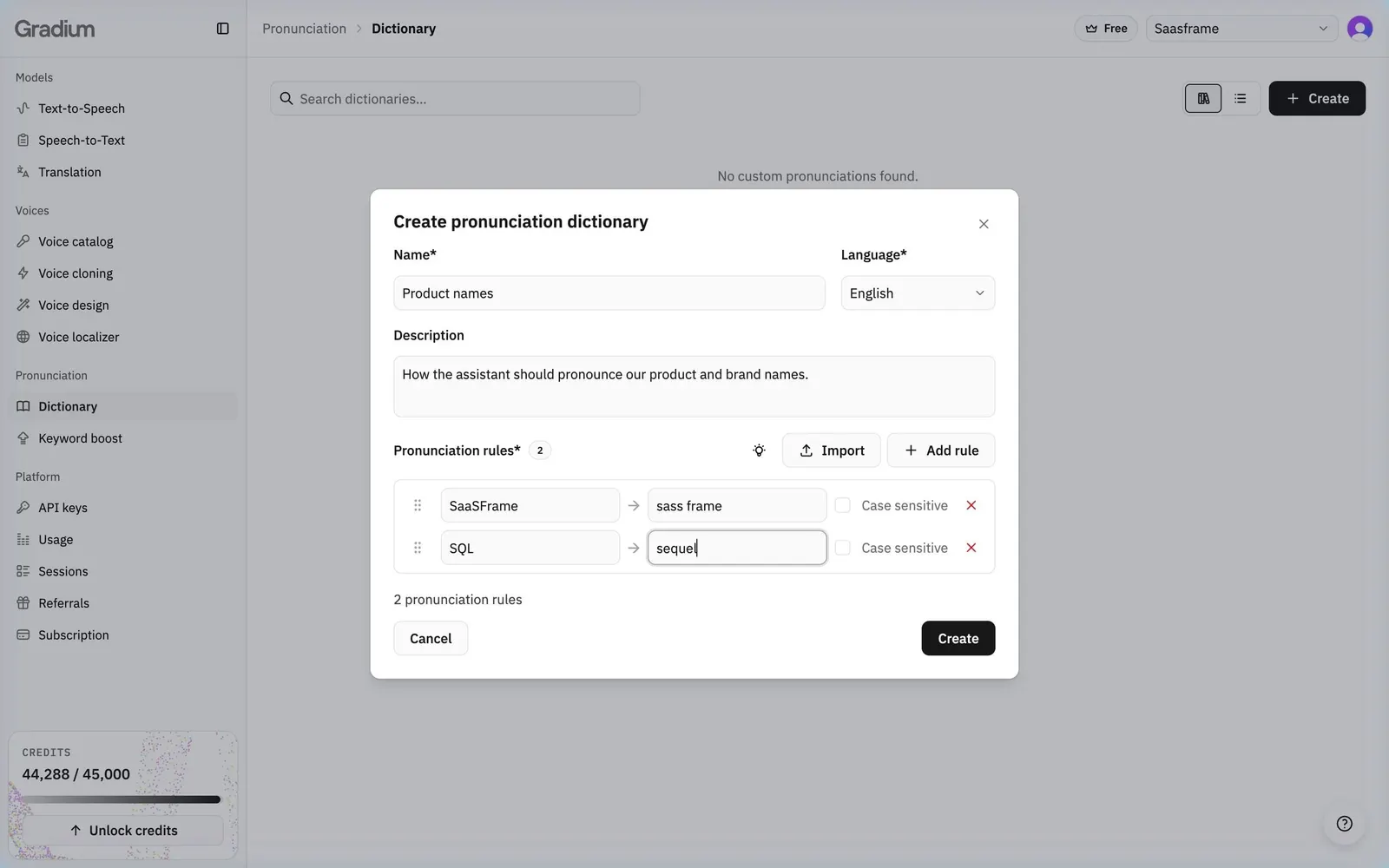
About this screen
A dictionary is a list of rules
"Create pronunciation dictionary" asks for a name ("Product names"), a language (English) and an optional description.
Original text, replacement text
Each rule is a row: the original text, an arrow, the replacement text, a "Case sensitive" checkbox and a red cross to remove it. Here "SaaSFrame" becomes "sass frame" and "SQL" becomes "sequel".
Add or import
Rules are added one by one or imported from a file; a counter reads "2 pronunciation rules" above Cancel and Create.