SaaSFrame

About this screen
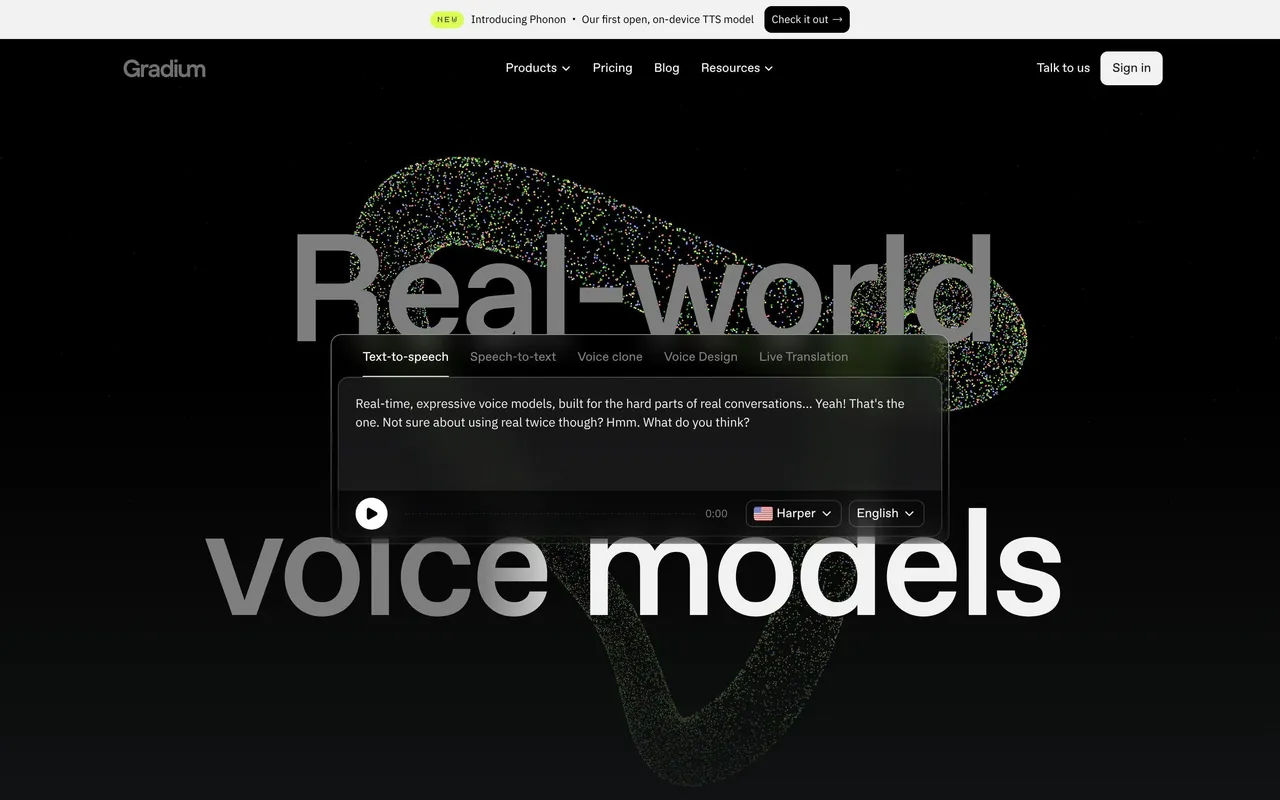
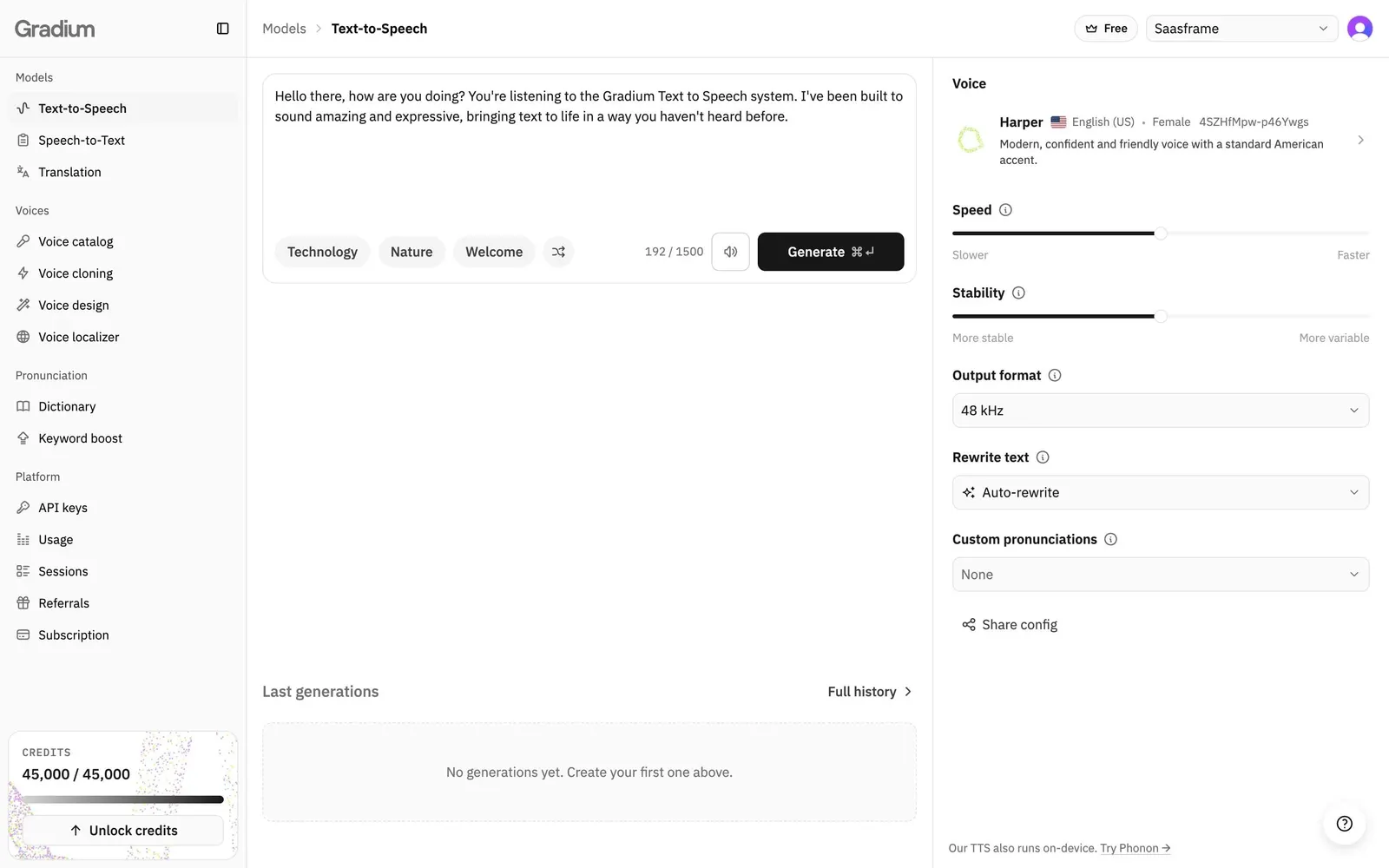
A text box with a Generate button
Gradium's Text-to-Speech studio opens with a sample paragraph already in the editor, three preset chips (Welcome, Nature, Technology), a "192 / 1500" character counter and a black "Generate ⌘↵" button.
Voice settings in a right panel
The panel shows the selected voice, Harper, with language, gender and its id, then sliders for Speed (Slower / Faster) and Stability (More stable / More variable), and selects for Output format, Rewrite text and Custom pronunciations.
History under the editor
"Last generations" sits below with a "Full history" link and an empty message: "No generations yet. Create your first one above."