 SaaSFrame

Gradium Onboarding
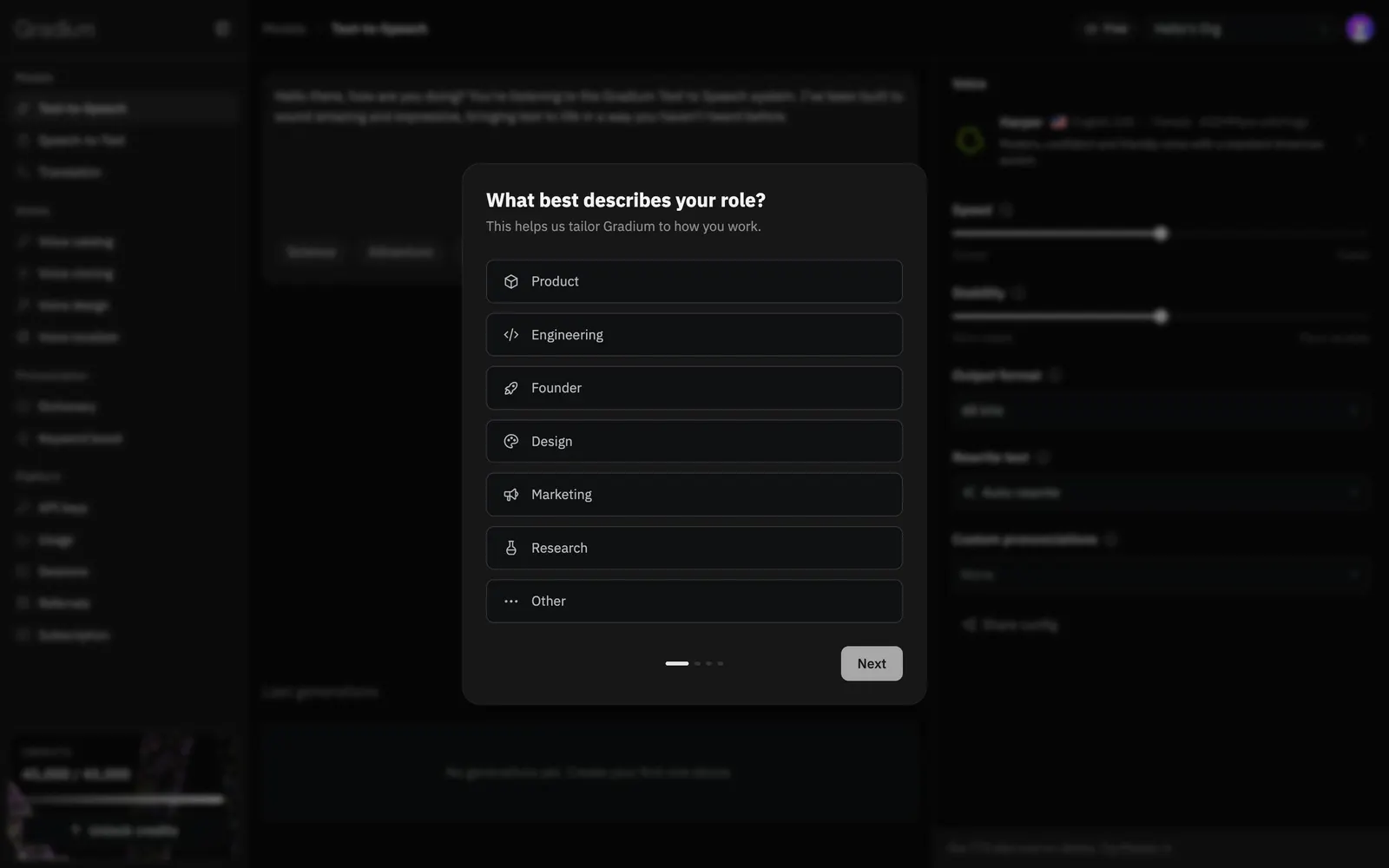
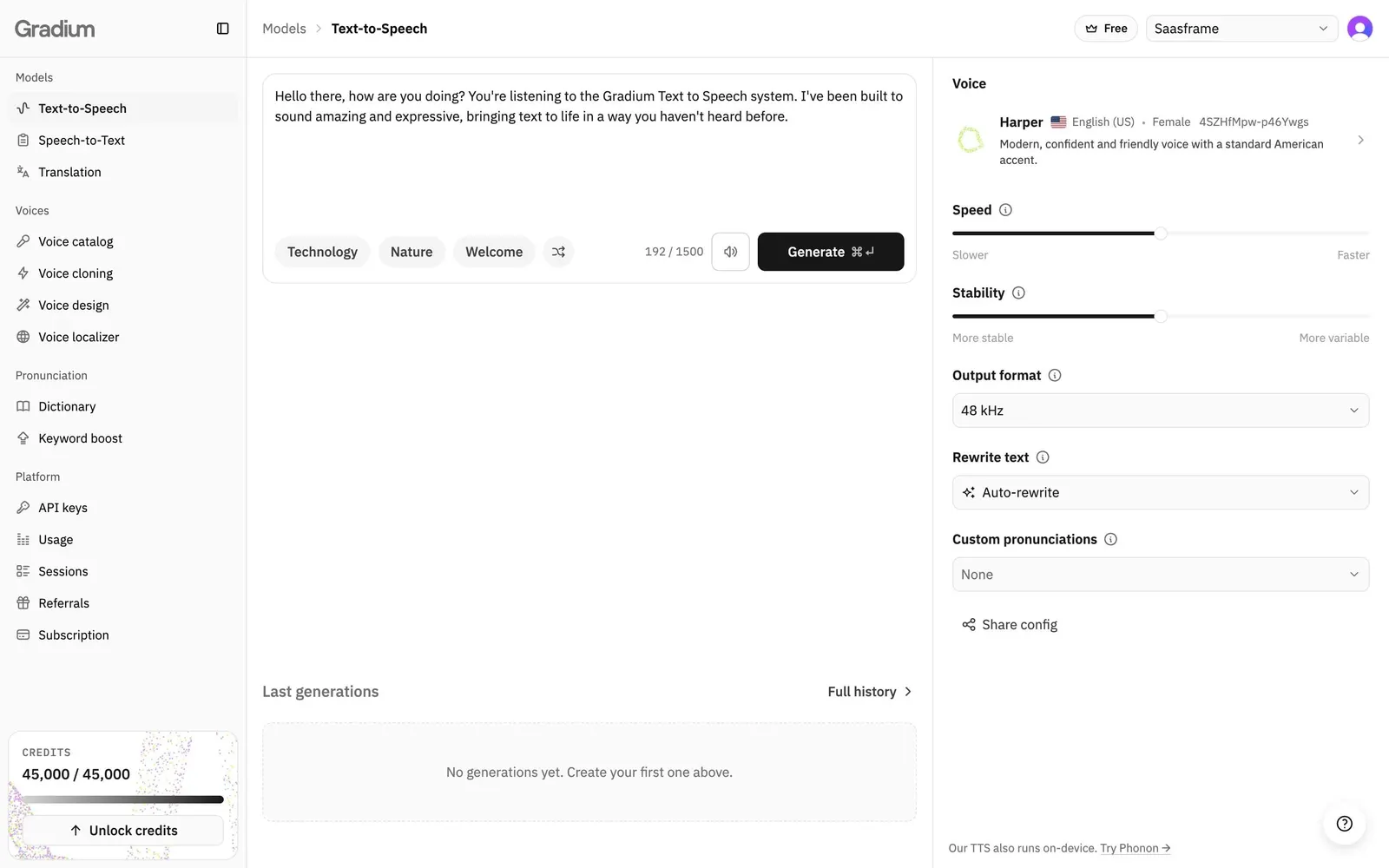
Gradium onboards new users with a short survey shown in a modal over the Text-to-Speech studio, starting with the role question, then drops them into the studio with a sample text ready to generate. The modal follows the app's monochrome style, with a four-segment progress indicator and one button per step.
Follow Gradium’s onboarding flow step by step: 2 real screens captured from the live product, from onboarding role question to text to speech. Use ← → to move between steps, and open any screen to see it in full.