Part of User Onboarding
Fellow Onboarding: Creating Agendas
 FellowGreat Meetings Start Here
Captured 2023Fellow may have changed this screen since.
About this screen
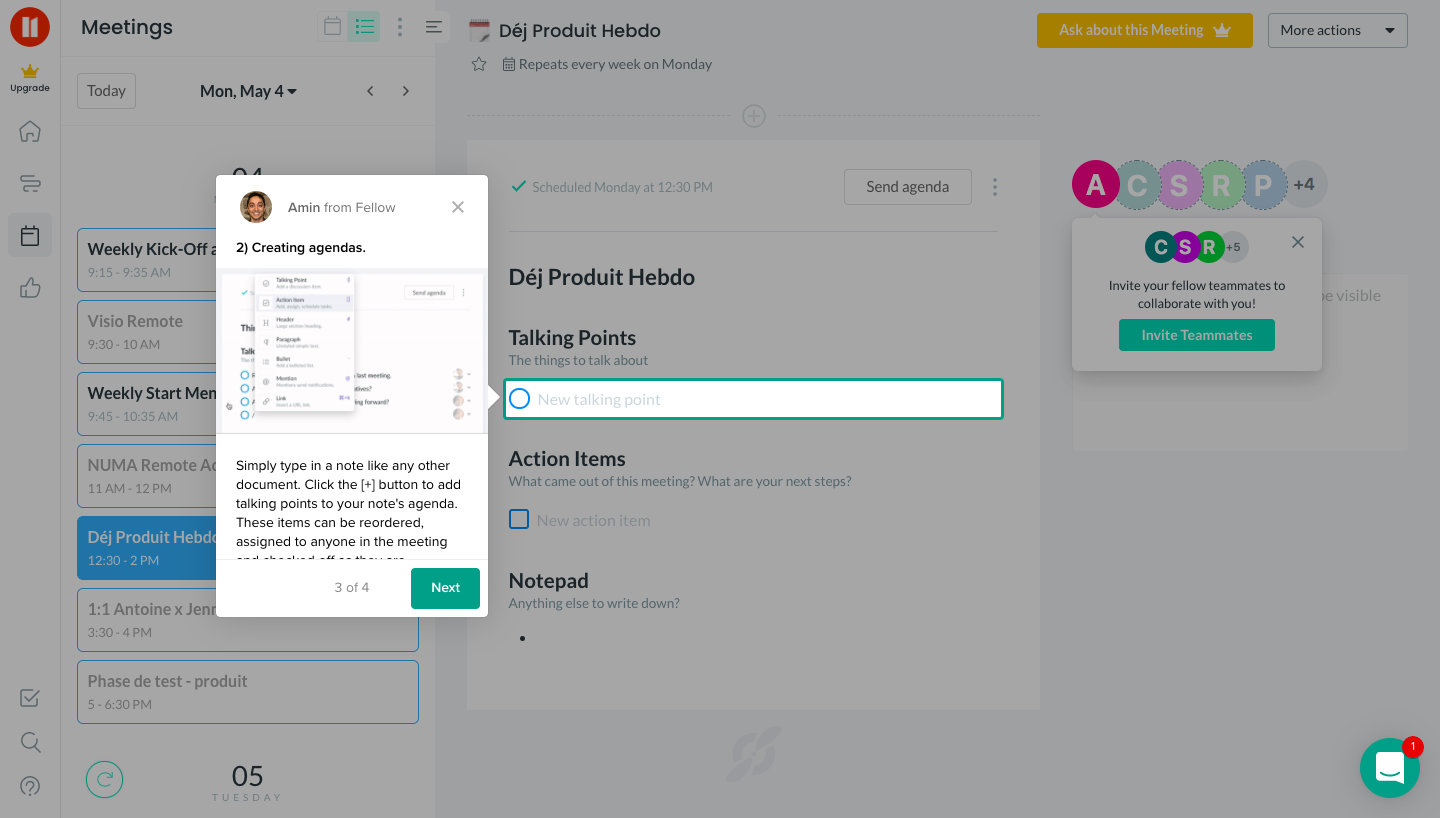
Third tour step
"2) Creating agendas" (3 of 4) explains typing in the note and adding talking points with the [+] button.
Focused field
The "New talking point" field is highlighted with a green outline.
Visual aid
A small agenda screenshot in the tooltip shows reorderable talking points.