Part of Create An Account
Zencal Account Setup: Personalize Link
 ZencalScheduling for paid meetings & teams
Captured 2023Zencal may have changed this screen since.
About this screen
Setup intro
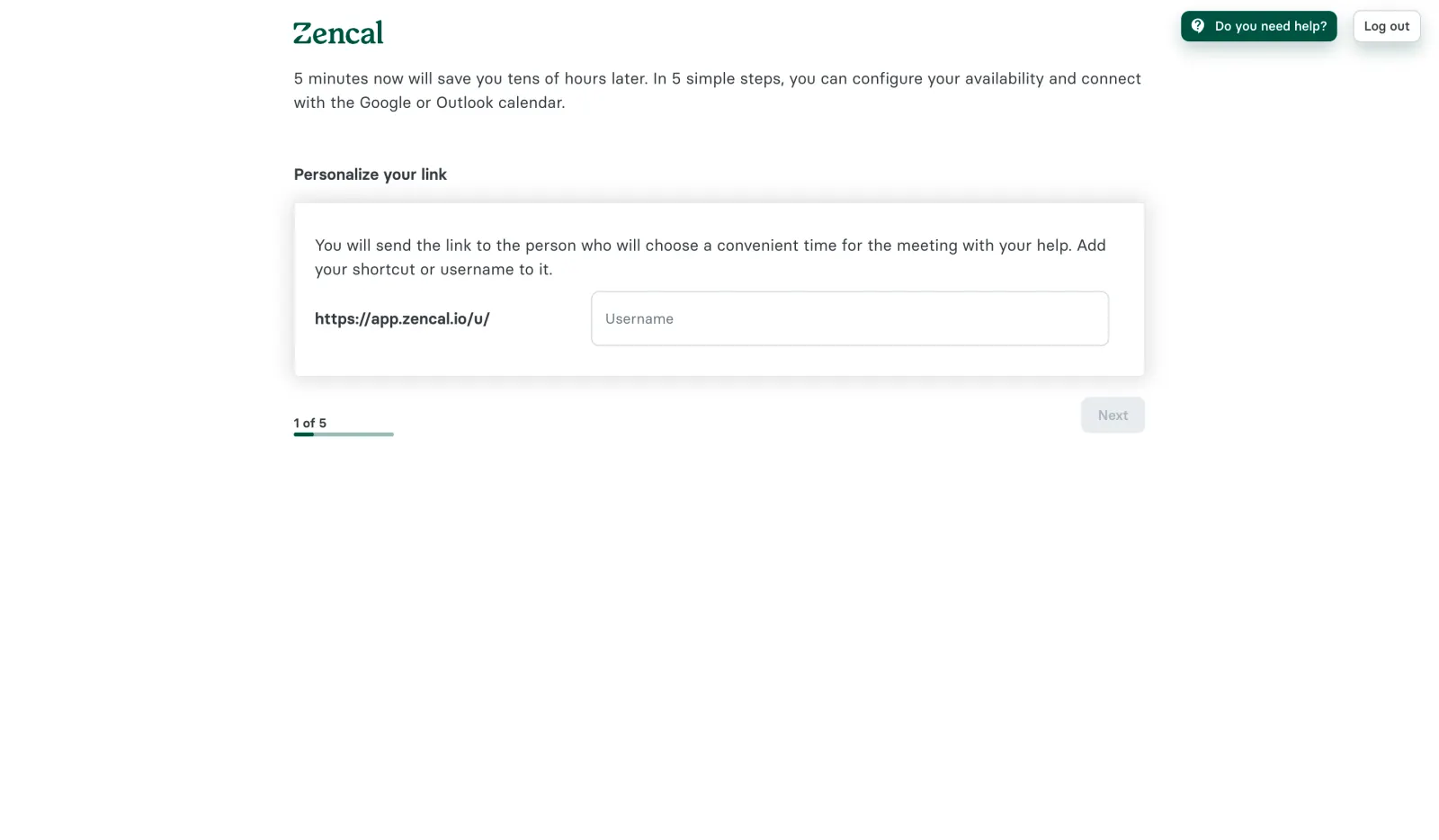
Under the Zencal logo, a line promises that 5 minutes now will save hours later across 5 simple steps.
Booking link
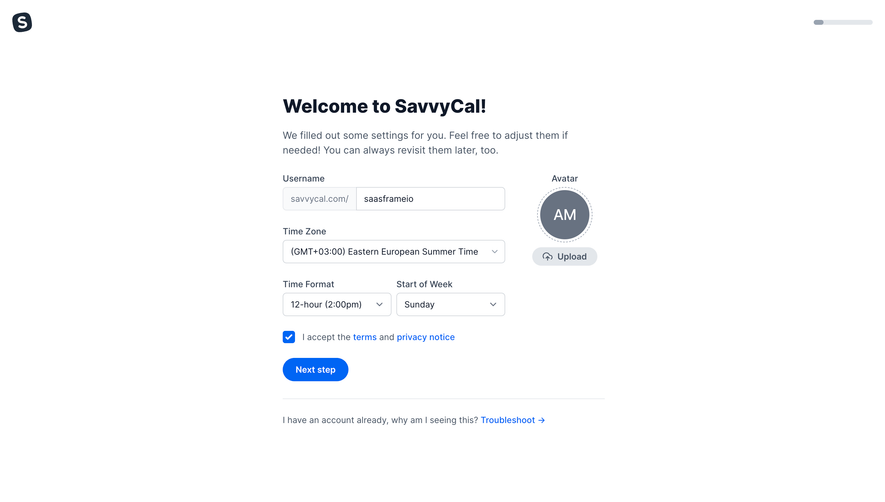
"Personalize your link" explains the link you'll send, with the app URL prefix next to a "Username" field.
Progress
A "1 of 5" bar sits bottom left and "Next" is disabled; "Do you need help?" and "Log out" sit top right.