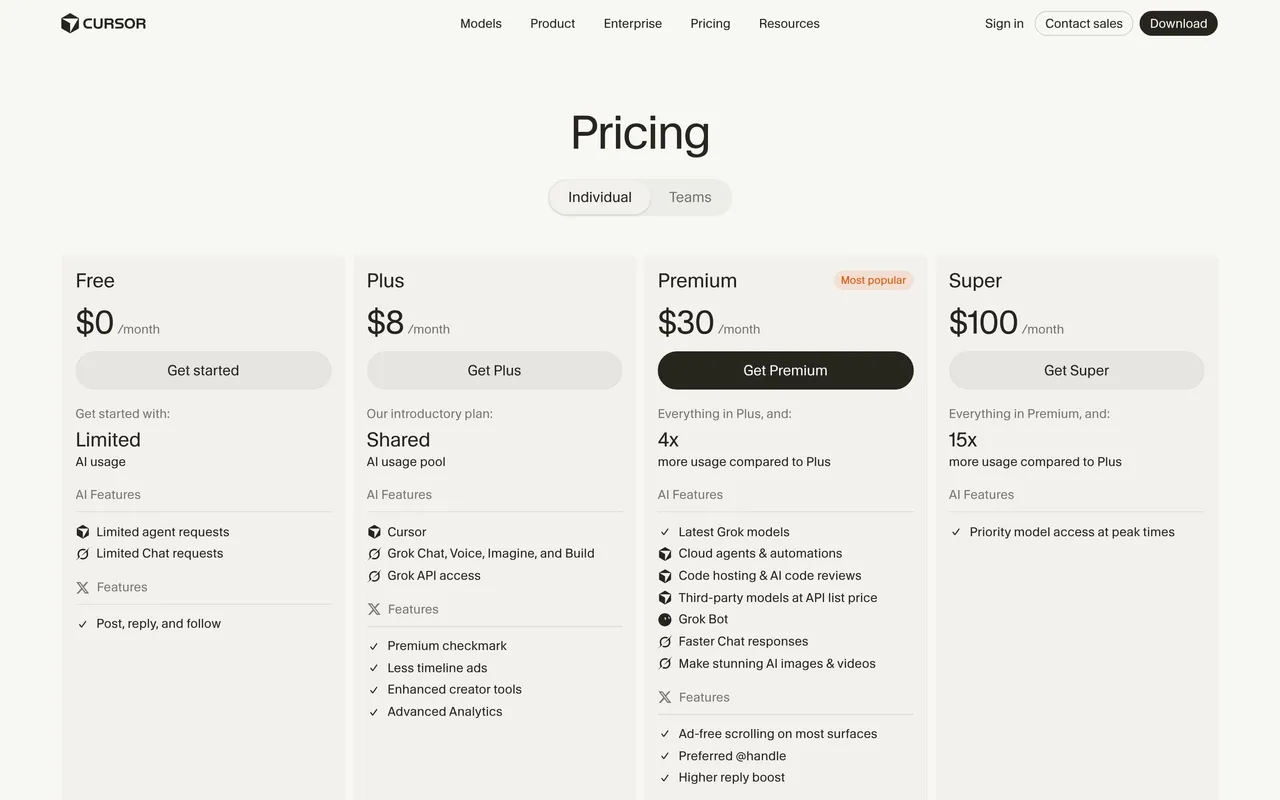
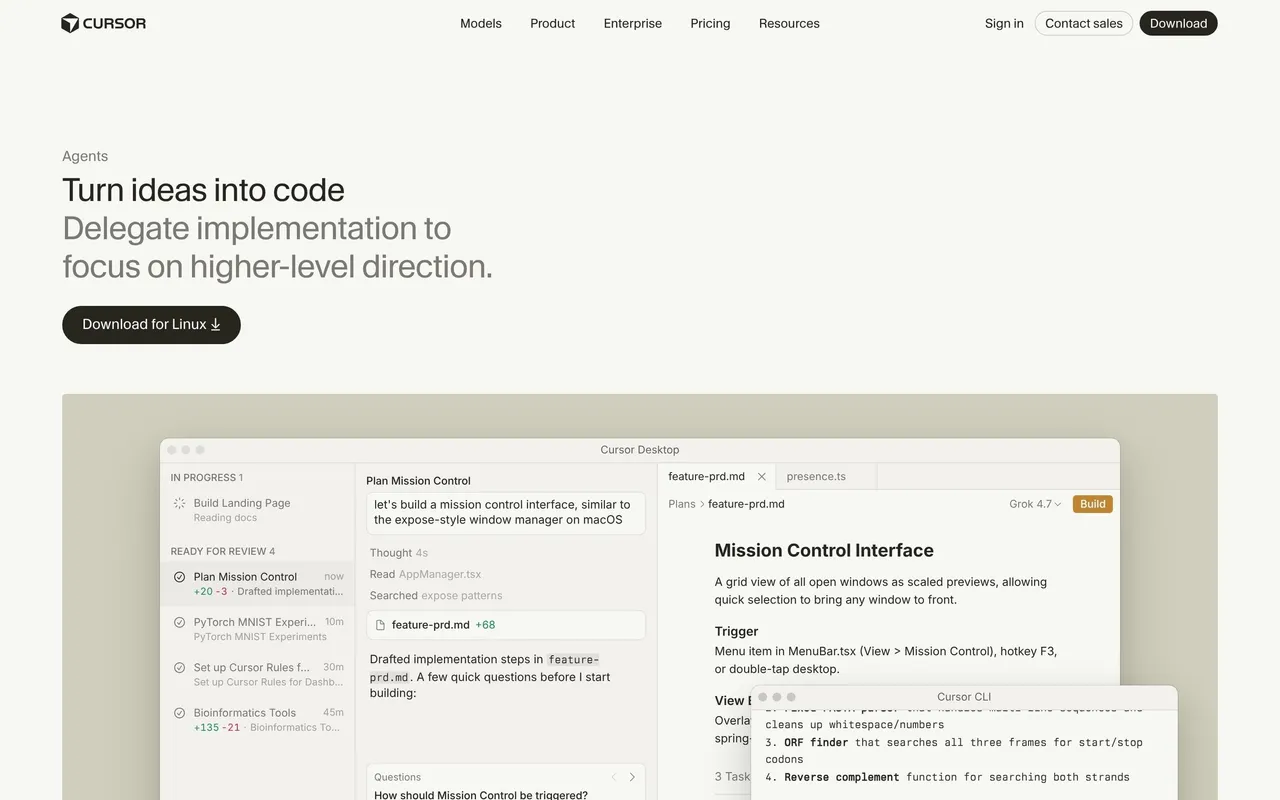
Cursor Dashboard Overview
 CursorAI coding agent and code editor
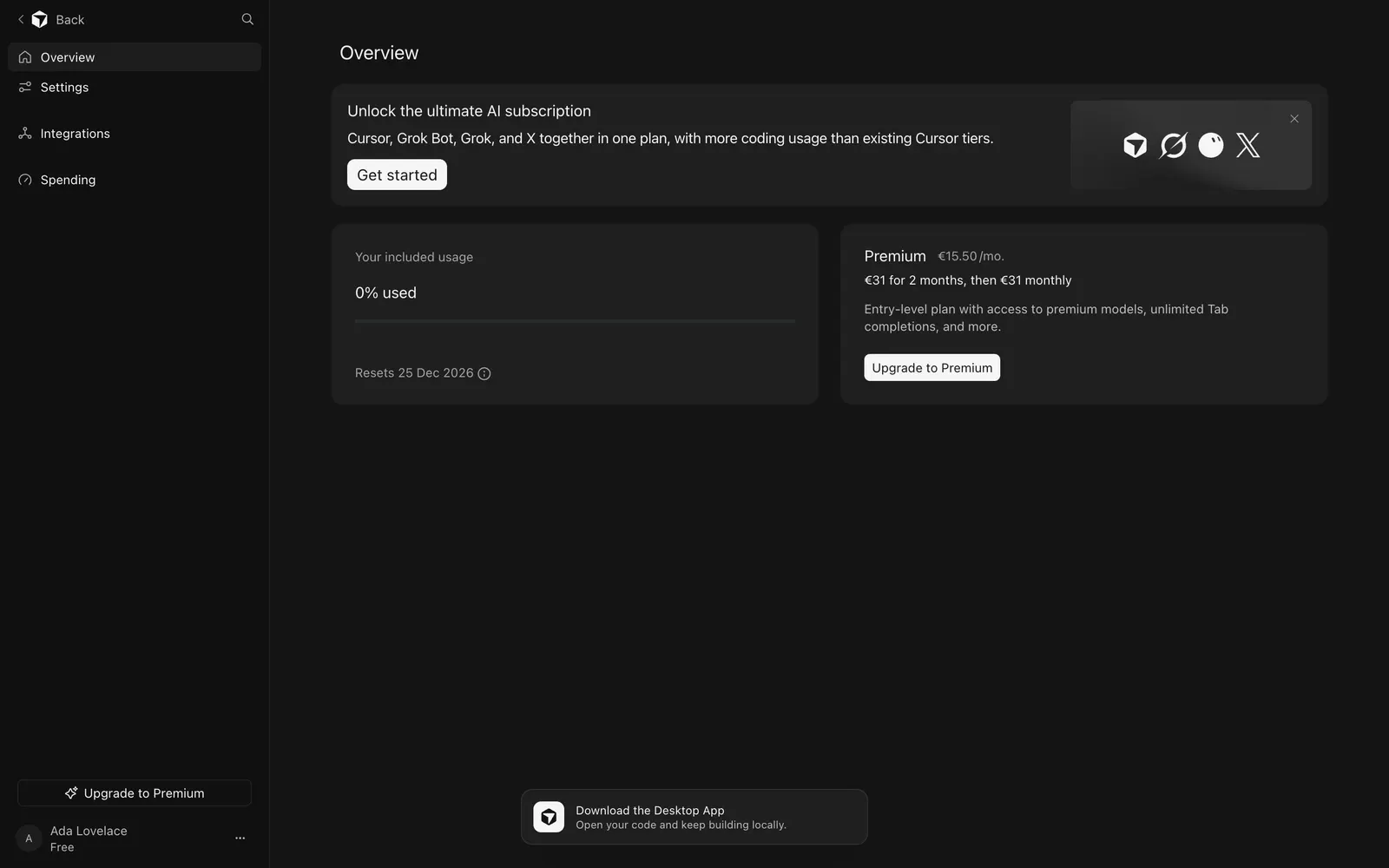
About this screen
Layout
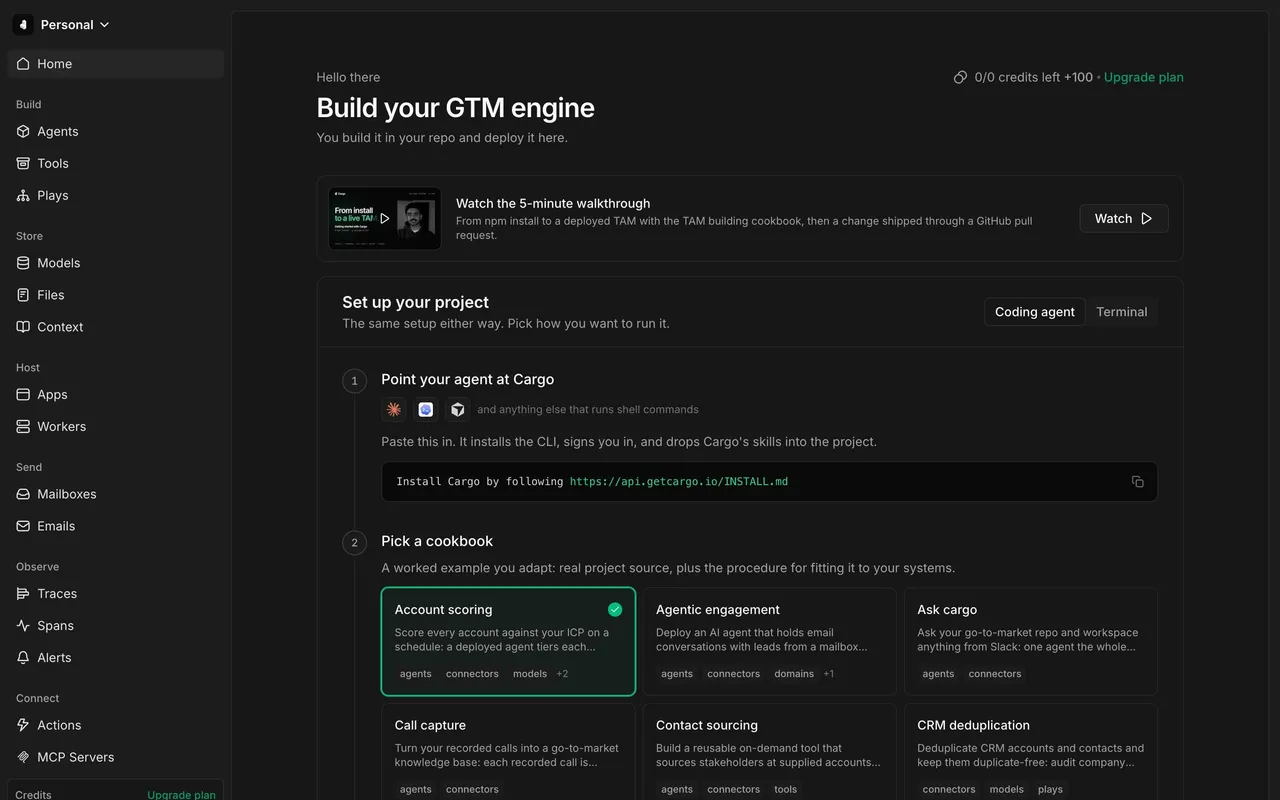
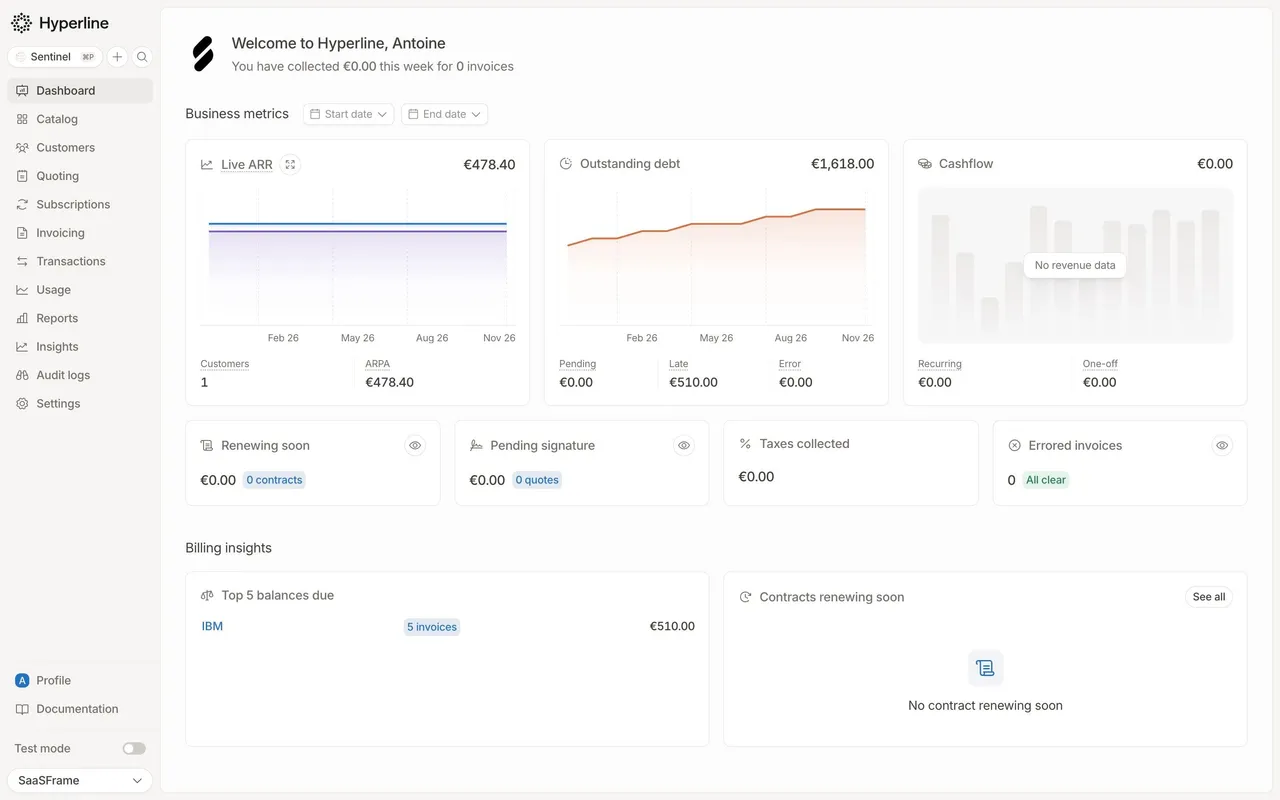
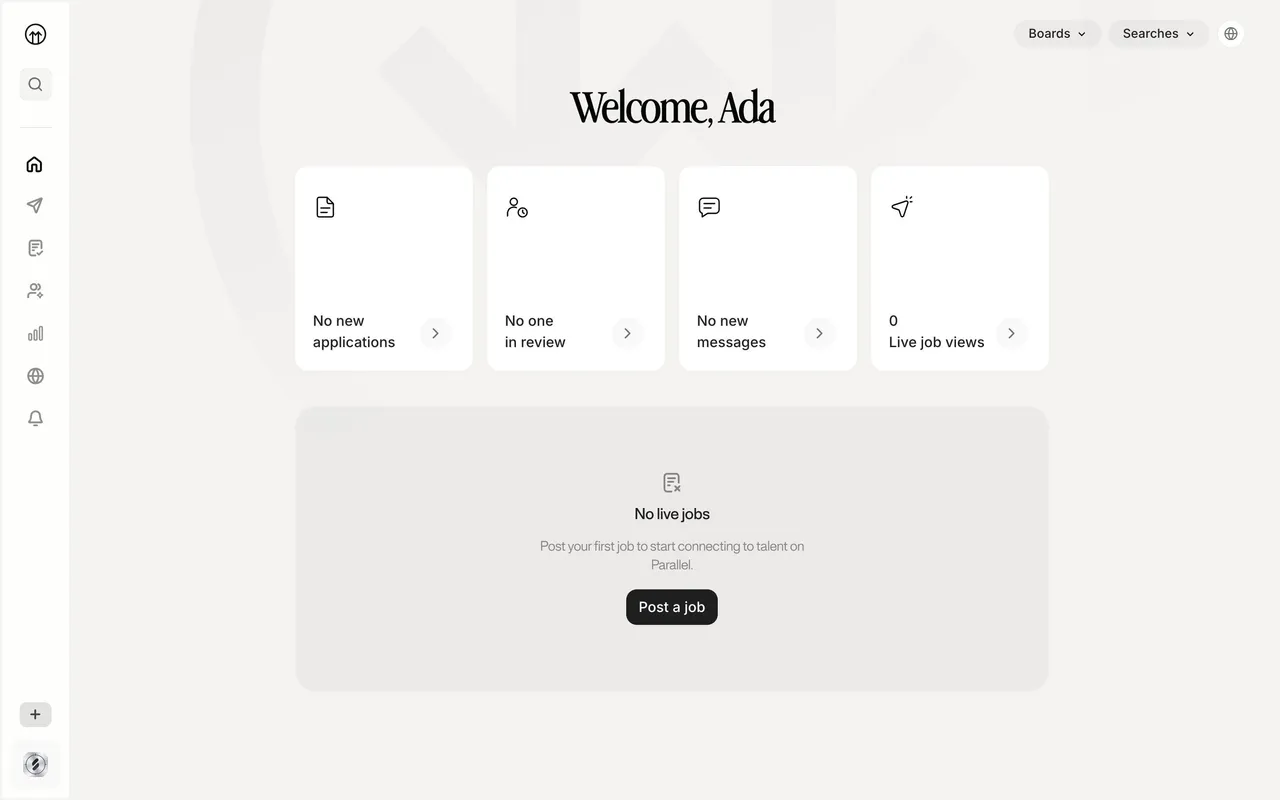
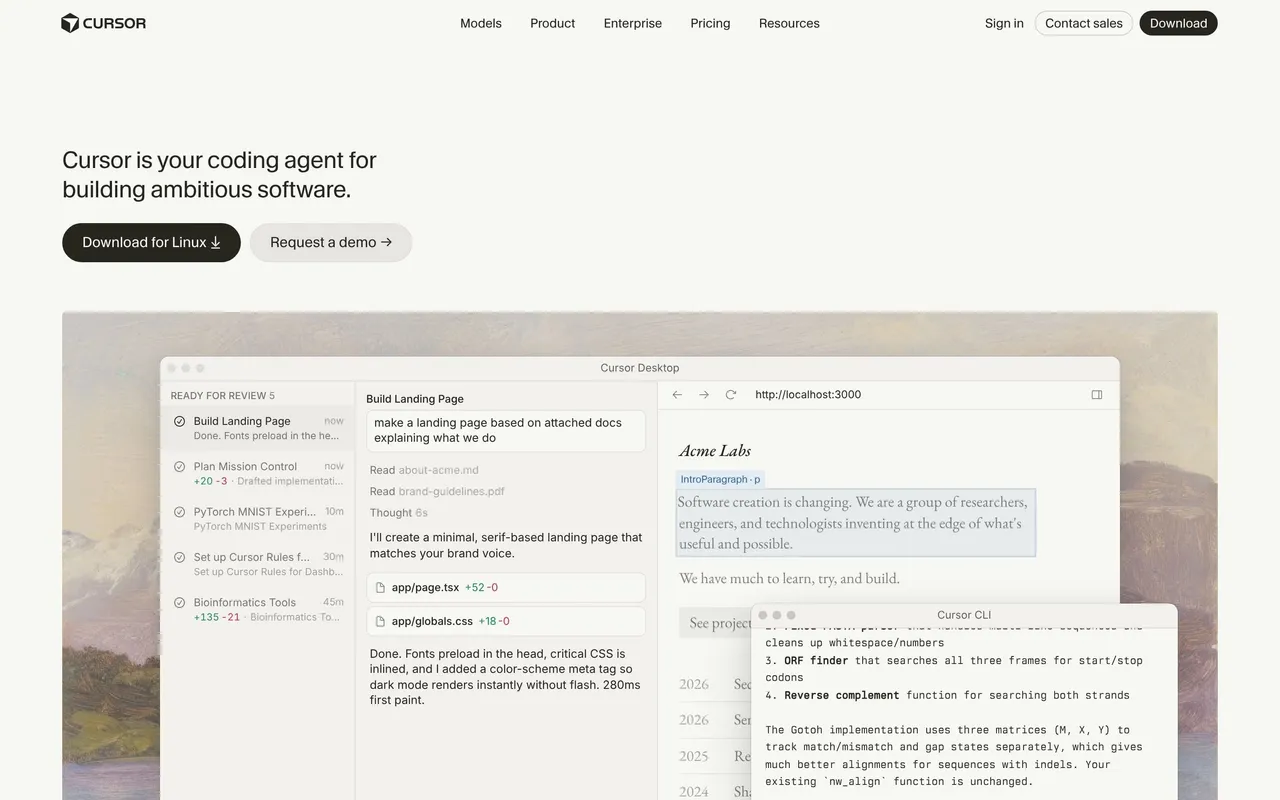
A narrow left column holds the account name, plan and four sections; the main column stacks an upgrade banner, an included usage meter and plan cards.
Content
The overview tells a free user how much of the included usage is consumed, when it resets, and what each paid plan costs with its introductory price.
Notable details
The usage meter is a thin bar with a percentage and reset date. Plan cards stay flat and dark, separated by hairlines rather than color.