Cursor Account Settings
 CursorAI coding agent and code editor
About this screen
Layout
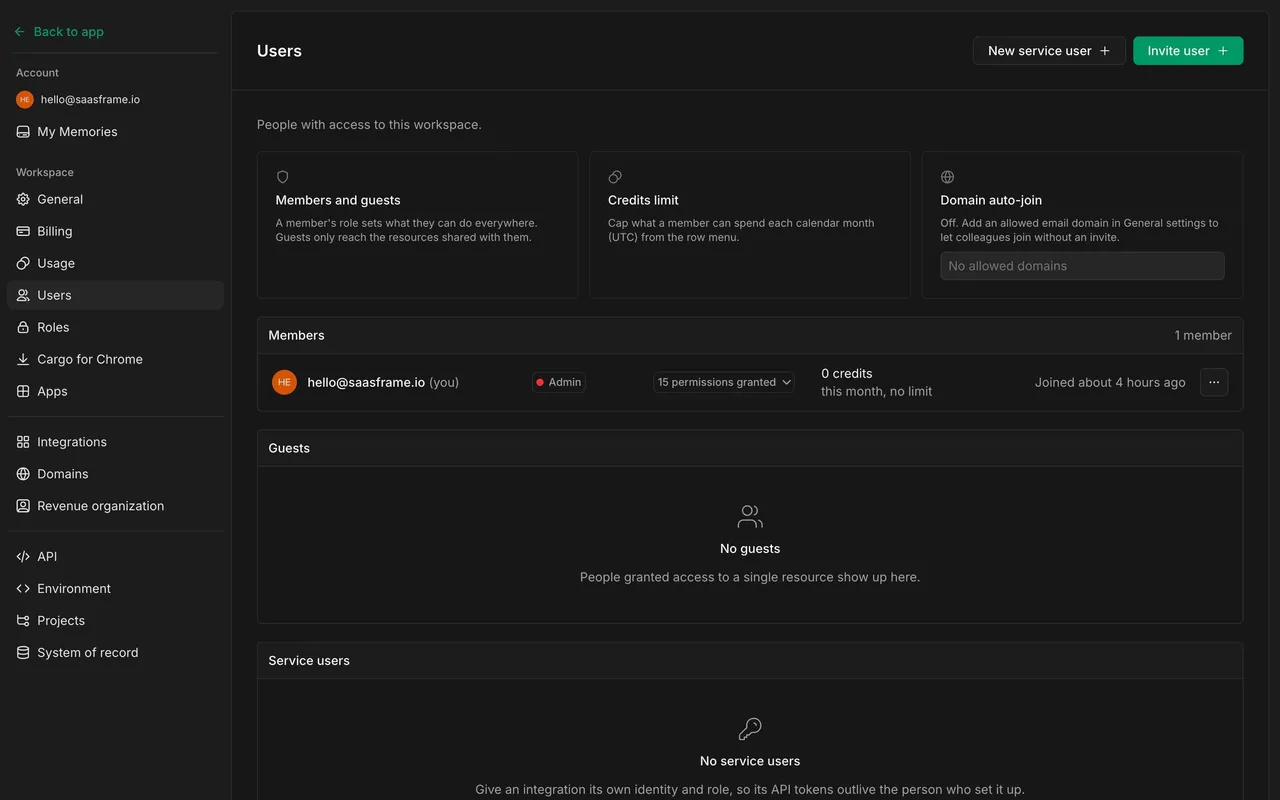
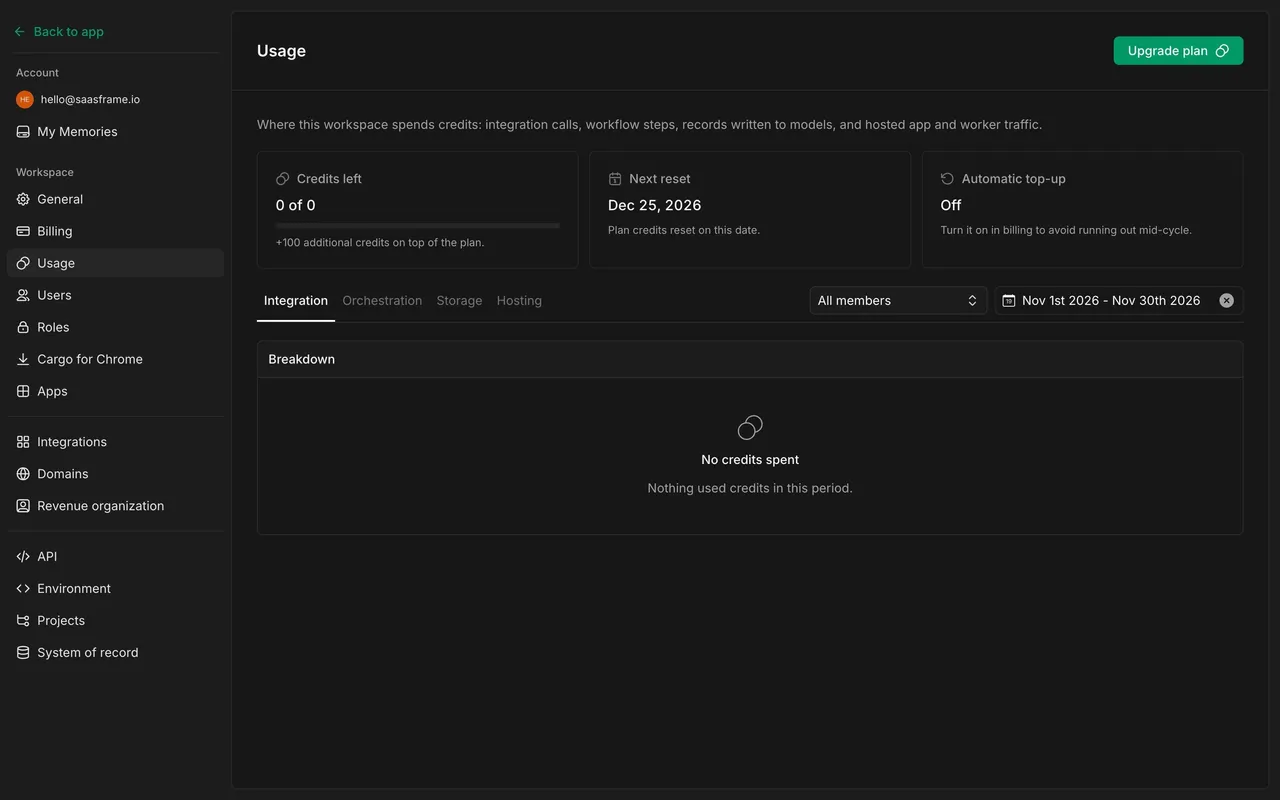
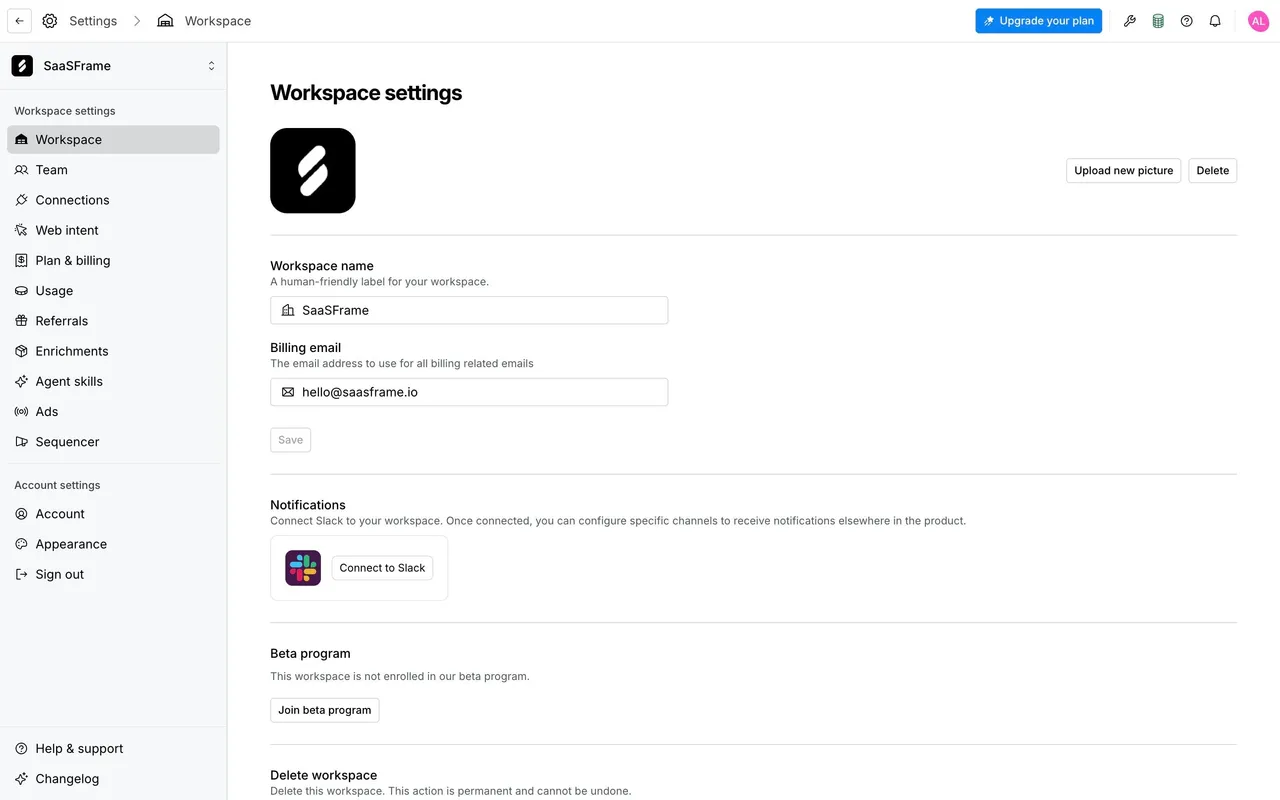
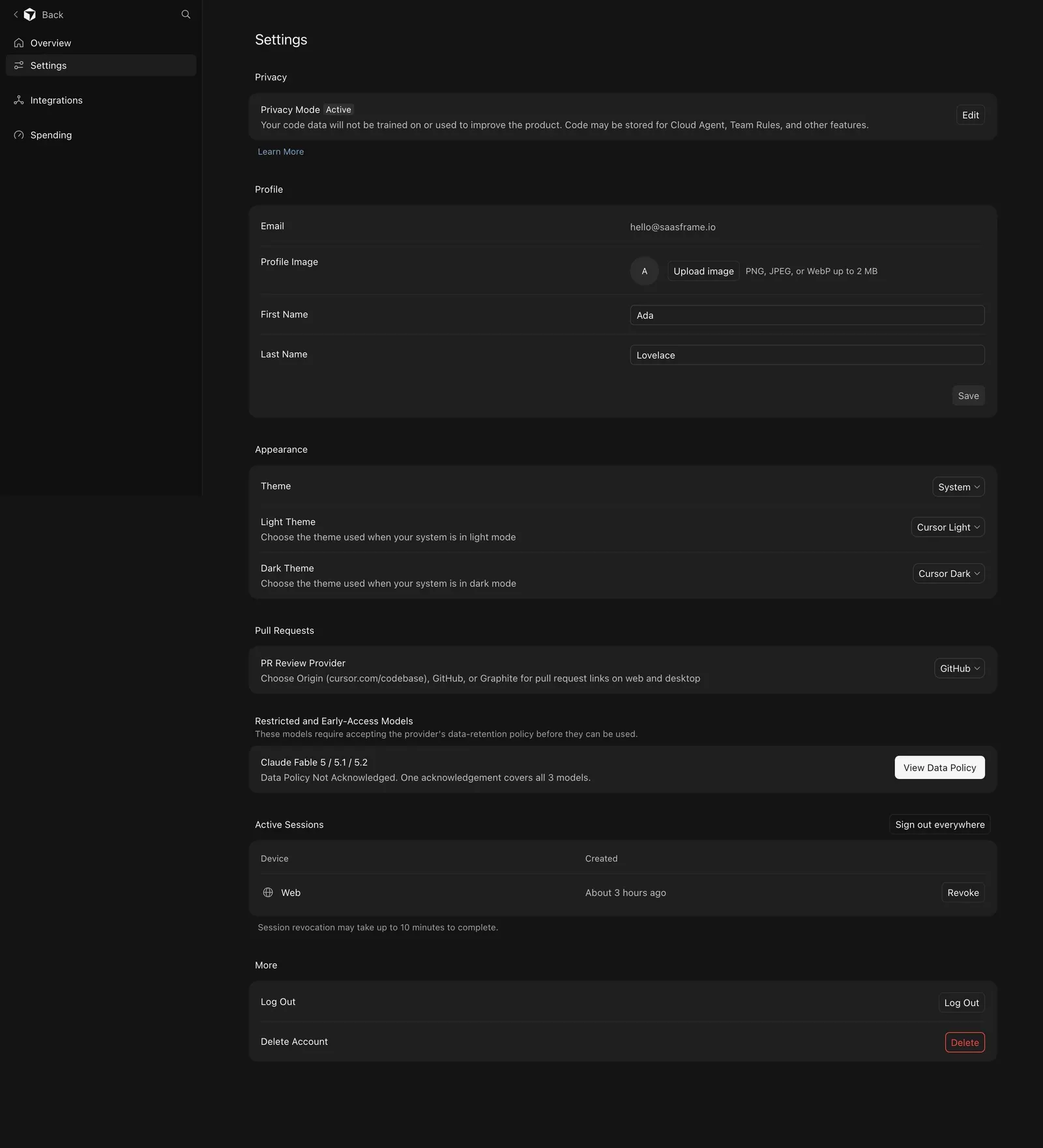
Same two-column account shell; the main column is a list of setting groups, each a bordered card with rows of label, value and action.
Content
Privacy mode status, profile e-mail, avatar upload and name fields, followed by session and account actions.
Notable details
Privacy mode is the first card and shows an Active state with a plain sentence on what happens to code data. Edit actions sit at the right end of each row.