SaaSFrame

About this screen
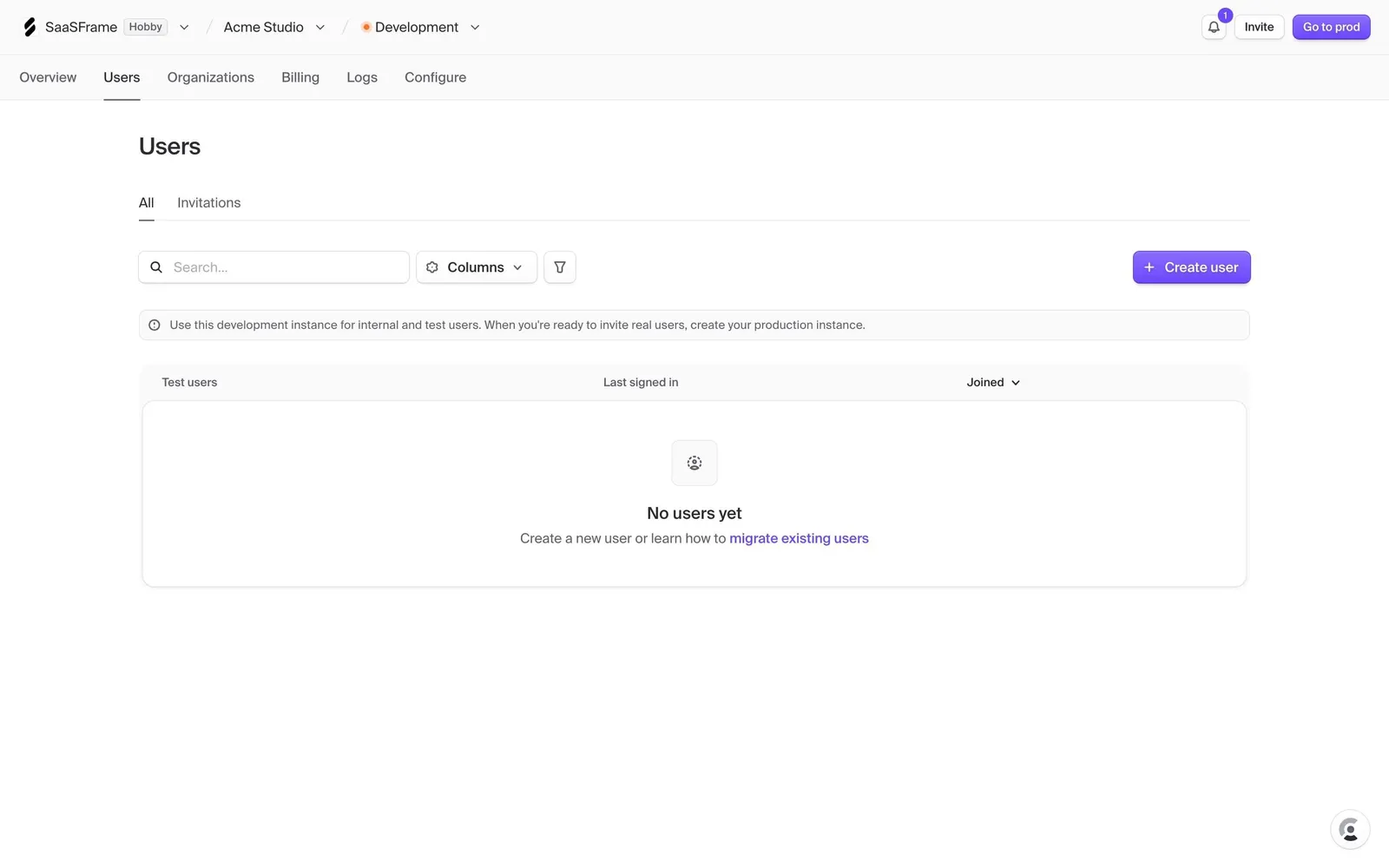
Users list in development
The Users tab has All and Invitations tabs, a search, a Columns menu and a violet "Create user" button. A note explains: "Use this development instance for internal and test users. When you're ready to invite real users, create your production instance."
Empty state
The table (Test users, Last signed in, Joined) shows "No users yet" with "Create a new user or learn how to migrate existing users".
Same frame as every app page
Workspace, application and Development instance appear in the header with Invite and "Go to prod".