SaaSFrame
Clerk Team Members
 ClerkAuthentication and user management for apps
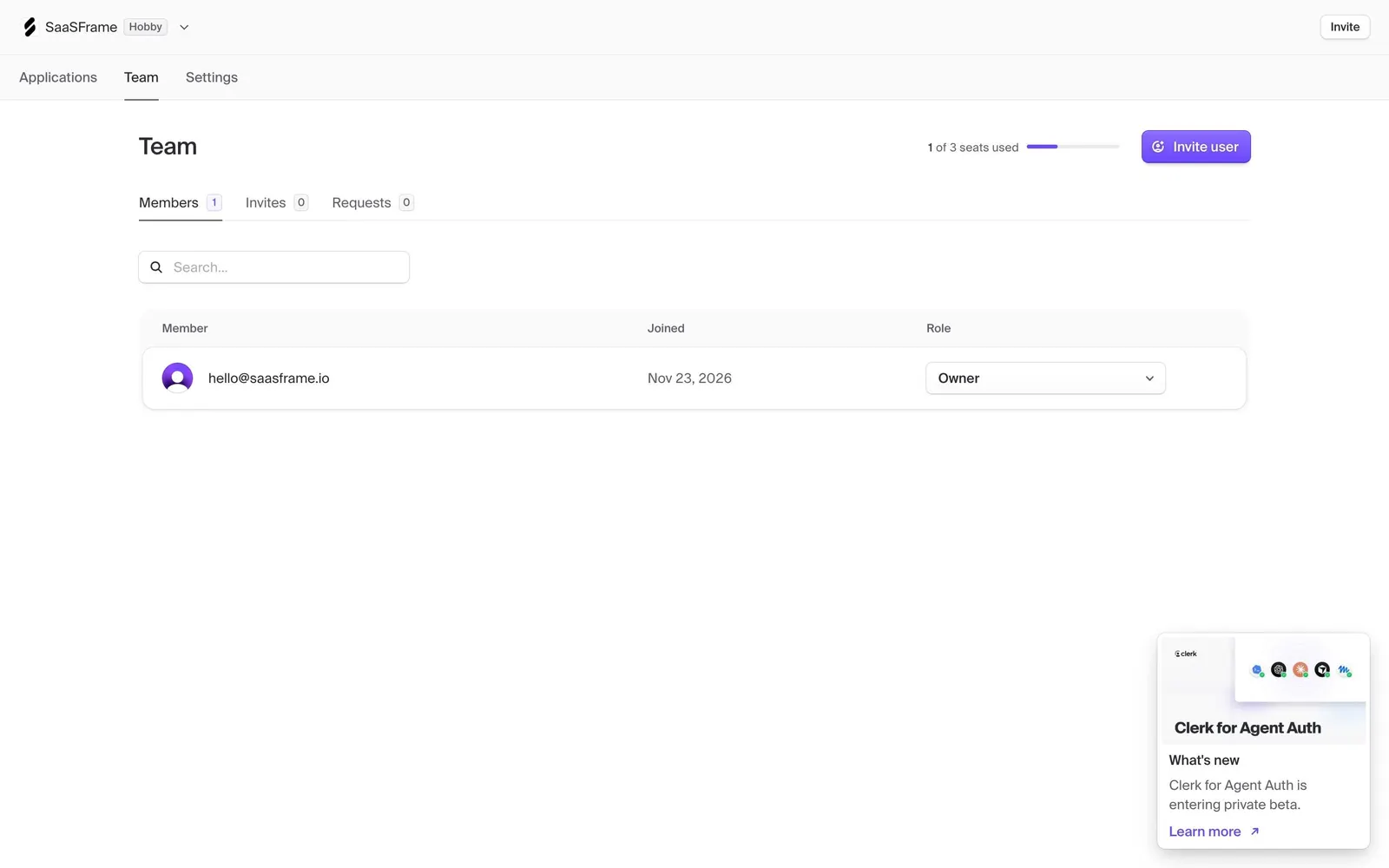
About this screen
Workspace team
The workspace-level Team page in the Clerk dashboard shows "1 of 3 seats used" with a thin progress bar next to a violet "Invite user" button, so the Hobby plan's seat limit is visible before anyone is invited. Tabs Members, Invites and Requests each carry a small counter.
Members table
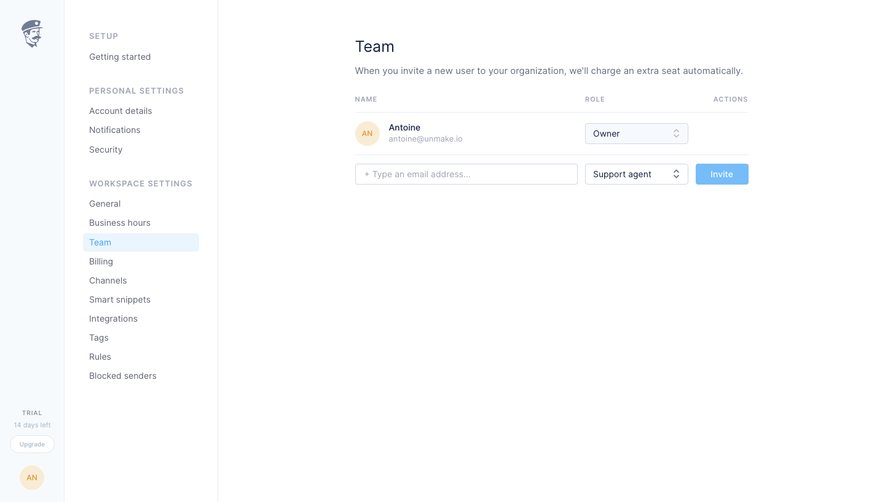
A search field leads to a table with Member, Joined and Role columns. The single owner row has an avatar, the join date and a role select that switches between Owner and Viewer.
Announcement card
The "Clerk for Agent Auth" what's new popover stays pinned in the bottom right corner of the workspace pages, with a row of tiny icons and a "Learn more" link.