SaaSFrame
Part of Build a Voice Agent
Cartesia Agent Advanced Settings
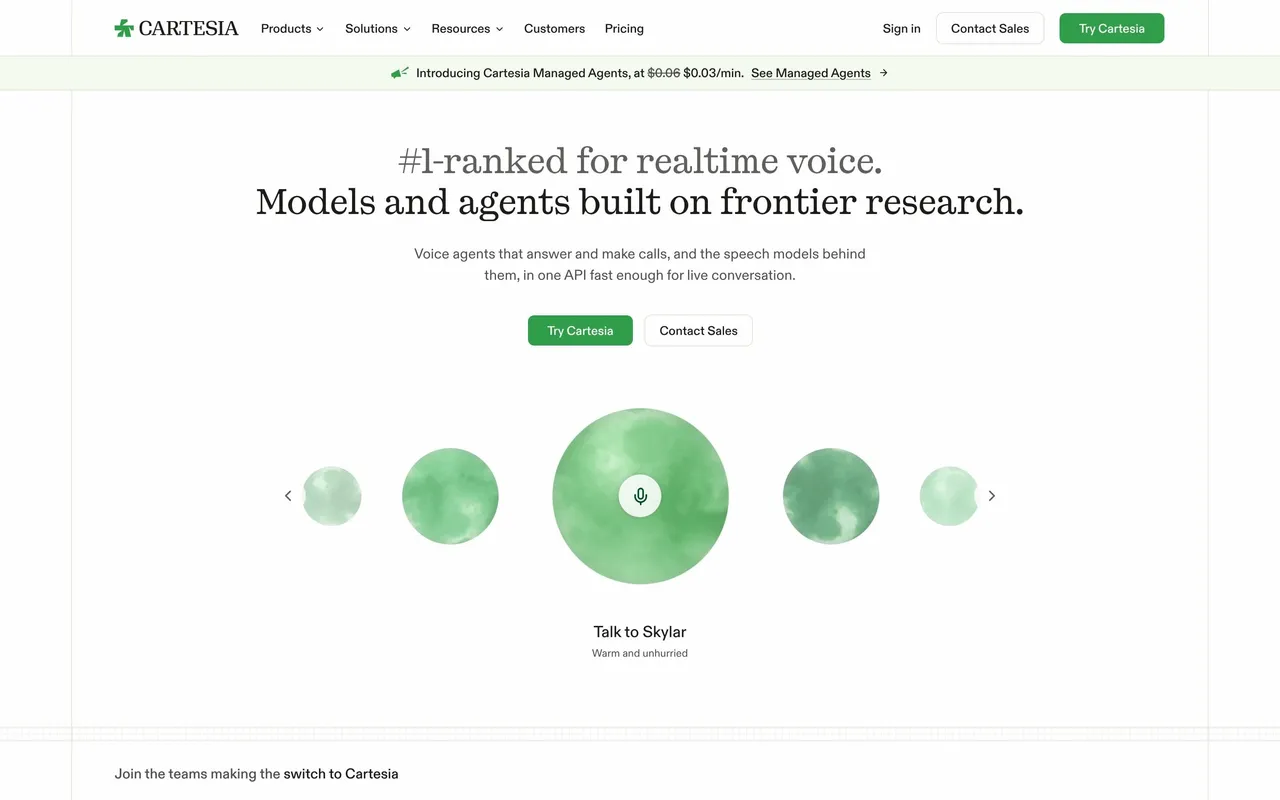
 CartesiaReal-time voice AI models for developers
About this screen
Conversation behavior as plain settings
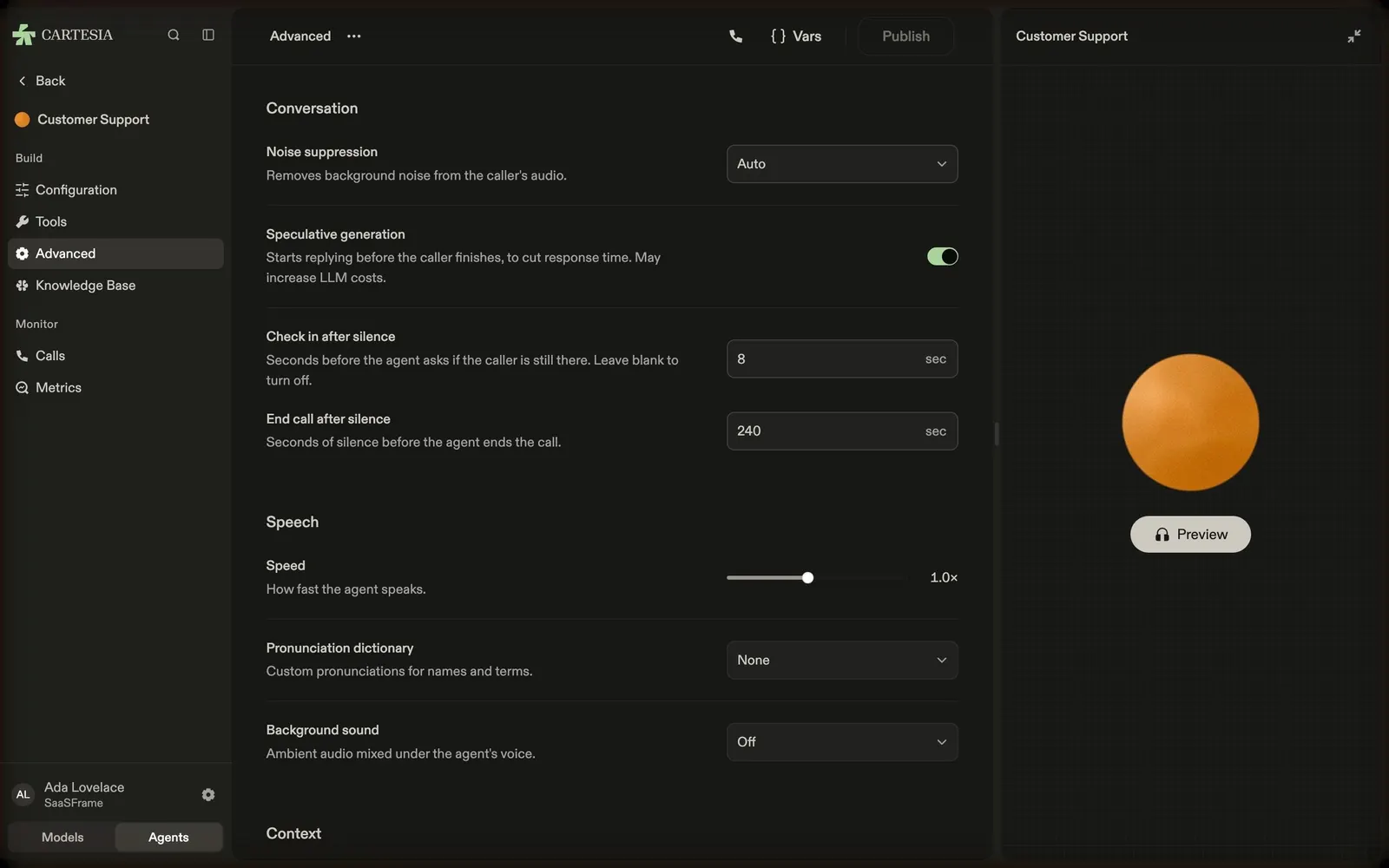
Cartesia's agent Advanced page groups options under "Conversation": noise suppression (Auto), speculative generation (on, with a note that it may increase LLM costs), check in after silence (8 sec) and end call after silence (240 sec).
Speech settings
"Speech" sets the speaking speed with a slider (1.0×), a pronunciation dictionary and a background sound, each with a short explanation under its label.
Trade-offs stated
Each setting explains its effect in one line ("Starts replying before the caller finishes, to cut response time"), and the preview panel stays on the right for testing.