⬆️ Upgrade Email
SaaS upgrade emails that move free and trial users to a paid plan: usage limits reached, locked features, plan comparisons and limited-time offers, and how each one makes the value of upgrading concrete.


⬆️ Upgrade Email: design guide
A SaaS upgrade email asks a free or trial user to move to a paid plan. It works when it ties the request to something the user has already done or needs next, states the price and conditions plainly, and makes the paid plan's difference easy to compare.
Show what changes with the paid plan
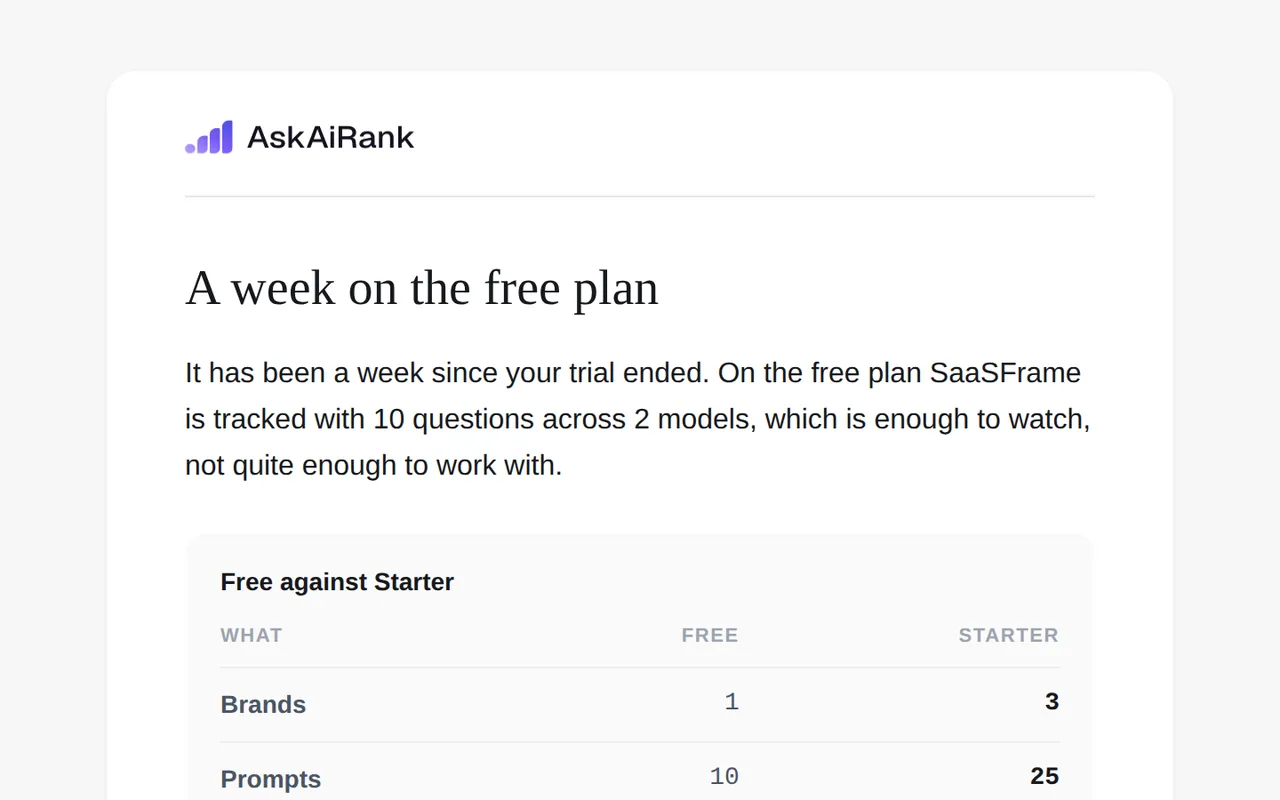
The AskAiRank reference compares the free and Starter plans in a compact table before any offer appears. The reader sees what they keep, what they gain and what it costs in one place.
A comparison limited to the few differences that matter for this user reads faster than a full pricing grid. Link to the pricing page for everything else.
State the price, the billing period and any taxes or seat logic in text, so the message still works with images blocked.
Time the request to real use
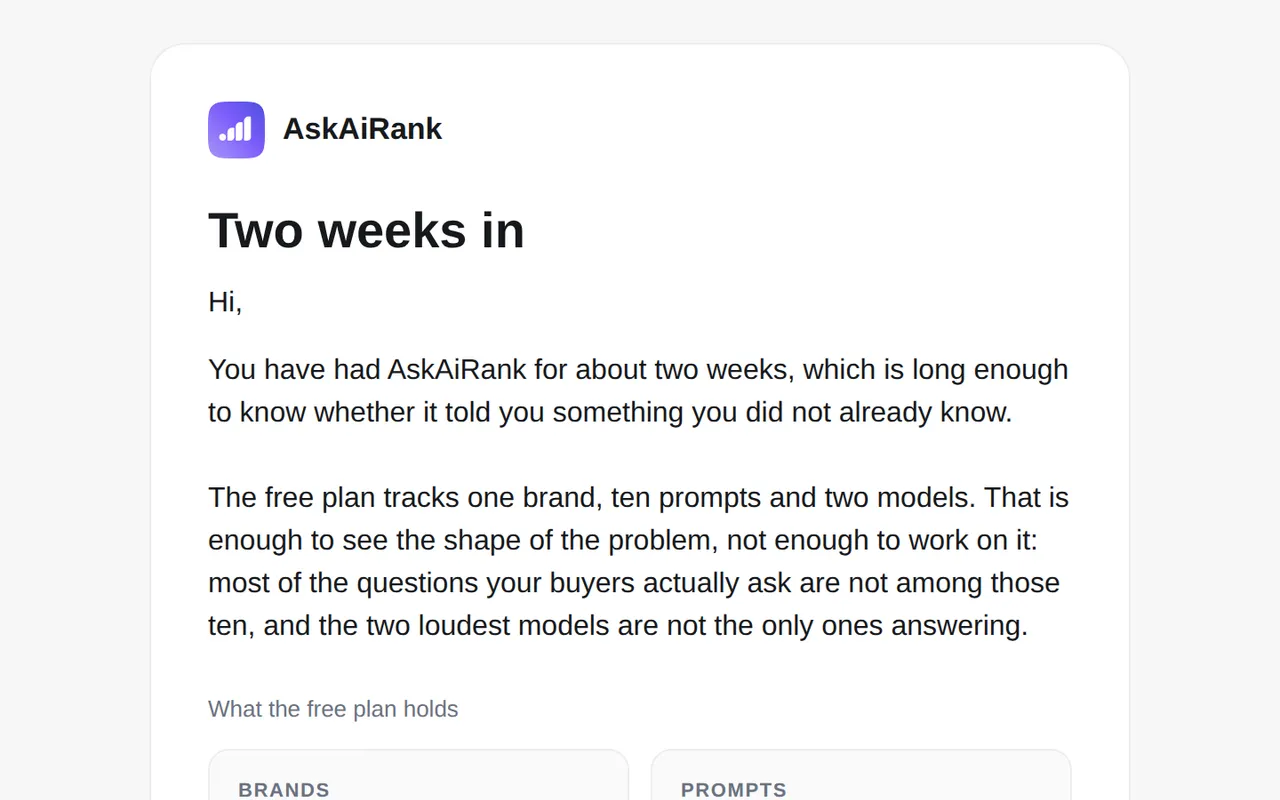
The second AskAiRank email arrives a week later and opens by asking whether the product earned its place, then summarises what the free plan holds in four small tiles next to the Starter price.
An upgrade request lands better after the user has had time to reach value. Triggers such as a usage limit, a locked feature they tried or the end of a trial give the email a reason the reader recognises.
Do not send the same pitch on a fixed schedule to users who have not started. An onboarding nudge serves them better.
Make an offer honest and specific
A discount should state its amount, its duration and its end date. Show the code where it can be copied, or apply it through the button so nothing has to be typed.
Avoid false urgency. If the offer does not really expire, do not give it a countdown.
Keep one primary action that opens checkout or the plan page with the right plan selected.
Sell a concrete outcome, not a tier name
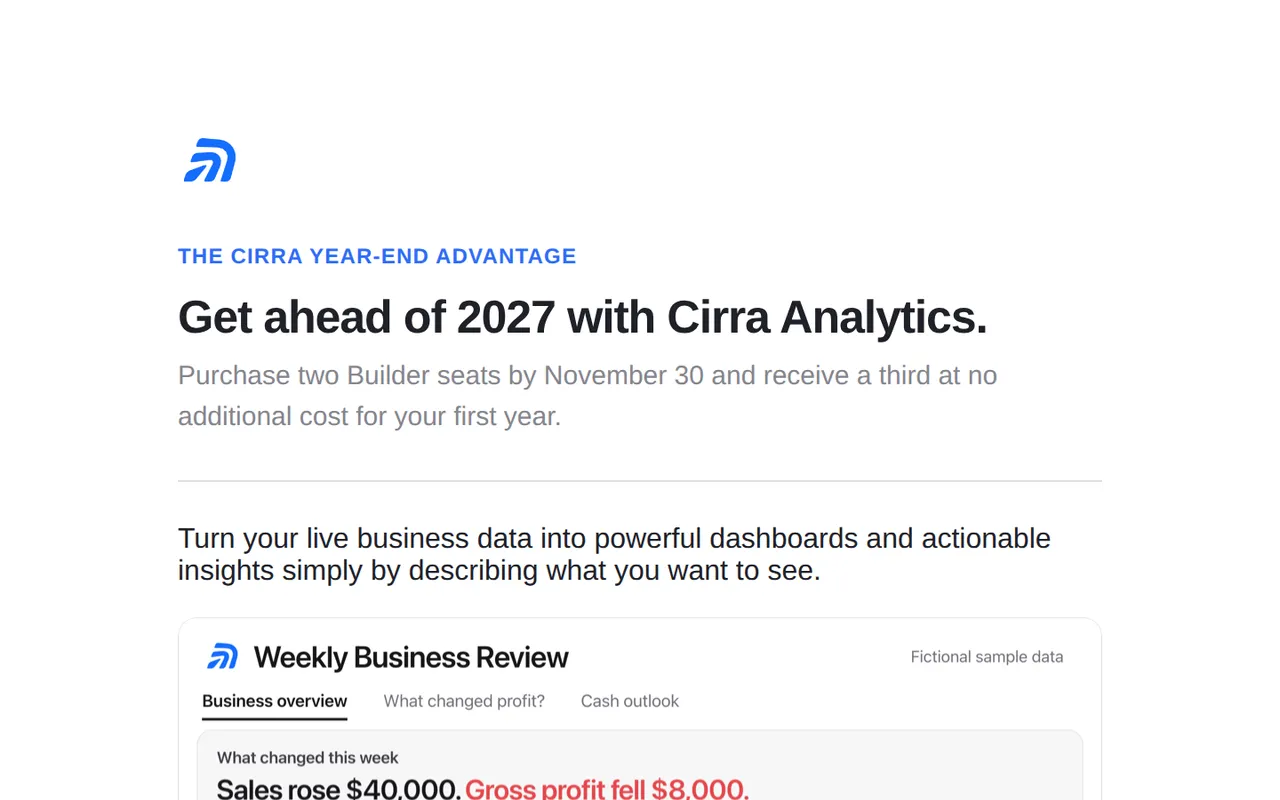
The MindCloud reference leads with a large fragment of the dashboard the paid seats unlock, with a link to a live sample before the Get Started button.
A real piece of the product shows the result more convincingly than a list of plan features. Use the reader's own data or a realistic sample, never an abstract illustration.
Respect the user who stays free
Give non-upgraders a way to say what is missing, as AskAiRank does with a reply invitation. The answers are useful pricing research.
Let people opt out of promotional emails without leaving operational ones such as security or billing notices.
Compare usage-led, offer-led and outcome-led approaches in SaaSFrame's upgrade-email references.
Upgrade email questions
When should the first upgrade email go out?
After the user has reached some value or hit a real limit, not on the day they sign up.
Should every upgrade email include a discount?
No. A clear comparison and a well-timed trigger often do the work; discounts train users to wait.
What should the button open?
Checkout or the plan page with the recommended plan already selected and the user signed in.