SaaSFrame

3 more steps in this flow
Free accounts see the first 3 steps of each flow. Pro unlocks every step of every flow, plus every screen, section and Copy in Figma.
Typedesk Sign Up Flow
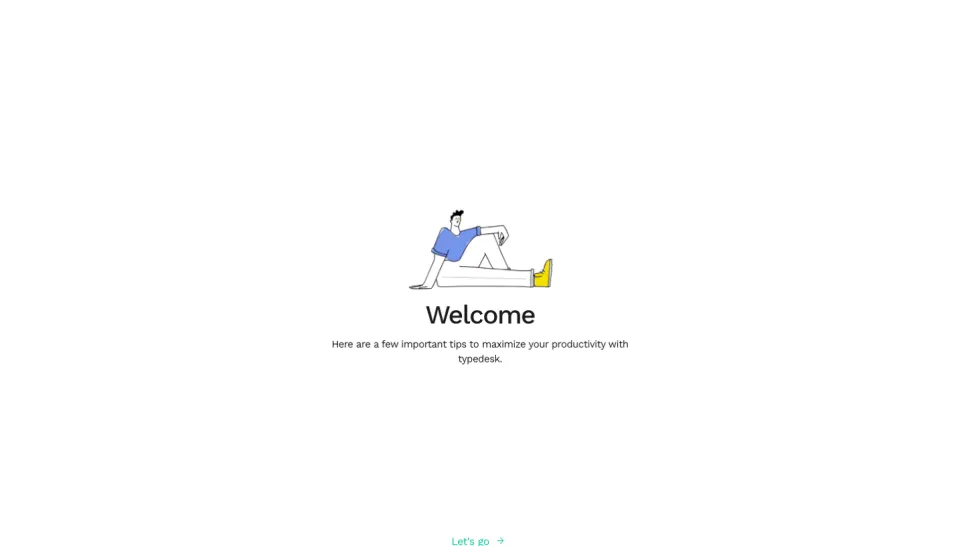
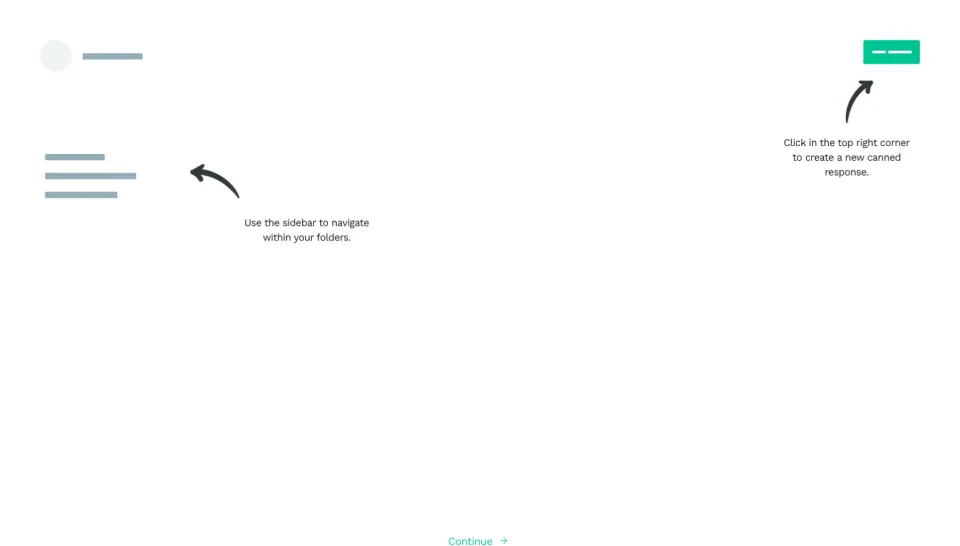
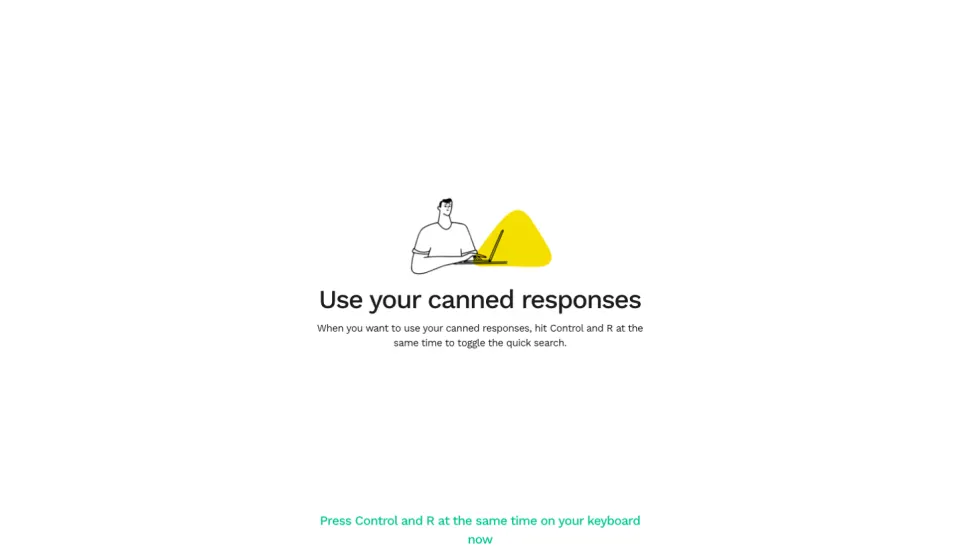
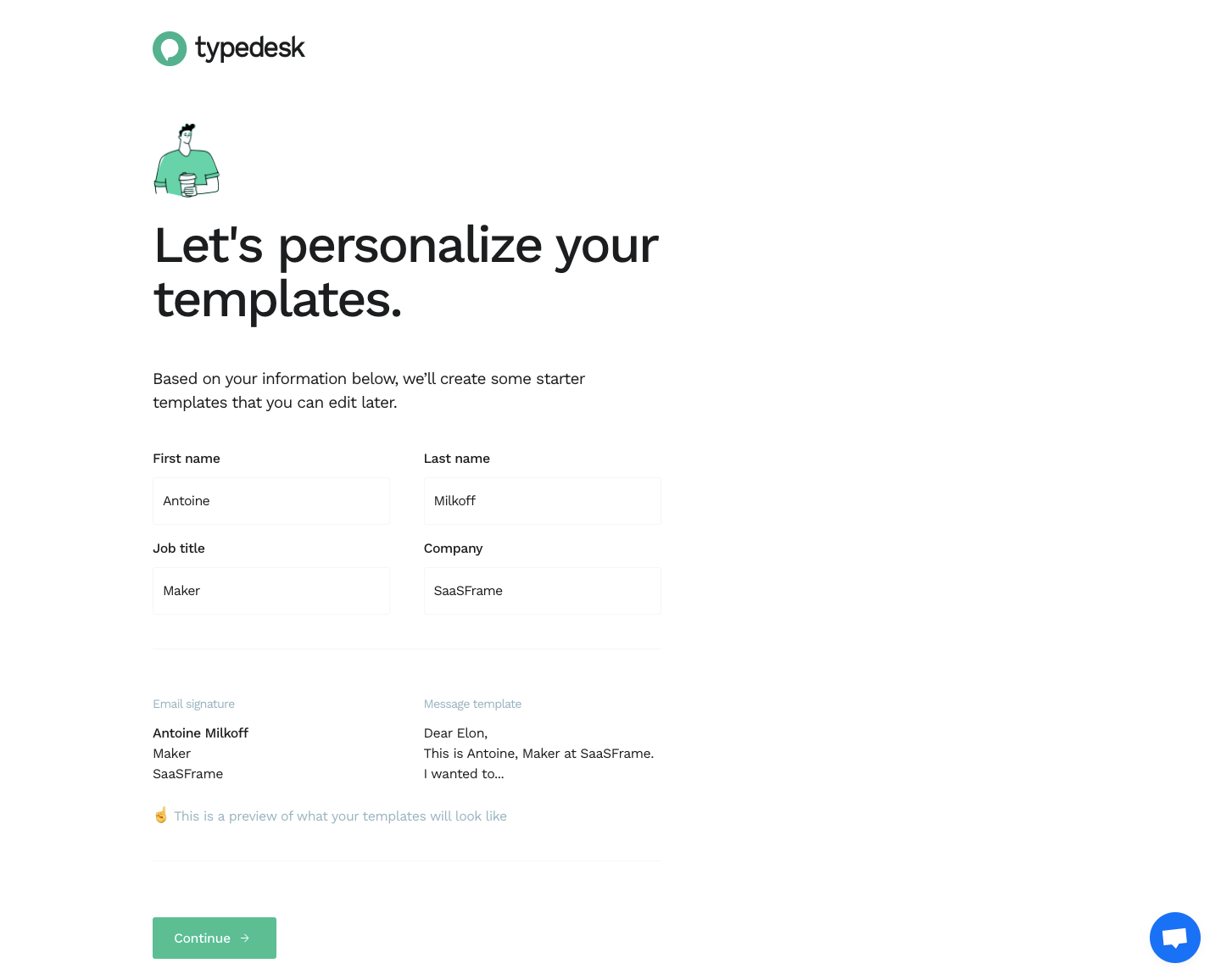
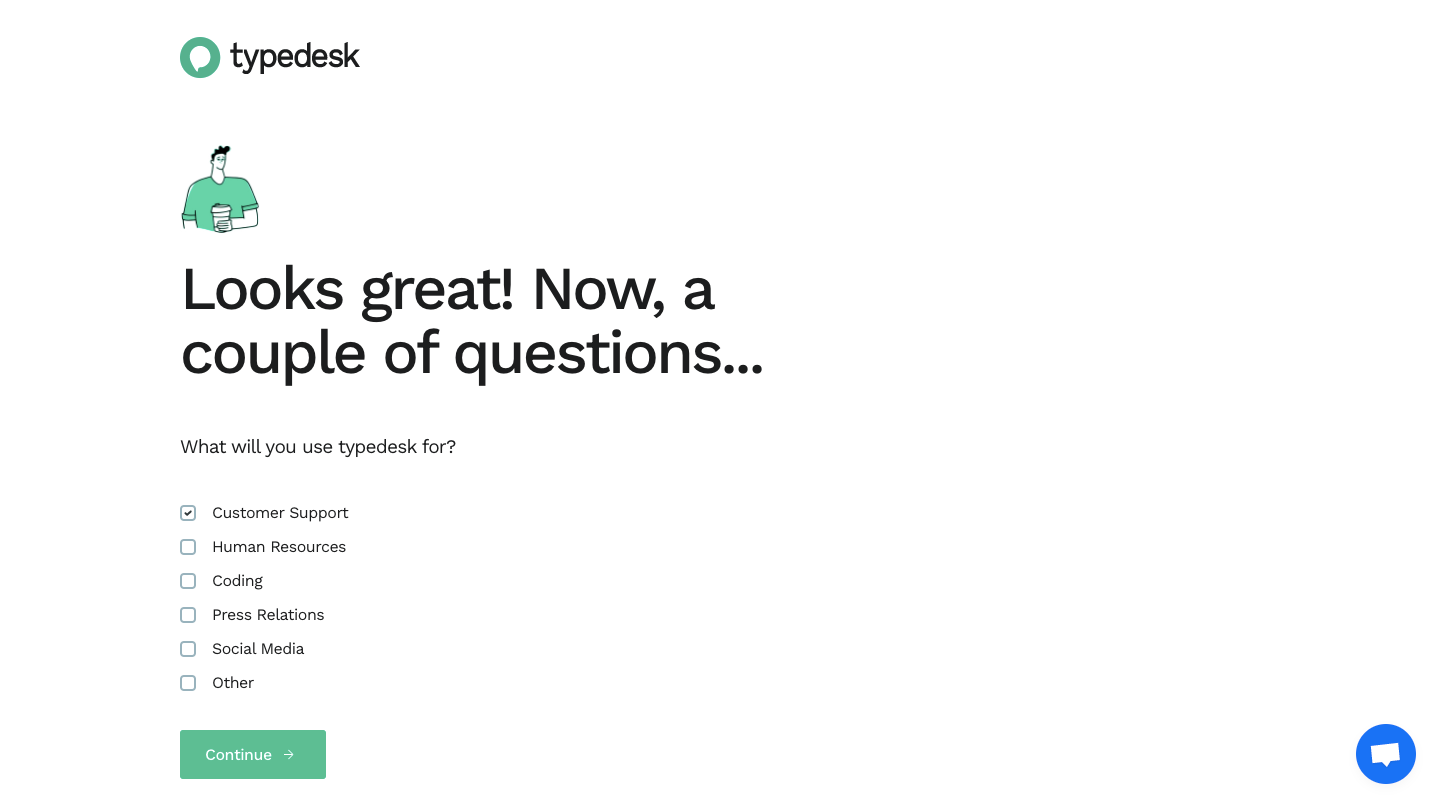
Typedesk's sign-up flow takes six steps from account creation to a download confirmation, each opening with a small character illustration. Large friendly headlines lead short forms and single-question lists with checkboxes or radio buttons, using green buttons throughout. The last two steps offer the desktop app or a browser extension, then confirm the Mac download on a marketing-style page.
Follow Typedesk’s sign up flow flow step by step: 6 real screens captured from the live product, from sign up page to sign up flow: download started. Use ← → to move between steps, and open any screen to see it in full.
Steps in this flow
More flows from Typedesk
All Typedesk Typedesk User Onboarding
5 screens