SaaSFrame
2 more steps in this flow
Free accounts see the first 3 steps of each flow. Pro unlocks every step of every flow, plus every screen, section and Copy in Figma.
Typedesk User Onboarding
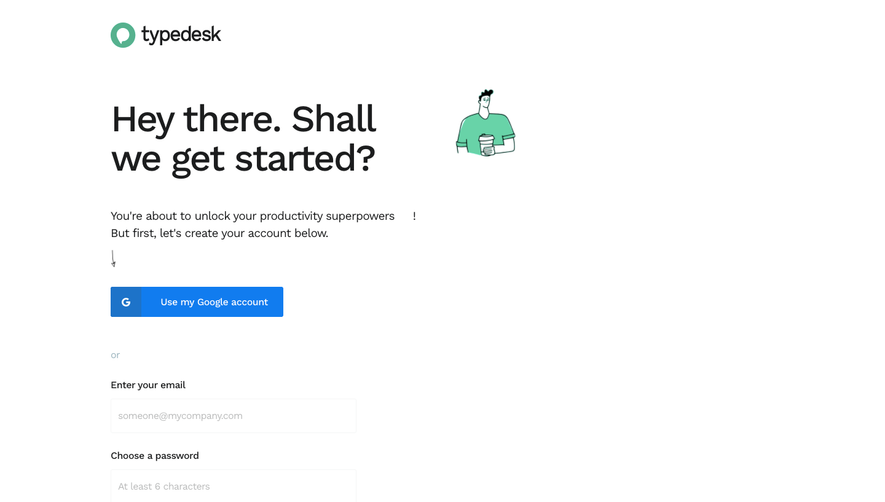
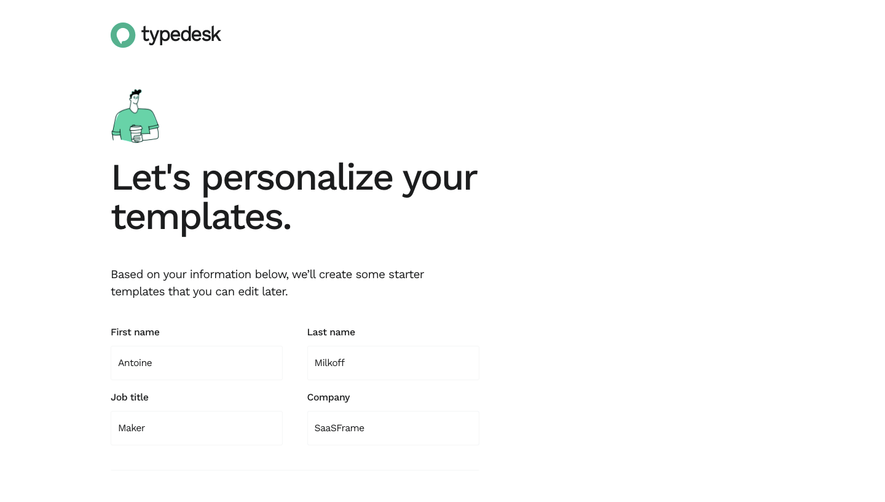
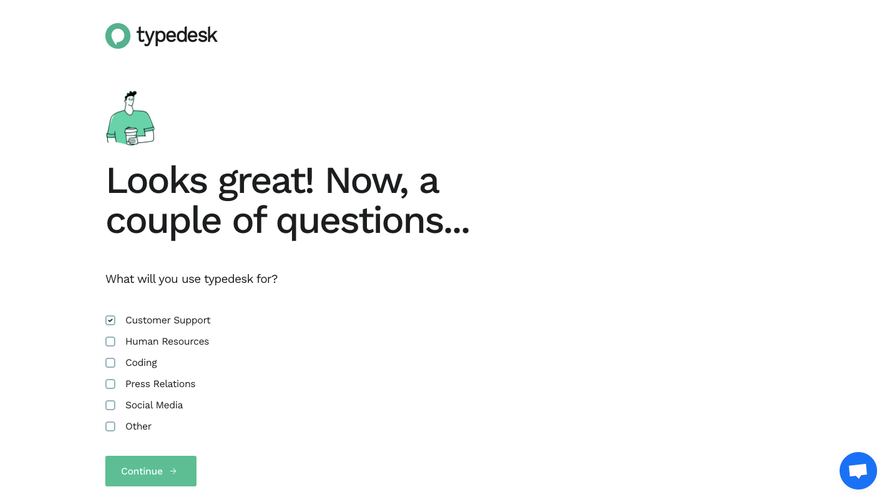
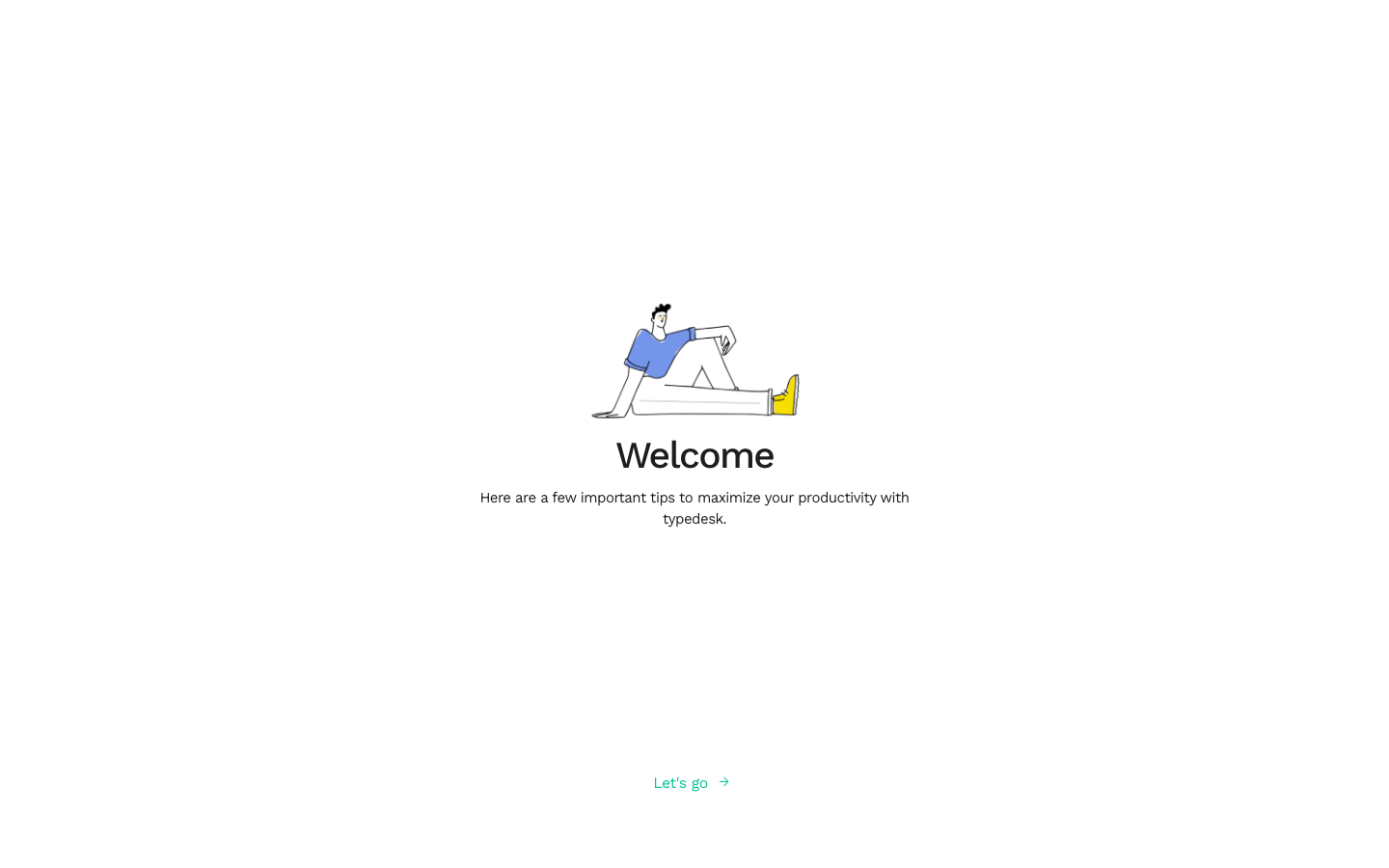
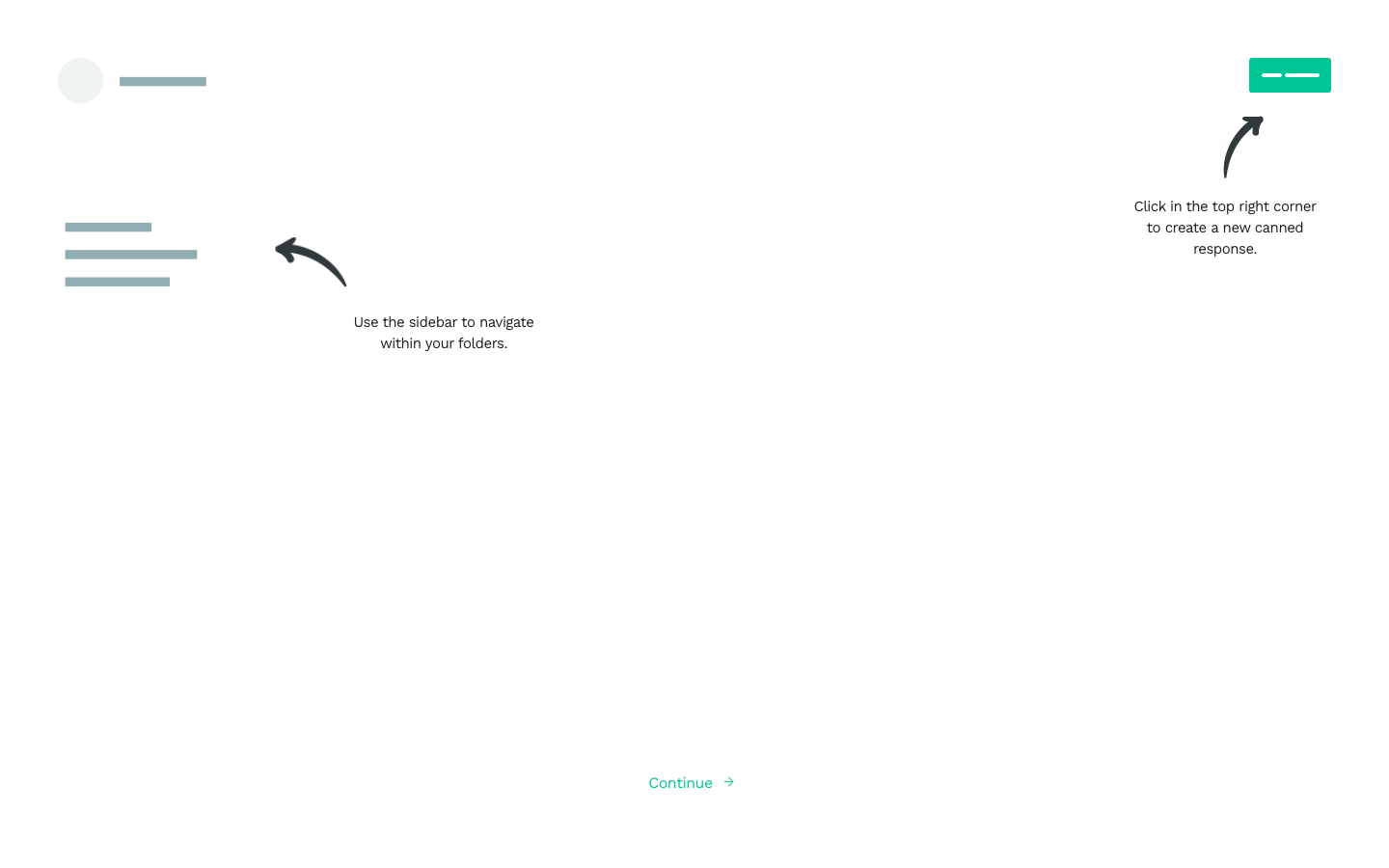
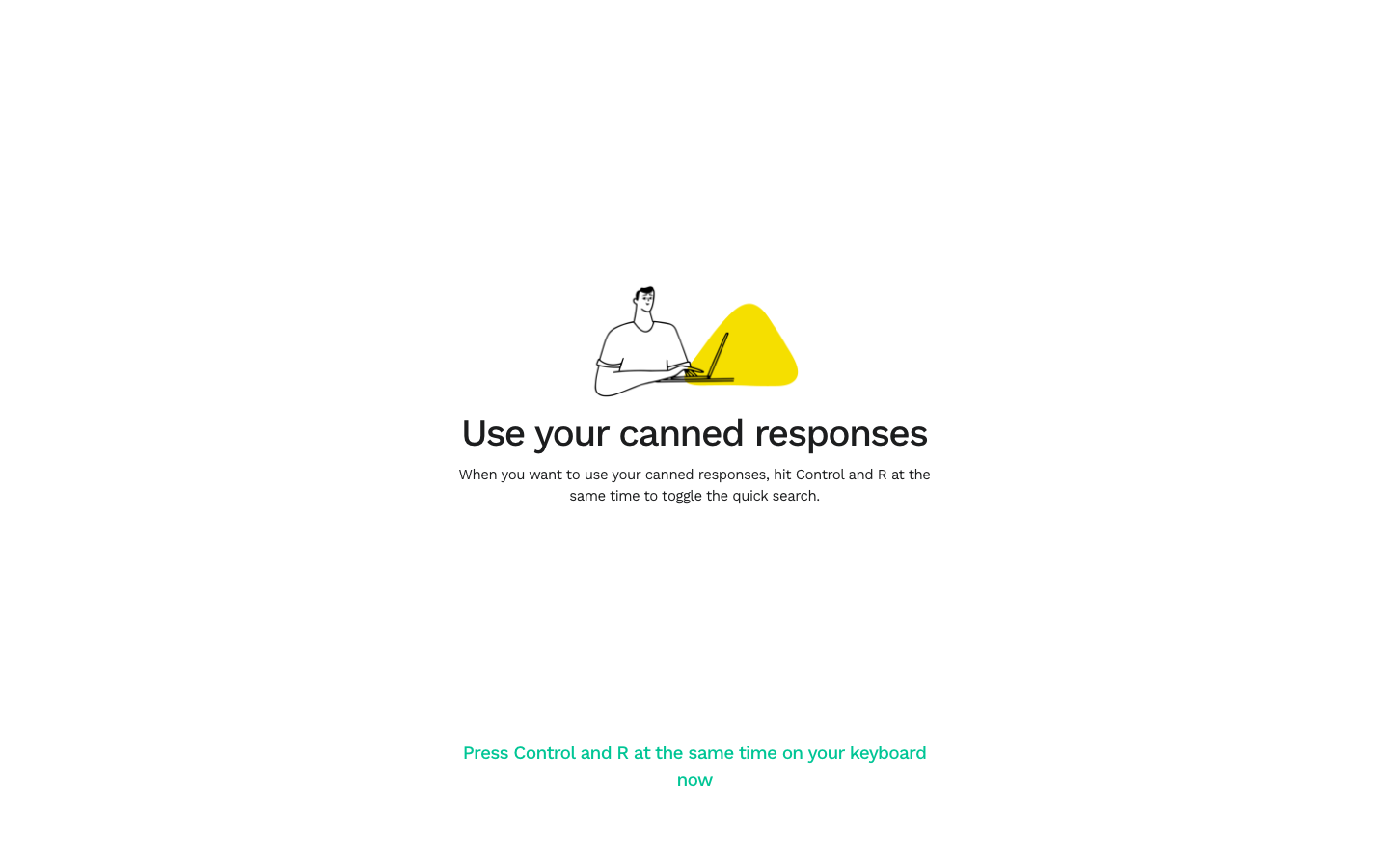
Typedesk's user onboarding teaches its canned response shortcut in five airy white screens with small line illustrations. Each step centers one drawing, a short title and a line of copy, with only a green text link to continue at the bottom. The second step annotates hand-drawn arrows, and the third asks you to press the keyboard shortcut itself, followed by a success screen and a closing illustration.
Follow Typedesk’s user onboarding flow step by step: 5 real screens captured from the live product, from user onboarding: welcome to user onboarding: all done. Use ← → to move between steps, and open any screen to see it in full.
Steps in this flow
More flows from Typedesk
All Typedesk Typedesk Sign Up Flow
6 screens