 SaaSFrame
4 more steps in this flow
Free accounts see the first 3 steps of each flow. Pro unlocks every step of every flow, plus every screen, section and Copy in Figma.

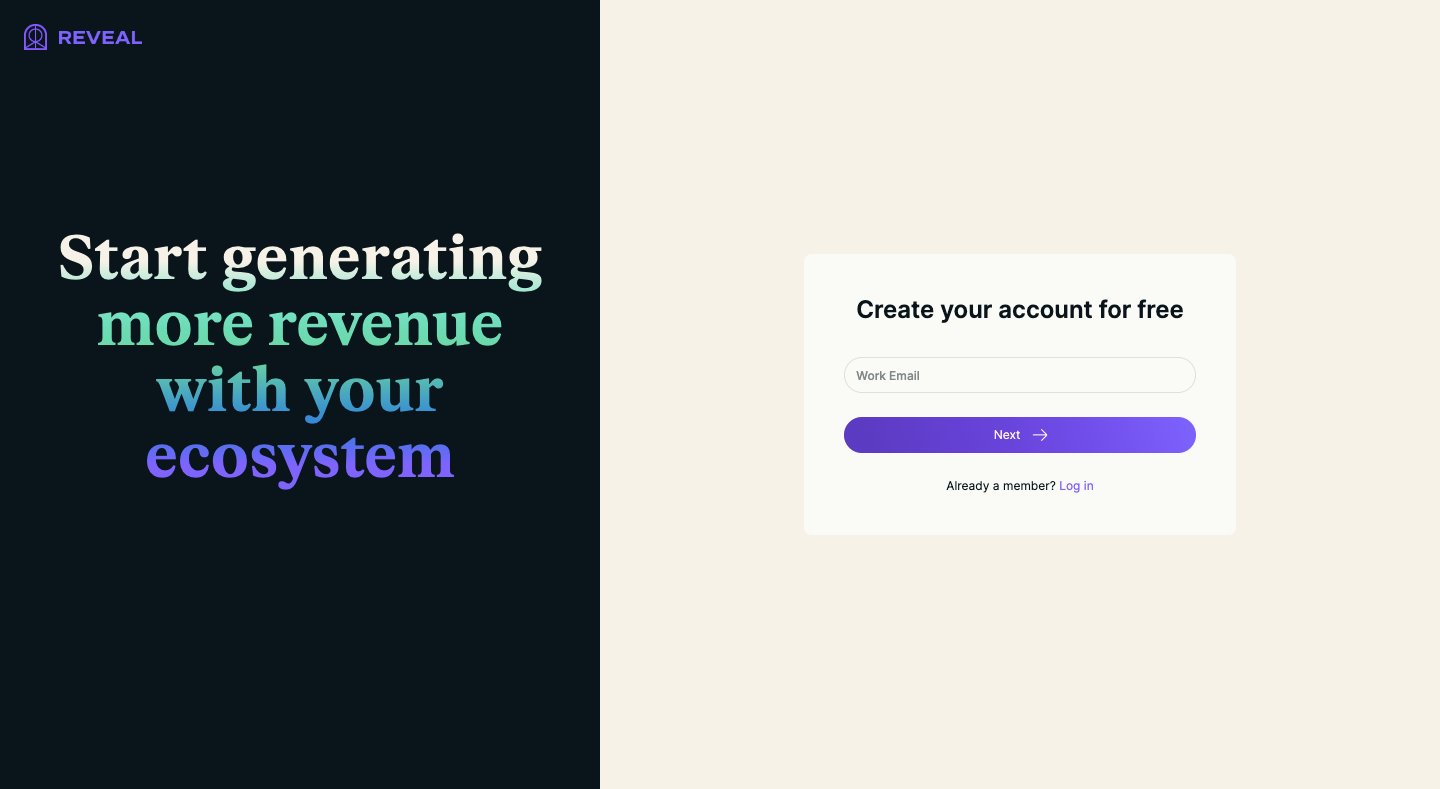
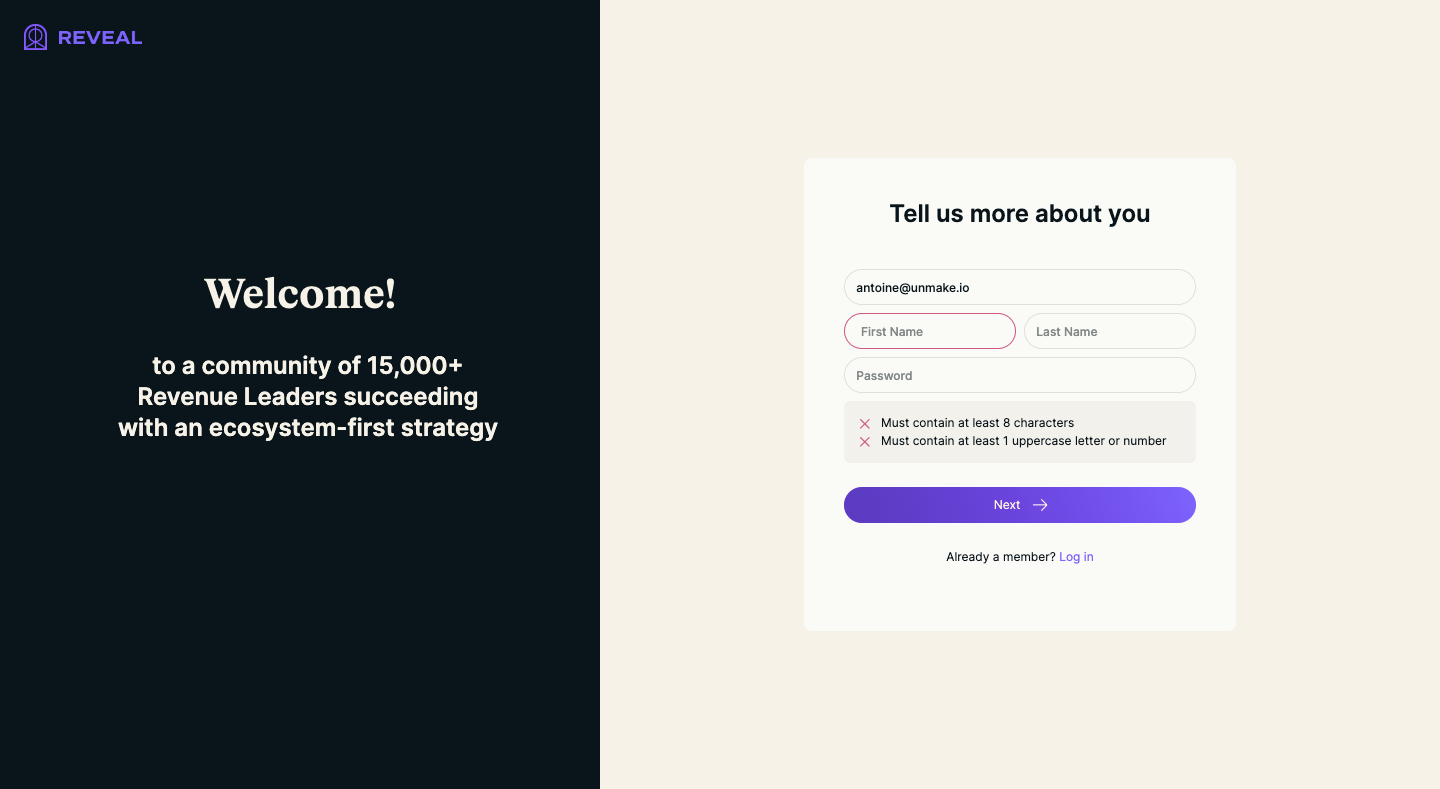
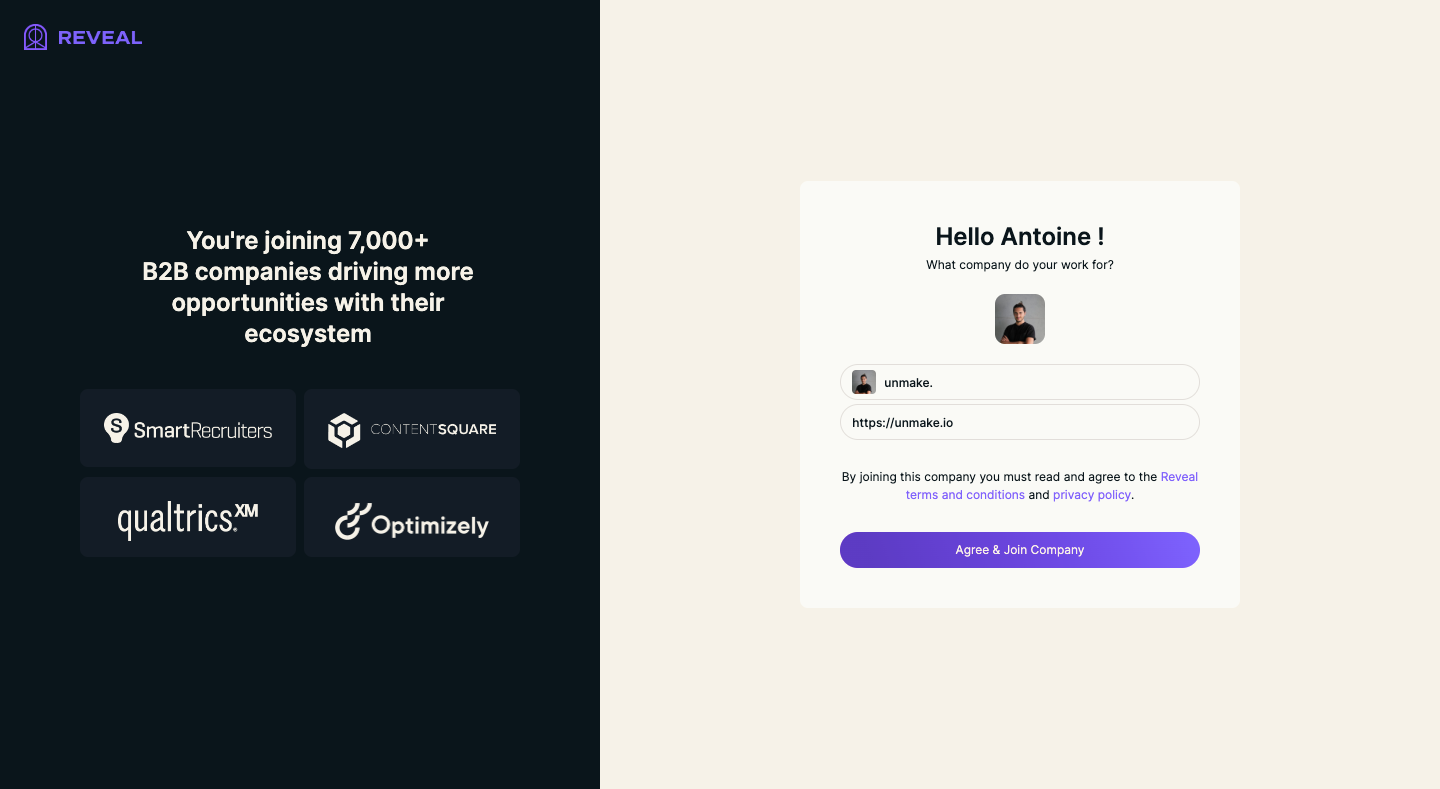
Reveal Sign Up Flow
Reveal's sign-up flow covers account, company, role and interests in seven split screens with a navy panel of changing social proof. The left panel rotates serif headlines, partner logos, security badges, a customer quote and G2 awards, while a small white card on cream holds each form with a purple gradient button. Role and interests are stacked selectable rows, and the flow ends on a calendar slot picker.
Follow Reveal’s sign up flow flow step by step: 7 real screens captured from the live product, from sign up page to book an onboarding call. Use ← → to move between steps, and open any screen to see it in full.