SaaSFrame
1 more step in this flow
Free accounts see the first 3 steps of each flow. Pro unlocks every step of every flow, plus every screen, section and Copy in Figma.
Reply User Onboarding
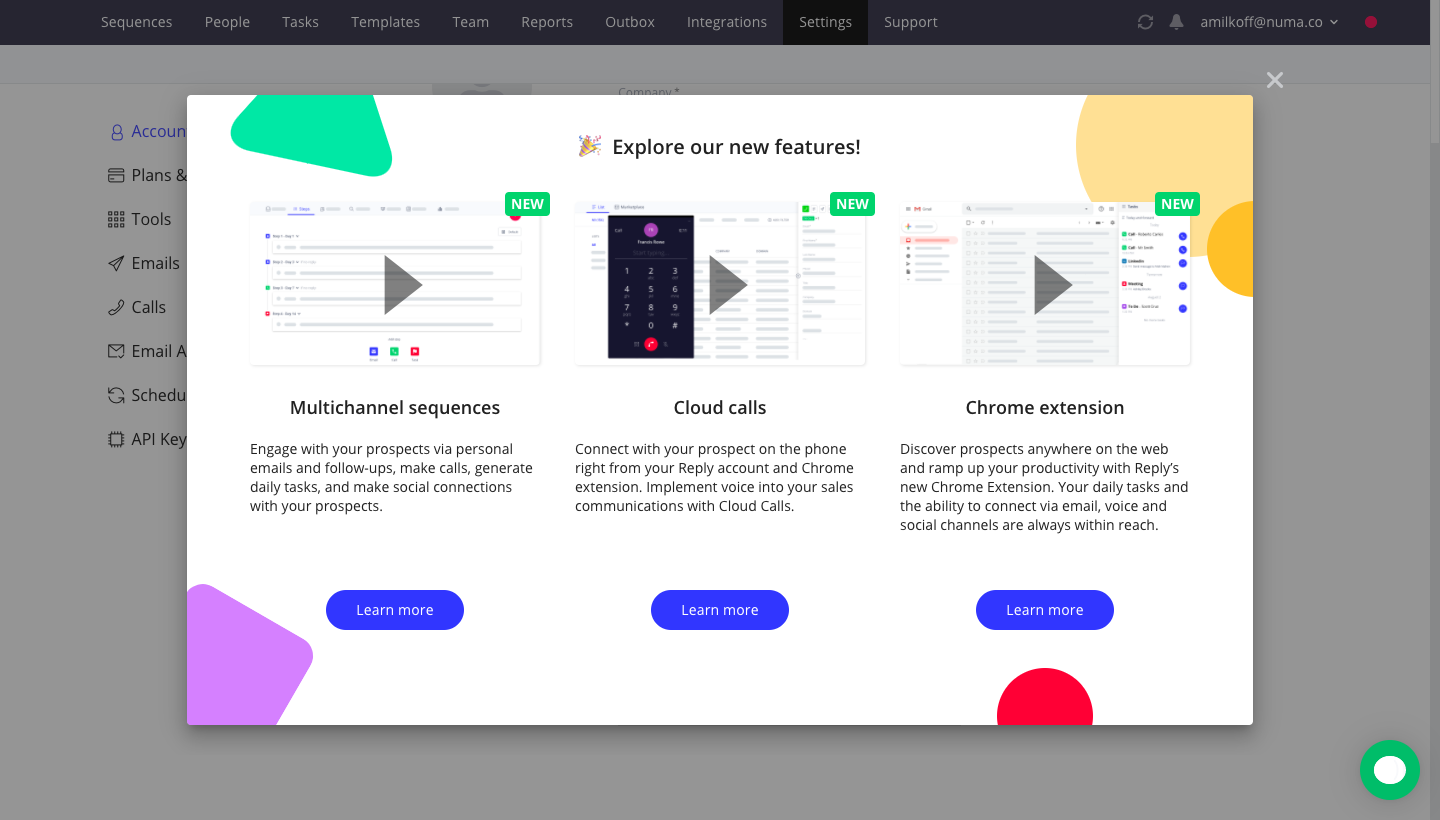
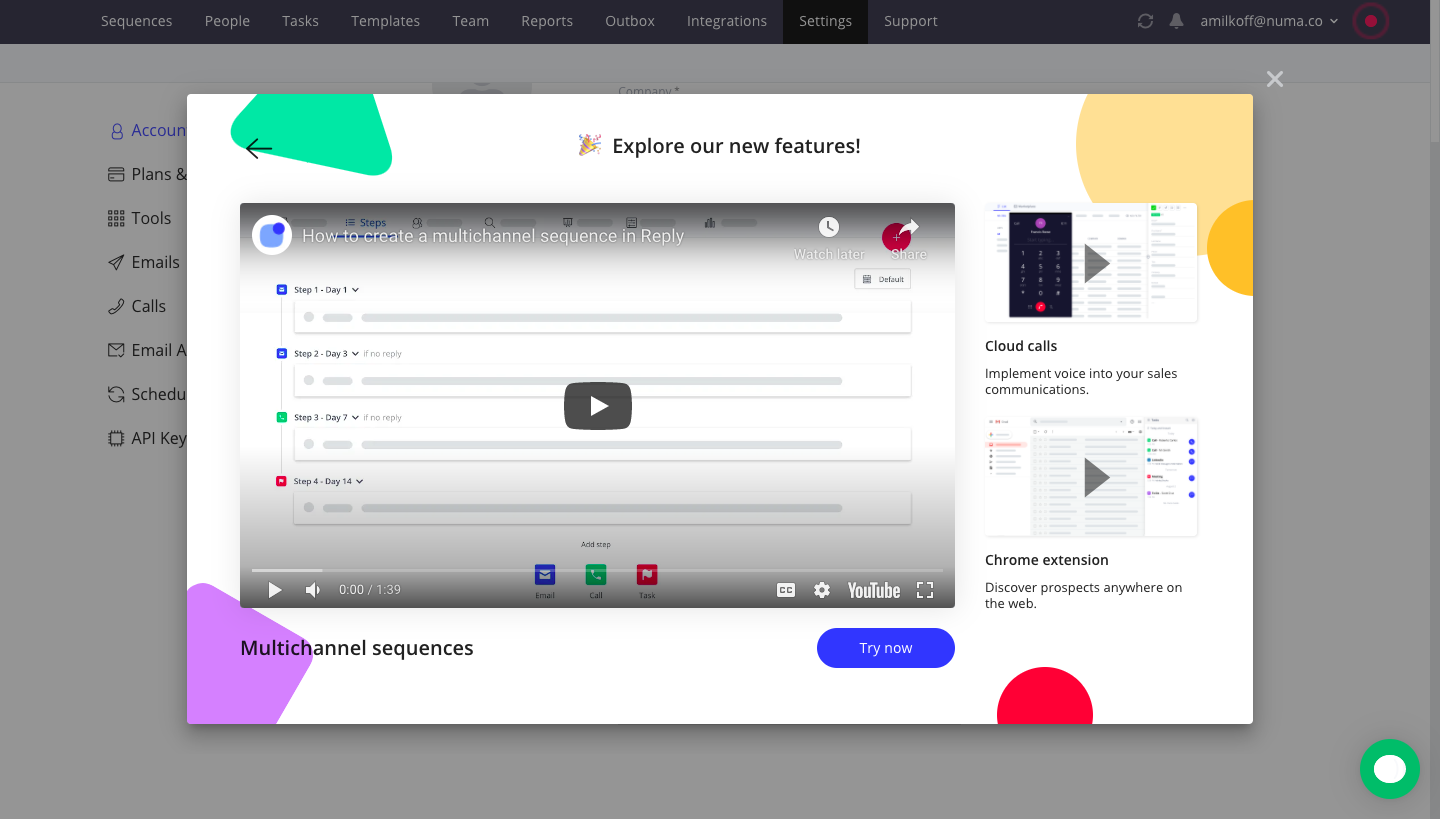
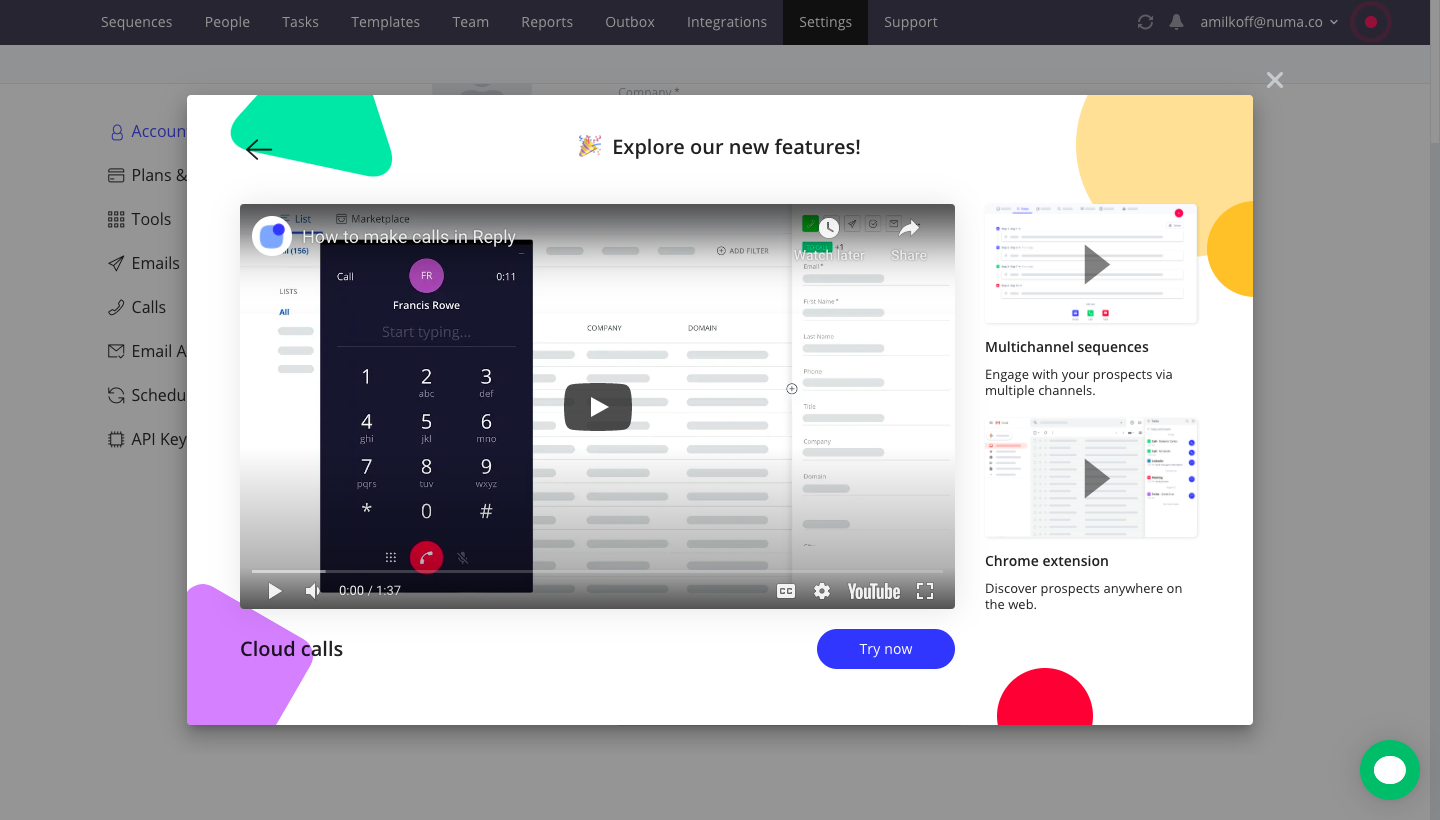
Reply's onboarding modal announces three new features over the dimmed app, then plays each one as an embedded video. The overview shows three cards with screenshots, green new badges and blue learn more buttons, framed by bright corner shapes. Each follow-up screen enlarges one video with a try-now button and stacks the other two features in a narrow column on the right.
Follow Reply’s user onboarding flow step by step: 4 real screens captured from the live product, from user onboarding: new features overview to user onboarding: chrome extension video. Use ← → to move between steps, and open any screen to see it in full.
Steps in this flow
More flows from Reply
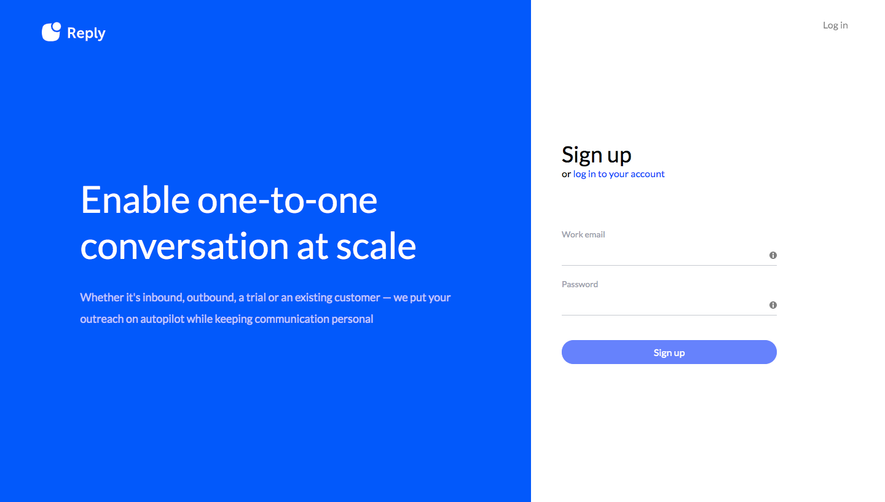
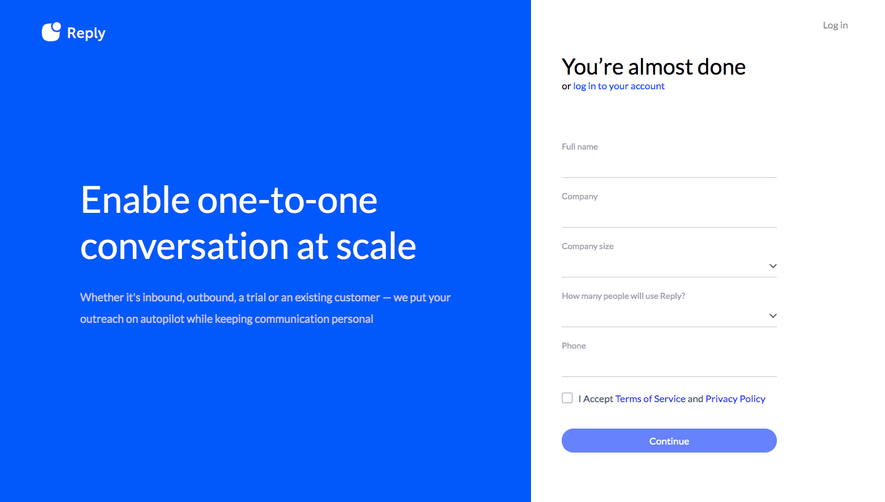
All Reply Reply Sign Up Flow
6 screens
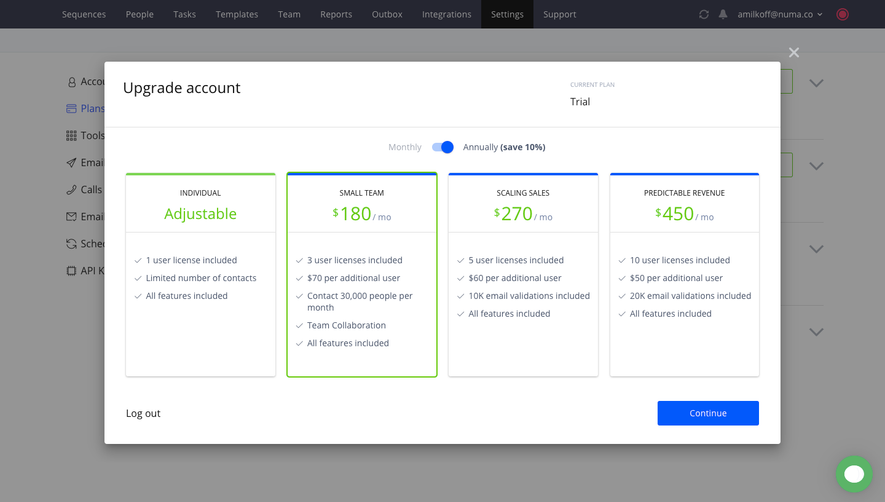
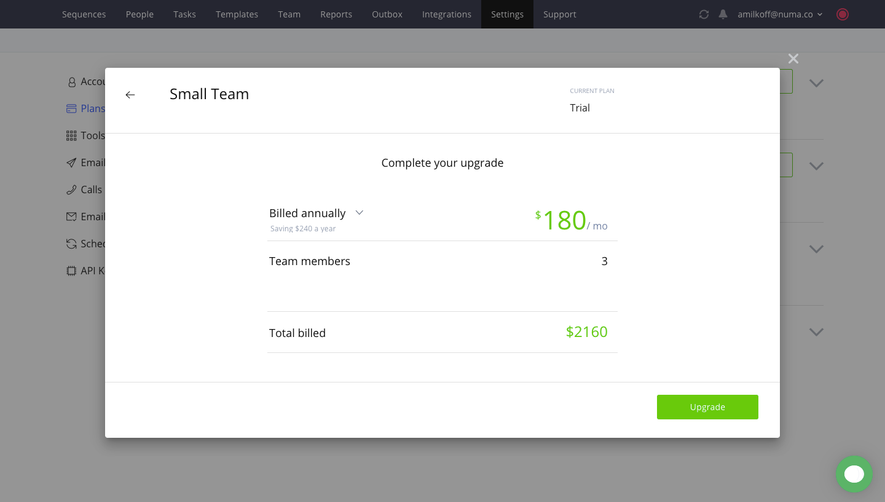
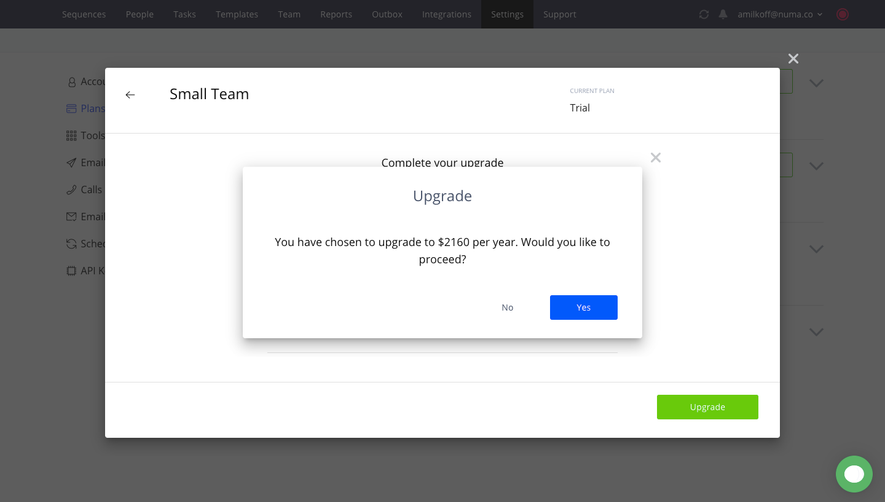
Reply Upgrading
4 screens