SaaSFrame
SaaSFrame Pro
1 more step in this flow
Free accounts see the first 3 steps of each flow. Pro unlocks every step of every flow, plus every screen, section and Copy in Figma.
Reply Upgrading
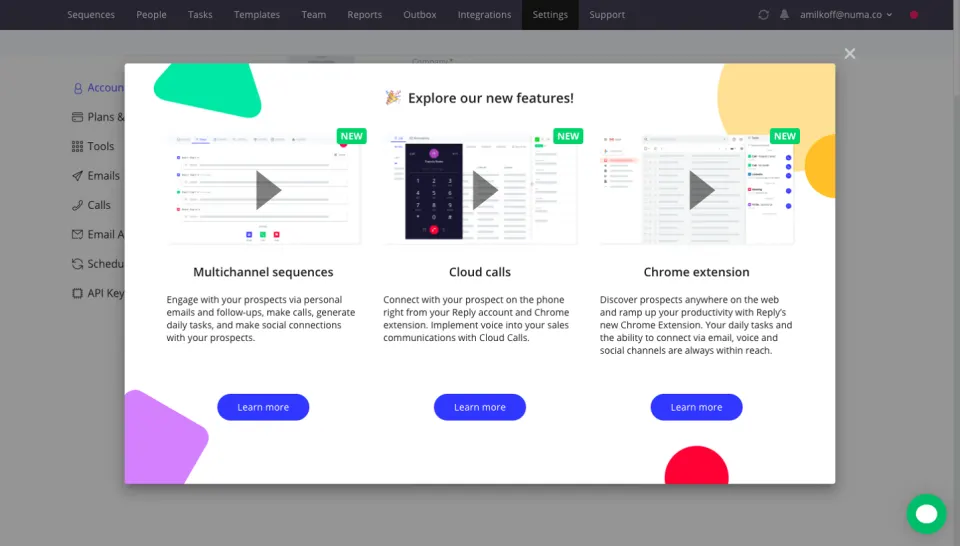
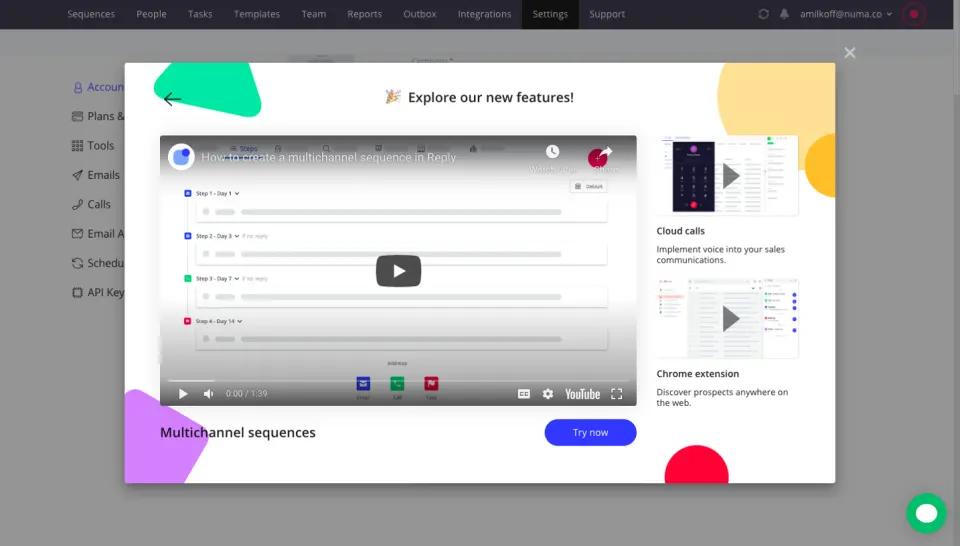
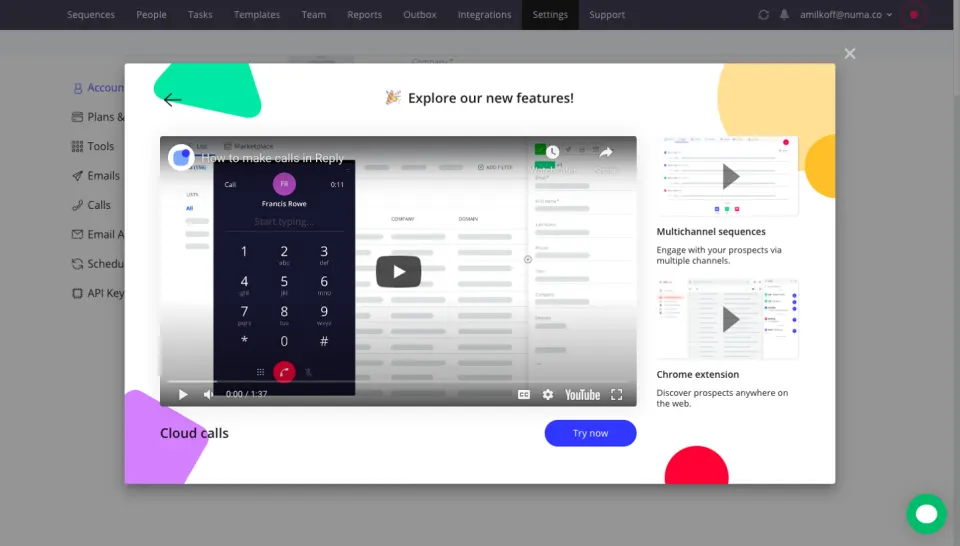
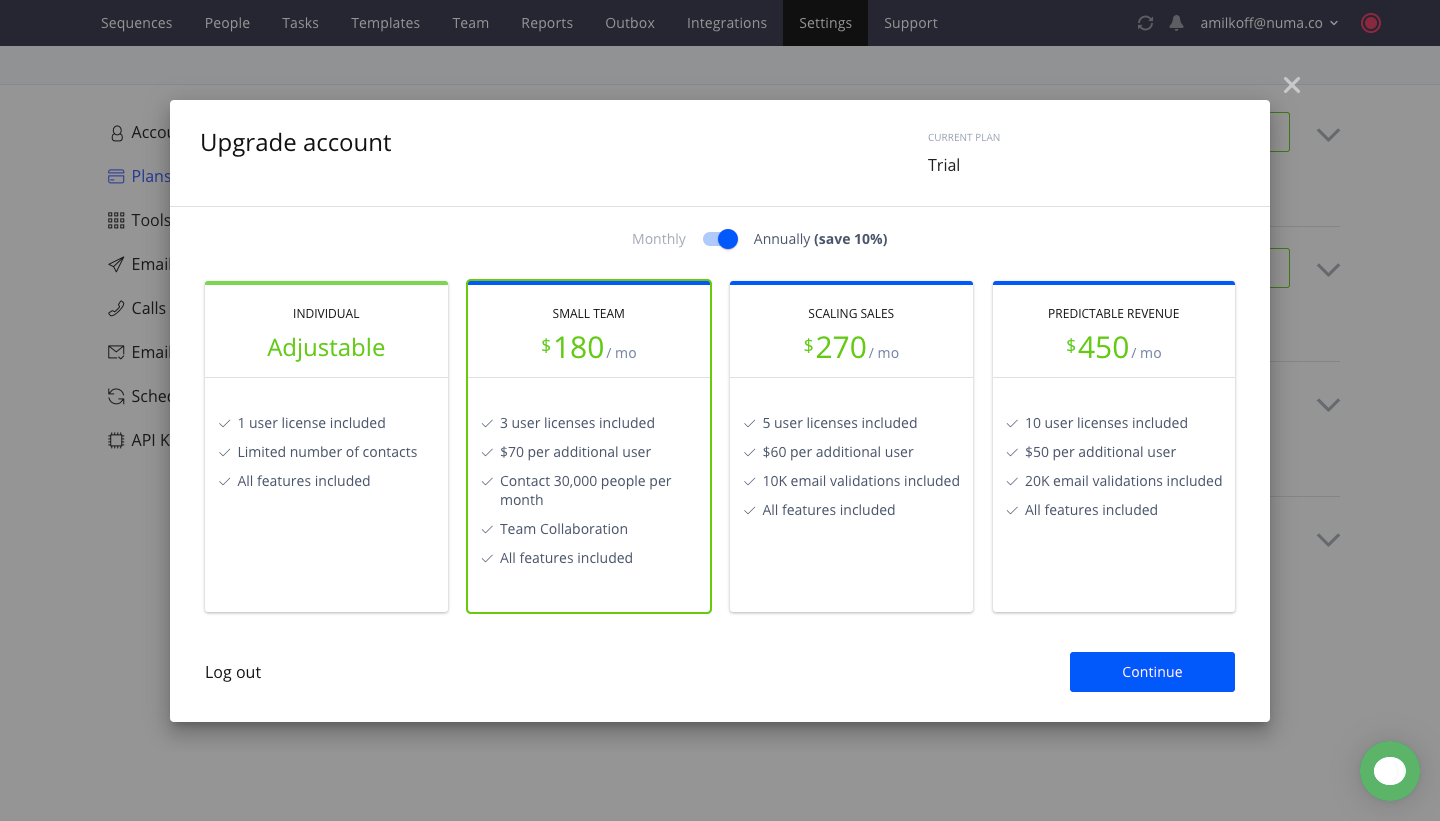
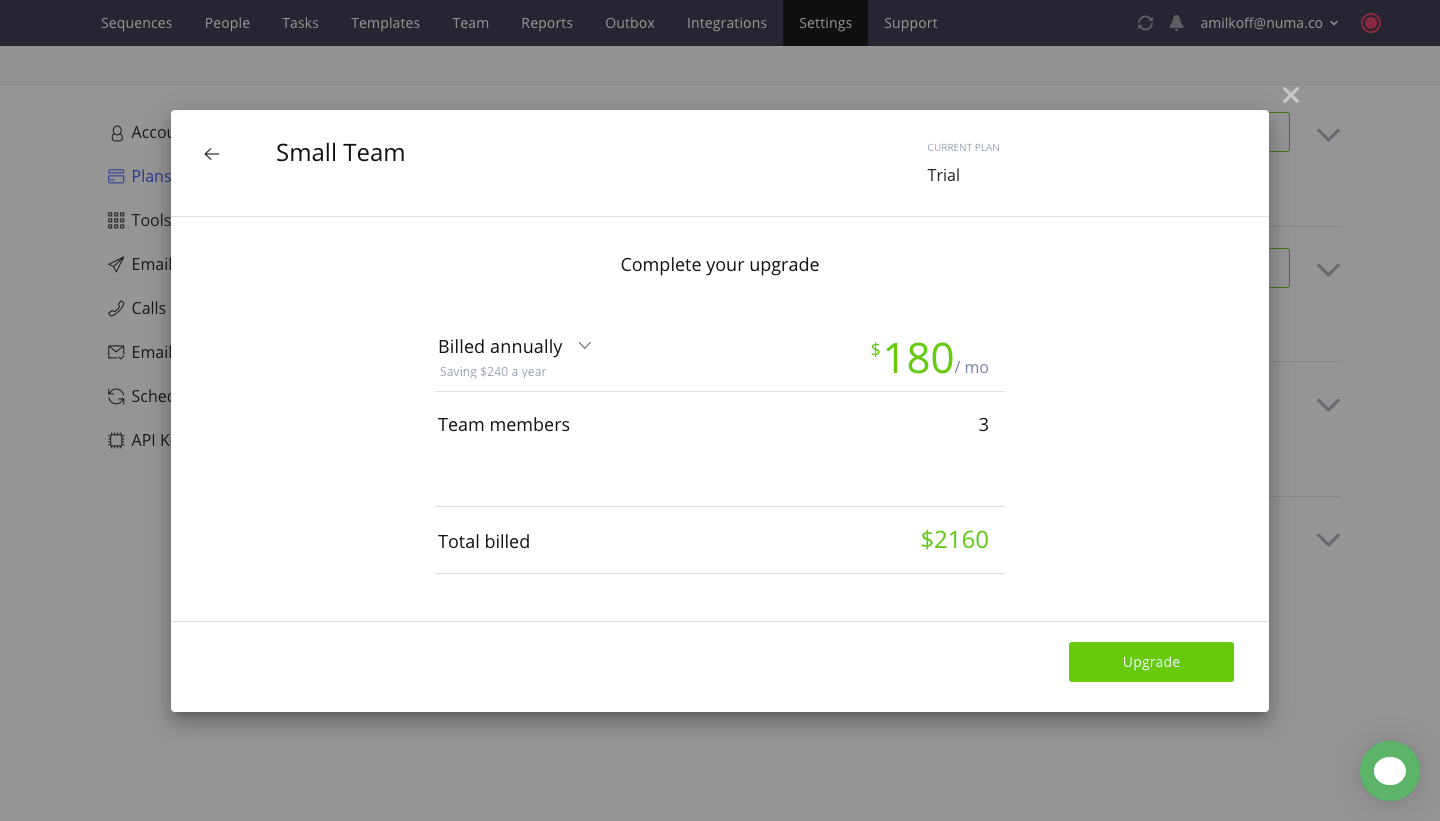
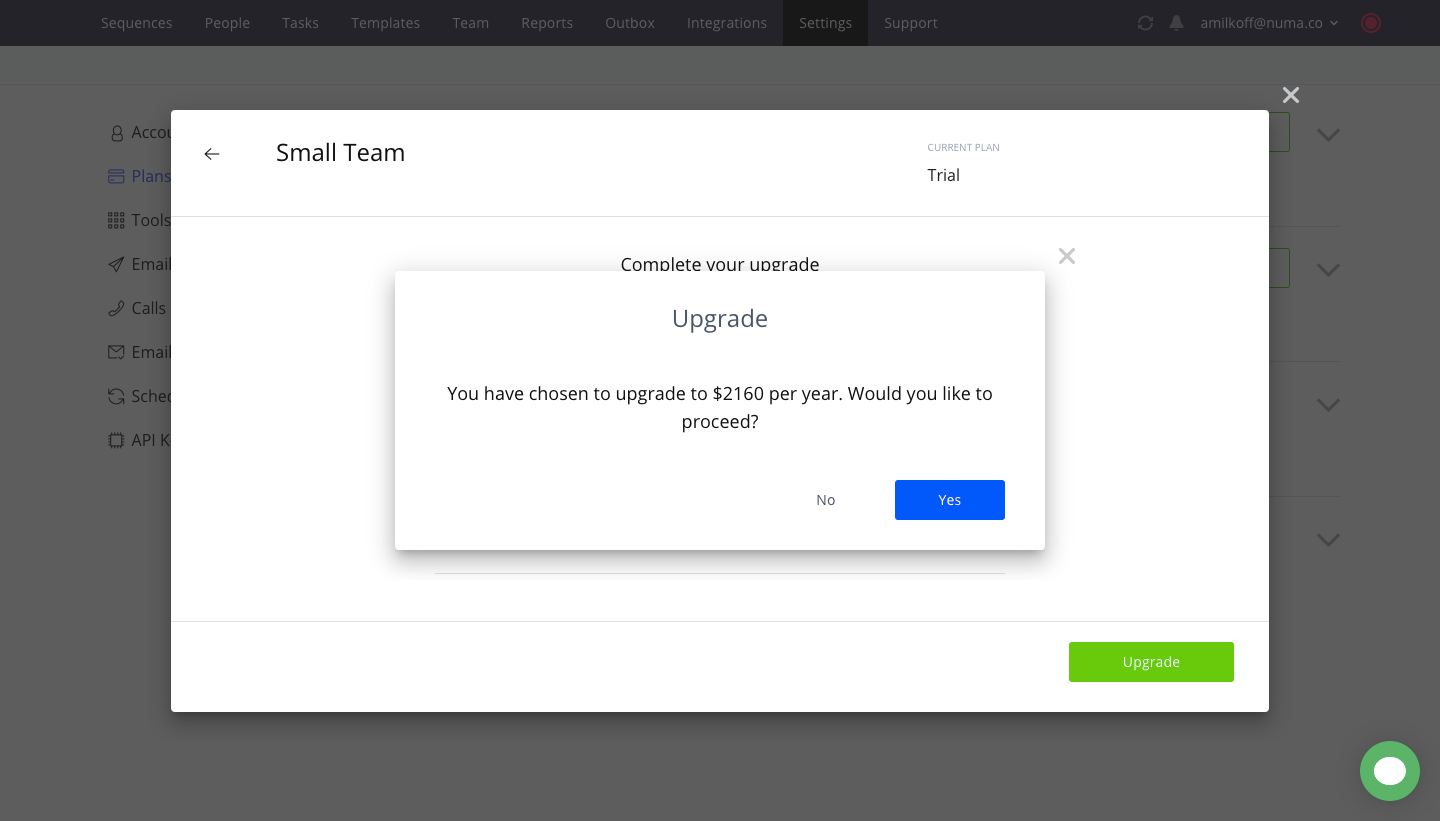
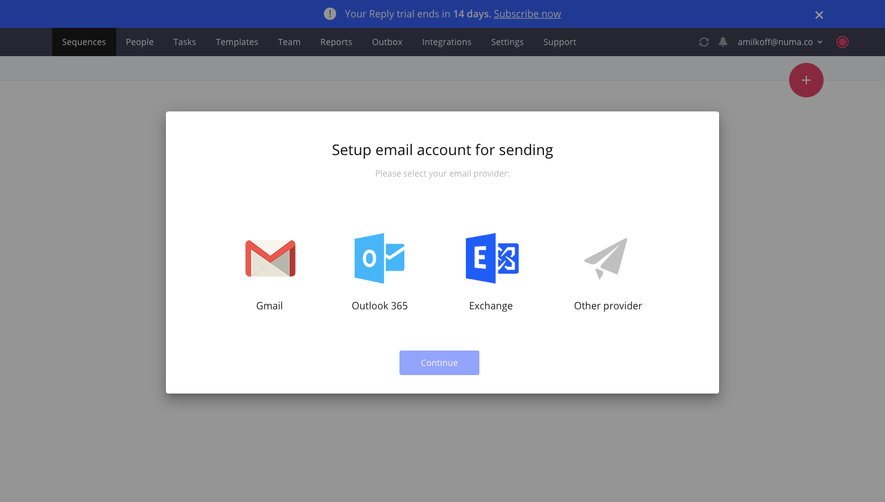
Reply's upgrade flow goes from plan selection to checkout in four steps, mostly inside a modal over the dimmed app. Four plan cards with a yearly toggle highlight the selected tier with a green border, then a billing summary shows the total. A small confirmation dialog stacks on top before a full-page order form with a blue order summary header.
Follow Reply’s upgrading flow step by step: 4 real screens captured from the live product, from upgrading flow: choose plan to checkout. Use ← → to move between steps, and open any screen to see it in full.
Steps in this flow
More flows from Reply
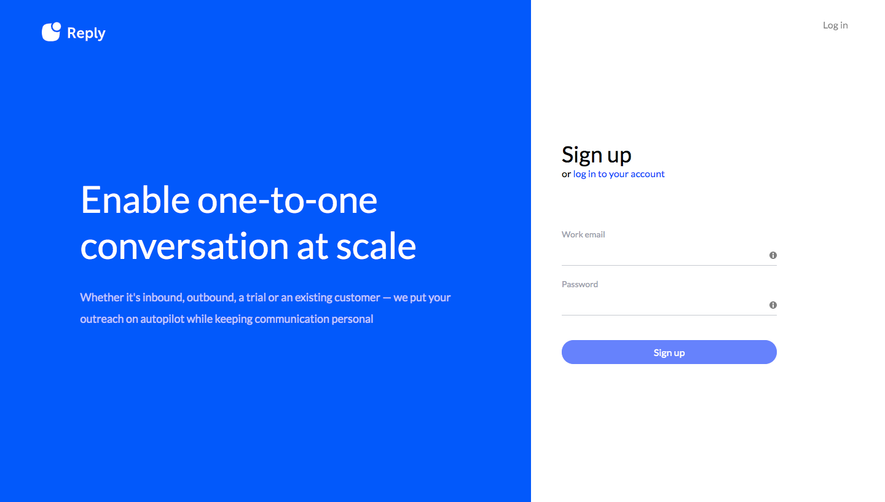
All Reply Reply Sign Up Flow
6 screens
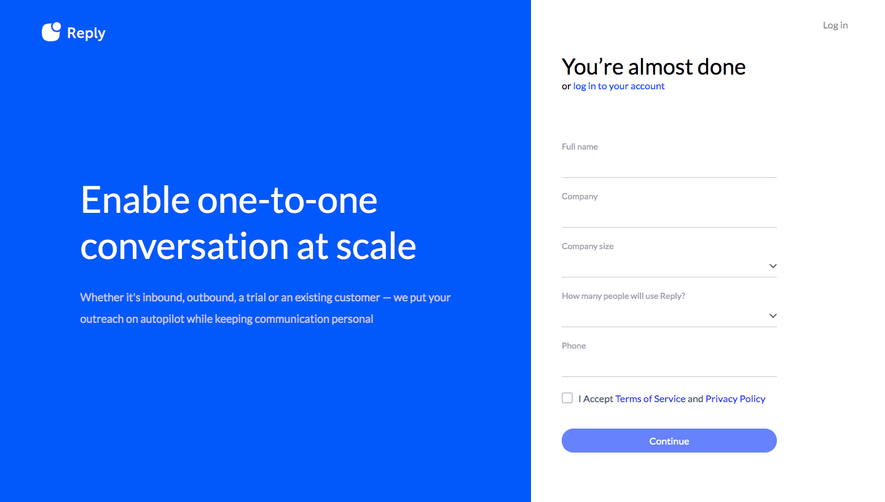
Reply User Onboarding
4 screens