SaaSFrame

SaaSFrame Pro
3 more steps in this flow
Free accounts see the first 3 steps of each flow. Pro unlocks every step of every flow, plus every screen, section and Copy in Figma.
Reply Sign Up Flow
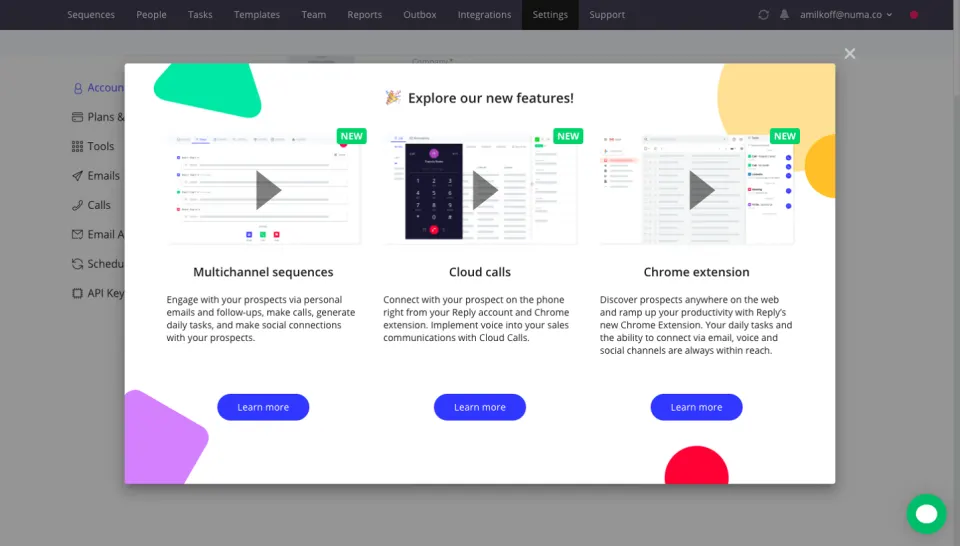
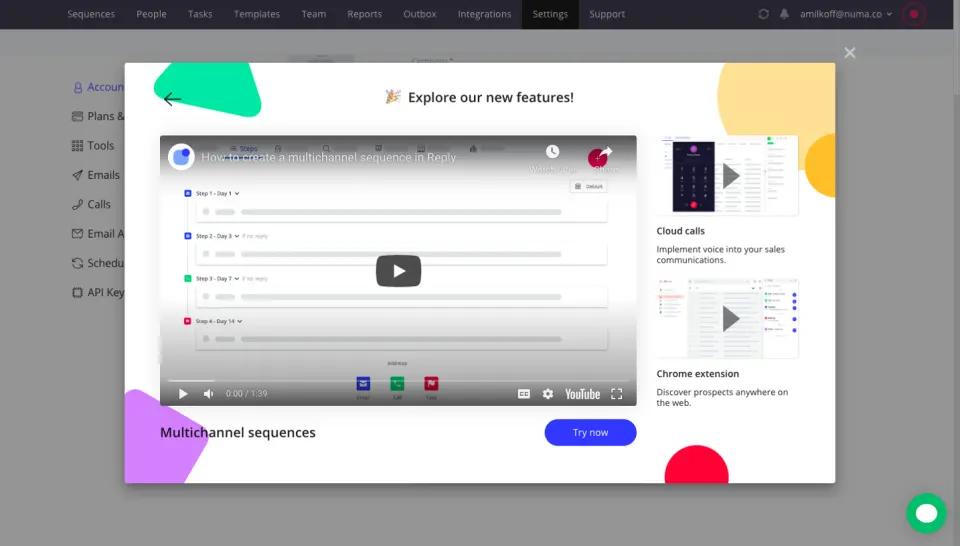
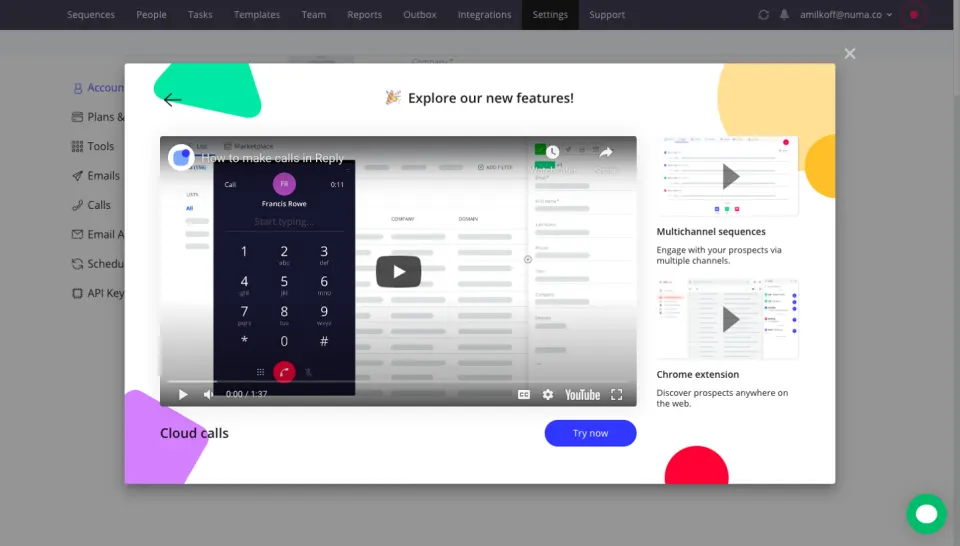
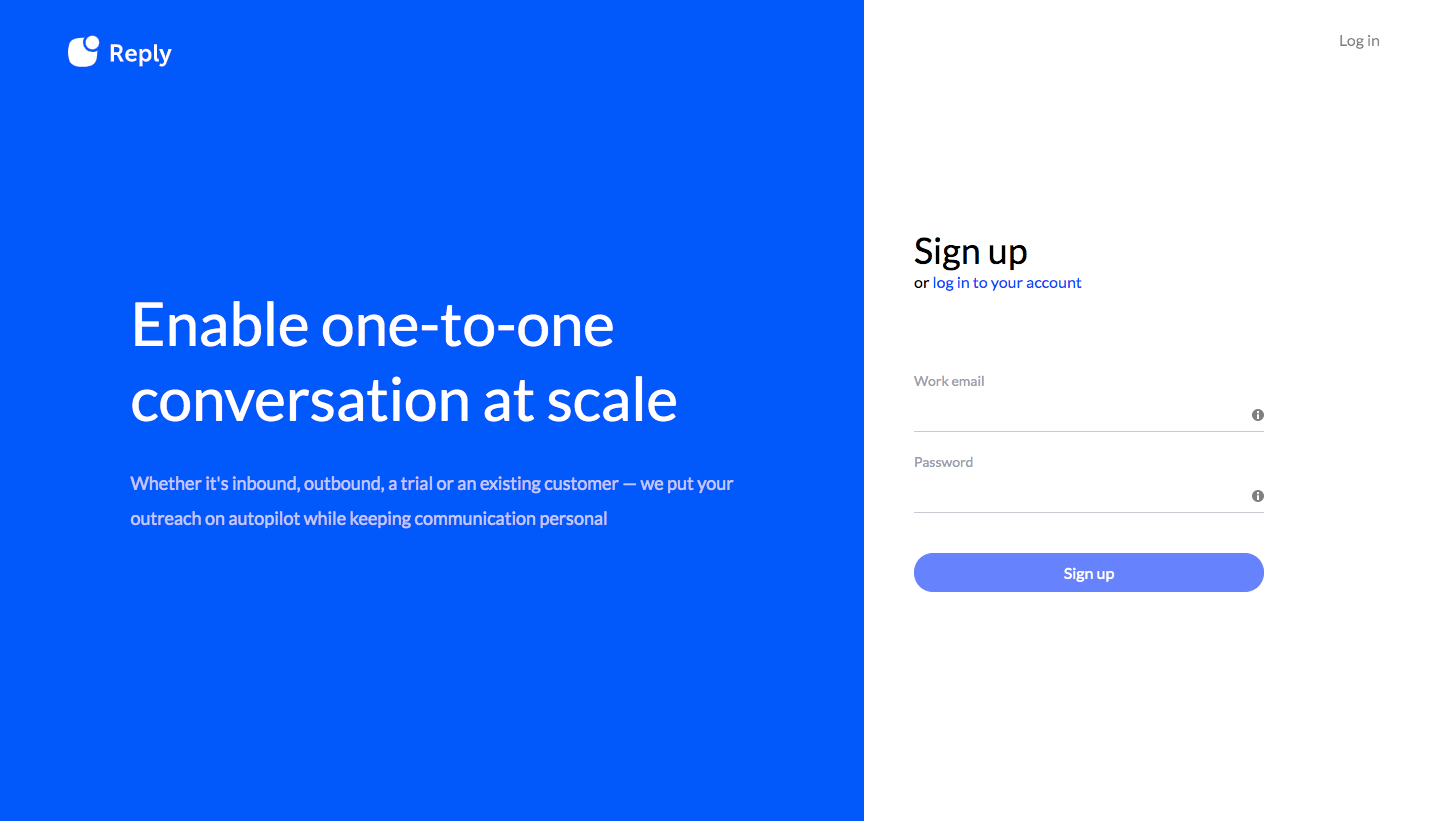
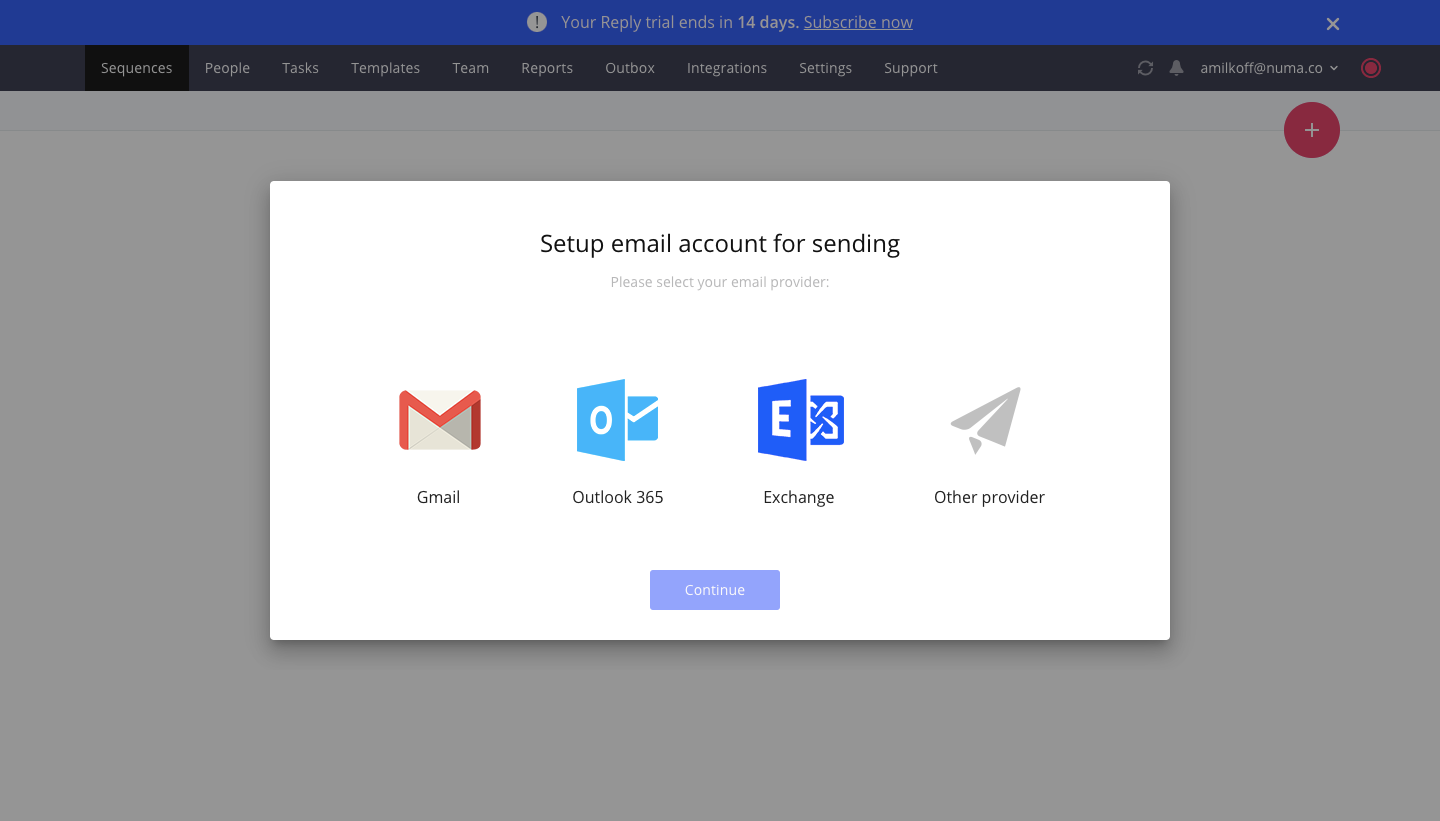
Reply's sign up flow pairs a bright blue split-screen form with in-app setup modals for email sending and teammates. After two short form steps, providers appear as large logo tiles, invites as three stacked email fields, and a colorful modal presents new features as three video cards. The flow ends on an empty sequences page with a line icon and a single create button.
Follow Reply’s sign up flow flow step by step: 6 real screens captured from the live product, from sign up page to sign up flow: empty sequences. Use ← → to move between steps, and open any screen to see it in full.
Steps in this flow
More flows from Reply
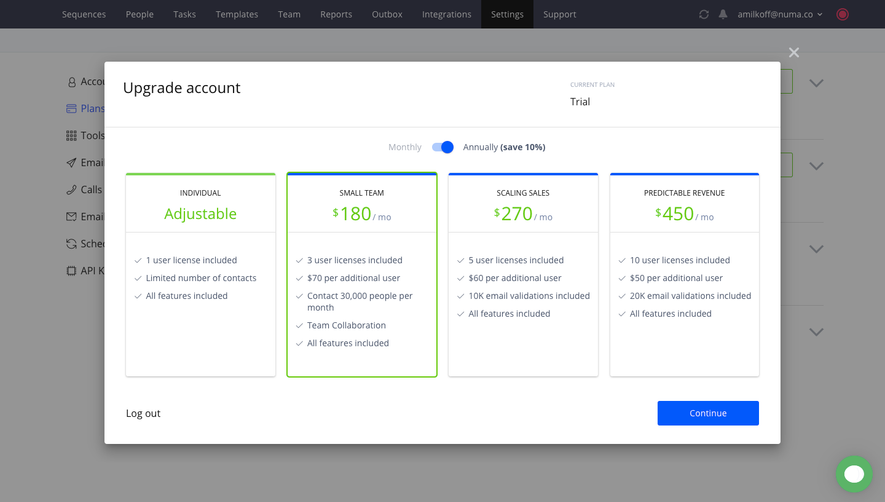
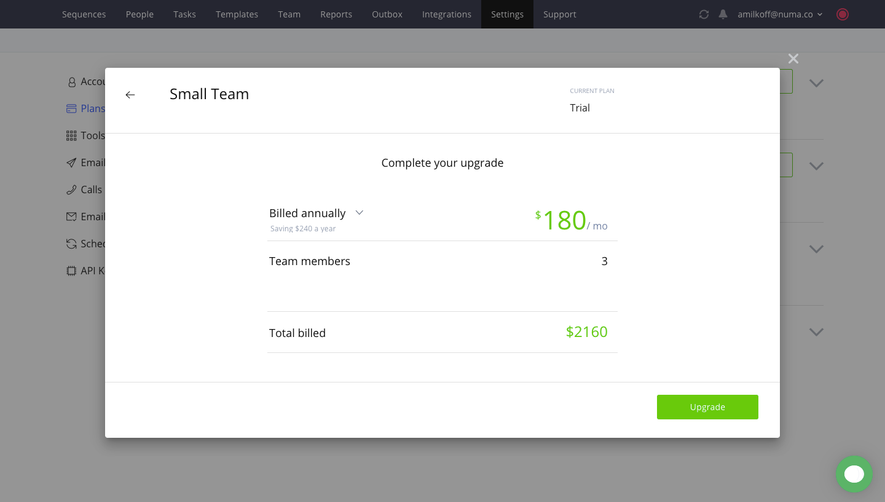
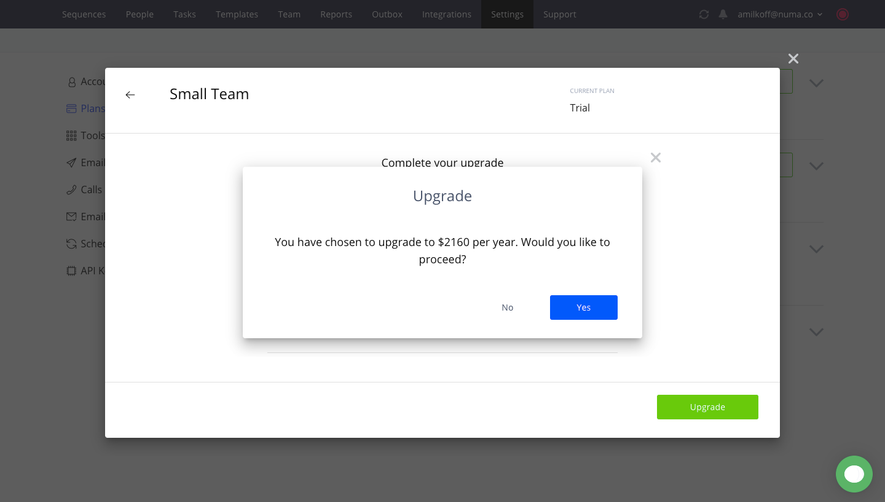
All Reply Reply Upgrading
4 screens
Reply User Onboarding
4 screens