SaaSFrame

SaaSFrame Pro
2 more steps in this flow
Free accounts see the first 3 steps of each flow. Pro unlocks every step of every flow, plus every screen, section and Copy in Figma.
ProductBoard Sign Up Flow
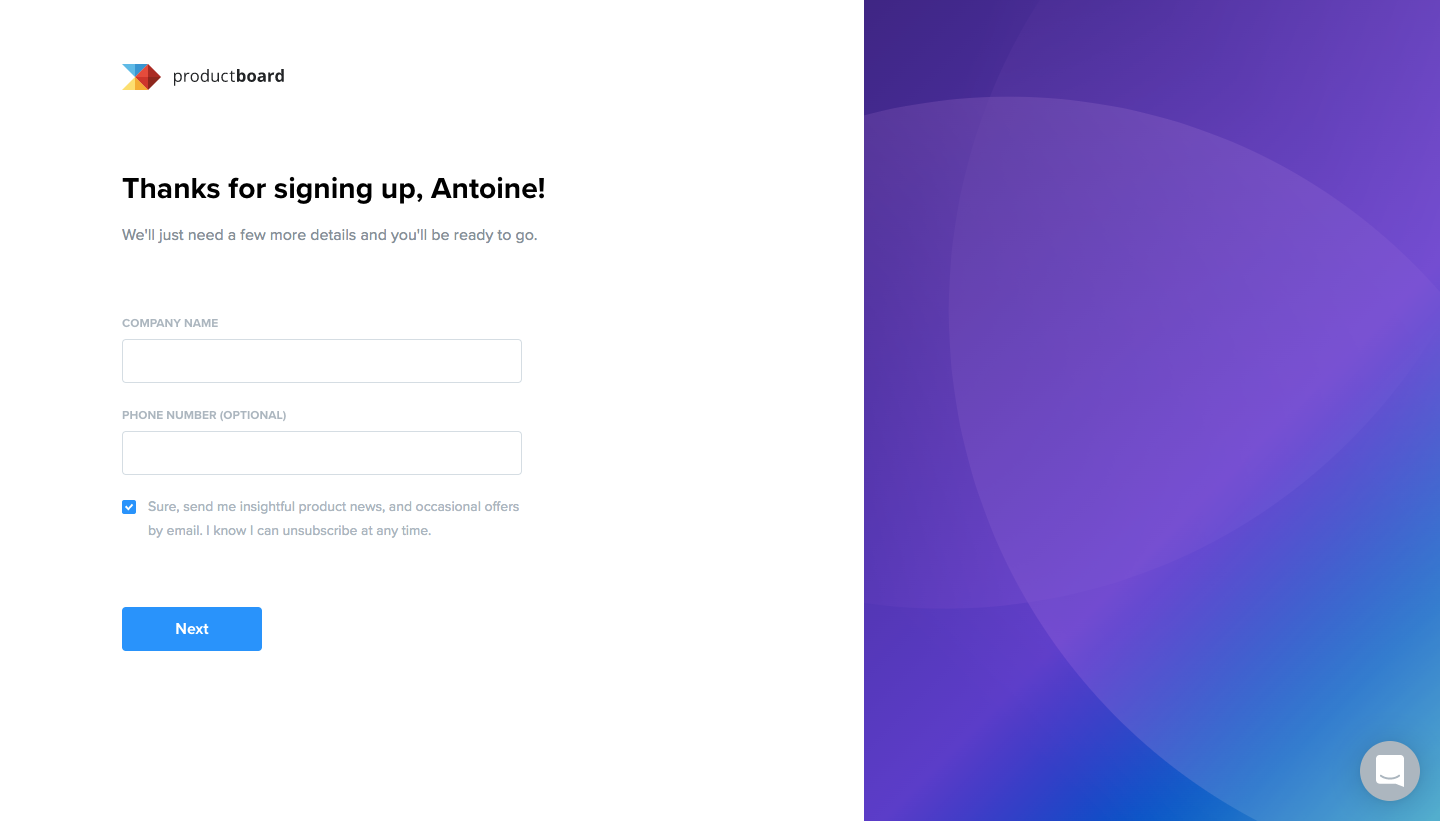
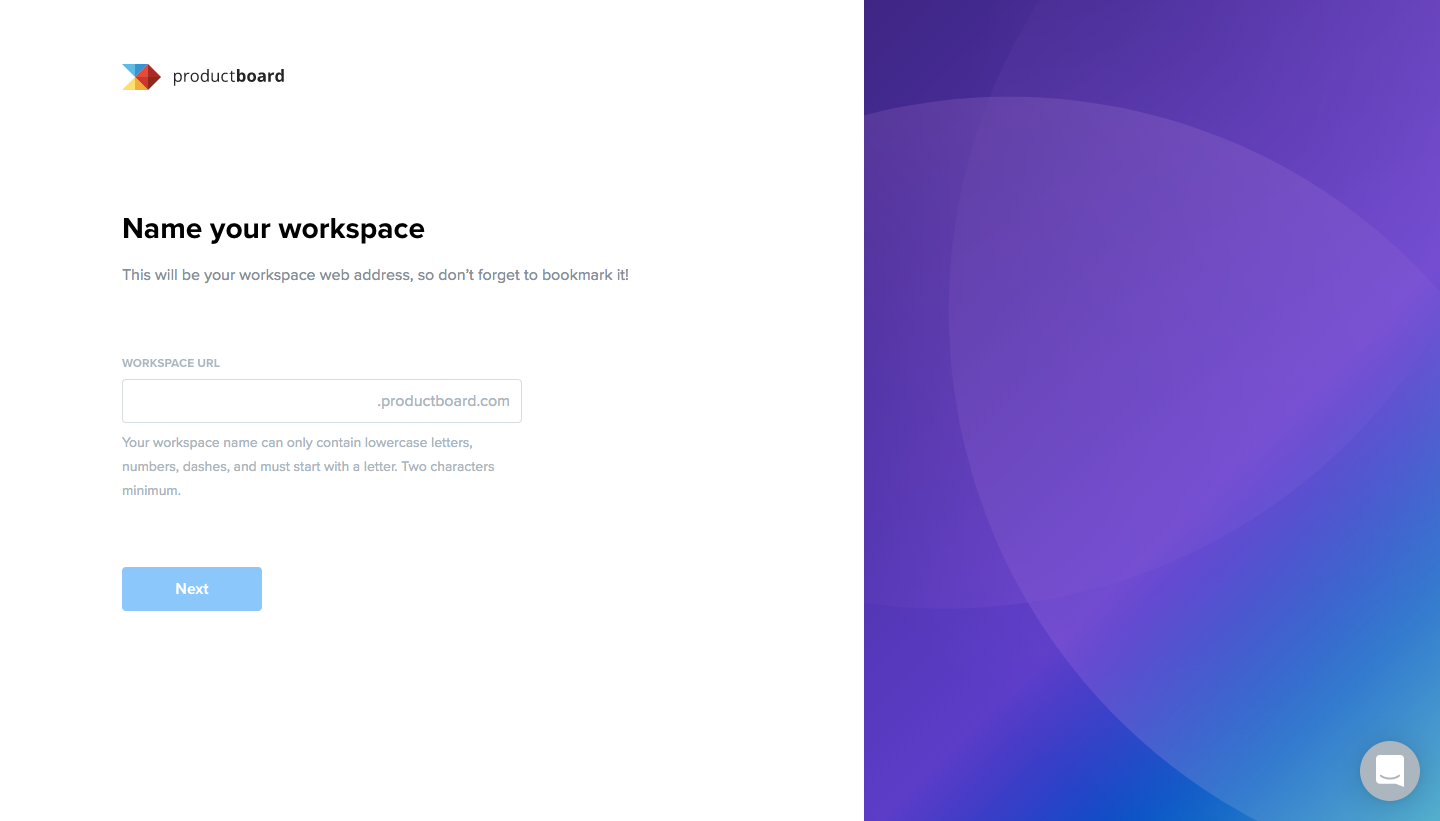
ProductBoard's sign-up flow covers five steps, from a free trial form to a goals survey, all in a split layout with a purple gradient panel on the right. Forms on the left stay sparse, with company details, a workspace name with domain suffix and three colleague email fields. The last step turns into a fill-in-the-blank sentence and interest ratings shown as small selectable cards.
Follow ProductBoard’s sign up flow flow step by step: 5 real screens captured from the live product, from sign up page to sign up flow: goals survey. Use ← → to move between steps, and open any screen to see it in full.
Steps in this flow
More flows from ProductBoard
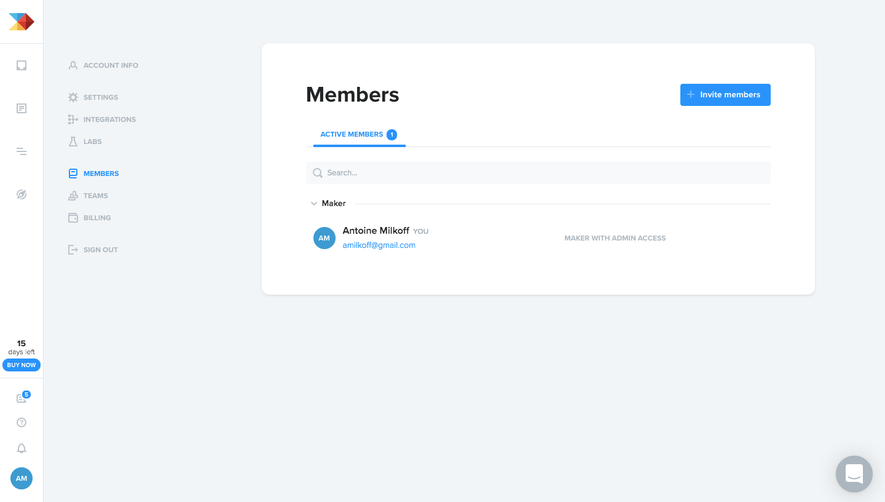
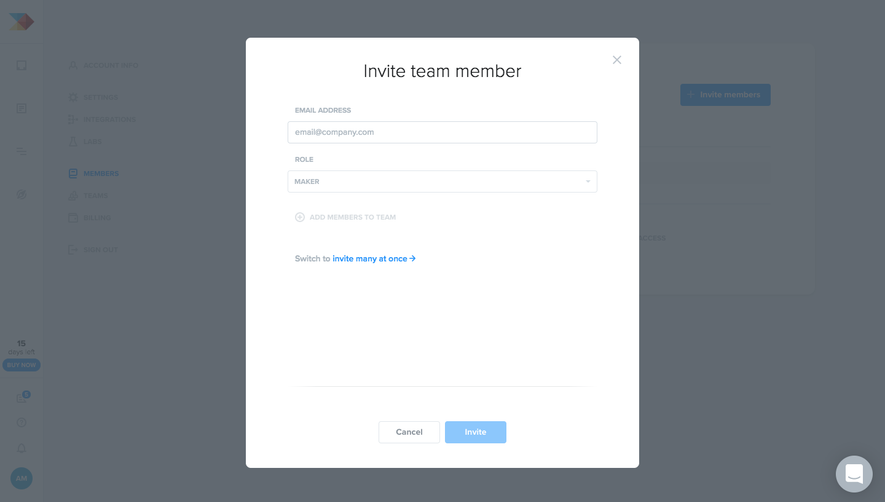
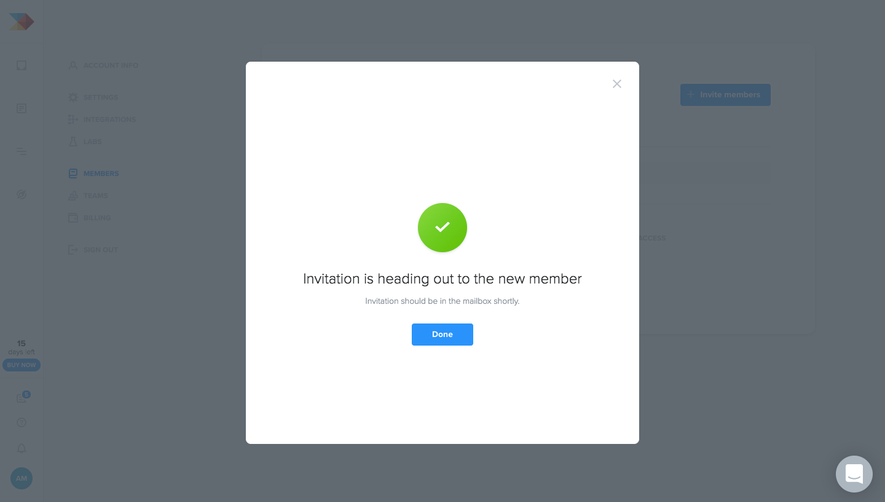
All ProductBoard ProductBoard Invite Team Members
3 screens