SaaSFrame
ProductBoard Invite Team Members
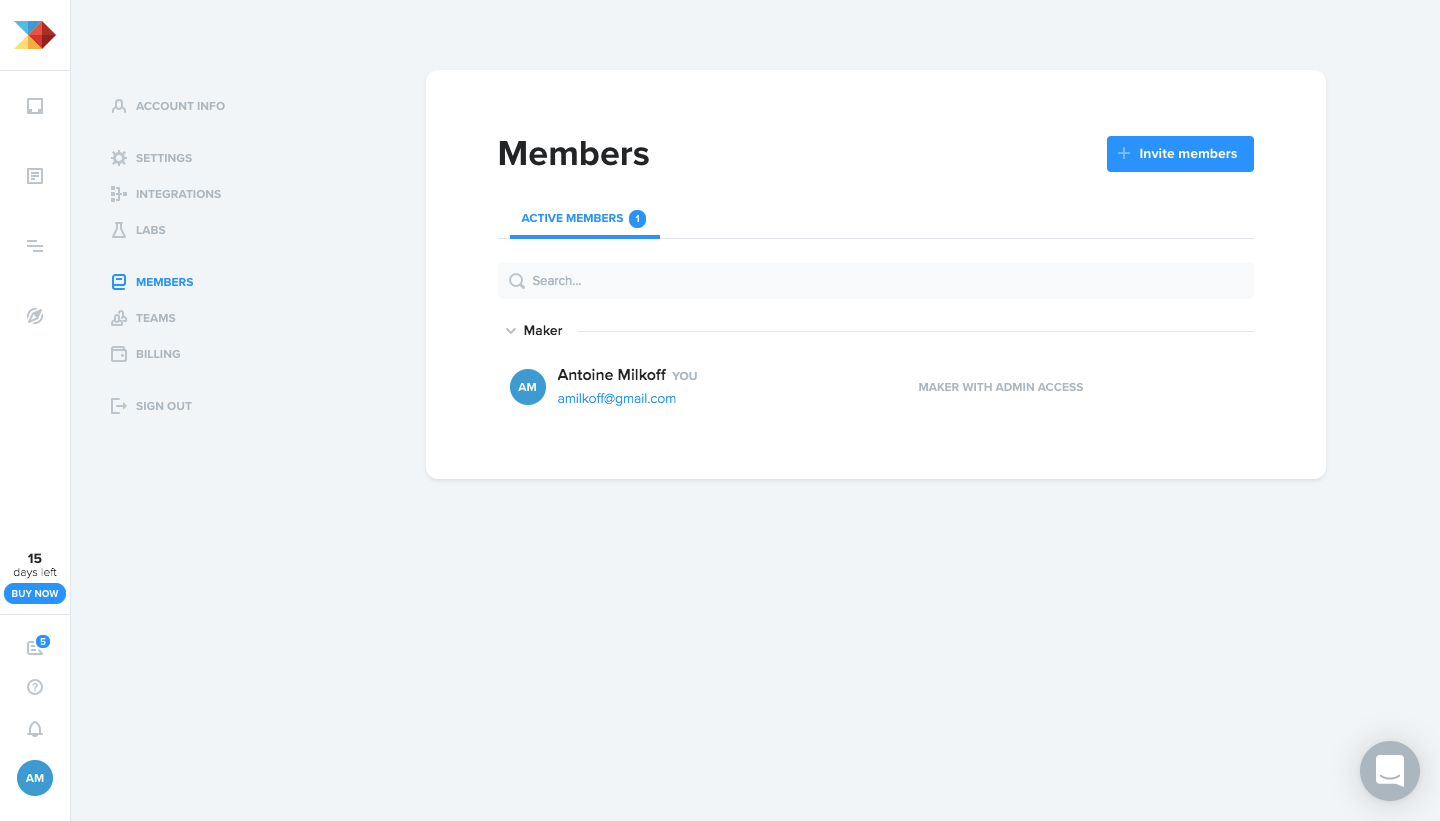
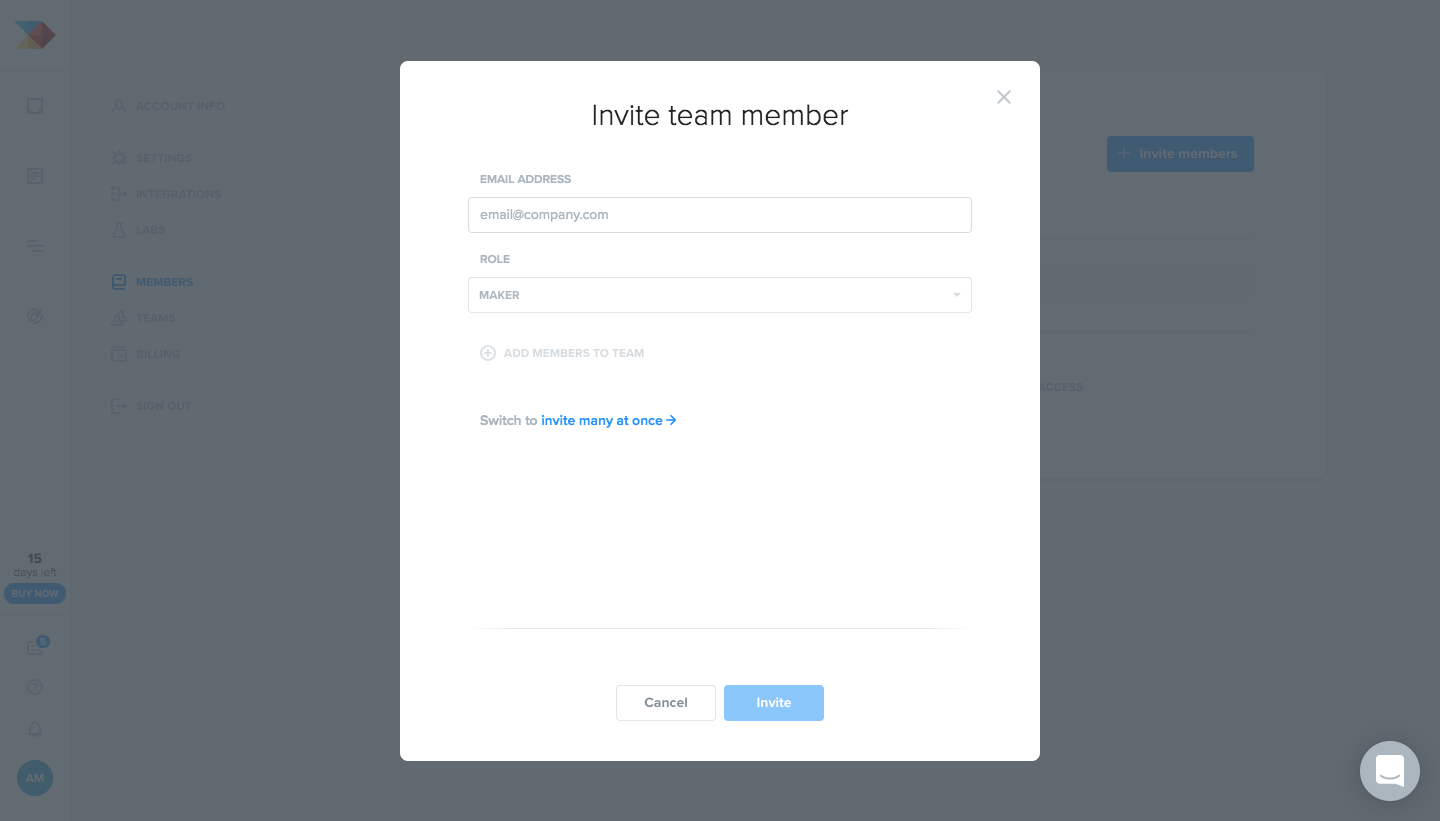
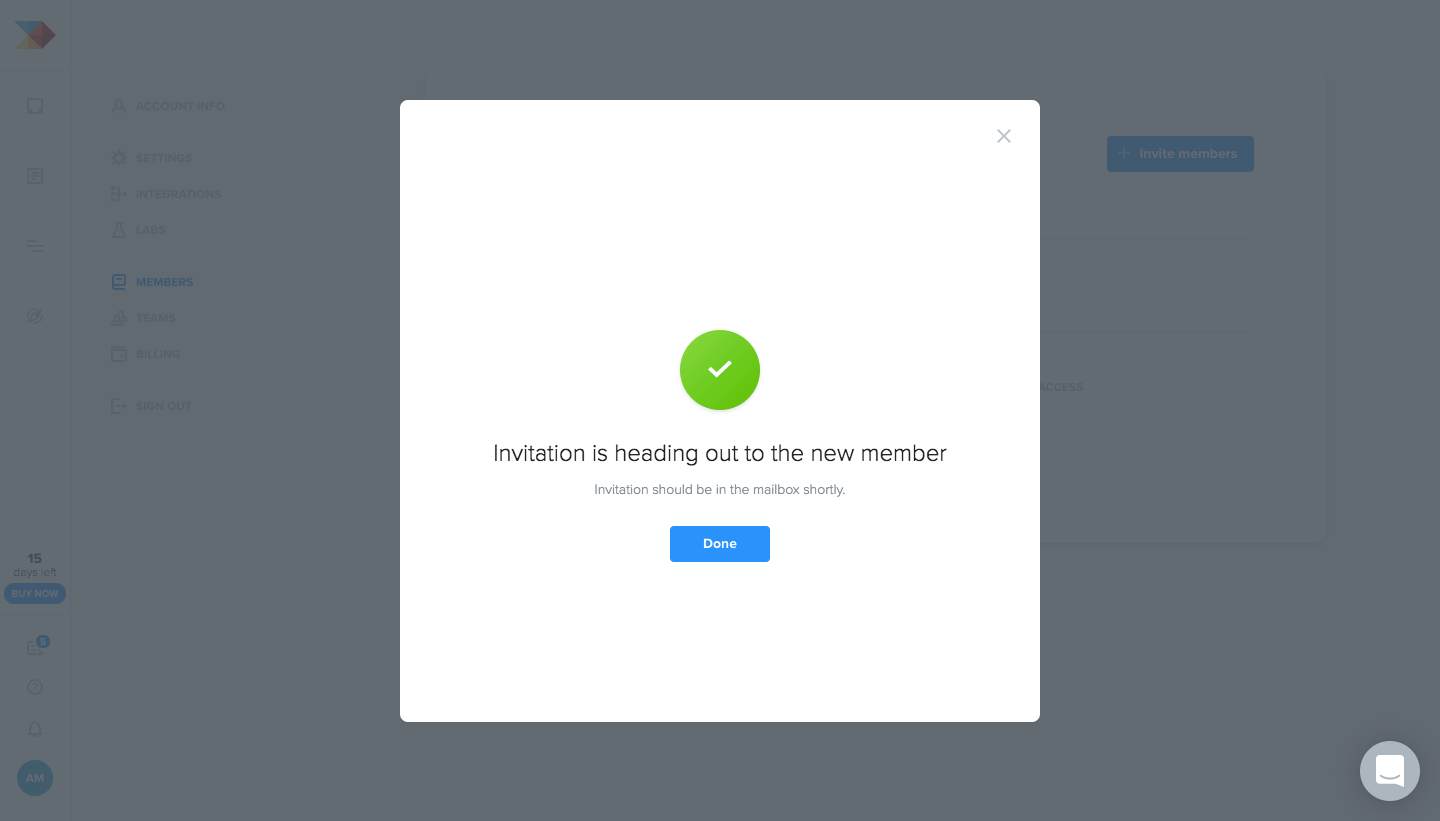
ProductBoard's invite flow adds a teammate from the members page through a modal, a success confirmation and the welcome email. The invite modal keeps just an email field and a role selector over a dimmed workspace, then swaps to a centered green check with a single button. The email is spare, with a blue call to action and a short product summary.
Follow ProductBoard’s invite team members flow step by step: 3 real screens captured from the live product, from invite team members: members list to invite team members: invitation sent. Use ← → to move between steps, and open any screen to see it in full.
Steps in this flow
More flows from ProductBoard
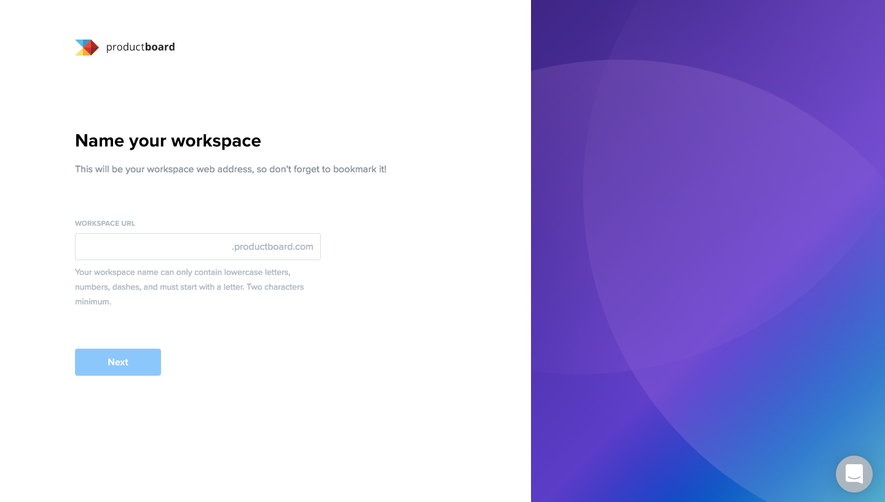
All ProductBoard ProductBoard Sign Up Flow
5 screens